Best Laser Cut Files for Real Projects, Gifts, and Small-Shop Ideas
If you use a Glowforge, xTool, OMTech, or another laser machine, good files make a much bigger difference than most beginners expect. Clean layers, sensible cut paths, and laser-friendly structure save time, reduce waste, and make finished projects look far more professional. This page brings together the best laser cut files for home crafters, gift makers, and small creative businesses.
Still choosing a machine before you start downloading designs? Read the full xTool M1 Ultra review if you want a compact all-in-one option for beginner projects, gifts, and small-shop work.
If you want a simpler lower-cost setup for engraving, light cutting, and beginner practice, read the full xTool M1 10 W review before choosing your first files and materials.
You will find category ideas, starter materials, setup tips, and ready-to-cut SVG collections for signs, boxes, ornaments, mandalas, wall décor, jewelry, and more.
Still comparing machine types before you invest? Read our laser cutter buying guide for a beginner-friendly breakdown of diode vs CO₂, materials, workspace, and what actually matters before you buy.
Last reviewed: March 2026
Laser Cut Files, SVG Projects, and Beginner-Friendly Ideas
Explore laser-ready SVG and DXF files for Glowforge, xTool, OMTech, LightBurn workflows, gifts, home décor, and small-shop products. These collections include practical laser cutting projects, beginner-friendly laser cutter projects, and designs that may be suitable for personal or commercial use depending on the individual product license.
File compatibility: SVG and DXF files are commonly used with Glowforge, xTool, OMTech, LightBurn, and other laser workflows. Some SVG files can also be opened in Cricut Design Space, but Cricut is not a laser machine and cannot replace a laser cutter for wood or acrylic projects.
Always check the included file formats and the license of the individual product before downloading or selling finished items. This page includes affiliate links. As an Amazon Associate, we may earn from qualifying purchases.
Need a custom laser-ready file?
If a ready-made SVG is close but not quite right, custom help is often faster than trying to force the wrong file to work.
Tip: share the size in mm, material thickness, and machine type before ordering edits.
Laser cut files are not all equal. Some look beautiful in previews but are awkward to cut, assemble, or resize. The better ones are cleanly layered, practical for real materials, and easier to adapt for gifts, products, and repeatable small-business projects.
Where to find strong files quickly? Creative Fabrica remains one of the easiest places to browse commercial-use laser SVGs by category instead of hunting them one by one.
Top Laser Cut File Categories for Glowforge, xTool, and More
The best category depends less on trends and more on what you actually want to make. Some file types are great for easy first projects, while others are better for gifts, local markets, or repeatable shop products.
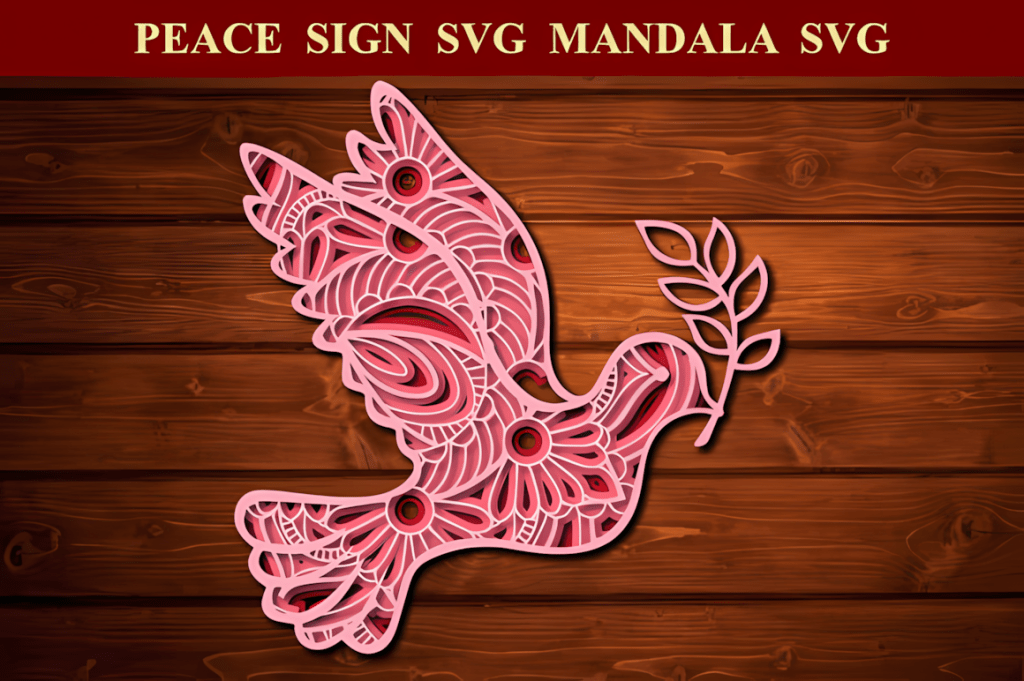
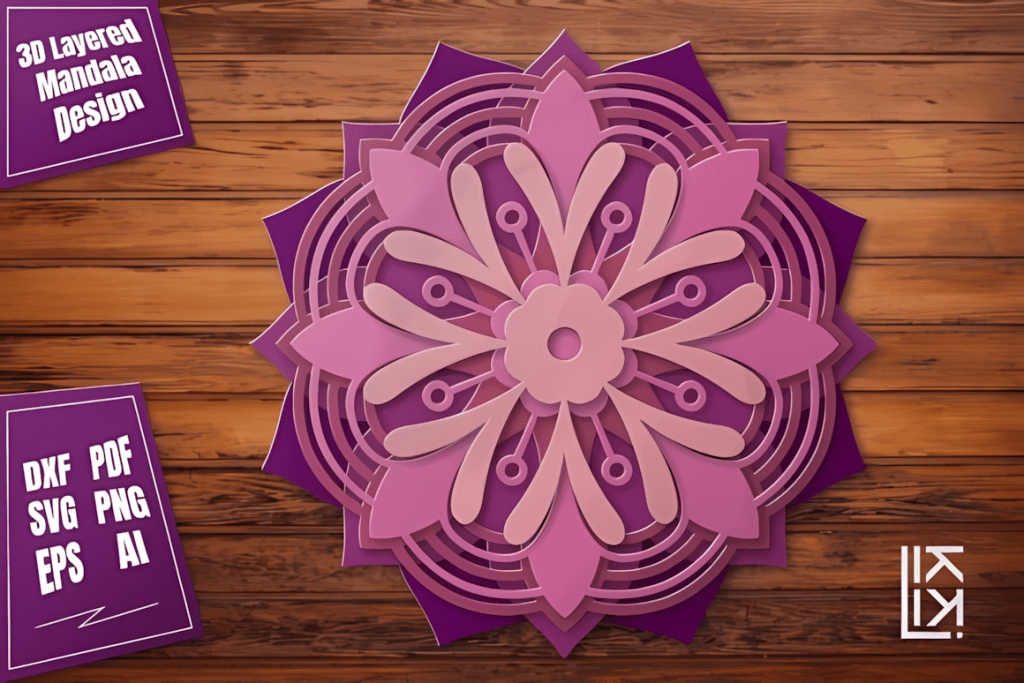
1. 3D Mandala Laser Cut Files
Best for: layered wall art, gift projects, home décor, and “looks harder than it is” beginner wins.
Formats: SVG, DXF, AI, EPS
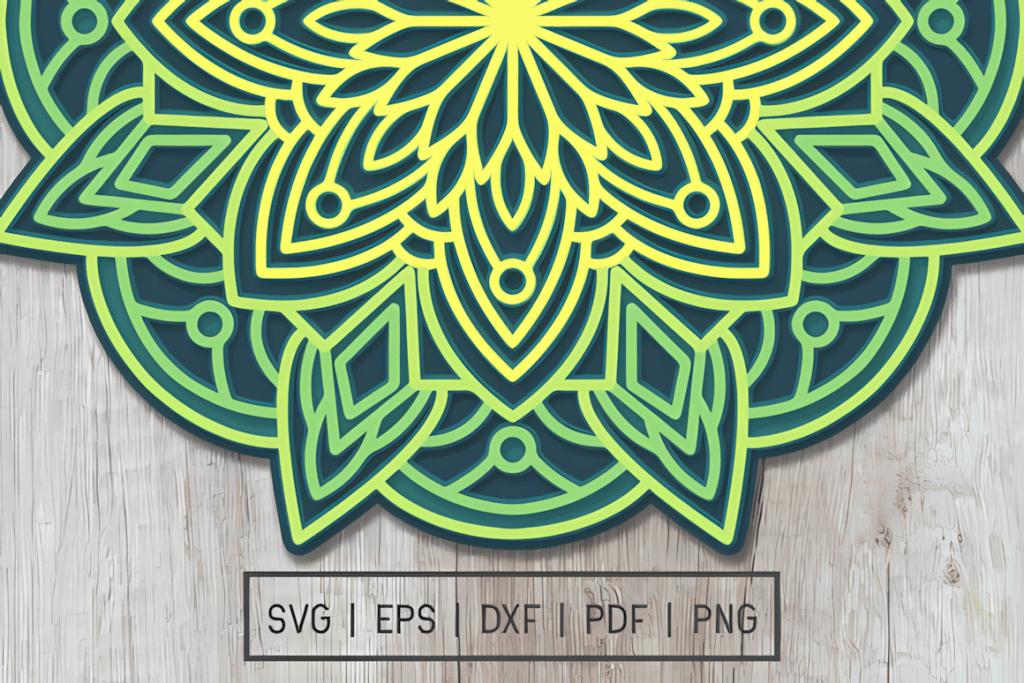
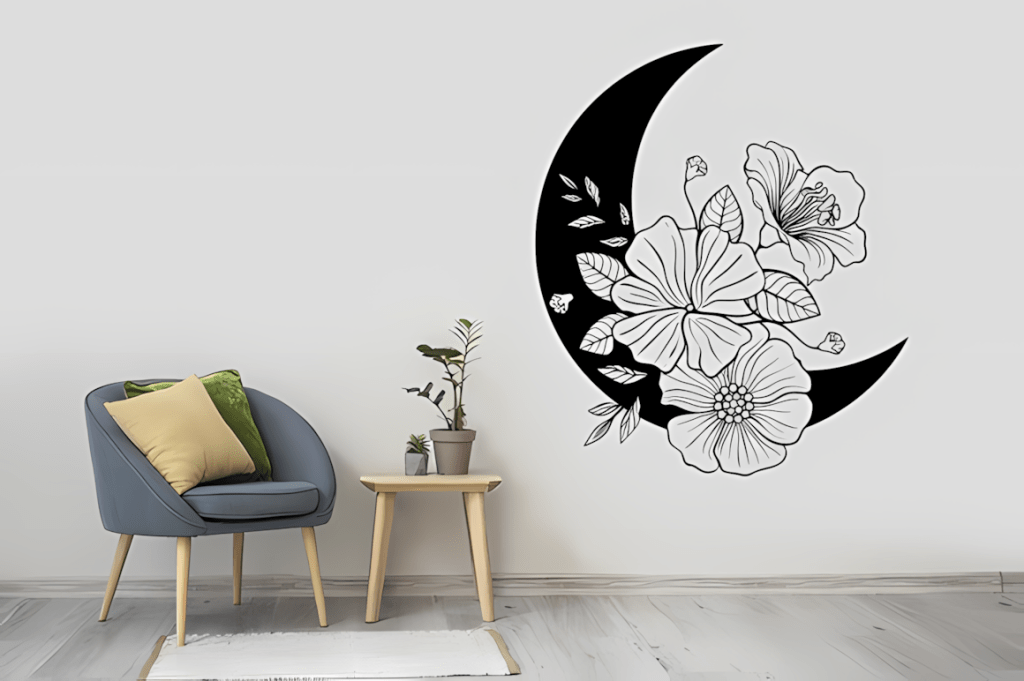
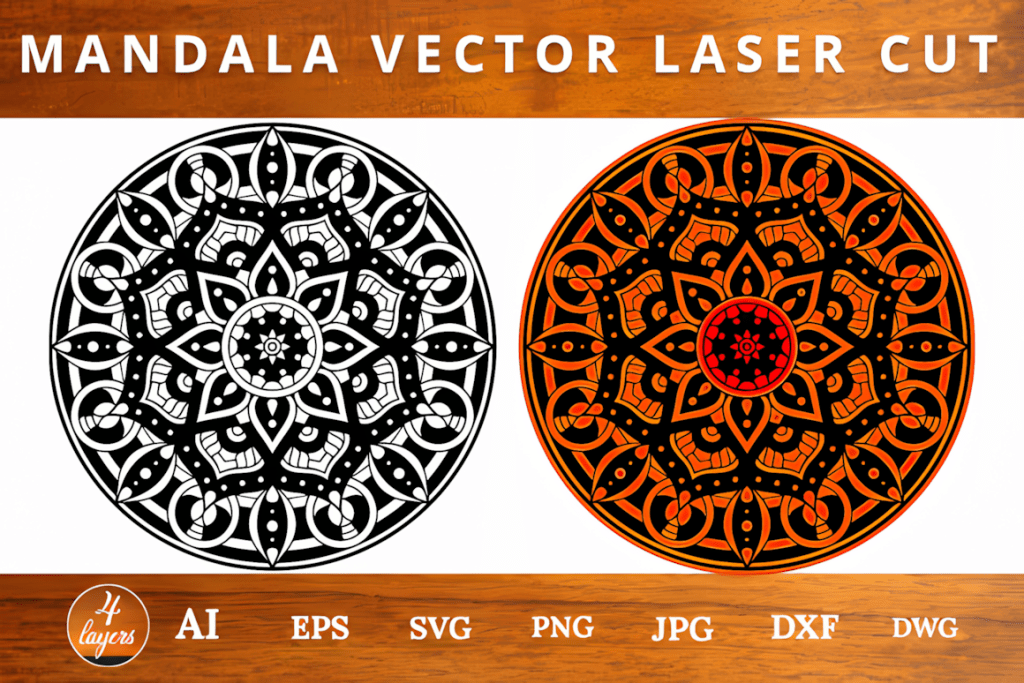
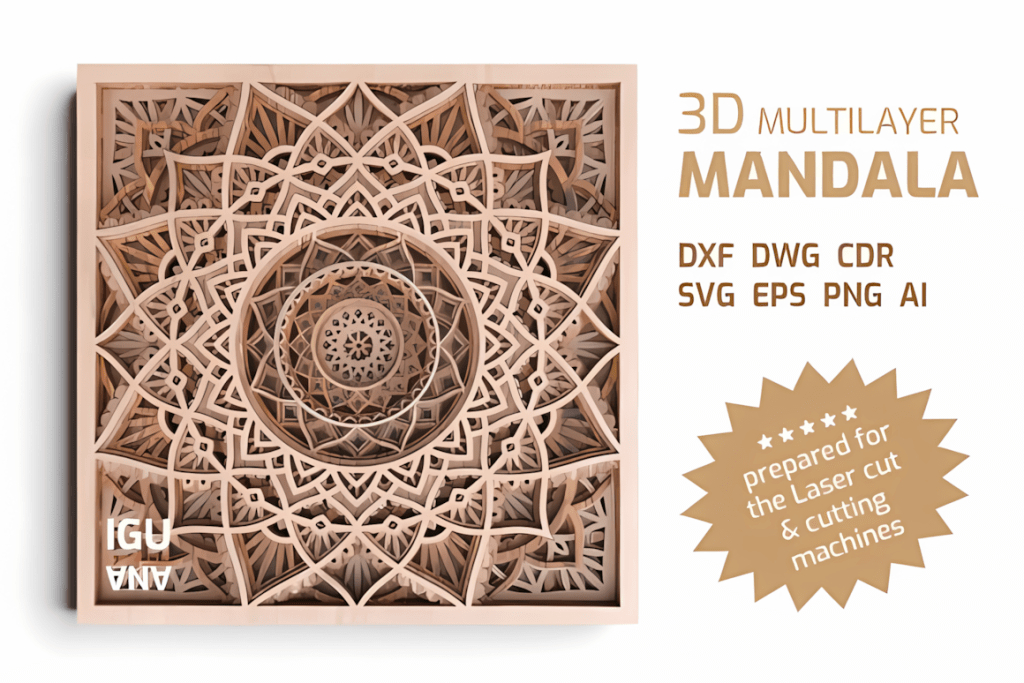
Mandalas are one of the easiest categories to make look impressive without needing complicated assembly. They work especially well in 3 mm plywood and are one of the most reliable first categories for gifts, market stock, and wall décor experiments.
👉 Browse mandala laser cut files
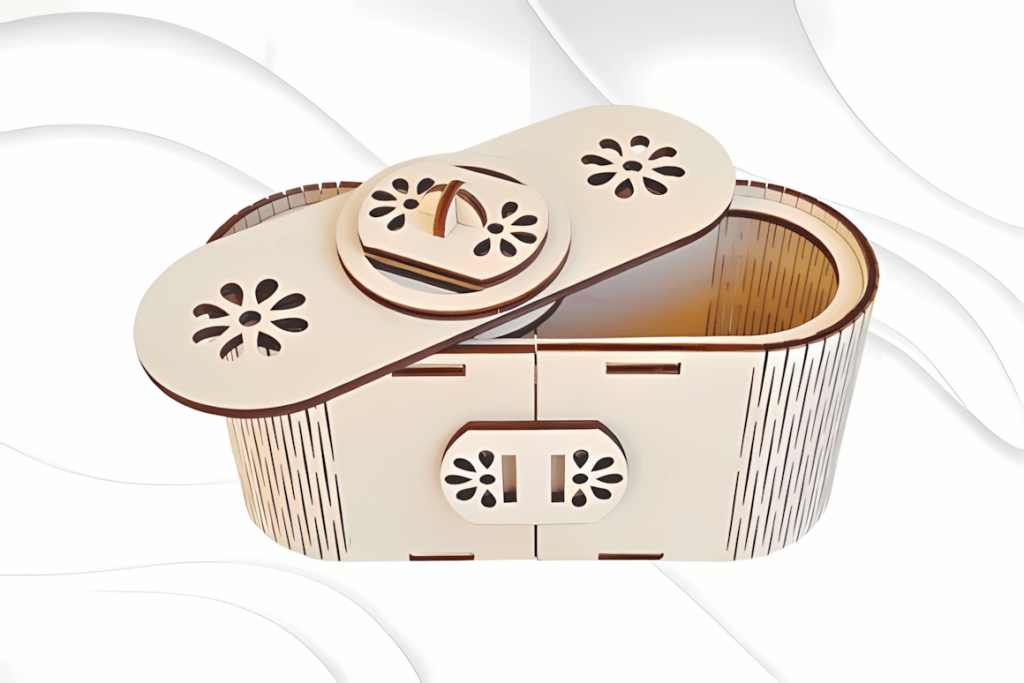
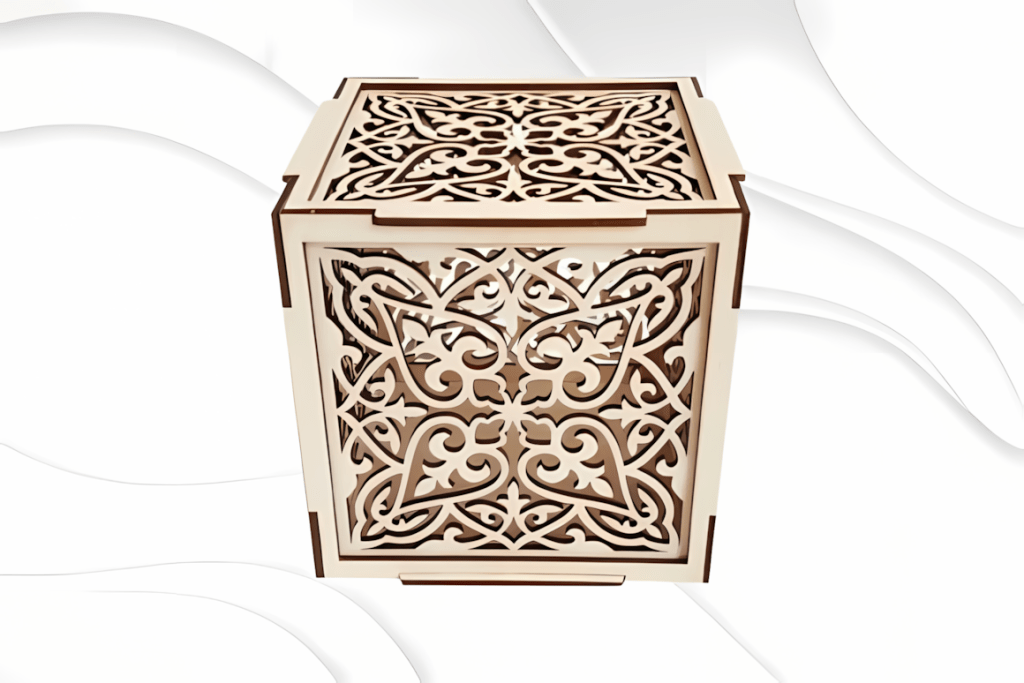
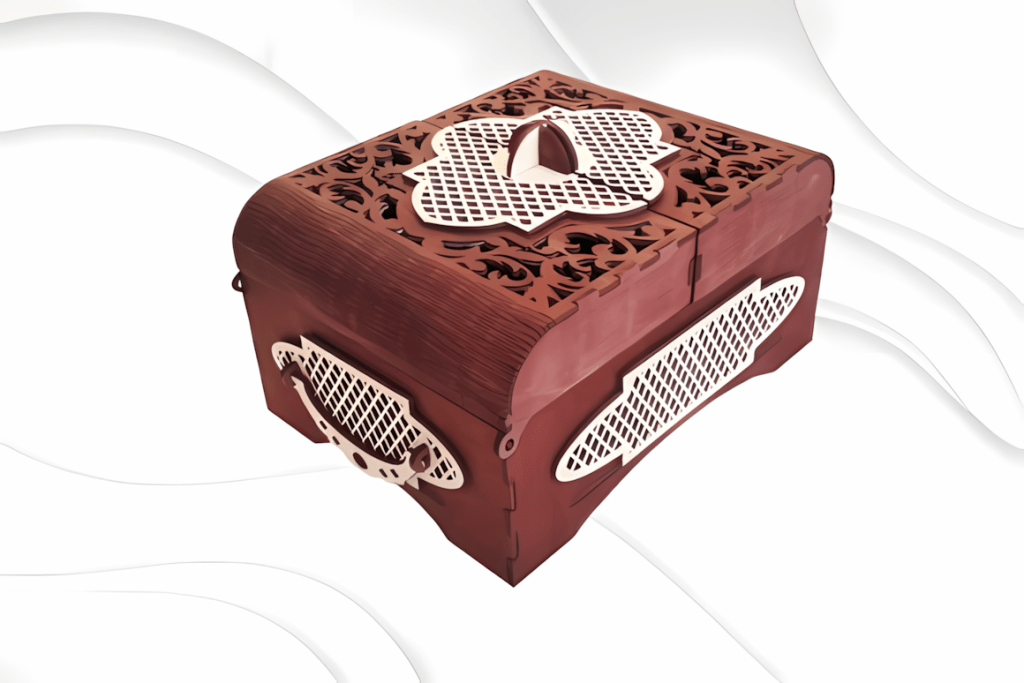
2. Wooden Box SVG Files
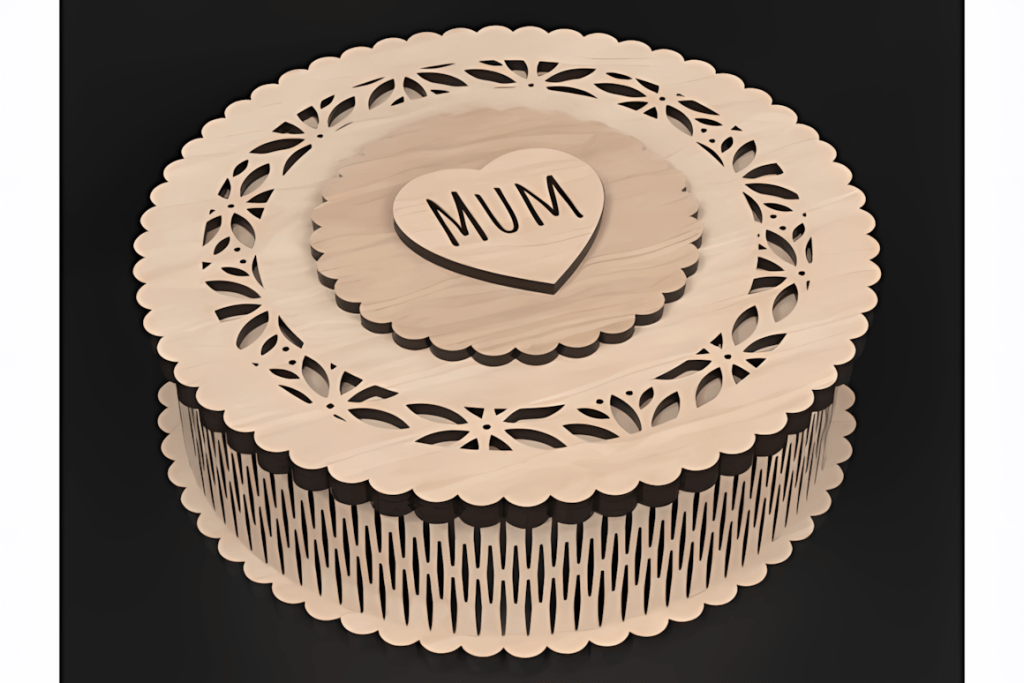
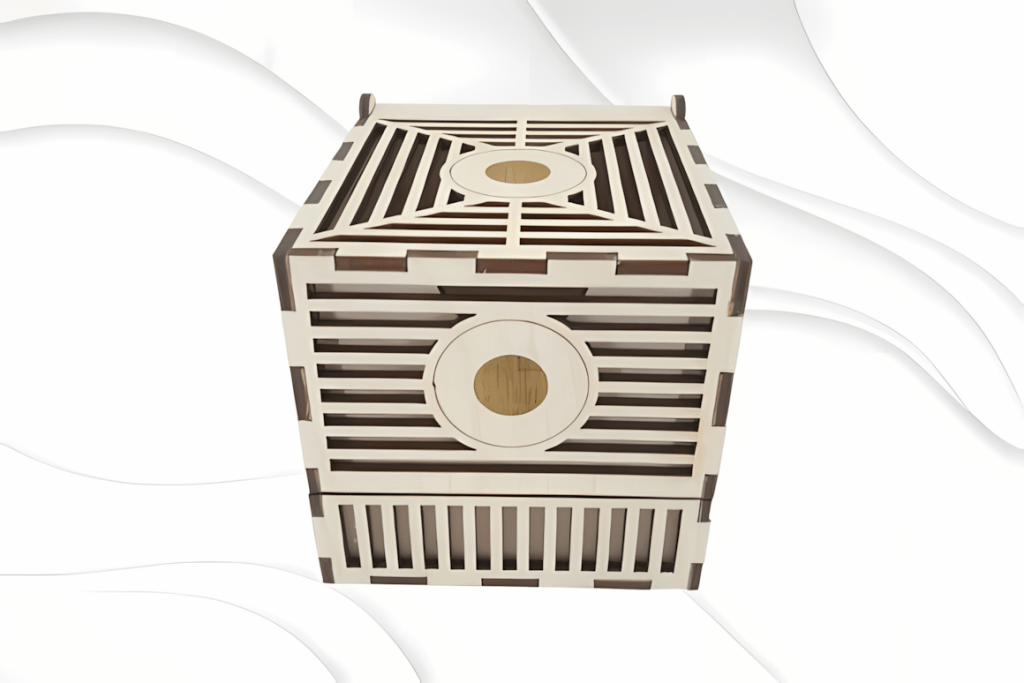
Best for: gift boxes, keepsake storage, packaging, wedding favors, and product presentation.
Good for: sellers who want something more functional than décor alone.
Box files are useful because they are decorative and practical at the same time. They work well for gifting, small-shop packaging, and personalized products. They also teach useful basics like slot fit, kerf awareness, and simple assembly.
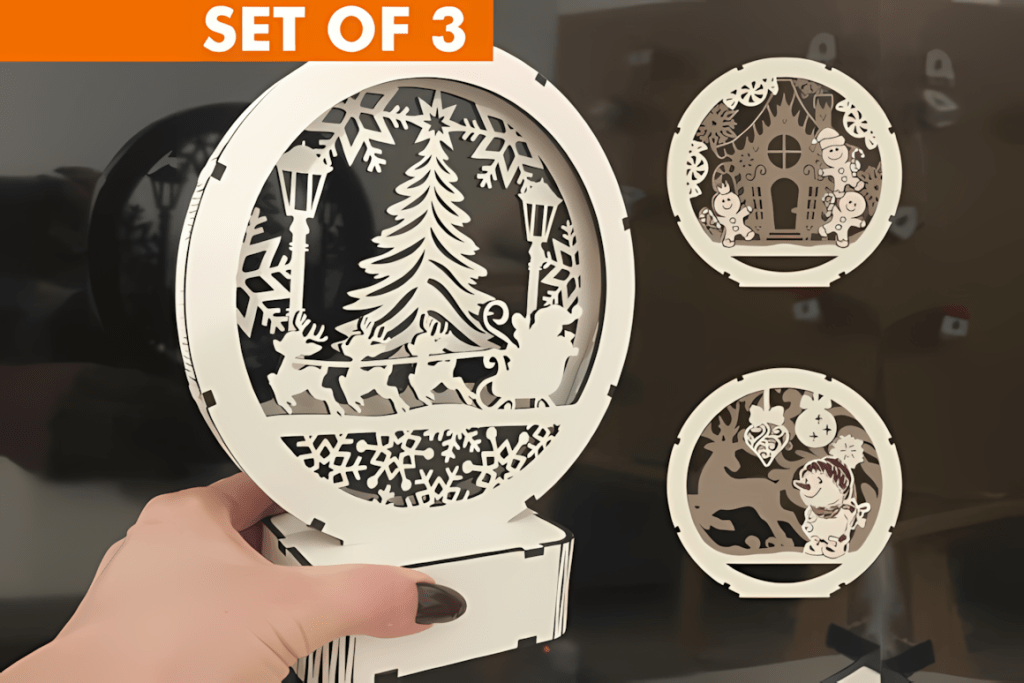
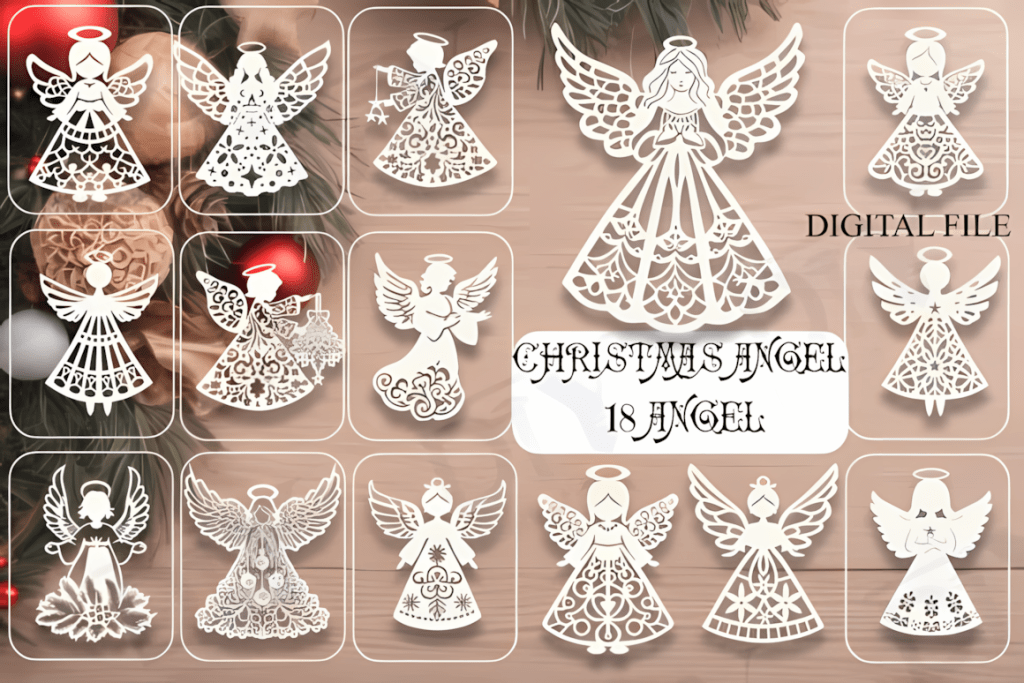
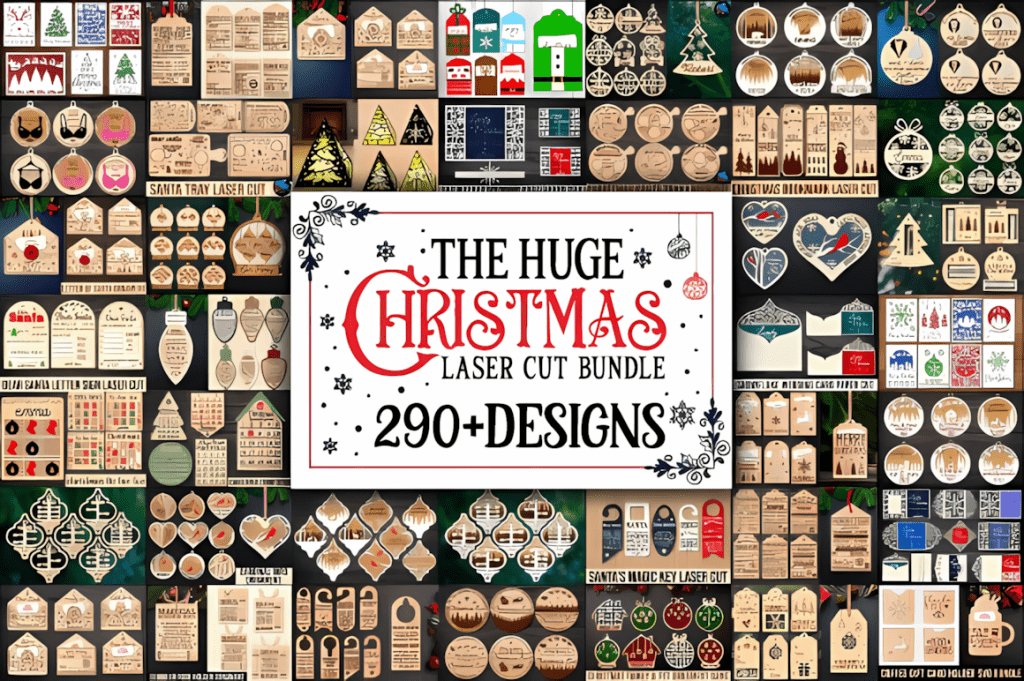
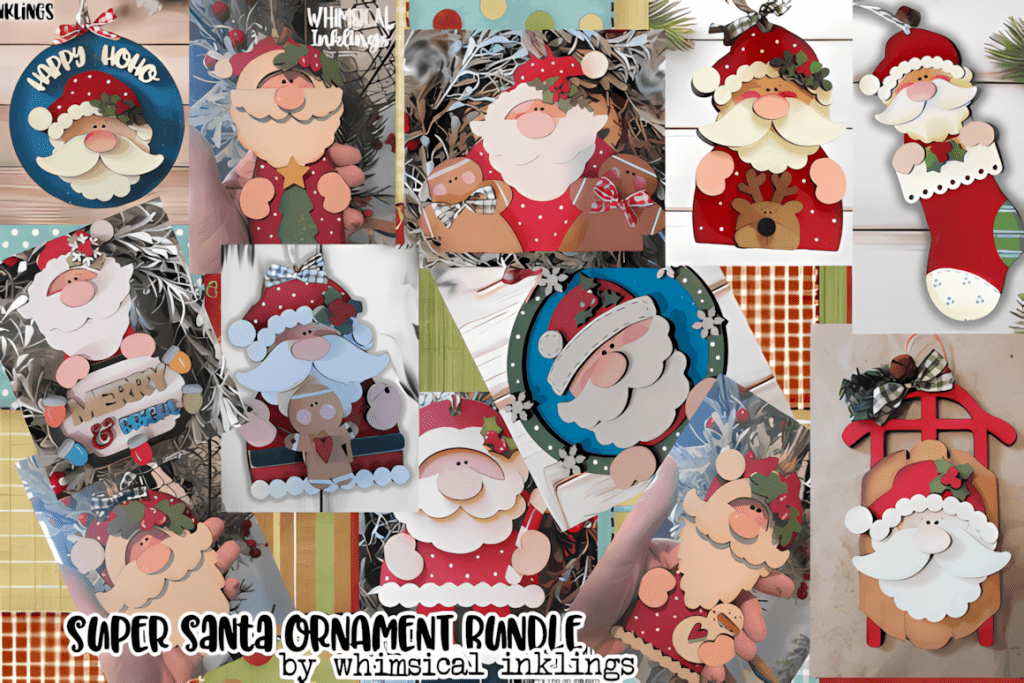
3. Christmas Ornament Laser Cut Files
Best for: holiday décor, personalized gifts, market stock, and seasonal best-sellers.
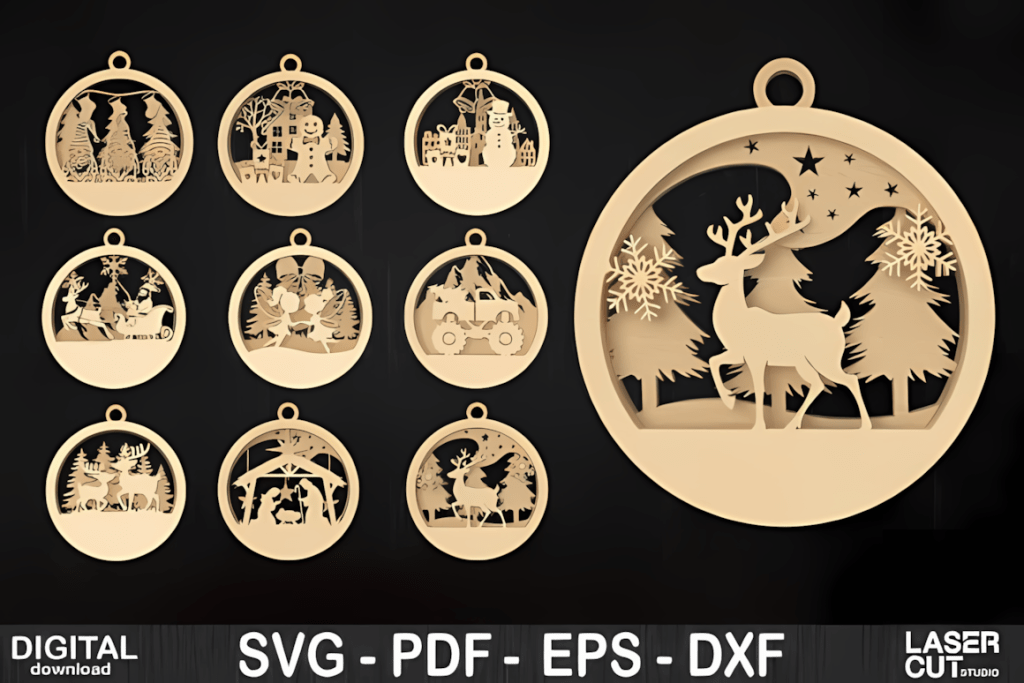
Ornaments are one of the strongest categories for laser sellers because they are fast to produce, easy to personalize, and simple to batch in multiples. They are also beginner-friendly because the material cost is manageable and the project sizes stay small.
👉 Browse Christmas ornament files
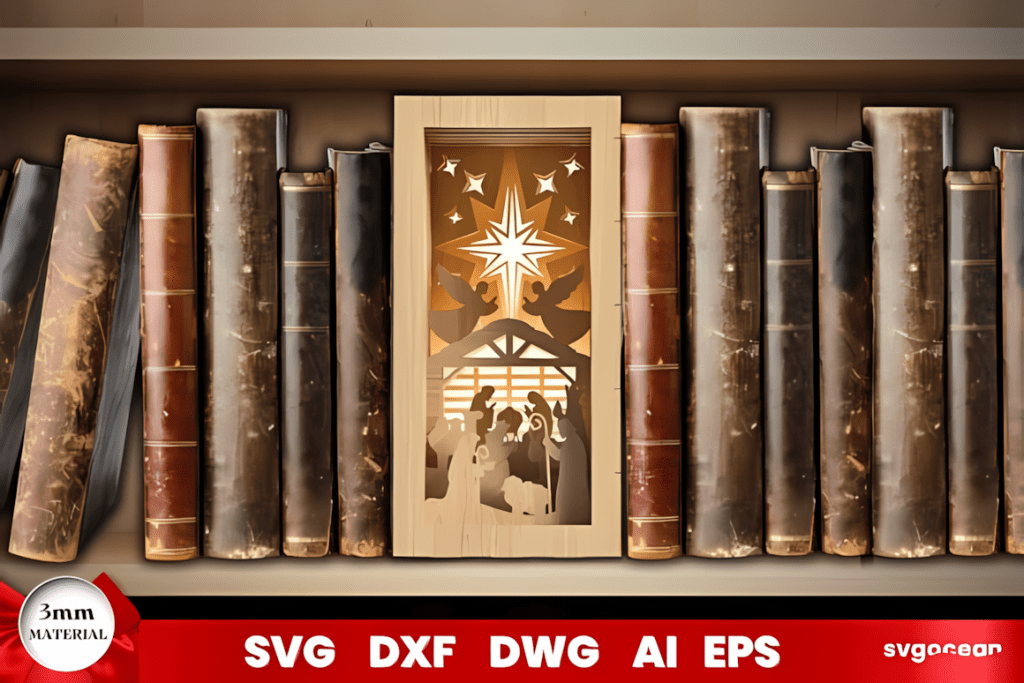
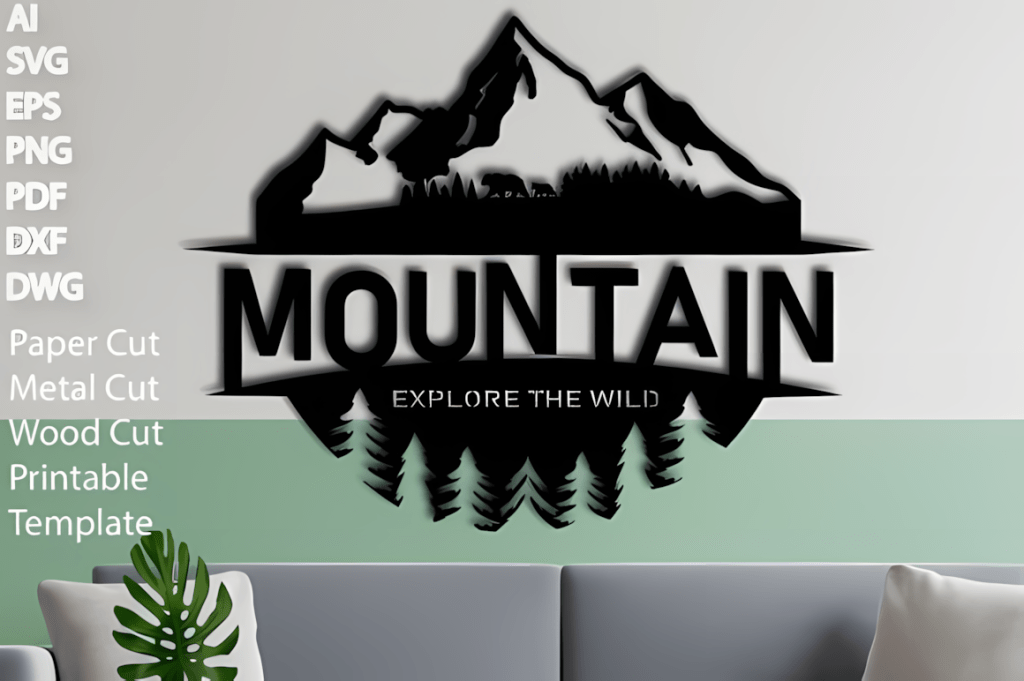
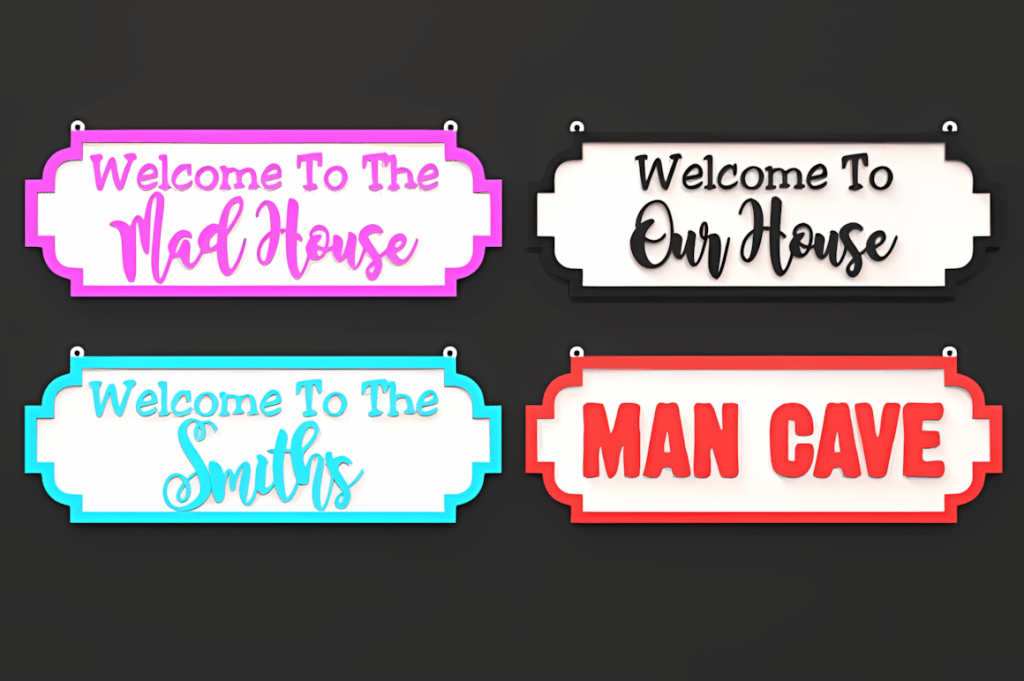
4. Laser Cut Business Sign Templates
Best for: custom signs, studio branding, market displays, business gifts, and personalized client work.
Business sign files are useful when you want projects that feel more premium and more obviously sellable. They also work well for testing layered acrylic, wood backing boards, painted finishes, and custom name or logo work.
👉 Browse laser cut sign templates
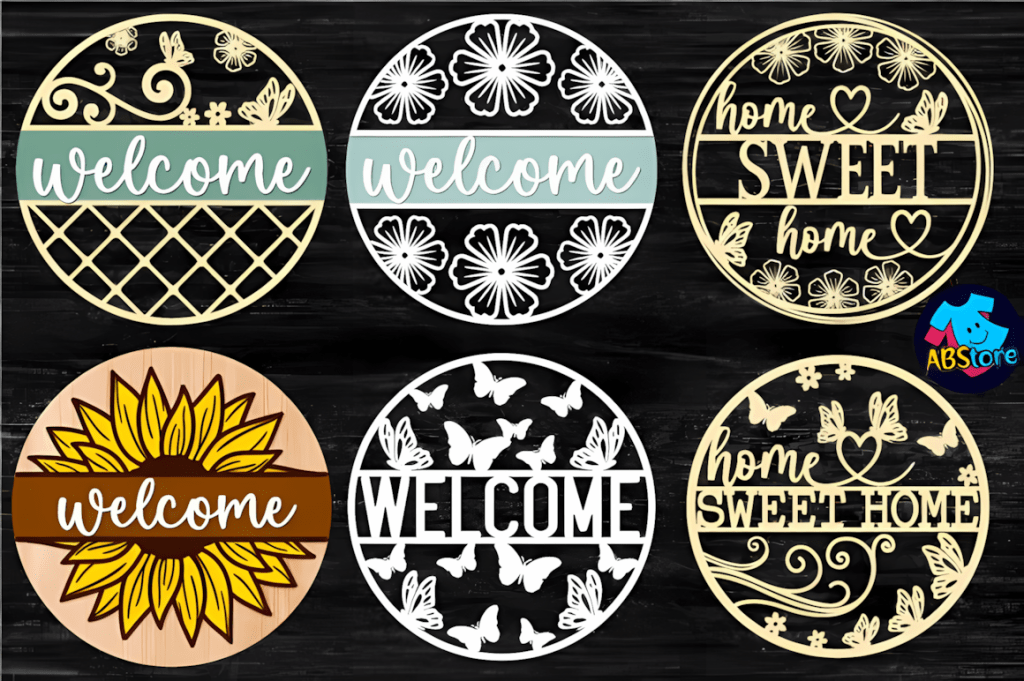
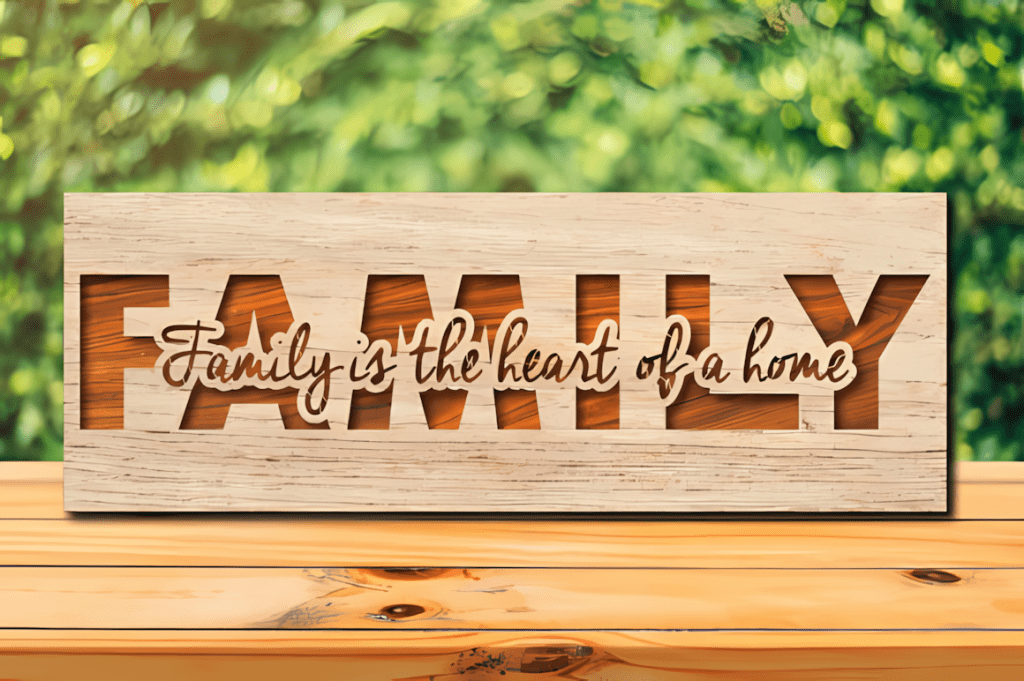
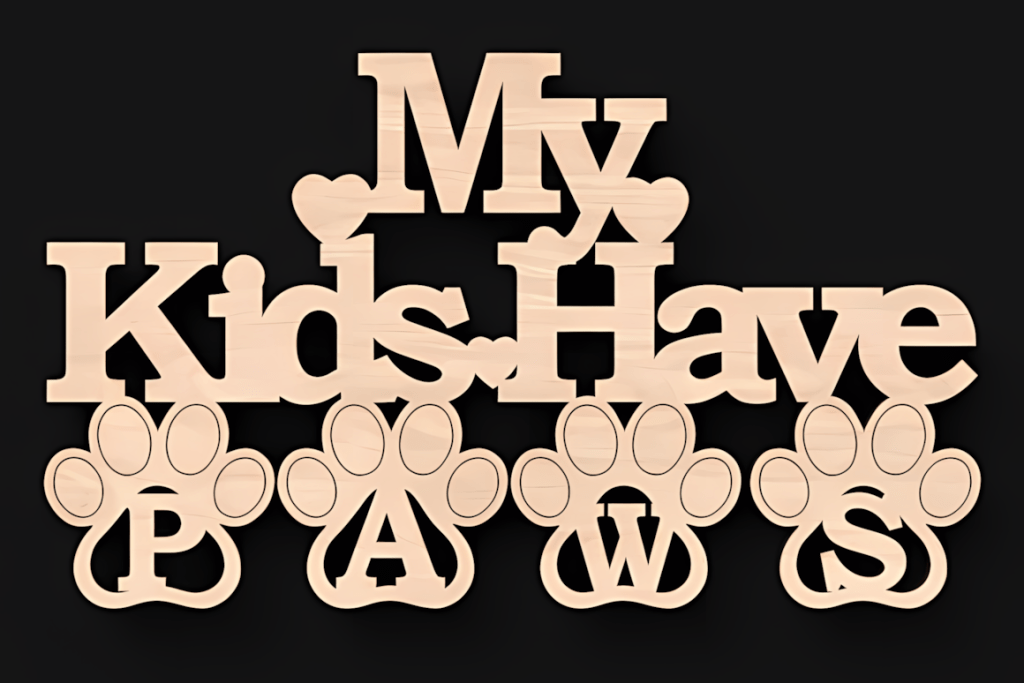
Explore Laser SVG Files by Project Type
Browse focused guides for gifts, décor, events, and small-shop projects.
Tip: promo offers come and go, so if you see a useful bundle live, save it while it is available.
Where to Download Strong Laser Files Without Wasting Time
If you want one place with a wide range of categories, commercial-use options, and frequent additions, Creative Fabrica is still one of the easiest starting points. It works especially well for people who want to test multiple project types without buying files one by one from different marketplaces.
- Large range of laser-ready SVG categories
- Commercial-use friendly options for small sellers
- Good mix of seasonal, gift, décor, and business-style files
- Useful if you want to experiment before narrowing your niche
👉 Browse laser cut files on Creative Fabrica
Laser Starter Kit
A mini kit for your first 10–15 projects: safety, measuring, airflow, and forgiving materials.
Tools
Materials
How to Use Laser Cut Files Without Wasting Material
Good files still need a good workflow. A clean SVG will not save a bad setup, wrong material choice, or rushed first cut.
- Download the file in SVG or DXF format from a reliable source.
- Open it in your software such as LightBurn, Glowforge App, CorelDRAW, or Illustrator.
- Check the size first before cutting. A surprising number of mistakes come from scaling problems, not the file itself.
- Set material, speed, and power based on your exact board, acrylic, leather, or paper.
- Run a test cut on scrap before committing to the full job.
- Only then cut the final version once the fit, kerf, and burn quality look right.
Practical tip: beginners usually save more money by doing one small test first than by trying to “be careful” on the final sheet.
If you are learning on a budget-friendly diode machine, this xTool M1 10 W review gives a clearer picture of what to expect for engraving, light cutting, and starter materials.
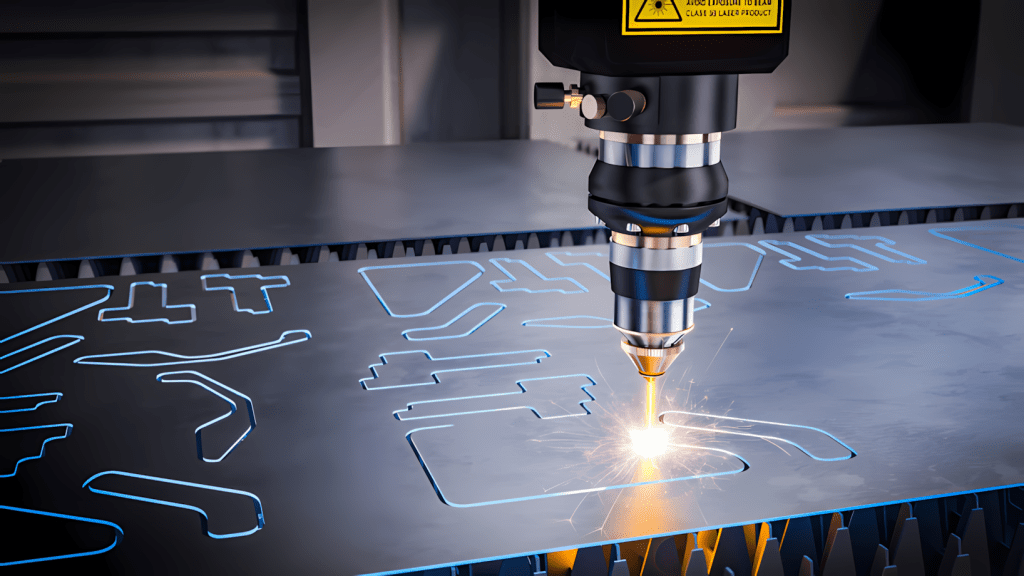
Browse by Category
Beginner Laser Cutting Projects to Try First
If you are new to laser cutting, begin with projects that use simple shapes, forgiving materials, and minimal assembly. Good first choices include ornaments, layered mandalas, small signs, laser cut earrings, simple wooden boxes, and basic wall décor. These beginner laser cutting projects are easier to test, resize, personalize, and produce without wasting too much material. Start with one small project, run a test cut on scrap material, and check the scale, kerf, fit, and engraving quality before cutting the final version.
👉 Browse laser cut file categories now
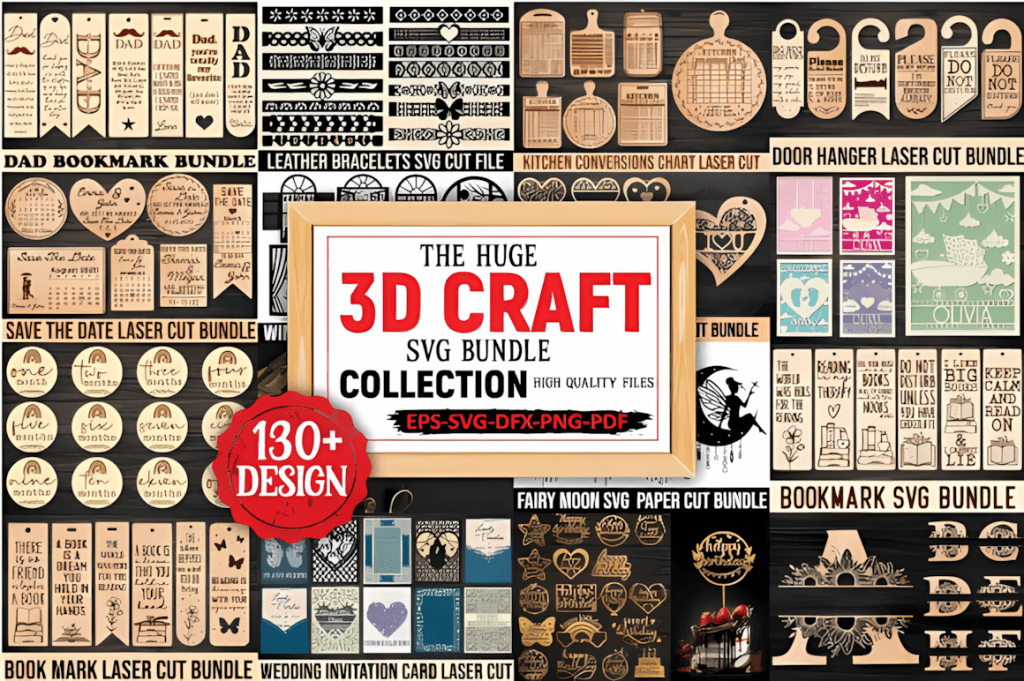
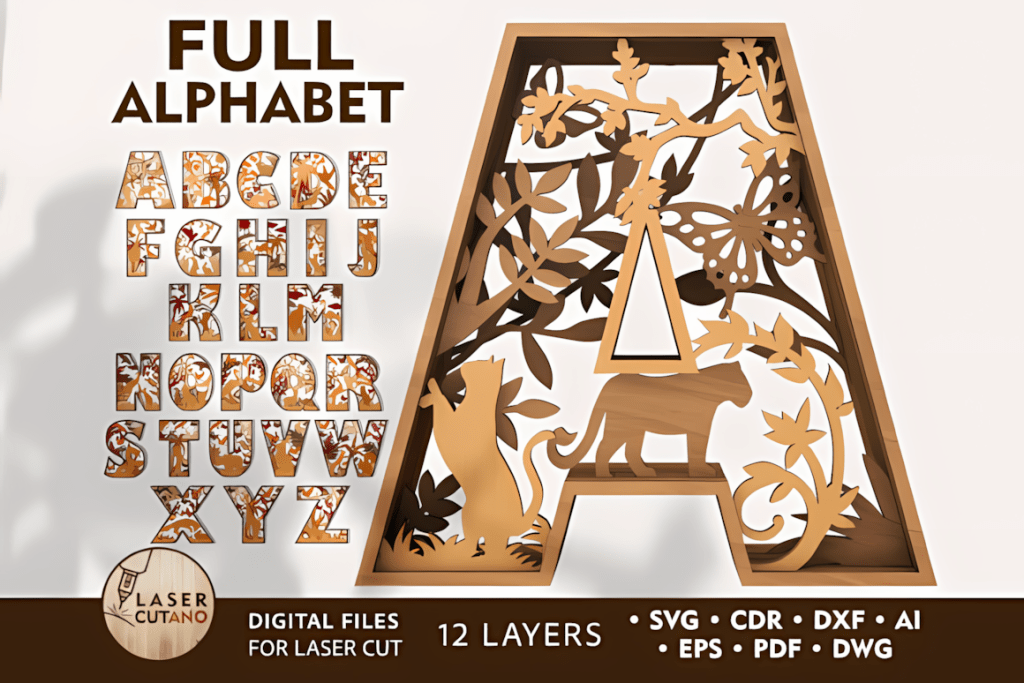
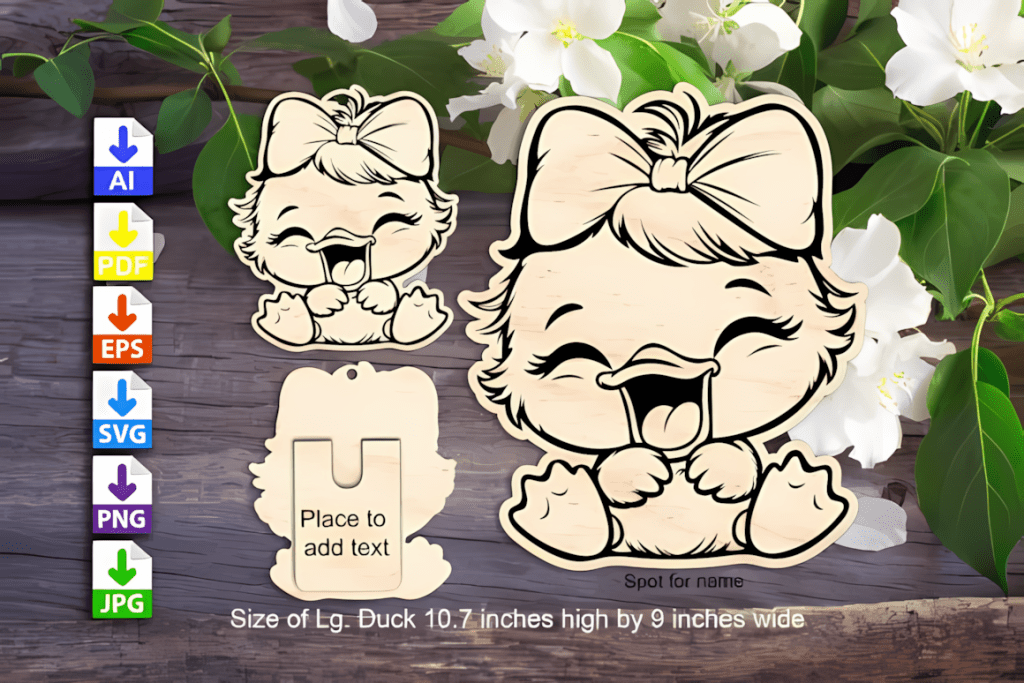
One of the easiest ways to enjoy laser projects more is to make the first few wins simple. Start with files that cut cleanly, use forgiving materials, and do not require perfect assembly on the first try.
New to laser craft? Start with 1/16–1/8″ basswood or 3 mm laser-grade plywood, mask with paper transfer tape, and run a LightBurn test grid.
FAQ
What thickness of plywood or basswood should I start with?
For diode or CO₂ lasers, start with 1.5–3 mm basswood or 2–3 mm laser-grade plywood. These are among the most forgiving beginner options.
How do I avoid scorch marks and yellowing?
Mask the surface with transfer paper, turn on Air Assist, and increase speed when you have enough power to maintain the cut.
What’s a quick way to dial in settings?
Run a test grid for power, speed, and focus, then keep a simple note or quick card for each material and thickness you use often.
Can a diode laser engrave acrylic?
Clear or white acrylic engraves poorly on most diode lasers. Black or colored cast acrylic usually engraves much better.
What glue should I use for layers and bases?
CA glue + activator works well for small parts. PVA or contact cement is useful for larger flat layers. For acrylic, use acrylic cement.
Is PVC or vinyl safe to laser cut?
No. Avoid PVC and chlorinated vinyls because they can release corrosive and harmful gases and may damage your machine.
Cast vs extruded acrylic — which should I use?
Use cast acrylic for most laser projects. It typically cuts cleaner and engraves to a better frosty finish than extruded acrylic.
What is kerf and how do I get tight-fitting joints?
Kerf is the width of material removed by the laser. Run a kerf test on your exact material and settings, then adjust slot widths or use a kerf offset in software.
What file formats are best for laser cutting?
SVG is usually the most convenient format for scalable laser projects because it keeps vector lines clean and editable. DXF is also widely supported by laser and CAD software. AI and EPS can be useful for editing, while PNG and JPG files are generally better for engraving unless converted into vector paths.
Can I use laser cut SVG files with Cricut?
Some laser cut SVG files can be opened in Cricut Design Space for paper, vinyl, cardstock, and other Cricut-compatible materials. However, Cricut is not a laser cutter, so files designed for cutting wood or acrylic may need to be simplified or adapted.
Can I sell products made from laser cut files?
That depends on the license included with the individual design. Many commercial-use licenses allow you to sell finished physical products, but they usually do not allow you to resell, share, or redistribute the original digital file. Always check the product license.
What is the difference between SVG and DXF files?
SVG files often preserve layers, shapes, and editable design elements. DXF files are commonly used for exchanging vector outlines between CAD and laser software. SVG is often easier for layered craft designs, while DXF is useful when software does not support SVG.
Do Glowforge and xTool use the same files?
Glowforge and xTool can often use the same SVG, DXF, PNG, or JPG files. However, machine settings, material profiles, layer assignments, and import behavior may differ, so always check the size and run a test cut first.
High-Quality SVG Templates for Different Project Types
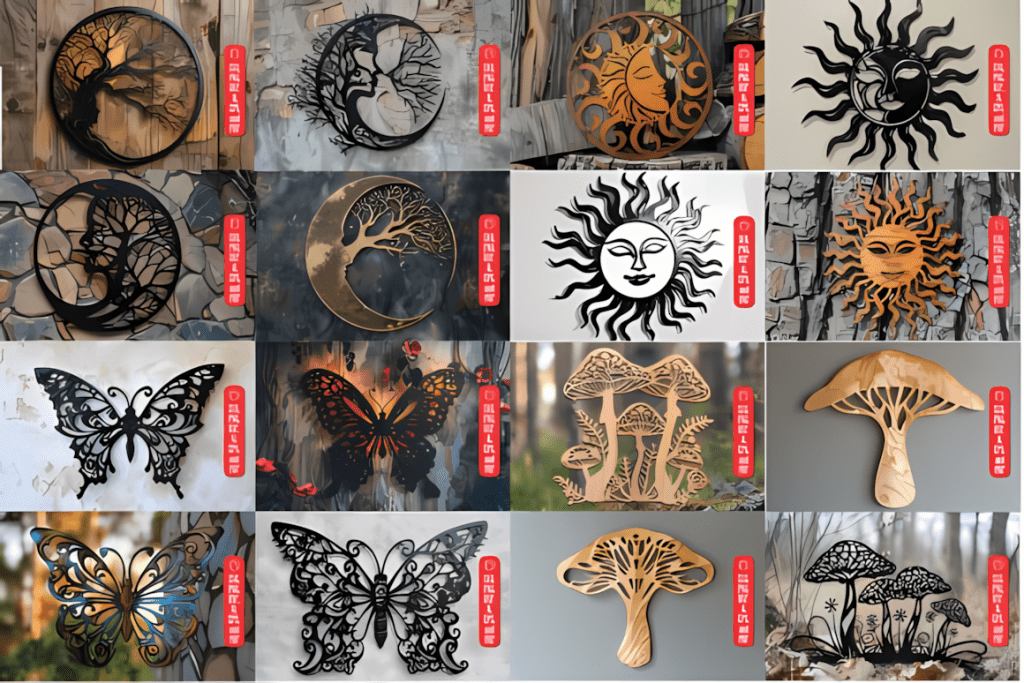
3D layered designs — mandalas, animals, and geometric wall pieces
Holiday and seasonal — Christmas, Easter, birthday, and themed décor
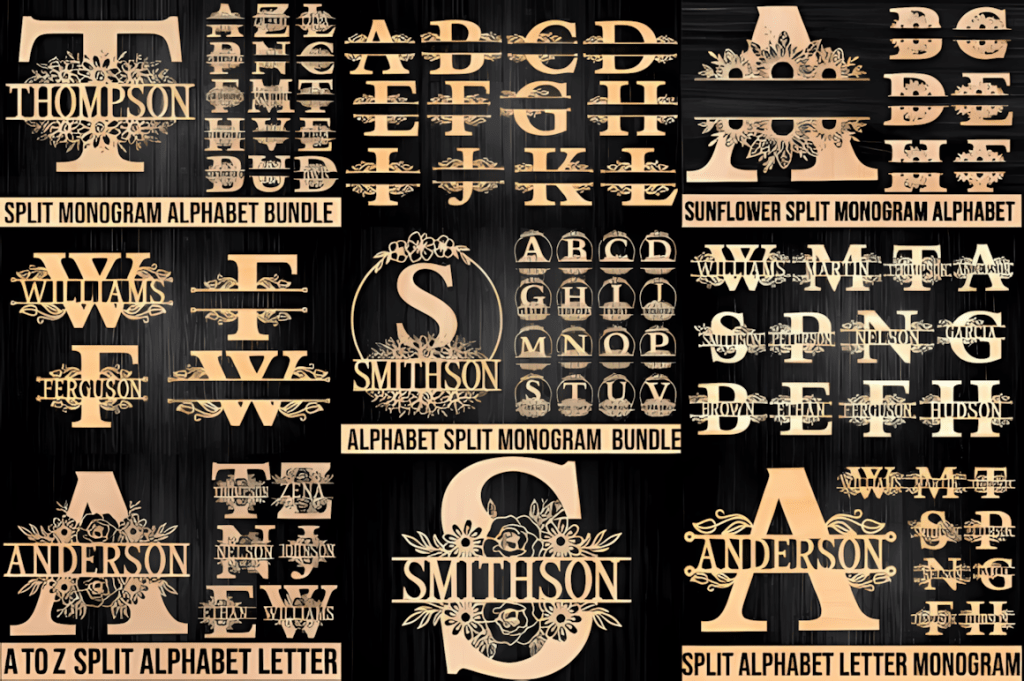
Custom signage — business logos, studio signs, monograms, and gifts
DIY craft projects — ornaments, keychains, jewelry, bookmarks, and small sellable items
👉 Explore thousands of laser cut files on Creative Fabrica