The xTool M1 Ultra is a compact all-in-one machine for makers who want laser engraving, laser cutting, blade cutting, and expandable creative workflows in one desktop setup. In this xTool M1 Ultra review, we cover what it cuts well, where it struggles, who it is best for, and which accessories make the biggest difference for home use or small-shop projects.
xTool M1 Ultra Review: A Versatile All-in-One Laser for Makers
Last reviewed: March 2026
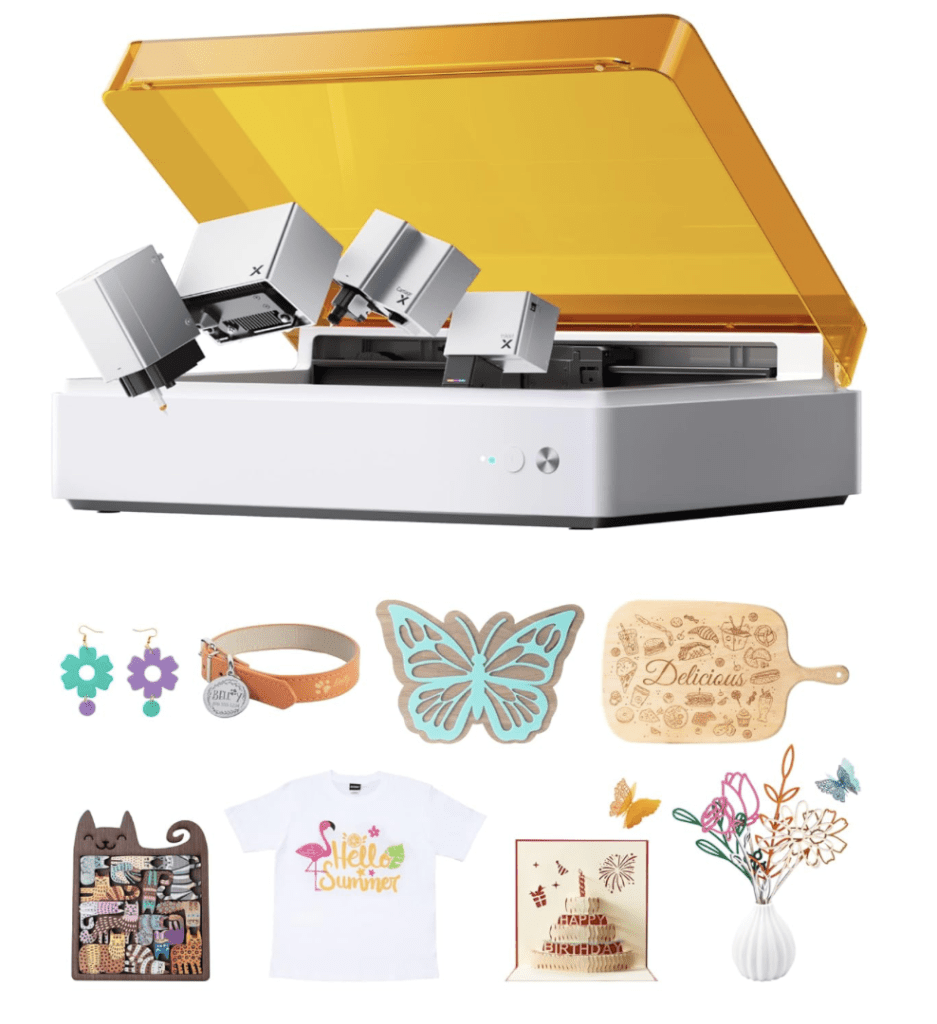
Best for: beginners, hobby crafters, custom gift makers, and small shops that want a compact machine with more versatility than a blade cutter alone.
1. Quick Verdict
The xTool M1 Ultra is one of the more attractive options for makers who want an enclosed desktop machine that can handle multiple creative tasks without jumping straight into a larger workshop setup. It is especially strong for wood, leather, cardstock, coated or dark acrylic, stickers, and beginner-friendly custom projects. It is less impressive if your main priority is clear acrylic cutting, heavy production volume, or thick material throughput.
2. Pros and Cons
Pros
- All-in-one workflow for laser work, blade cutting, and expandable creative use cases
- Beginner-friendly setup with camera alignment and easier material positioning
- Strong engraving quality on wood, leather, coated surfaces, and gift blanks
- Compact footprint for home studios, apartments, and smaller craft rooms
- Useful upgrade path through accessories and add-ons
Cons
- Diode performance is still limited on clear acrylic
- Slower cutting than stronger or more production-focused machines
- Ventilation still matters even with an enclosed design
- Can become expensive once you add accessories and workflow extras
One of the biggest beginner mistakes with machines like this is expecting CO₂-style acrylic performance from a diode setup. The M1 Ultra can be very useful, but it makes more sense when you buy it for versatility and convenience, not for miracle-level cutting power on every material.
3. What Is the xTool M1 Ultra?
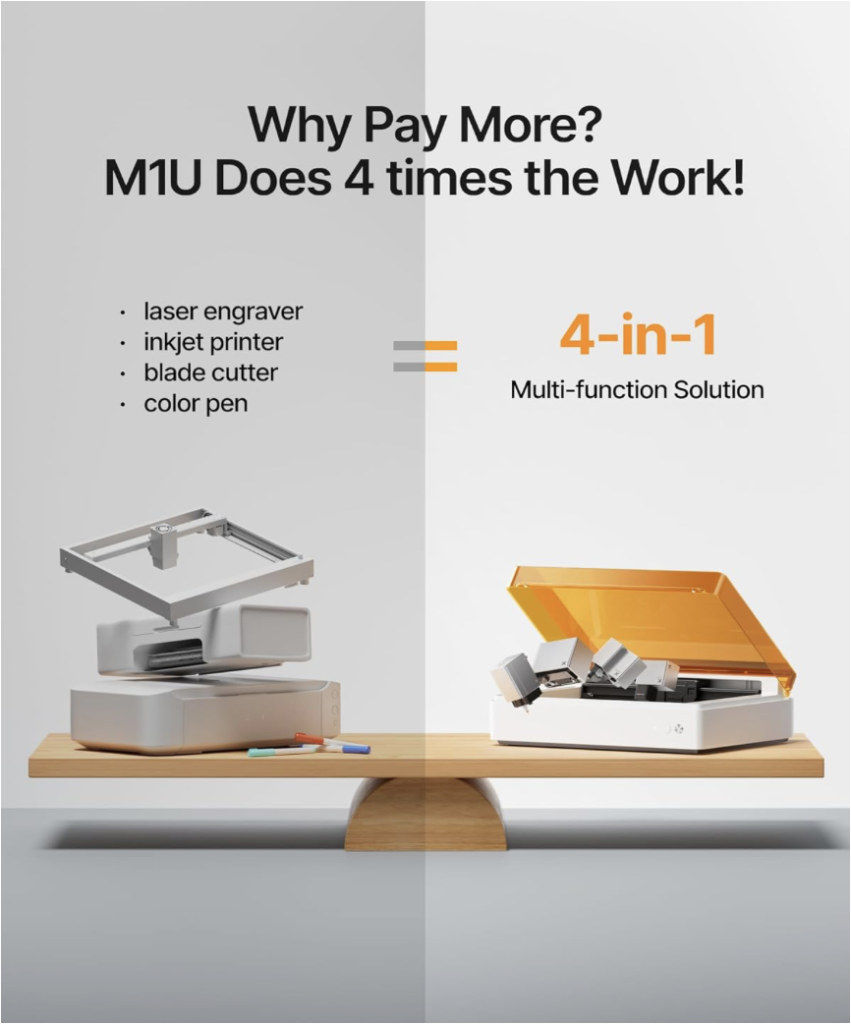
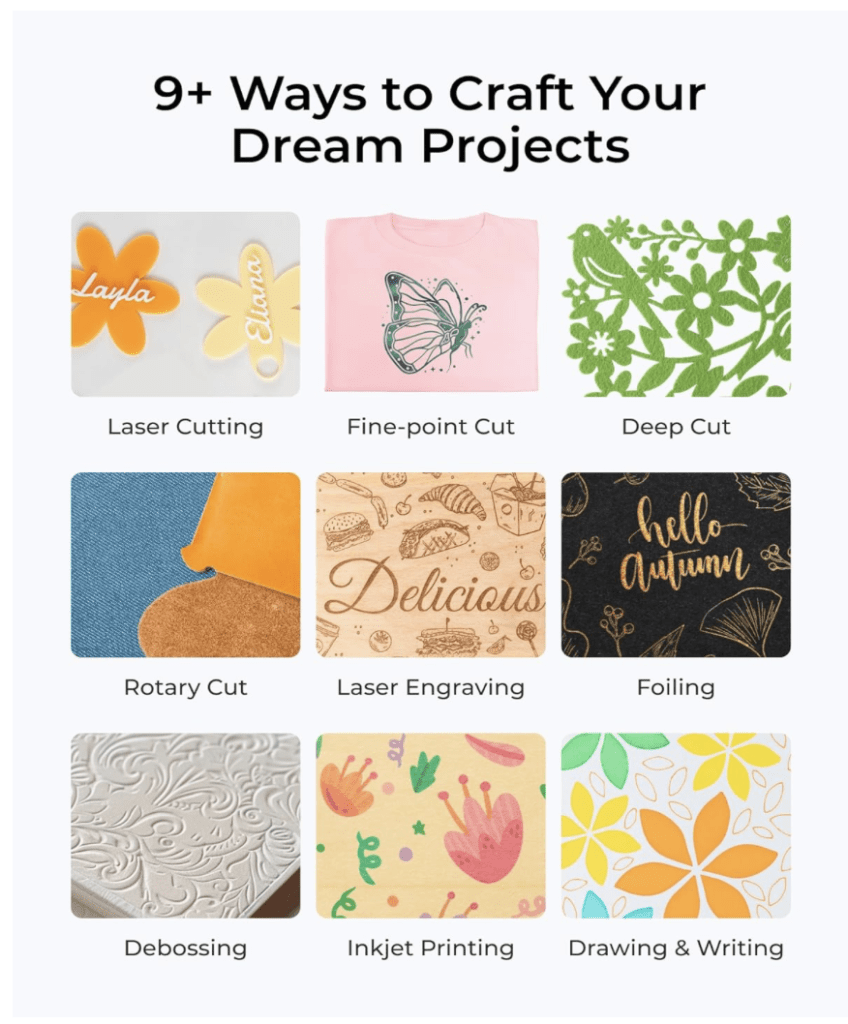
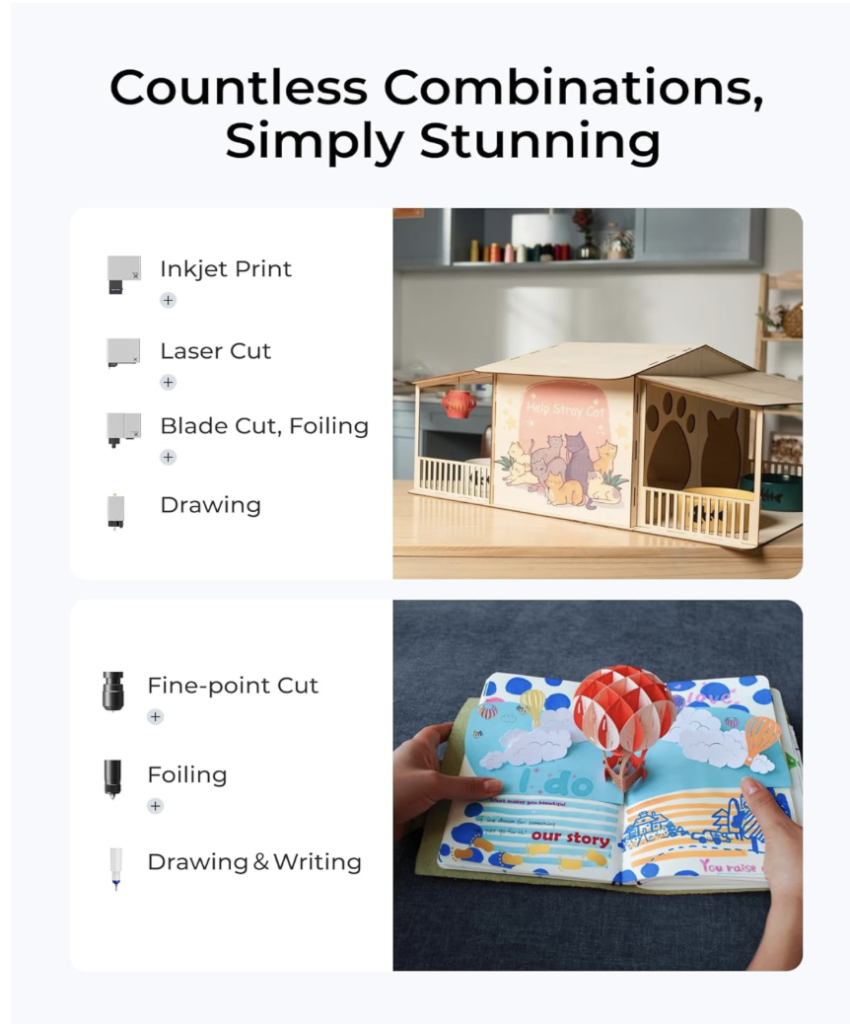
The xTool M1 Ultra is a desktop craft machine that combines diode laser work, blade cutting, and optional add-ons such as rotary, print, pen, or expansion accessories into one compact platform. It is built for makers who want to engrave, cut light materials, personalize gifts, and move between digital design files and physical products without building a full workshop around a single-purpose machine.
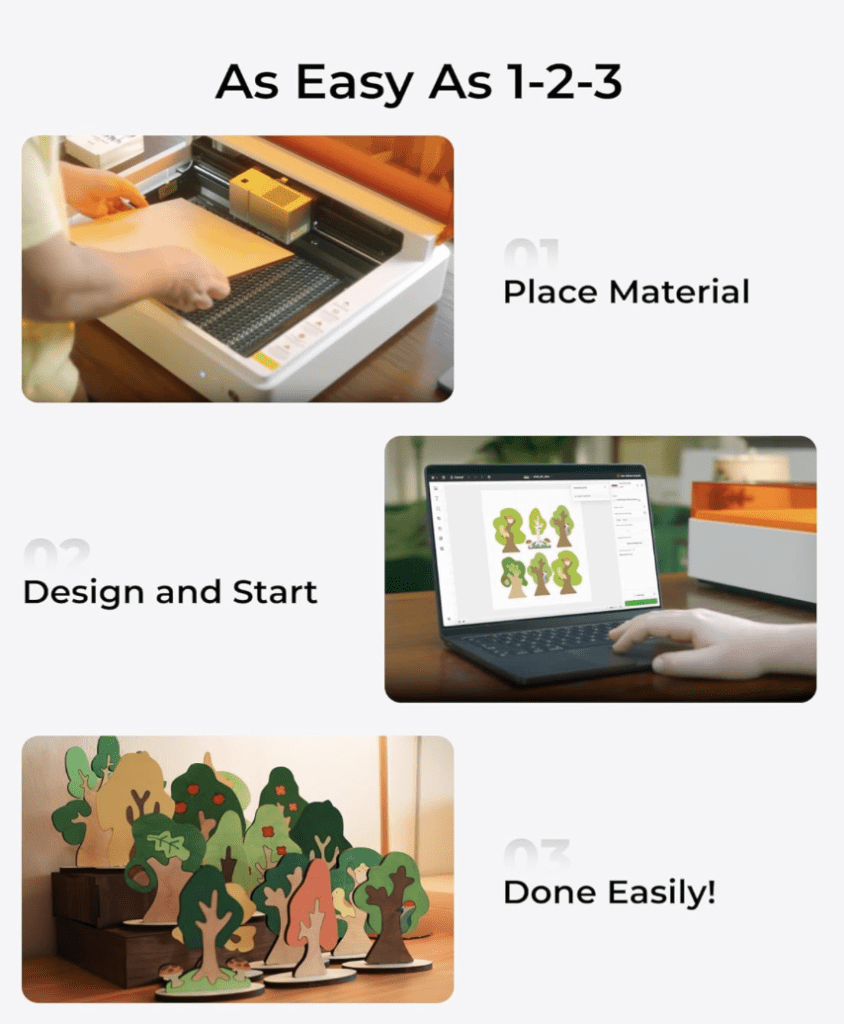
One of its biggest practical advantages is the built-in camera alignment system, which makes it easier to place designs on scraps, pre-cut blanks, and oddly shaped materials. For beginners, that can make the learning curve feel far gentler than with more bare-bones hobby lasers.
4. Specs Snapshot
| Spec | xTool M1 Ultra | Notes |
|---|---|---|
| Work area | 300 × 300 mm | About 11.8″ × 11.8″ |
| Laser module | 10 W or 20 W diode | Depends on configuration |
| Max material height | Up to 25 mm in enclosure | Up to 125 mm with Riser Base Kit |
| One-pass cutting | Up to about 10 mm basswood with 20 W | Material and setup matter |
| Engraving speed | Up to 400 mm/s | Best-case spec |
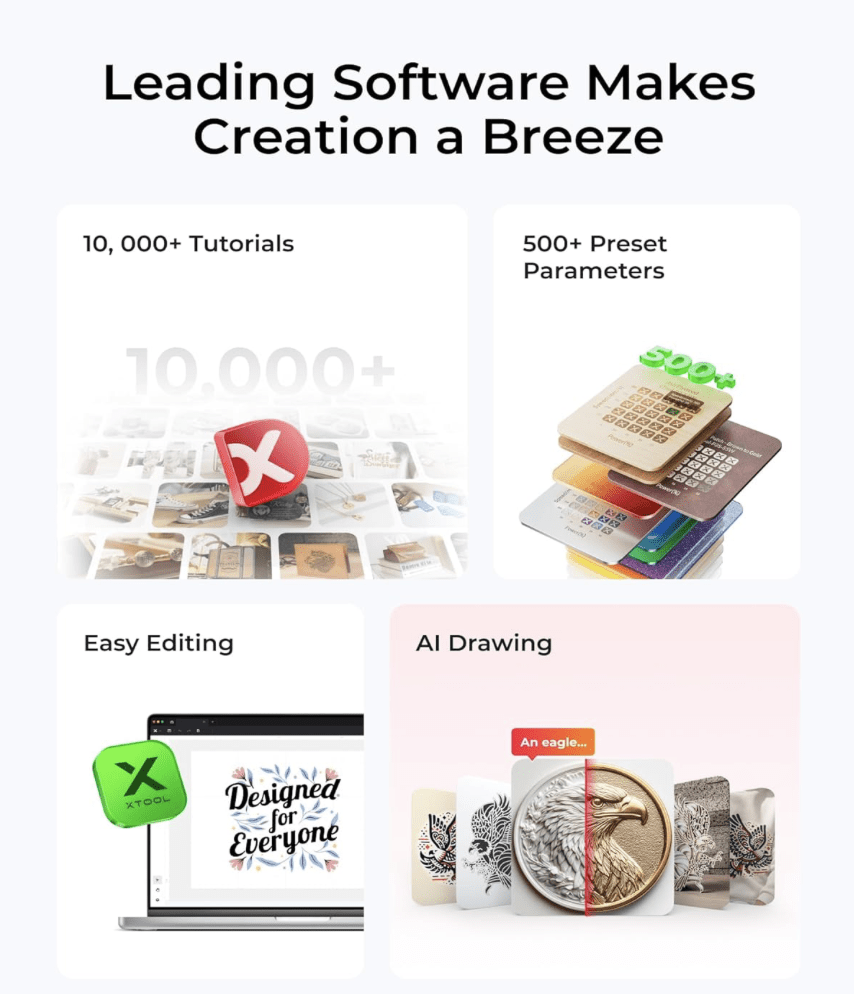
| Software | xTool Creative Space, LightBurn (diode) | Friendly for beginners |
| Rotary support | RA2 Pro | Use with riser for taller objects |
Specs vary by module and accessories, so always check the live product listing for your exact bundle.

5. Who Should Buy It?
- Buy it if this is your first laser and you want a compact enclosed machine.
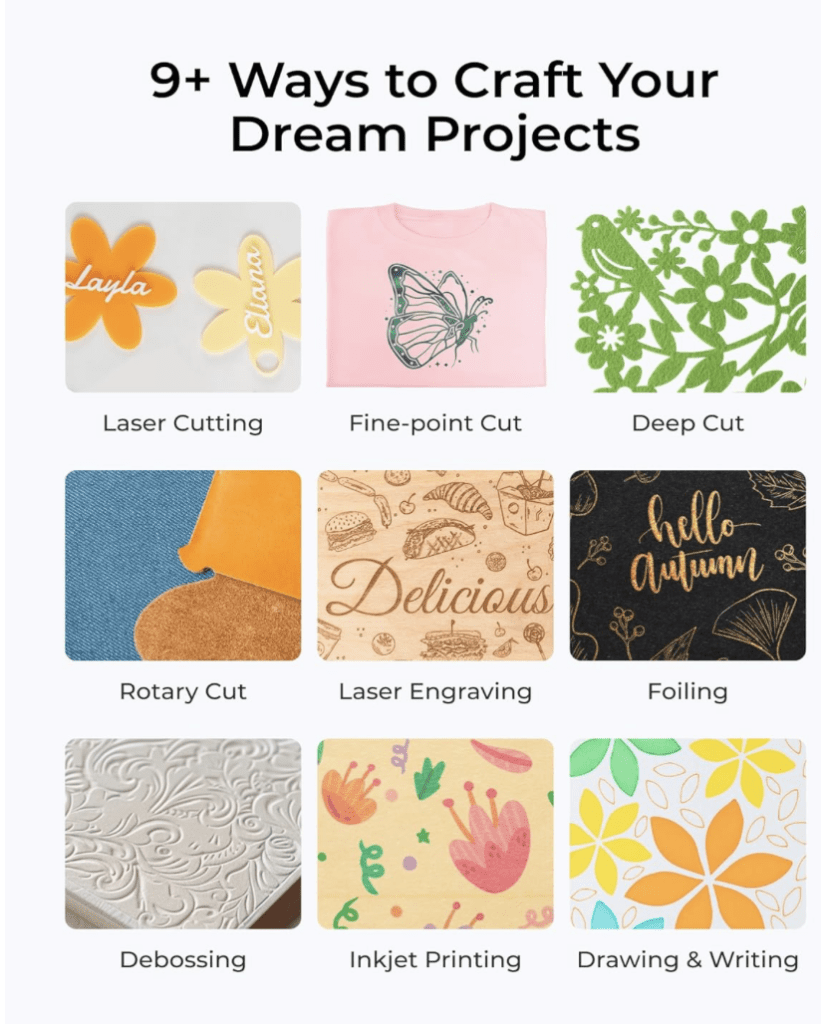
- Buy it if you want to make ornaments, signs, tags, tumblers, stickers, gift items, and beginner-friendly products.
- Buy it if you care more about versatility and ease of use than raw industrial-style speed.
- Buy it if you want a machine that bridges the gap between digital SVG workflows and physical products.
If you already work with SVGs, crafting files, fonts, or custom gifts and want to move into physical production, the M1 Ultra makes that transition easier than many single-purpose hobby machines.
If you already know you are going to run bigger batches every week, you may outgrow this machine faster than you expect. In that case, it is usually smarter to think long-term first instead of buying it mainly for the all-in-one appeal.
What Makes the Ultra Different?
The xTool M1 Ultra stands out because it is not just a simpler entry-level diode machine. It makes more sense for makers who want a broader all-in-one workflow, easier project positioning through camera alignment, and more room to grow across engraving, blade cutting, gift products, stickers, and mixed craft projects in one system.
Compared with the more budget-friendly xTool M1 10 W, the Ultra is a better fit for buyers who expect more flexibility, more frequent creative use, and a wider long-term workflow rather than just a simple starter setup.
6. Who Should Skip It?
- Skip it if your main priority is clear acrylic cutting — a CO₂ workflow is usually the better fit.
- Skip it if you want high weekly throughput from day one.
- Skip it if most of your work involves thicker woods or production-heavy cutting.
- Skip it if you already know you need a stronger machine and want to avoid upgrading later.
If you already know you are going to run bigger batches every week, there is a good chance you will outgrow this machine faster than you expect. In that case, it is often better to think long-term first instead of buying mainly for the all-in-one appeal.
7. What Can It Cut or Engrave?
Always run a material test grid because diode lasers vary by focus, material batch, and setup. In real-world hobby use, the M1 Ultra is strongest on lighter craft materials and engraving projects rather than demanding workshop-scale cutting.
| Material | Cut? | Engrave? | Notes |
|---|---|---|---|
| 3 mm Baltic birch | Yes | Yes | Usually 2–3 passes depending on setup |
| Basswood sheets | Yes | Yes | Beginner-friendly material |
| Cardstock / paperboard | Yes | Yes | Use lower power carefully |
| Veg-tan leather | Light cuts | Yes | Ventilation matters |
| Opaque / dark acrylic | Limited | Limited | Diode performs better on darker acrylic than clear |
| Bare metal | No | No | Use marking spray for marks only |
Safety reminder: never cut PVC, vinyl with chlorine content, or other unsafe plastics that release toxic fumes.
8. Real-World Test Examples
- 3 mm birch plywood: around 100% power, 200–400 mm/min, 2–3 passes, Air Assist on
- 2–3 mm black acrylic: around 100% power, 200–300 mm/min, 2 passes, Air Assist on
- Cardstock 200–250 gsm: around 40–60% power, 2000–4000 mm/min, 1 pass
- Veg-tan leather engraving: around 25–35% power, 6000–8000 mm/min, 1 pass
For consistent results, use a LightBurn test grid and keep your lens and airflow setup clean.
9. Alternatives to Consider
- xTool M1 10 W – better if you want a simpler lower-cost starting point
- How to Choose a Laser Cutter – useful if you are still deciding between diode, enclosed craft machines, and stronger options
- CO₂ laser options – better if clear acrylic and faster heavier cutting are your top priorities
10. Recommended Starter Accessories
11. Five Easy First Projects
- Name ornament discs – use 3 mm birch and personalize round blanks
- Layered Christmas ornaments – ideal for stacked SVG files and painted layers
- Earrings and keychains – small material scraps can become sellable products
- Stencil letters for signs – useful for farmhouse-style decor and simple sign projects
- Bookmark strips – low-risk material testing with practical gift appeal
New to laser projects? Browse ready-to-cut files: Christmas, Earrings, and Signs.
12. Basic Setup and Safety Checklist
- Update firmware and install xTool Creative Space
- Focus the laser height according to the manual
- Run a material test before production cuts
- Connect ventilation to a window or inline fan setup
- Keep a spray bottle or Class ABC extinguisher nearby
- Never leave the machine unattended during a burn
13. FAQ
What’s the work area?
300 × 300 mm, or about 11.8″ × 11.8″.
Which laser modules are available?
The M1 Ultra is available with 10 W and 20 W diode options depending on configuration.
Can it cut clear acrylic?
Clear or white acrylic is not where diode machines perform best. Opaque and darker acrylics are a better fit.
Does it support LightBurn?
Yes, LightBurn support is available for diode workflows, and xTool Creative Space is also included.
Is it good for beginners?
Yes. The camera alignment, enclosed design, and all-in-one workflow make it more beginner-friendly than many hobby laser setups.
Does it need extra ventilation?
Yes. Even with an enclosure, good airflow and proper venting make home use safer and more comfortable.
Ready to Turn SVG Files into Real Products?
Get the xTool M1 Ultra on Amazon
Or explore project files: Laser Cut Files.
Visit the full Crafting Tools page for all our recommended gear.