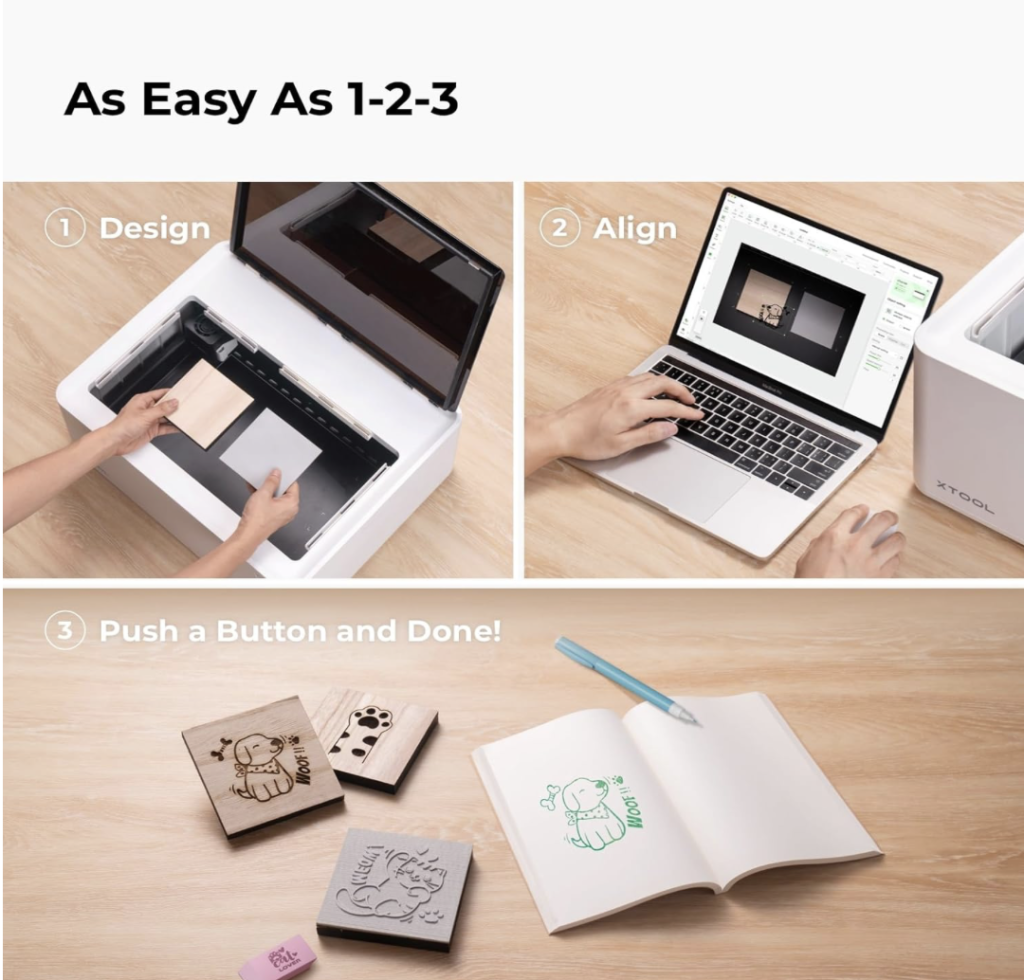
The xTool M1 10 W is one of the most beginner-friendly options for crafters who want laser engraving, laser cutting, and blade cutting in one machine. In this xTool M1 10 W review, we cover the main specs, real-world use cases, material settings, accessories, and who this model is best for before you buy.
Best Budget 3-in-1 Laser + Blade Cutter for Home Crafters
1. Why Trust This Review?
- Clear beginner-focused breakdown of specs, materials, and everyday use cases
- Quick-reference tables for cutting performance and feature comparison
- Side-by-side buyer comparison with the 20 W xTool M1 Ultra
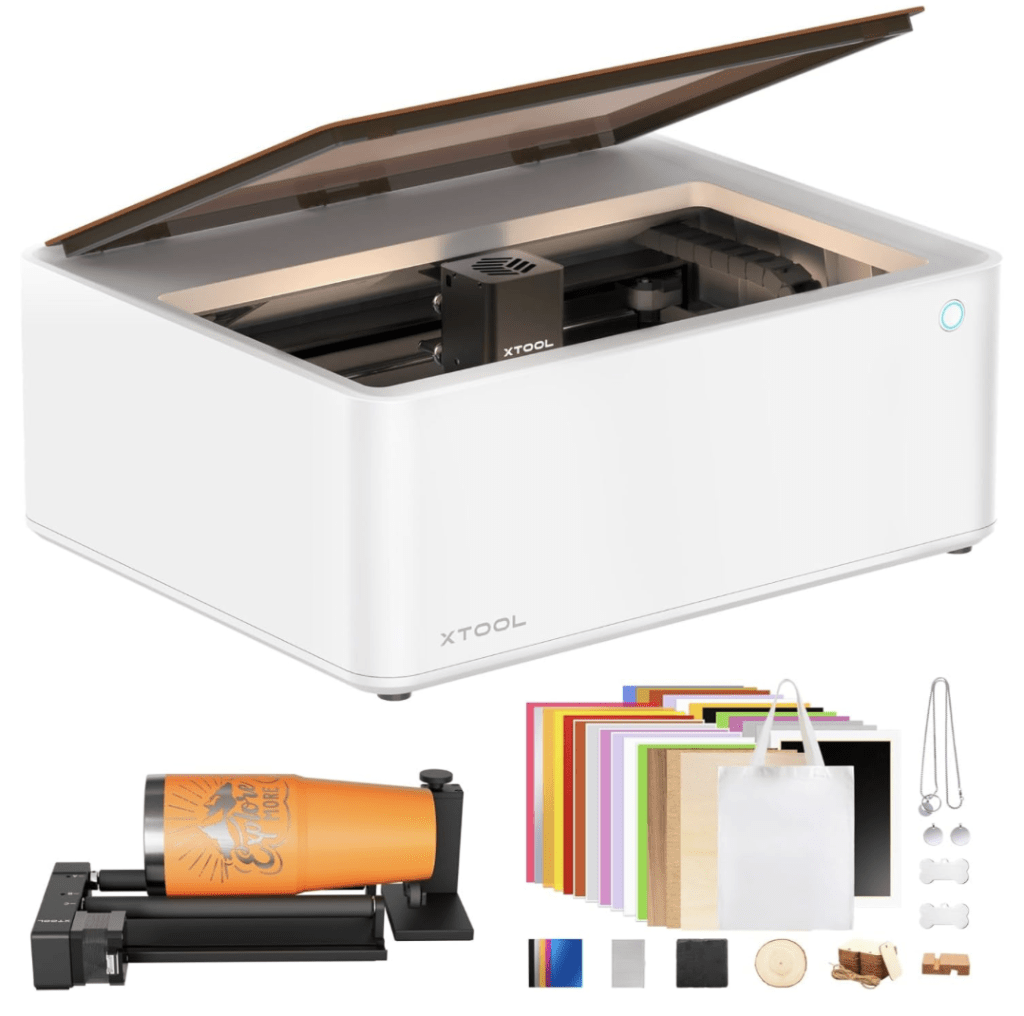
2. Quick Specs (10 W Model)
| Feature | xTool M1 10 W |
|---|---|
| Laser output | 10 W diode (#ad) |
| Cutting area | 385 × 300 mm |
| Max cut depth | Up to 8 mm pine / up to 3 mm acrylic |
| Extras in bundle | RA2 Pro rotary, honeycomb, materials pack |
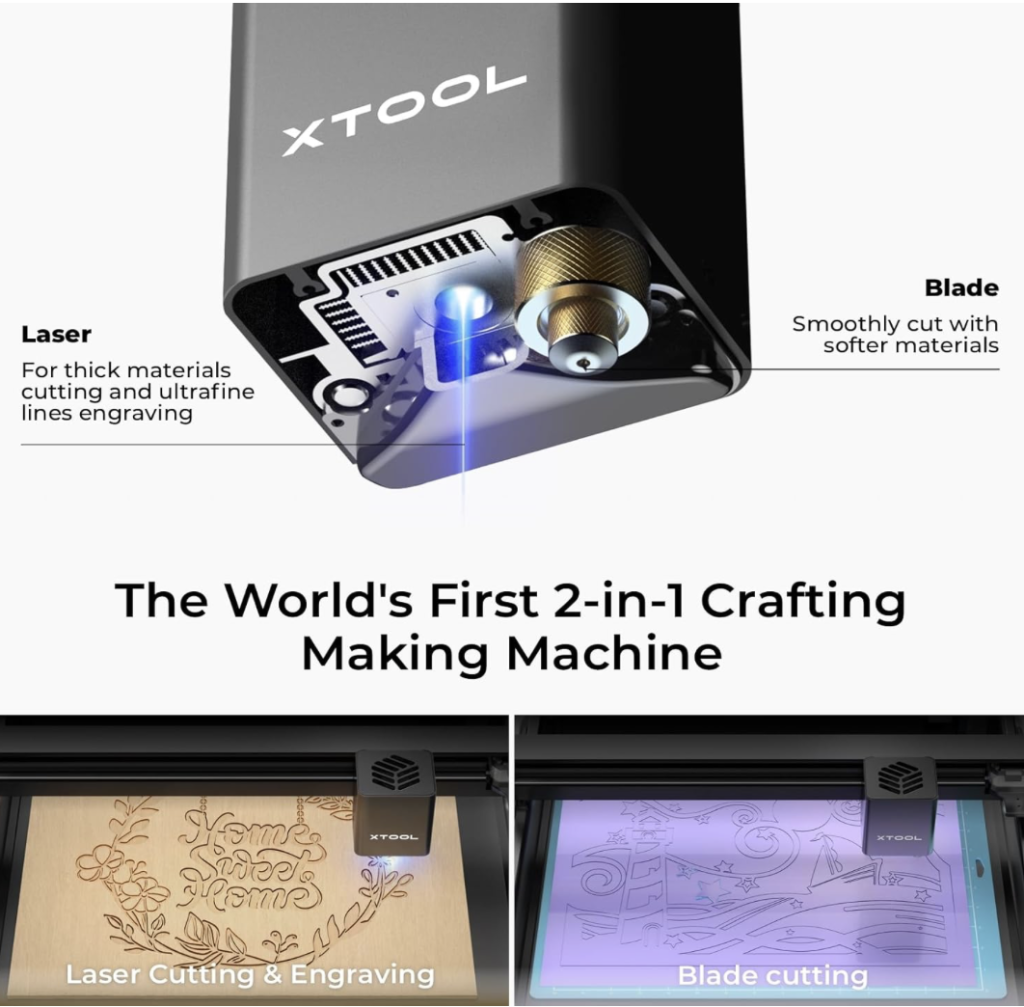
3. What Can It Make?
- Engrave: wood, slate, anodized aluminum
- Laser-cut: birch plywood, acrylic, leather, paperboard
- Blade-cut: vinyl, stickers, HTV, cardstock
- Rotary projects: tumblers, cups, and other round blanks up to Ø100 mm
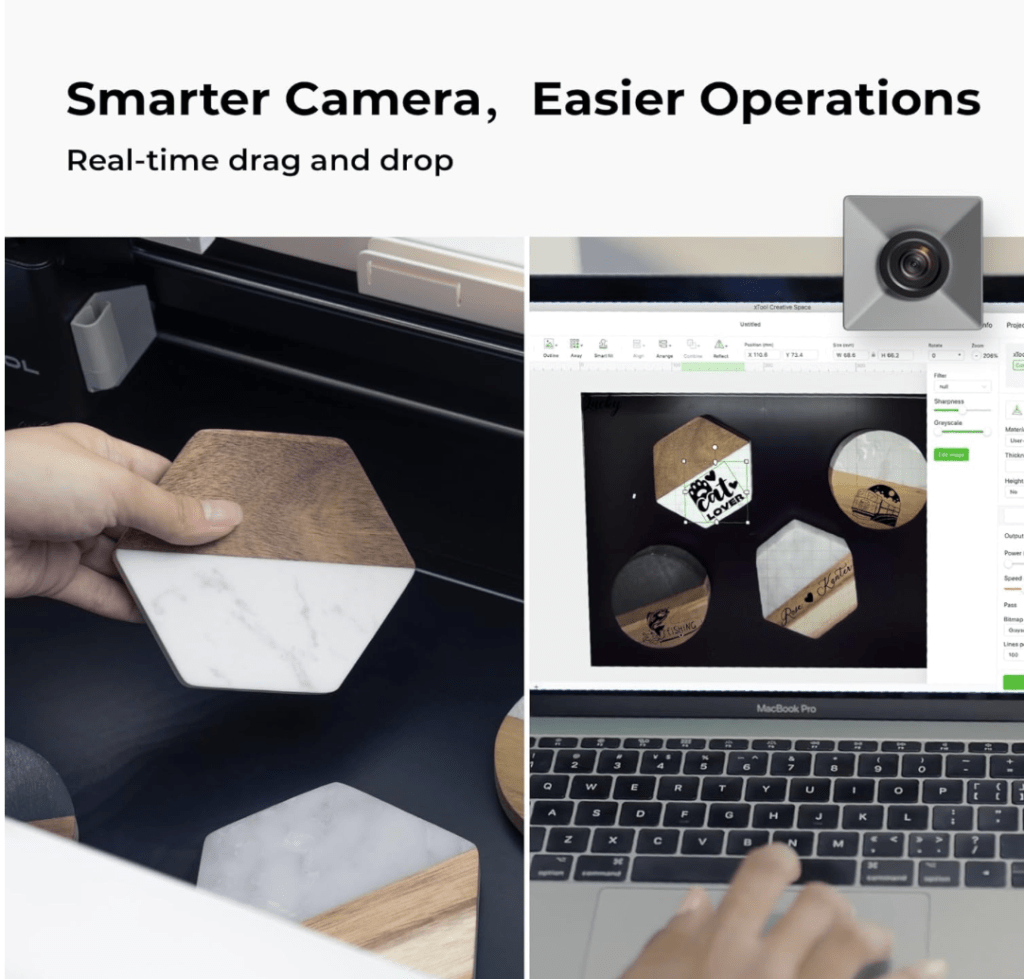
4. Power and Speed Cheat Sheet
| Material | Thickness | Passes | Speed (mm/min) | Notes |
|---|---|---|---|---|
| Baltic birch | 3 mm | 1 | 300 | Clean edge |
| Black acrylic | 3 mm | 2 | 120 | Mask front and back |
| Leather | 2 mm | 1 | 600 | Slight scorch, tape edges |
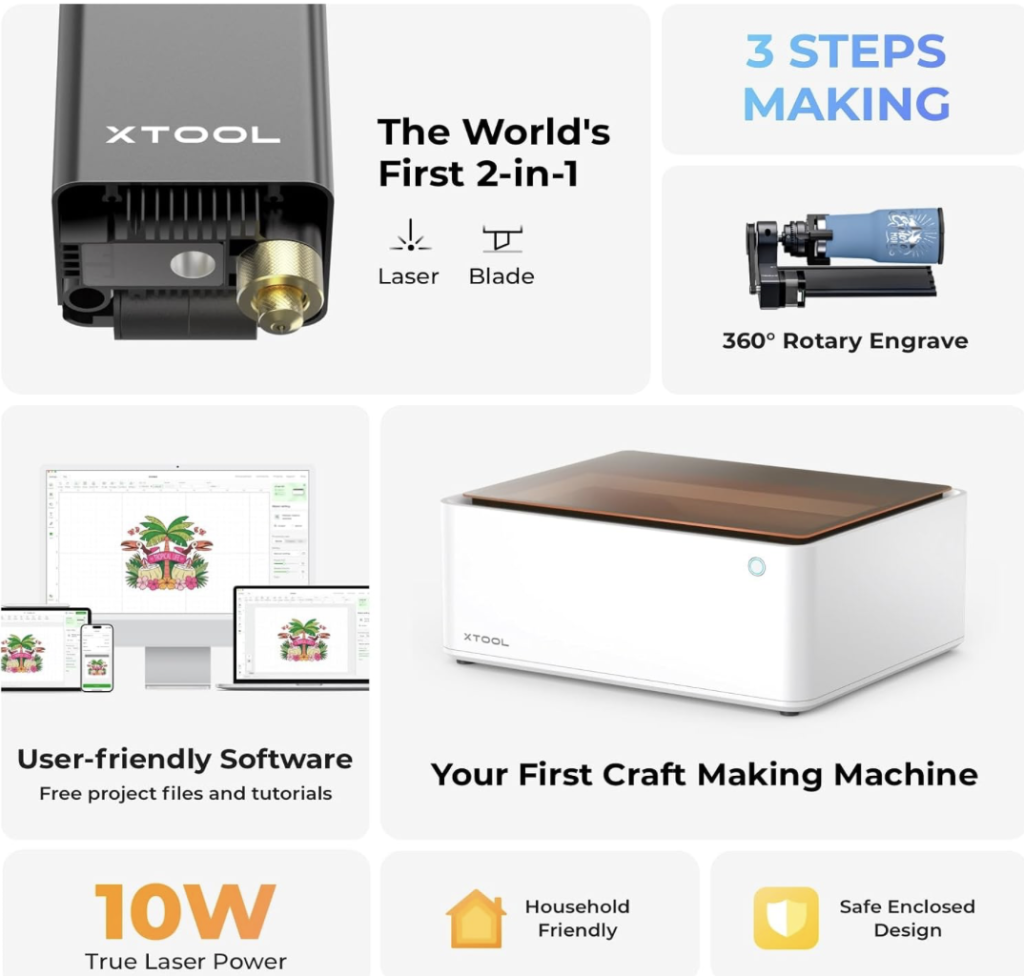
5. M1 10 W vs M1 Ultra 20 W
| M1 10 W | M1 20 W | |
|---|---|---|
| Typical price | About $1,089 | About $1,399 |
| Print module | No | CMYK inkjet |
| Throughput | Good for hobby use | Better for frequent production |
| Best for | Home crafting and gifts | Small Etsy shop or higher output |
Need more flexibility than the 10 W model offers? Read the full xTool M1 Ultra review if you want a broader all-in-one workflow and more room to grow.
6. Pros and Cons
Pros
- One of the most affordable all-in-one machines with rotary engraving support
- Convenient Amazon availability (#ad) with easy returns
- Class 1 enclosure, which makes it more suitable for home use
Cons
- 10 W output is slower on thicker plywood
- Air assist is not built in and may require an extra purchase
7. Recommended Accessories
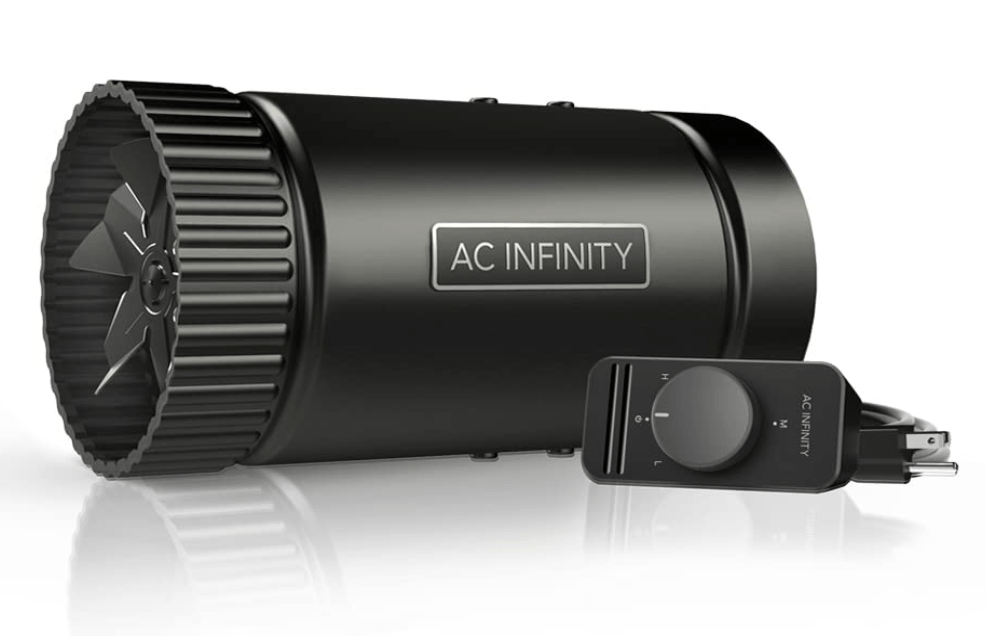
- Inline Fan – AC Infinity RAXIAL S4 – helps move smoke away from your work area
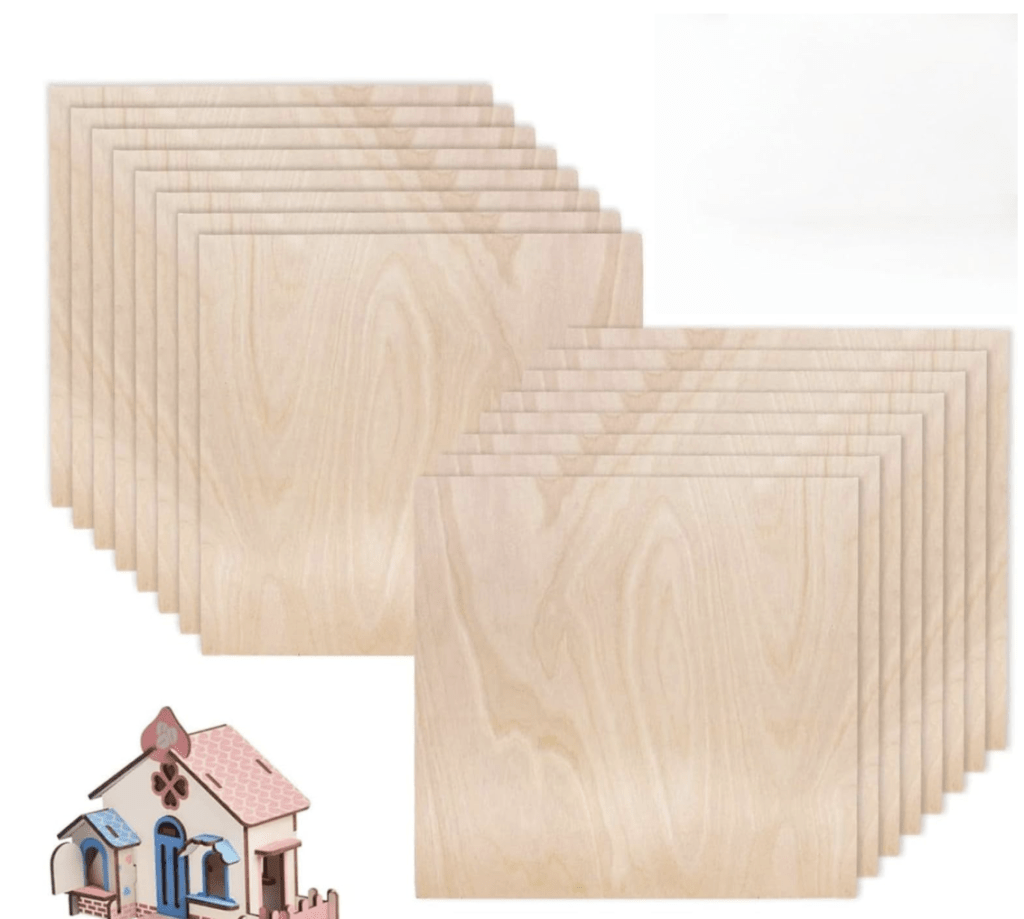
- 3 mm Baltic birch (16-pack) – pre-sanded boards for clean beginner projects
Last reviewed: March 2026
8. Who Should Buy?
The xTool M1 10 W is a strong fit for beginners, hobby crafters, gift makers, and anyone who wants rotary engraving without jumping to a higher-priced machine. If your budget stays under $1,200 and you want a tidy starter setup for home projects, personalized gifts, tumblers, stickers, and light laser work, this model makes a lot of sense. It is especially appealing for makers who want one compact machine that can handle laser engraving, laser cutting, and blade cutting without taking over an entire workspace.
It is also a practical option for buyers who care more about versatility and ease of use than raw output speed. For occasional Etsy orders, home crafting, and learning different project types in one system, the M1 10 W offers a beginner-friendly balance.
9. Who Should Skip It?
- Skip the xTool M1 10 W if you need faster production on thicker wood every week.
- Skip it if your main goal is higher-volume selling and you already know you need more throughput from day one.
- Skip it if you want stronger acrylic cutting performance without relying on multiple passes.
- Skip it if you would rather buy a more powerful machine once and avoid upgrading later.
10. Alternatives to Consider
- xTool M1 Ultra – a better fit for makers who want more speed, more output, and more room to grow into frequent production.
- Cricut Maker 3 – a stronger choice if blade cutting matters more to you than laser performance.
- How to Choose a Laser Cutter – useful if you are still deciding between an enclosed all-in-one machine and a simpler laser-first setup.
11. Setup Notes for Home Use
For apartment or home crafting, ventilation matters just as much as cutting power. The enclosed design helps make the machine more practical for indoor use, but you will still want good airflow, especially when cutting wood, leather, or acrylic. A simple inline fan and a sensible exhaust setup can make the machine much easier to live with in a smaller workspace.
It is also worth planning your setup around the projects you actually want to make. If your focus is tumblers, personalized gifts, labels, stickers, and occasional laser-cut pieces, the M1 10 W can be a very comfortable entry point. If you expect to run larger batches every week, the limits of a 10 W system will show up sooner.
FAQ
Does the xTool M1 10 W cut acrylic?
Yes, it can cut or engrave certain opaque acrylic materials up to 3 mm with multiple passes. For faster and more demanding acrylic work, the higher-power 20 W option is usually the better fit.
What software is included?
The machine works with xTool Creative Space on Windows and Mac. Many users also look at LightBurn workflows depending on their setup and project needs.
Is the xTool M1 10 W good for beginners?
Yes. It is one of the more beginner-friendly all-in-one options because it combines laser engraving, laser cutting, and blade cutting in one enclosed machine.
Can it engrave tumblers?
Yes, with the RA2 Pro rotary attachment it can engrave tumblers and other round blanks, which is one of the features that makes this model attractive for hobby crafters.
Is the xTool M1 10 W worth it for small Etsy sellers?
It can be a good fit for small shops or occasional sales, especially if you value versatility. For faster weekly output and more demanding production, a stronger machine may be the better long-term choice.
Does it need extra ventilation for home use?
Yes, good airflow is still recommended. The enclosed design helps, but an inline fan or practical exhaust setup makes the machine more comfortable to use indoors.
In the EU? Check the xTool EU Store for local VAT-included pricing.

Visit the full Crafting Tools page for all our recommended gear.