Black Friday fonts that actually convert: bold displays, condensed digits for price tags, and brush accents for urgency. Browse curated bundles, quick text tools, and ready-to-use headlines to build sale banners in minutes.
Text Tools for Faster Workflow
Preview fonts, style text and convert to webfonts in one place.
Best Black Friday font styles (what works & why)
Bold Sans / Impact Display
Clean, blocky shapes that hold up on mobile thumbnails and tiny price tags. Great for “50% OFF” / “Doorbuster” lockups.
Try searches:
- bold display → big headlines, hero banners
- impact → price badges, “50% OFF”
- extra black → maximum emphasis
- ultra bold → readable on small screens
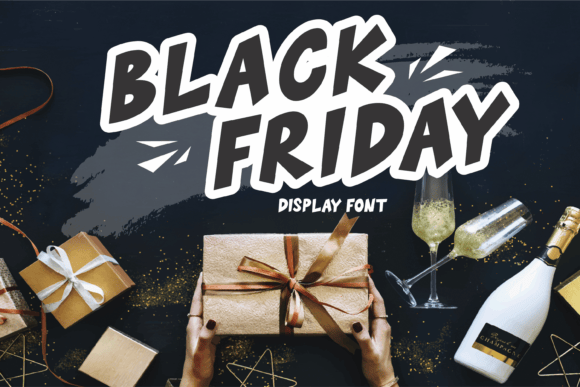
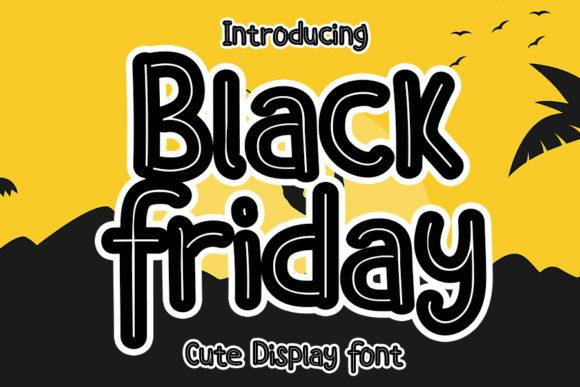
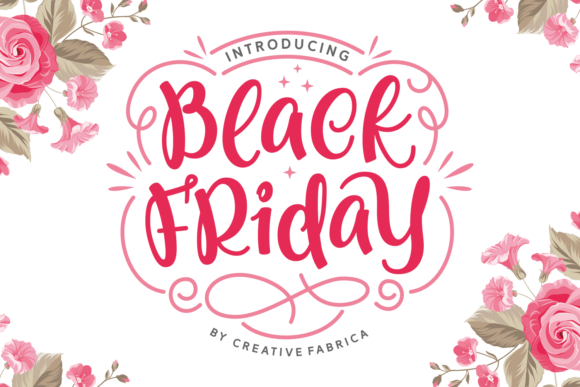
Condensed Digits & Price Tags
Tall numerals let you fit big discounts in cramped spaces (badges, app tiles).
Try searches:
- condensed sans → tight headlines/tags
- compact digits → prices & percentages
- tabular figures → perfectly aligned numbers
- narrow headline → long phrases in one line
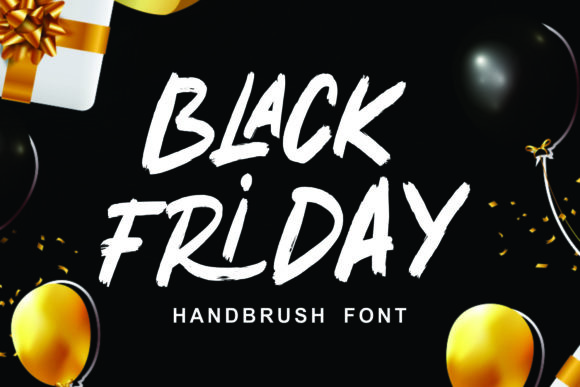
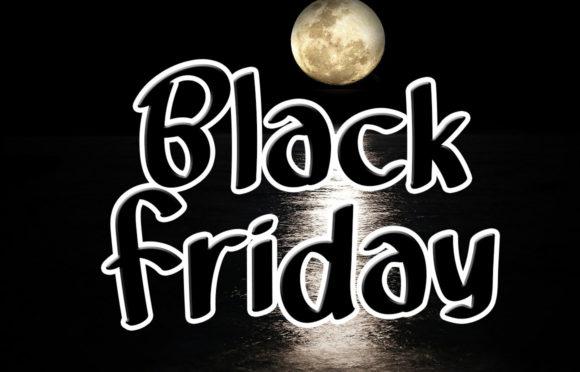
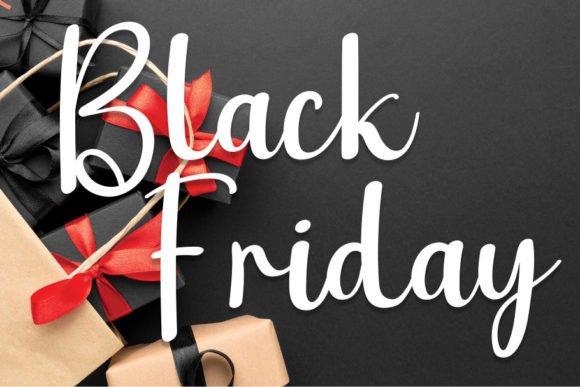
Stencil / Tech / Industrial
“Black Friday” grit and urgency. Good on dark hero banners with red accents.
Try searches:
- stencil display → gritty sale feel
- techno → modern high-tech vibe
- industrial → heavy, rugged tone
- military stencil → “doorbuster” energy
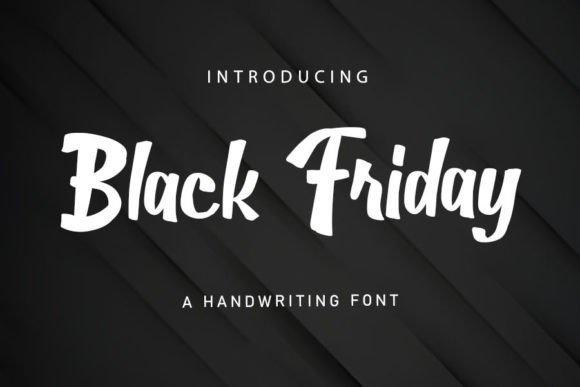
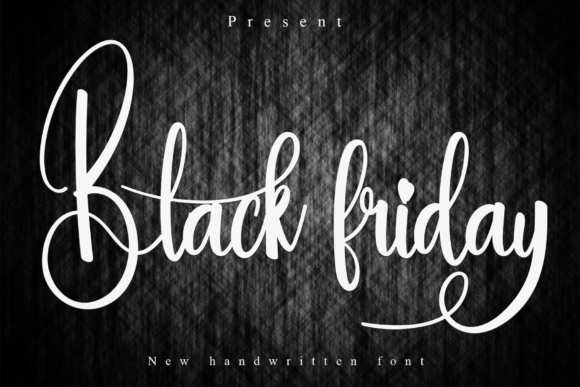
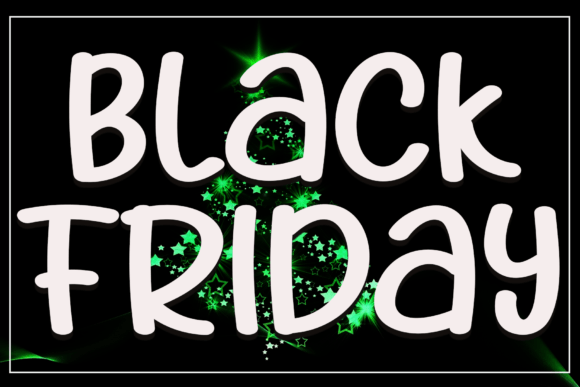
Brush & Marker (handmade urgency)
Energetic strokes for countdowns, last-minute deals, social frames.
Try searches:
- brush font → “Today Only” urgency
- marker font → hand-made price tags
- dry brush → dynamic, edgy strokes
- handwritten brush → lively social accents
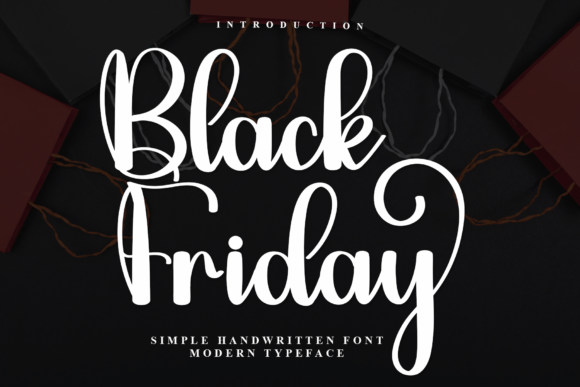
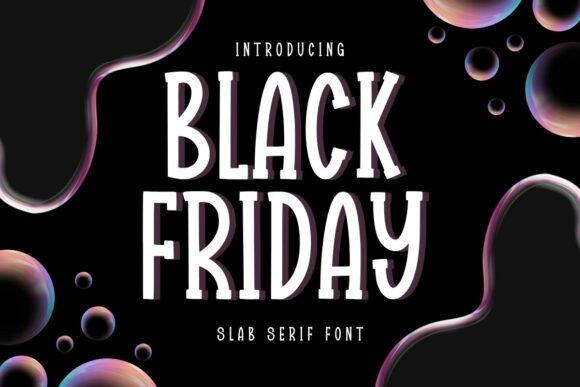
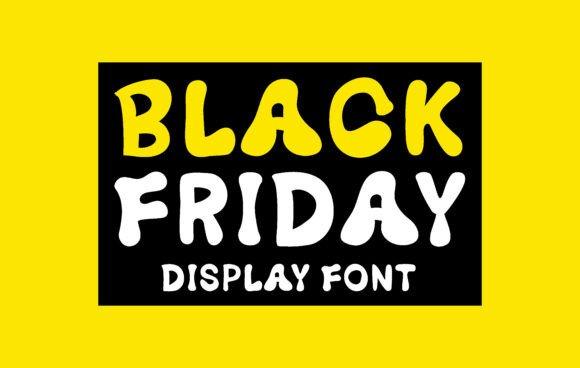
Browse all Black Friday font results →
Find a typography designer for custom lettering →
Font pairing recipes (copy/paste)
- Impact headline + neutral sans bodyHEAVY CONDENSED DISPLAY + “open, humanist sans” for legibility.
- Brush accent + condensed priceBrush/Marker for “Today Only”, Condensed Sans for “$129 → $79”.
- Premium serif + mono digitsModern Serif for message, Monospace/Tabular for prices & countdowns.
Rule of thumb: one loud star + one quiet helper. Keep contrast in weight/width, not in chaos.
Color & layout tips for sale creatives
- Contrast first: black/dark background + white or yellow type; red for accents only.
- Badge shapes: circles/rounded squares read best at small sizes (app cards, carousels).
- Numerals pop: tabular figures align 10/100/1000 neatly.
- Don’t over-italicize: narrow italic + condensed = illegible on small screens.
- Accessibility: aim for WCAG AA contrast on text over photos.
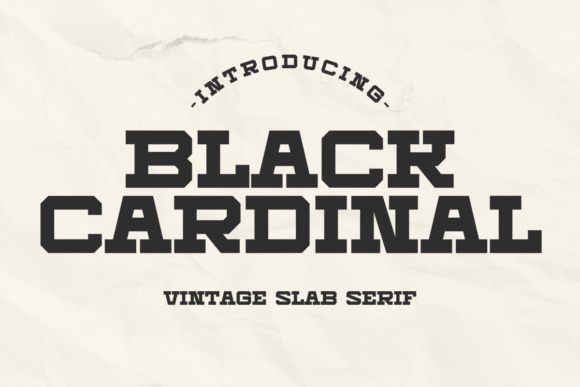
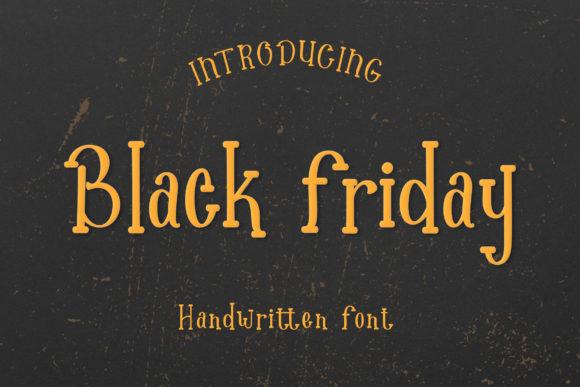
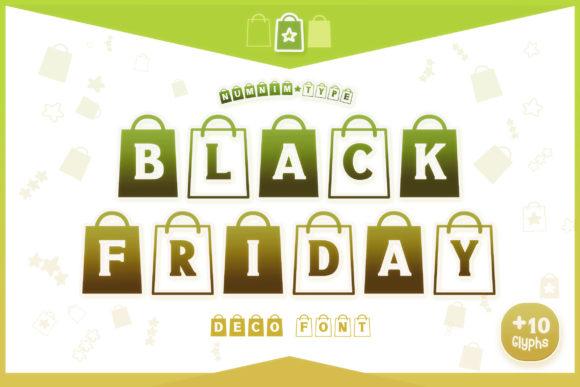
Where to get the fonts
Curated fonts & deals
- Massive library with frequent Black Friday bundles and commercial licensing.
- One place to grab matching families (headlines + supporting text).
- Bonus tools (see below).
Custom lettering fast
Need a custom sale lockup, stylized numerals, or brand-matched wordmark? Hire a type pro:
- Brief idea: style (impact/brush/retro), target sizes (web, socials, print), words (e.g., “Black Friday”, “Up to 70% off”), formats (SVG/AI/PNG), deadline, license.
- Deliverables you can request: editable AI/SVG, outlined EPS, web export (WOFF2), kerning tuned for your words, dark/light versions.
Text Tools you’ll actually use
- Webfont Converter: turn TTF/OTF into WOFF/WOFF2 for fast sites.
- Online Font Manager: preview/pair fonts in-browser, export picks.
- Styled Text Generators: cursive / Instagram / gothic / bubble, plus word clouds and ASCII art for quick social banners.
Licensing & POD quick guide
- Commercial license: required for ads, store creatives, and client work.
- POD (Print-on-Demand): check each font’s terms; many CF fonts include POD-friendly licensing.
- Don’t embed raw TTF/OTF in downloadable files you sell unless the license explicitly allows it – export to outlines or raster when needed.
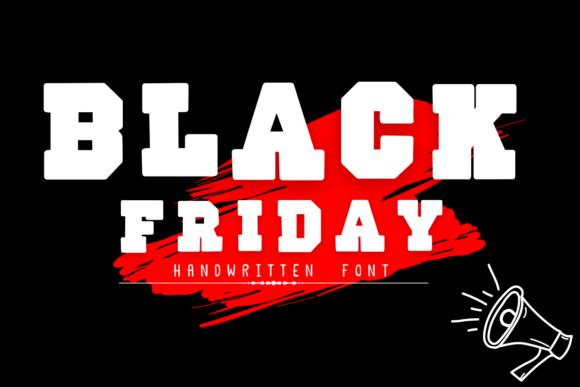
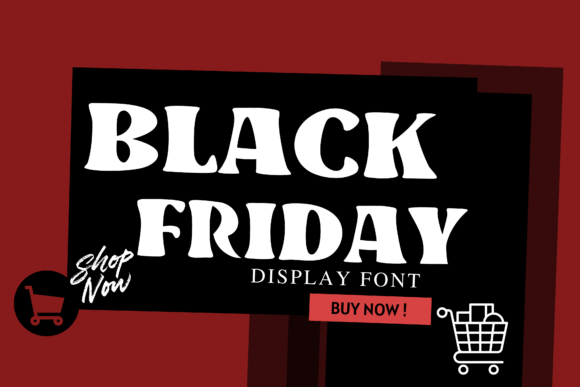
Ready-to-use copy (steal these headlines)
- Black Friday Starts Now – Up to 70% Off
- Doorbusters Today Only
- Early Access – Members Save More
- Last Chance – Prices Go Up at Midnight
- Cyber Monday Preview – Limited Stock
Workflow for speed (10-minute banner)
- Choose one Bold/Impact font + one helper sans.
- Set background to near-black (#0C0C0C) and add a soft vignette.
- Headline in all-caps, –10 to –30 tracking (depends on font).
- Price with tabular figures; pair a red badge #E11900.
- Export 1x/2x WebP; hero at 1600–2000 px width; card at 1200×628 and 1080×1080.
Frequently Asked Questions
Bold condensed sans with strong numerals. They read at a glance and compress well in small spaces.
Brush adds urgency, but keep it to accents. For long text, neutral sans remains the most legible.
Only if the license permits commercial use. Paid fonts usually include cleaner licensing and better hinting.
Pick fonts with tabular figures (monospaced numbers). If absent, ask a Fiverr designer to tweak numerals for your lockup.
Convert to WOFF2, subset glyphs to only what you need (basic Latin + numerals), and use font-display: swap.
Explore More Resources
- Seasonal Fonts – Spring, Summer, Autumn & Winter
- Christmas Fonts – Festive, Elegant & Crafty Picks
- Halloween Fonts – Spooky, Cute & Retro Picks (Plus Bundles & Custom Lettering)
- Wedding Fonts – Elegant Scripts, Signature Looks & Modern Minimal
- Birthday Fonts – Fun, Script & Playful Picks
- Valentine’s Fonts – Romantic, Script & Stylish Picks