Templates Hub: Social, Websites, Landing Pages, Presentations & More
Welcome to our Templates hub – your organized starting point for ready-to-use layouts across social media, websites, landing pages, slide decks, and publishing interiors. Use this page to choose a template category, follow a proven structure, and customize fast (fonts, colors, sections, and CTAs) without starting from scratch.
Template categories
Choose a category below. Each hub includes examples, structure tips, and curated picks so you can move fast and still look professional.
Social Media Templates
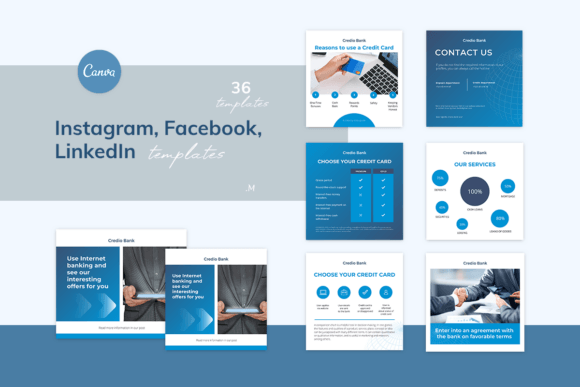
Use social templates to keep your content consistent, on-brand, and fast to produce – perfect for creators, small businesses, and agencies.
- Best for: Instagram posts/stories, highlight covers, Pinterest pins, YouTube thumbnails, TikTok graphics.
- Goal: cohesive branding + repeatable content production.
- Start here: Social Media Templates hub
Website Templates
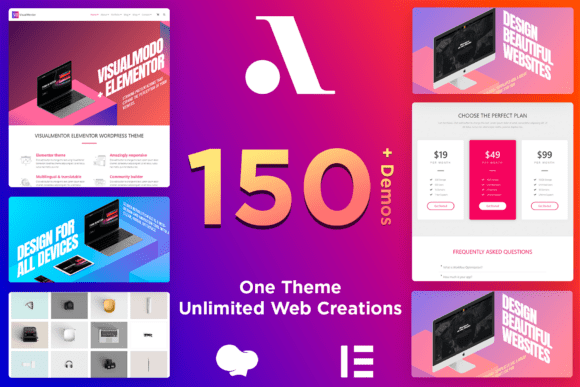
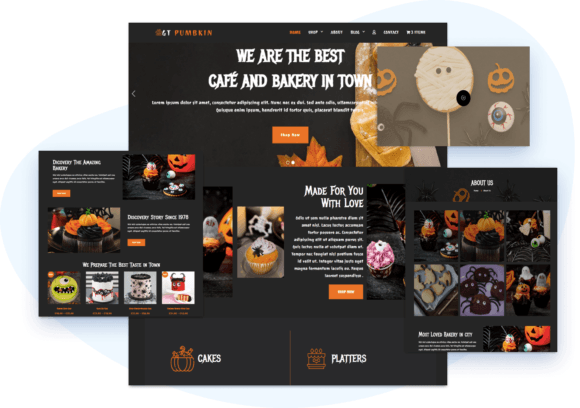
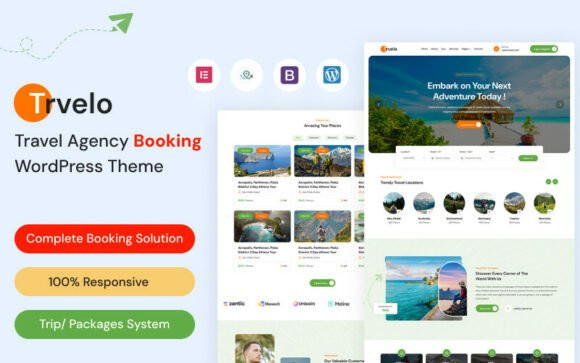
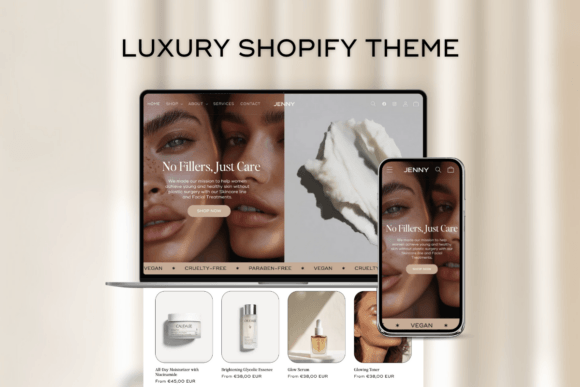
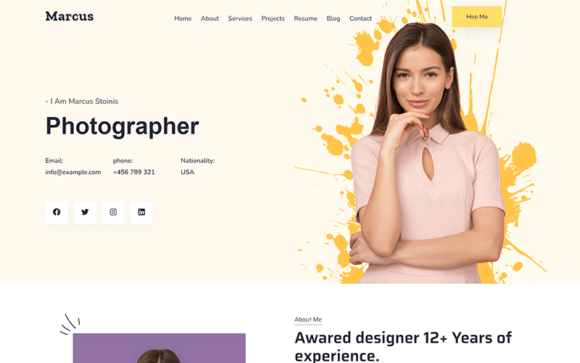
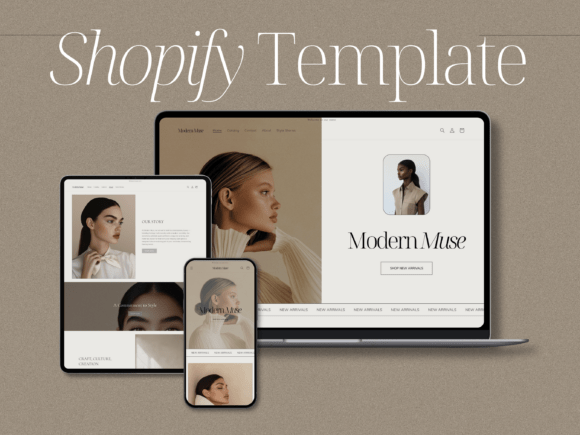
Website templates help you launch a clean, responsive site faster – then customize sections, typography, and CTAs to fit your niche.
- Best for: business sites, portfolios, blogs, ecommerce, service pages.
- Includes: themes, page layouts, section kits, and CMS-ready design assets.
- Start here: Website Templates
- Popular hubs: WordPress templates • CMS templates
Landing Page Templates
Landing page layouts are built for conversions. Pick a layout that matches your offer, keep one primary CTA, and reduce friction.
- Best for: lead gen, webinars, SaaS demos, product launches, services, real estate.
- Start here: Landing Page Templates
- Also useful: Instapage templates
Presentation Templates
Create slide decks that look designed and stay easy to edit – ideal for pitch decks, webinars, proposals, reports, and training.
- Best for: business decks, education slides, webinar decks, reports.
- Start here: Presentation Templates hub
KDP Interior Templates
KDP interior layouts help you publish low-content and no-content books faster – then customize prompts, spacing, and branding for your niche.
- Best for: journals, planners, trackers, logbooks, kids activity books.
- Start here: KDP Interiors
If you create product listings for mugs, gift shops, or print-on-demand stores, see our Mug Mockup Templates guide for PSD, Canva, PNG, and free mockup options.
How to choose the right template
Use this checklist to avoid “pretty but useless” templates. The goal is clarity, speed, and results.
- Pick the outcome first: leads, sales, bookings, followers, or publishing.
- Choose the format: website, landing page, social posts, slide deck, or book interior.
- Match the audience: minimal/corporate vs. aesthetic/creator vs. playful/kids.
- Keep it editable: check file format (Canva, PSD, AI, PPTX, DOCX) and font requirements.
- Start with the essentials: hero, benefits, proof, CTA (or title, agenda, proof, CTA for slides).
- Customize fast: swap brand colors + font pair, replace headlines, then refine sections.
Recommended picks
If you want quick wins, start with these template directions. Use them as layout inspiration, then adapt to your offer and audience.
Social Media Brand Kit
Reusable post/story layouts for consistent visuals and faster posting.
Open hub →Business Website Structure
Clean sections, trust blocks, and clear CTAs – built to look professional.
Open hub →High-Converting Landing Page
Hero + benefits + proof + one CTA. Great base for testing offers.
Open hub →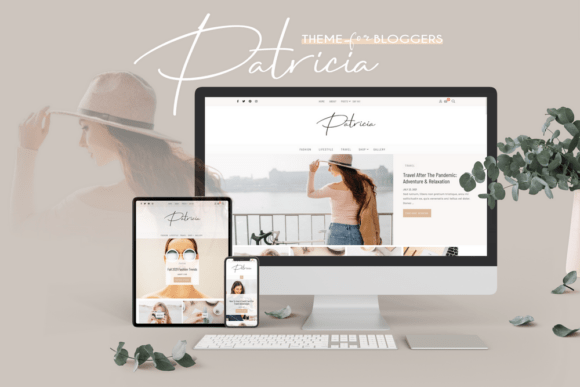
FAQ
What’s the difference between a template and a theme?
A theme usually controls the overall style of a website, while templates can be page layouts or section kits used for specific pages. Always check what’s included (theme vs. layout vs. editable files) before choosing.
Are templates SEO-friendly?
They can be. SEO depends on structure, performance, and internal links. Start with clean headings (H2/H3), optimize images, and build one page per service/topic where possible.
Can I use templates for client work?
License terms vary by source and product. If you deliver templates commercially, always verify licensing rules before using or reselling derivative work.
Next steps
Start with one hub, pick a structure that matches your goal, then customize fonts, colors, and CTAs. If you want the fastest progress, begin with landing pages (conversion) and social media (consistency), then expand into website templates and supporting content.
Need more design assets (fonts, graphics, and templates)? Open full collection →
Explore More Resources
- Landing Page Templates
- Website Templates
- Social Media Templates
- Template Guides
- CMS Templates
- Presentation Templates
- KDP Interiors Templates
- Fonts
- Graphics
- Laser Cut Files
- Mug Mockup Templates
For custom gift drinkware ideas, visit our Personalized Photo Mugs guide with practical design tips and mug style ideas.