Pinterest Pin Templates: Click-Friendly Designs That Drive Traffic
Pinterest pin templates help you create scroll-stopping pins faster and keep your branding consistent. Use this page to choose the right pin format, follow proven layout rules (title-first + strong contrast), and customize quickly – fonts, colors, spacing, and a clear CTA – without designing from scratch.
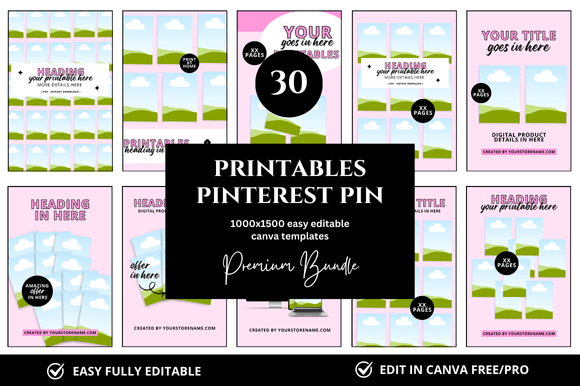
Why Pinterest templates work
Pinterest works like a visual search engine. The pins that win are instantly clear: a strong title, one promise, and a clean layout that reads on mobile. Templates give you a repeatable system so you can publish more often, test variations faster, and keep your account looking consistent.
- Speed: pre-built zones (headline, image, badge, CTA) reduce design time.
- Clarity: title-first layouts make the benefit obvious in a split second.
- Consistency: the same fonts/colors build recognition across boards.
- Testing: easy to create 3–5 pin variants per URL and compare results.
Pin rules that drive clicks
Use these fundamentals before you add extra effects or decorations:
- Title first: your headline should be the hero of the design.
- One promise: one topic + one benefit (avoid mixed messages).
- Strong contrast: text must stay readable on small screens.
- Simple hierarchy: Title → short subline → small CTA (Read / Download / See tips).
- Whitespace wins: keep it scannable – avoid busy collages.
- Brand kit: 2 fonts + 3–5 colors + one badge style.
Pinterest pin sizes
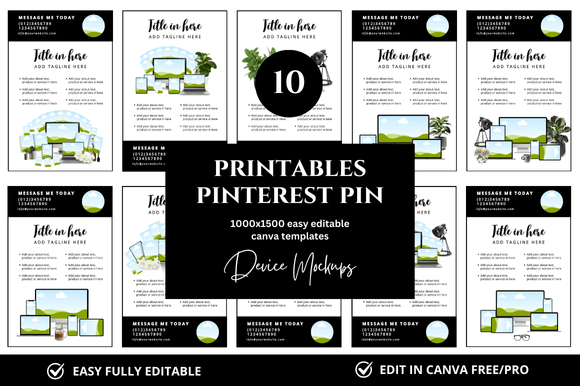
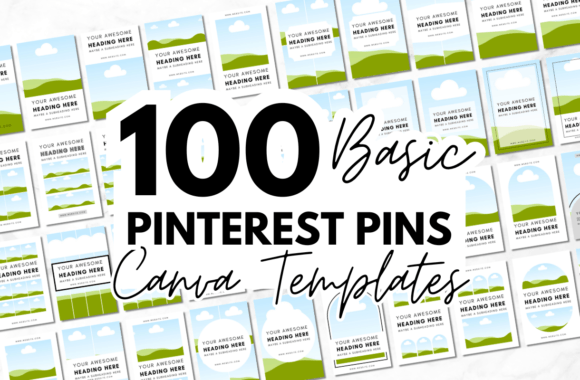
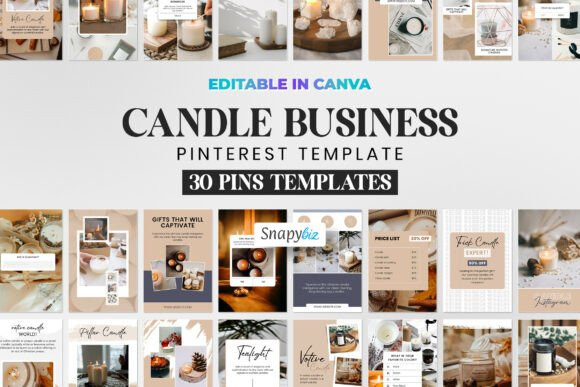
- Standard pin: 1000×1500 (2:3) – the most common and reliable size.
- Idea pin cover: use a vertical, title-forward cover that stays readable on mobile.
- Rule of thumb: design for mobile first – large headline, fewer details, clear focal point.
Template types
Pick one core type first, build consistency, then expand:
Standard Pin Templates
- Best for: blog posts, tutorials, affiliate roundups, evergreen content.
- Use when: you need a clean headline + image + CTA structure.
List & “How-To” Pin Templates
- Best for: “10 ideas”, “7 tips”, “step-by-step” content.
- Use when: you want text-led pins that stop the scroll.
Product & Promo Pin Templates
- Best for: products, bundles, printables, lead magnets.
- Use when: you need benefit callouts + a clear CTA.
Idea Pin Covers
- Best for: multi-slide content and series formats.
- Use when: you want consistent covers across a theme/board.
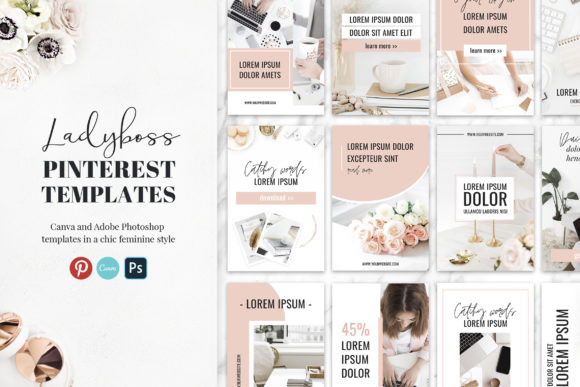
Workflow: how to use Pinterest templates
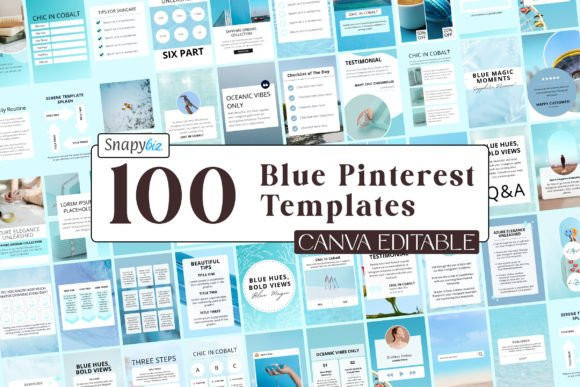
This workflow keeps production fast and consistent:
- Create a mini brand kit: 2 fonts, 3–5 colors, one badge style.
- Choose 5–8 layouts: standard, list/how-to, product, idea cover.
- Write headline-first: 6–10 words, benefit-focused, specific.
- Batch create variants: 3–5 pins per URL (change headline & image, keep layout).
- Export clean: PNG for crisp text; keep file sizes reasonable.
- Track what wins: save your top layouts and reuse them.
Recommended picks
Start with these scalable “systems” (not random designs). They’re easy to customize and reuse across multiple URLs.
Title-First Blog Pins
Big headline zone + image + small CTA. Perfect for tutorials and list posts.
View options →List & Tip Pins
Readable, click-friendly layouts with strong contrast and numbered structure.
View options →Product / Promo Pins
Benefit callouts + offer focus – clean, clear, and easy to brand.
View options →Idea Pin Covers
Consistent cover systems for multi-slide content and series publishing.
View options →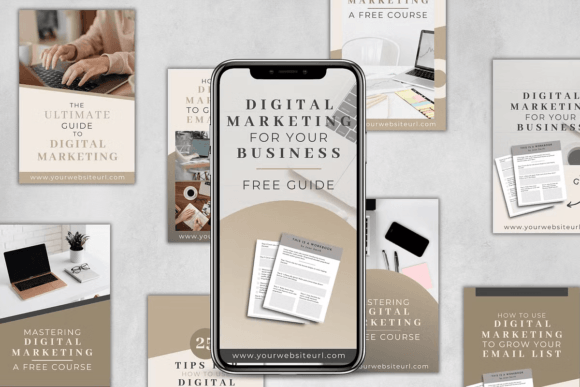
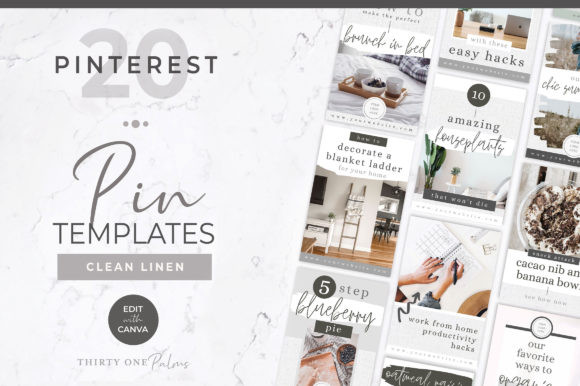
FAQ
What size should Pinterest pins be?
A common standard is 1000×1500 (2:3). Keep the title readable on mobile and avoid tiny details.
How many templates do I need to stay consistent?
Start with 5–8 reusable layouts. Rotate them and create 3–5 variants per URL to test headlines and visuals.
How do I keep pins on-brand?
Use the same font pair, color palette, badge style, and spacing rules. Replace headline text first, then images, then small accents.
Related pages
- Social media templates – all social formats in one hub.
- Pinterest templates hub – overview + best practices.
- Templates hub – all categories in one place.
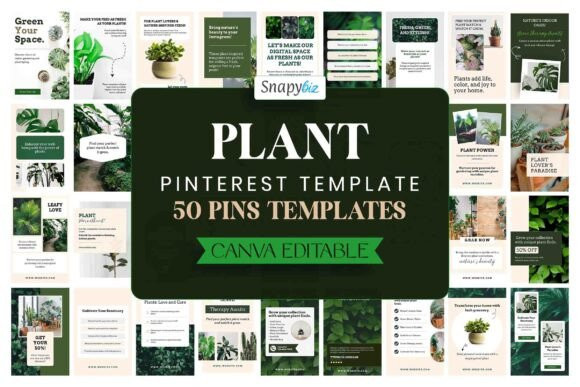
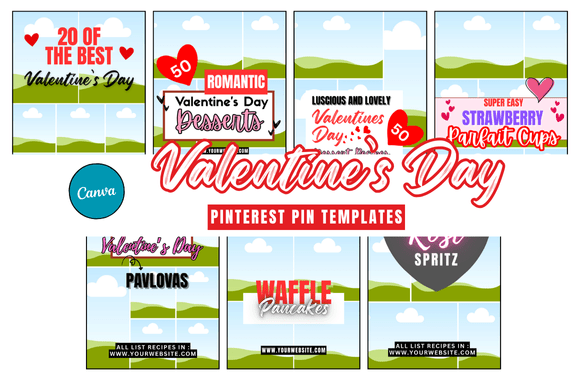
Next step
Pick one pin style, build a tiny brand kit, then batch-create 10 designs. Once you have consistency, test variations and keep what gets the most clicks.