Instagram Highlight Covers: Clean Icons & Branding for Profiles
Instagram Highlight Covers help your profile look organized, professional, and instantly recognizable. Use this page to pick the right cover style (minimal icons, aesthetic sets, luxury themes, business packs), follow a simple branding checklist, and customize quickly – colors, icon style, spacing, and background – without designing from scratch.
Why Instagram Highlight Covers matter
Your Highlights are the first “navigation” new visitors see. Clean, consistent covers make your profile easier to scan, build trust faster, and guide people toward the content that matters – offers, FAQ, services, products, or resources.
- Stronger first impression: your profile looks polished instantly.
- Better navigation: visitors find key topics faster.
- Consistent branding: recognizable icon + color system.
- More trust: clean organization makes you look established.
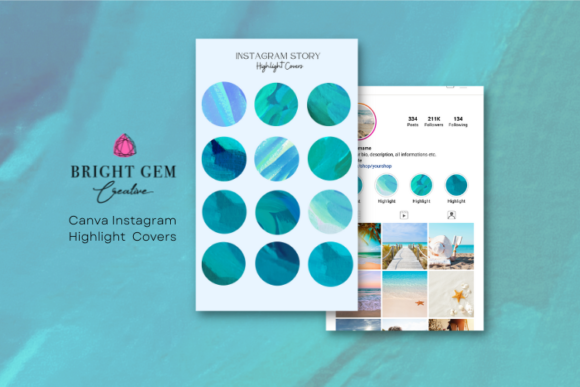
Popular highlight cover styles
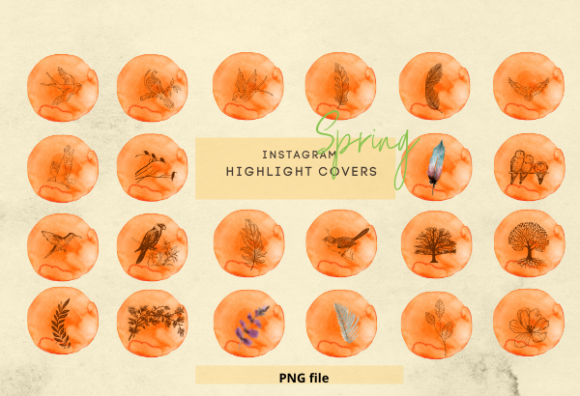
Pick one style and keep it consistent across all highlights. Mixing icon styles usually makes profiles look messy.
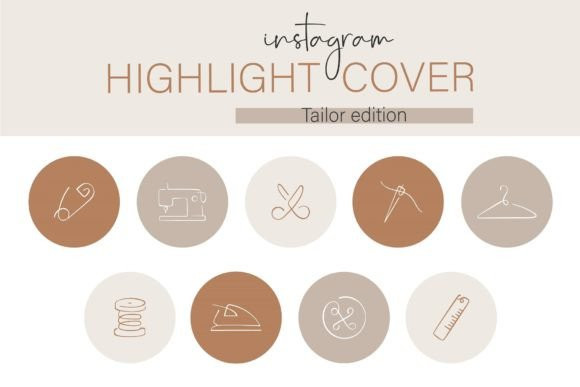
Minimal Line Icons
- Best for: creators, clean brands, modern profiles.
- Use when: you want a simple, premium look.
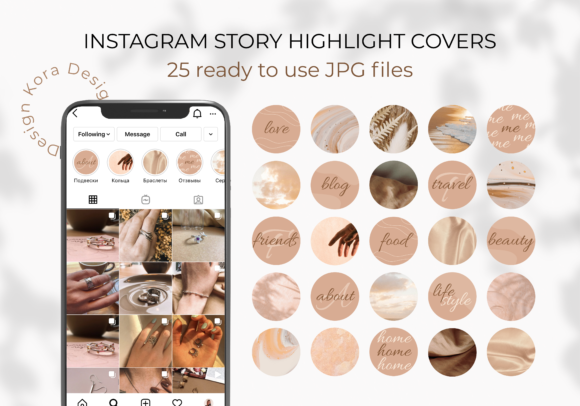
Aesthetic / Pastel Sets
- Best for: lifestyle, beauty, wellness, shops.
- Use when: your content is soft, visual, and trend-based.
Luxury / Monochrome Themes
- Best for: coaches, premium services, brands.
- Use when: you want a high-end, elegant profile.
Business Icon Packs
- Best for: agencies, businesses, freelancers.
- Use when: your profile is a lead-generation funnel.
Brand checklist (fast + effective)
- Pick one icon style: line icons OR filled icons – don’t mix.
- Choose 2–3 colors: background + icon color + one accent.
- Keep spacing consistent: same icon size and center position.
- Use short highlight titles: 1 word if possible (Shop, FAQ, Tips).
- Limit highlights: 5–9 organized topics looks best.
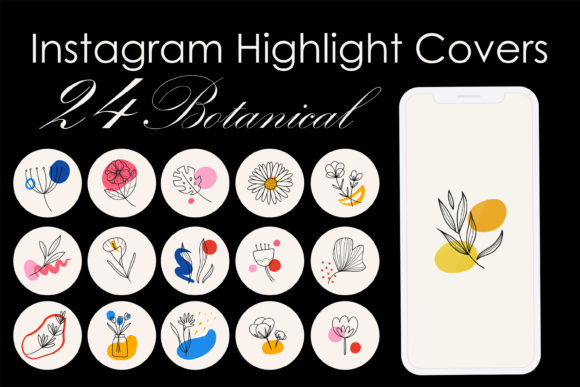
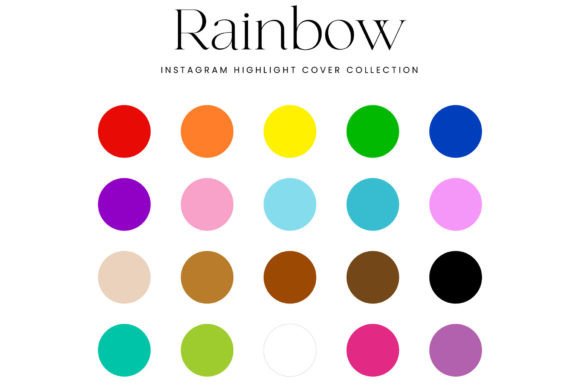
How to use Instagram Highlight Covers
- Choose a cover set: minimal, aesthetic, luxury, or business.
- Edit colors & icons: match your brand palette.
- Upload covers: apply one cover per highlight.
- Reorder highlights: put your most important topics first.
Best use cases for Instagram Highlight Covers
- Business profiles that need clear navigation (Services, FAQ, Reviews, Shop)
- Coaches and creators who use their profile as a lead funnel
- Online shops that want Highlights for shipping, returns, new drops, promos
- Beauty/wellness accounts that benefit from a clean aesthetic system
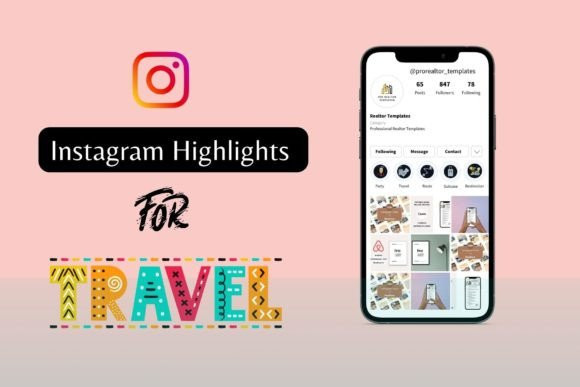
- Travel/lifestyle pages that organize Guides, Tips, Locations, Gear
- Brands that want a consistent icon system across Instagram + Pinterest
Quick tips to make highlight covers look premium
- Keep icons simple: 1 symbol per cover, no tiny details.
- Use the same background: solid color or subtle gradient (not mixed).
- Match your profile grid: pick colors that fit your Story templates and posts.
- Center everything: same icon size and position across all covers.
- Use short titles: 1 word works best (About, Shop, FAQ, Tips).
Recommended picks
Start with a reusable set. Customize colors first, then icons. A consistent cover system makes any profile look more professional.
Business Icon System
Professional highlight branding system for clear profile navigation.
View options →
FAQ
Can I edit highlight covers in Canva?
Yes. Most highlight cover packs are fully editable in Canva. You can change icons, colors, and backgrounds in minutes.
How many highlight covers should I use?
Most profiles look best with 5–9 highlights. Start with the essentials (About, Services, Reviews, FAQ, Shop/Offers) and expand later.
What size are Instagram Highlight Covers?
The recommended size for Instagram Highlight Covers is 1080×1920 px (Story format). Keep the main icon centered inside a 1000×1000 px safe zone so it doesn’t get cropped in the circular frame.
Should I use text or icons on highlight covers?
Icons work better than text. They stay readable at small sizes, look cleaner, and keep your profile consistent across languages. Use text only if your audience clearly needs it.
Next step
Pick one cover set, apply it to your main highlights, and keep the style consistent. A clean highlight system upgrades your profile instantly – and helps visitors find the content that matters.