Webflow Templates: Modern, Designer-Friendly Sites Built to Convert
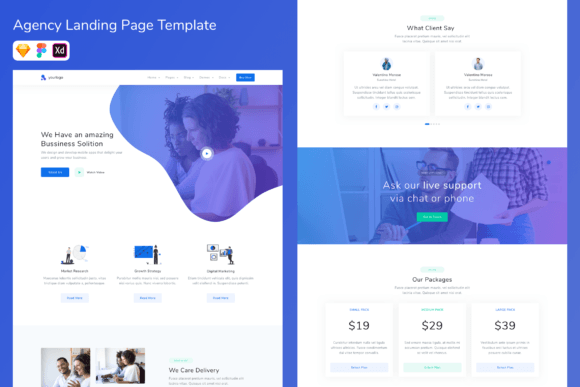
Webflow templates help you launch a modern website faster with a proven structure: hero → sections → proof → FAQs → contact CTA. Use this page to choose the right Webflow website template type (portfolio, agency, SaaS, business, landing page), follow a simple readability checklist, and customize quickly – layout, typography, spacing, and CTAs – without starting from scratch.
Why Webflow templates work
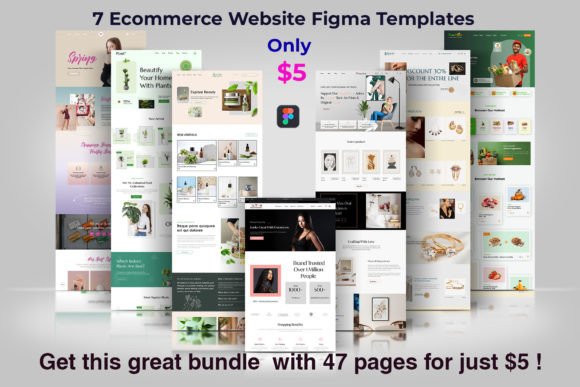
Webflow is loved for one thing: design control without messy code. Templates give you a clean, responsive system so you don’t waste time deciding what goes where. Many sites underperform because the hero is vague, sections are inconsistent, proof is missing, or CTAs compete. Templates fix structure so you can focus on positioning and content.
- Faster launch: start with responsive sections and a clean layout.
- More trust: proof blocks and case studies are placed where visitors expect them.
- Better consistency: typography and spacing stay unified across pages.
- Easy scaling: add pages and keep the design system intact.
Webflow template types
Pick one primary direction based on your business model. Then build a simple “conversion path” across the site: clear offer → proof → next step (contact, demo, booking, checkout).
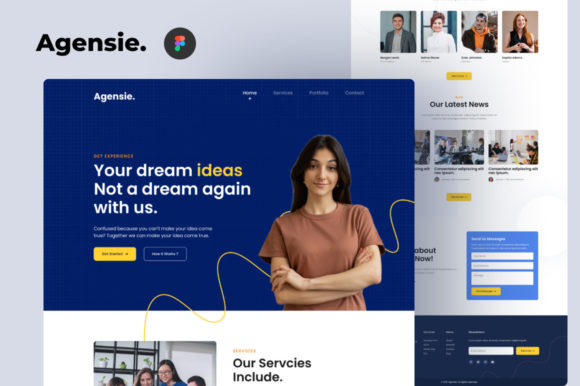
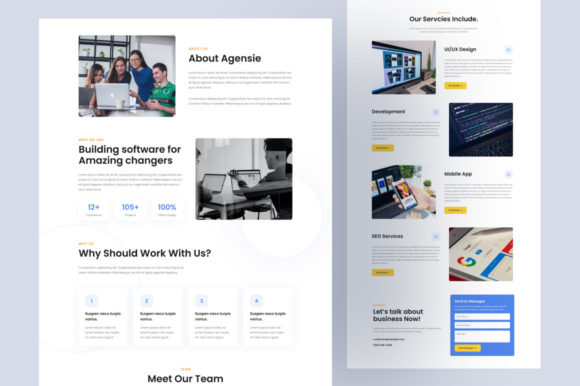
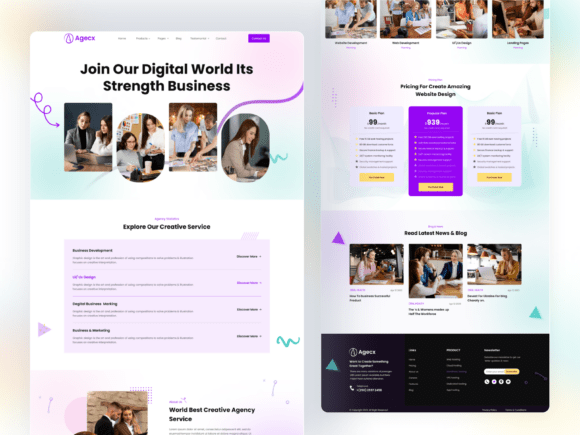
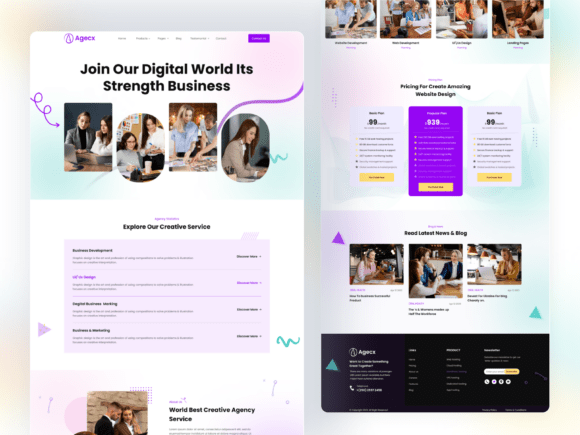
Agency / studio websites
- Best for: design studios, marketing agencies, dev teams.
- Use when: you need case studies + process + lead forms.
- Key pages: Services, Work/Case studies, Process, Contact.
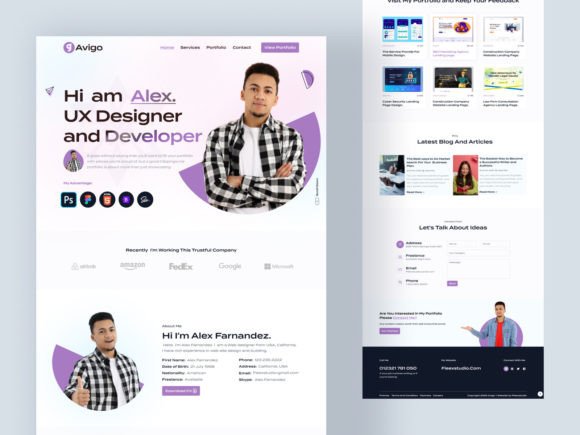
Portfolio / personal brand websites
- Best for: designers, photographers, freelancers, creators.
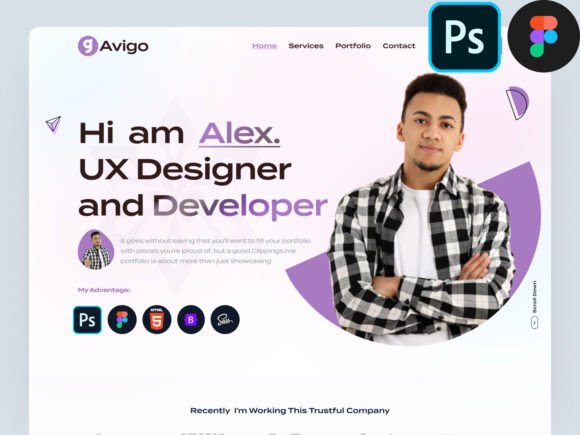
- Use when: you sell skills and need a premium presentation.
- Key pages: Portfolio, About, Services, Contact.
SaaS / startup websites
- Best for: software, tools, subscriptions.
- Use when: you need clear value + features + pricing + demo CTA.
- Key pages: Features, Use cases, Pricing, Demo/Signup.
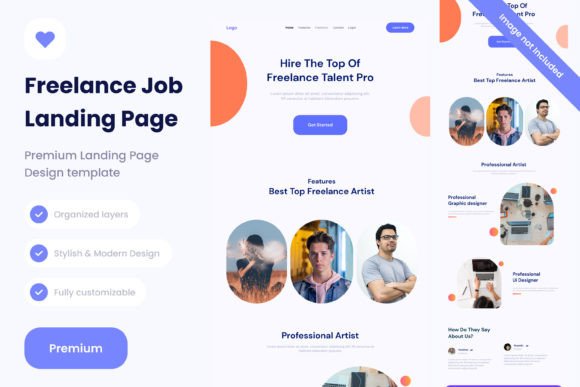
Landing pages (single goal)
- Best for: ads, launches, lead magnets, waitlists.
- Use when: you want one page to convert (signup, demo, contact).
- Key sections: hook, benefits, proof, FAQ, CTA.

Must-have sections (the conversion-ready structure)
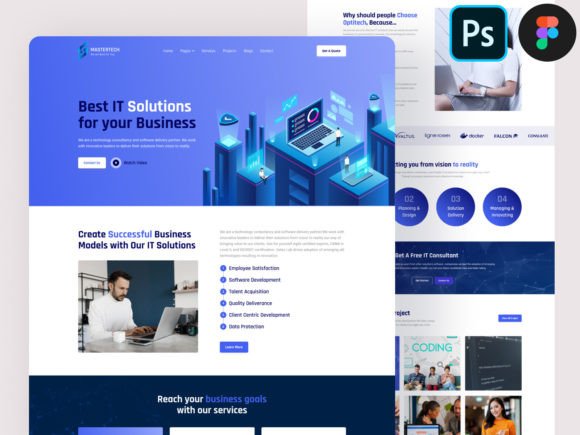
Webflow templates shine when your site is clear and scannable. Visitors should understand what you do, who it’s for, and how to start within the first 10 seconds.
- Hero: specific promise + one CTA.
- Offer/sections: 3–6 blocks explaining benefits and outcomes.
- Proof: testimonials, logos, metrics, case studies.
- Process: simple “How it works” to reduce hesitation.
- FAQ: pricing, timeline, what’s included, next steps.
- Final CTA: contact/demo/booking with a clear expectation.
Copy blocks you can reuse (headline + bullets)
Templates convert faster when your copy is specific. Use these “plug-and-play” blocks for Webflow pages and sections.
Hero headline formulas
- [Outcome] for [Audience] (example: “More demos for B2B startups”).
- Get [Result] without [Pain] (example: “Get leads without a generic website”).
- [Product/Service] built for [Use case] (example: “Analytics built for product teams”).
- [Offer] in [Timeframe] (example: “A new site in 10 days”).
Conversion frameworks (copy-paste outline)
Pick one framework and repeat it across pages. Consistency makes your site feel designed and easy to navigate.
- Hook → Benefits → Proof → Process → CTA (best for landing pages)
- Problem → Solution → Results → Pricing → CTA (best for SaaS)
- Services → Case studies → Process → Testimonials → CTA (best for agencies)
- Work → About → Services → Proof → CTA (best for portfolios)
Readability checklist (Webflow-friendly)
- One main CTA: avoid competing buttons.
- Clear hierarchy: strong headings + short sections.
- Proof near CTAs: reduce hesitation before the action.
- Consistent spacing: keep padding and typography unified.
- Mobile-first: check section order and CTA visibility on small screens.
Recommended picks
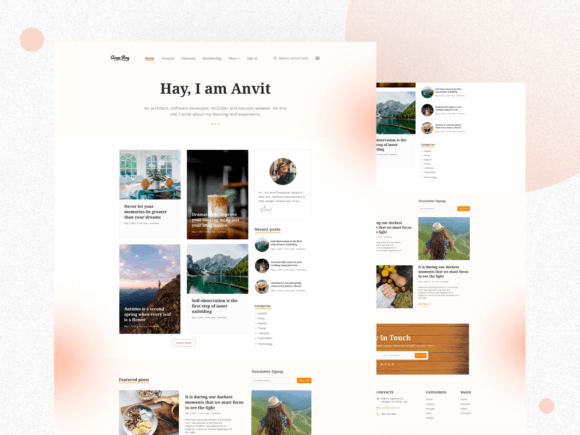
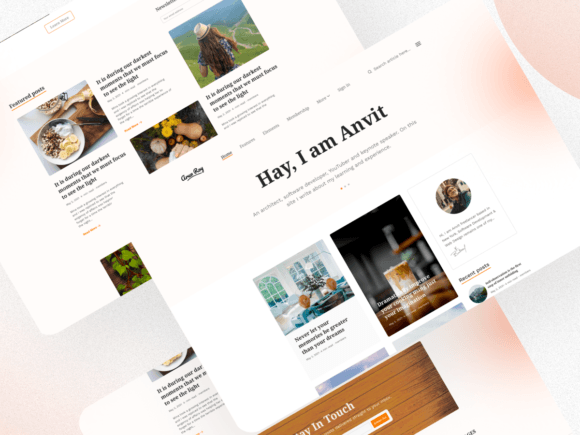
Start with one scalable system: homepage + core pages + contact/CTA. Choose a style (modern, minimal, bold), then customize the hero message and CTA first. In Webflow, clarity and consistency beat “more effects”.
Webflow Agency Templates
Service-first layouts with case studies, process sections, and lead forms.
View options →Webflow Portfolio Templates
Minimal, modern pages to showcase work and attract premium clients.
View options →Webflow SaaS Website Templates
Feature and pricing layouts built for demos, trials, and signups.
View options →Webflow Landing Page Templates
Offer-first pages for ads, launches, and lead capture with one clear CTA.
View options →FAQ
What pages should a Webflow website include?
At minimum, your site should answer: what you do, who it’s for, why trust you, and how to start. Add pages only when they support conversion and clarity.
- Home: clear offer + proof + CTA.
- Services / Features: outcomes and what’s included.
- Work / Case studies (recommended): results and proof.
- Contact / Demo: short form + clear next step.
Related template hubs
Website Templates (Main Hub)
Browse all website template categories and styles in one place.
Explore →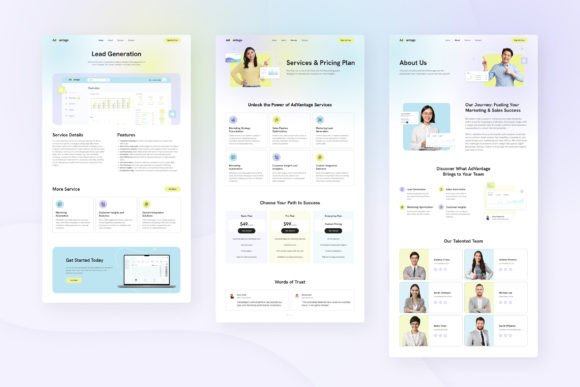
Next step
Pick one Webflow template system, define a mini brand kit (fonts + 2–3 colors), and publish consistently. Start with Home + core pages + CTA. Then add proof and a simple process. When your site is easy to scan and easy to trust, conversions go up.