Elementor Templates: Fast WordPress Layouts You Can Customize
Elementor templates help you build a WordPress website faster with a proven structure: hero → sections → proof → FAQs → contact CTA. Use this page to choose the right Elementor website template type (business, services, portfolio, landing page), follow a simple readability checklist, and customize quickly – fonts, colors, spacing, and blocks – without designing from scratch.
Why Elementor templates work
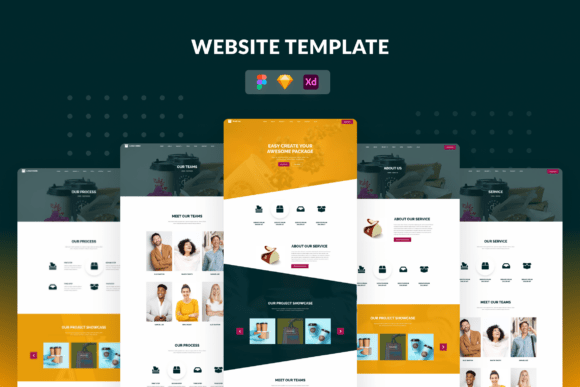
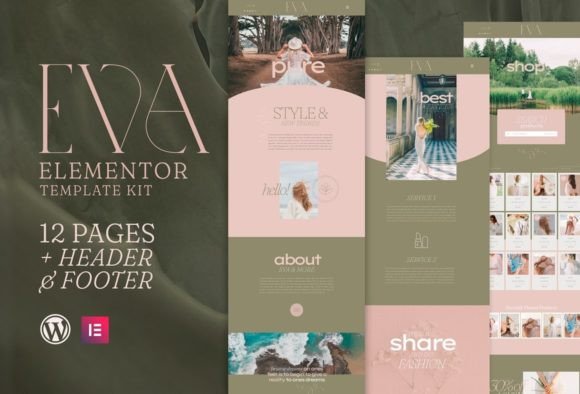
Elementor is popular because it lets you build WordPress pages visually – fast. But pages convert only when they’re clear. Templates solve the “what goes where” problem: hero, services, proof, and CTAs are placed in a lead-friendly order, so you can focus on your offer and publish faster.
- Faster builds: start with ready sections and swap content.
- Better structure: proven blocks guide visitors through the page.
- More trust: testimonials, logos, and results are easy to place.
- Easy updates: change offers and CTAs without redesigning.
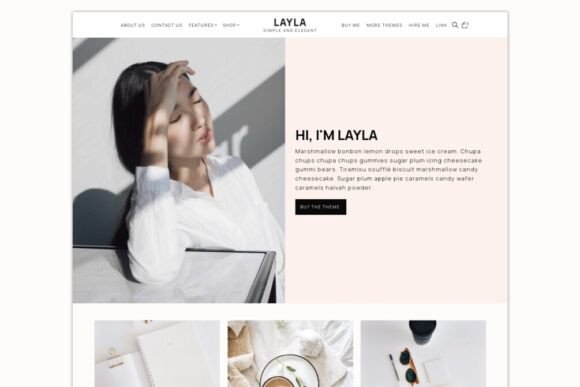
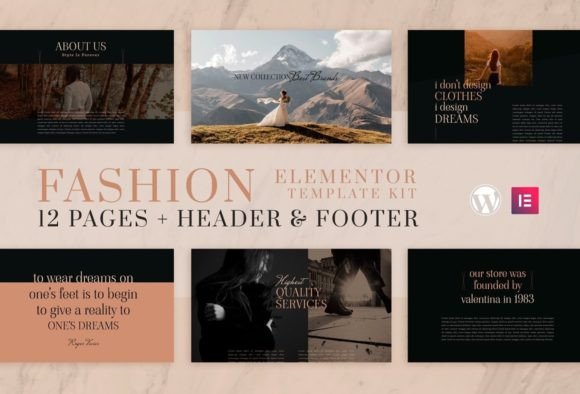
Elementor template types
Pick one primary template direction based on your goal: capture leads, showcase work, or sell services. Then keep your sections consistent across pages for a more “designed” feel.
Business / service websites
- Best for: local services, agencies, clinics, studios.
- Use when: you need calls, forms, bookings, quotes.
- Key pages: Home, Services, About, Reviews, Contact.
Landing pages (ads & campaigns)
- Best for: Google Ads, Pinterest traffic, launches.
- Use when: you want one page to convert with one CTA.
- Key sections: offer, benefits, proof, FAQ, CTA.
Portfolio websites
- Best for: freelancers, designers, photographers.
- Use when: you need work samples + inquiry CTA.
- Key pages: Portfolio, About, Services, Contact.
Section blocks (mix-and-match)
- Best for: quick upgrades without changing your whole site.
- Use when: you want a new hero, pricing table, FAQ, or testimonials.
- Key blocks: hero, pricing, reviews, FAQ, CTA strips.
Must-have sections (the lead-ready structure)
If you want more inquiries, build around clarity. Visitors should understand what you offer, who it’s for, and how to start within the first 10 seconds.
- Hero: specific offer + one primary CTA.
- Services: 3–6 scannable blocks with outcomes.
- Proof: testimonials, logos, results, credentials.
- Process: simple 3-step “How it works”.
- FAQ: pricing, timeline, what’s included, next step.
- CTA: short form + clear expectation.
Copy blocks you can reuse (headline + bullets)
Elementor templates convert faster when your copy is specific. Use these clean, “plug-and-play” blocks for homepages and landing pages.
Hero headline formulas
- [Service] for [Audience] (example: “Plumbing for property managers”).
- Get [Outcome] without [Pain] (example: “Get more leads without a confusing site”).
- [Role] who helps [Audience] achieve [Outcome] (example: “Coach who helps founders grow”).
- [Offer] in [Timeframe] (example: “A new site in 7 days”).
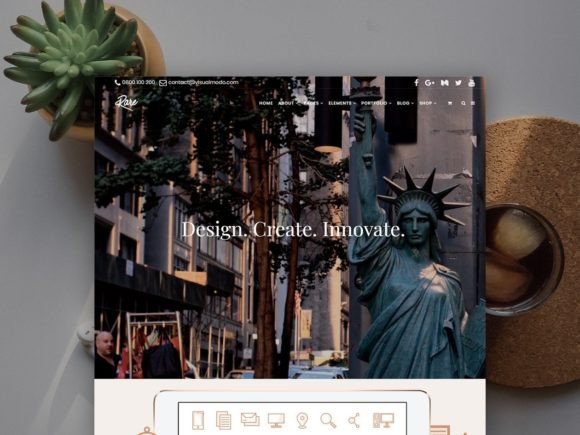
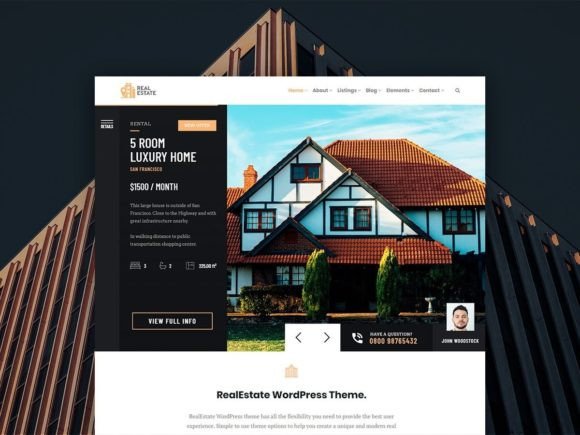
Conversion frameworks (copy-paste outline)
Pick one framework and repeat it across pages. Consistency makes your website feel designed and trustworthy.
- Hook → Services → Proof → Process → CTA (best for service businesses)
- Problem → Solution → Results → Packages → CTA (best for consultants)
- Offer → Benefits → Proof → FAQ → CTA (best for landing pages)
- Work → Story → Testimonials → CTA (best for portfolios)
Readability checklist (Elementor-friendly)
- One main CTA: avoid competing buttons.
- Scannable sections: bullets beat long paragraphs.
- Proof near CTAs: reduce hesitation before the action.
- Consistent spacing: keep padding and headings unified.
- Mobile-first: check CTA visibility on small screens.
Recommended picks
Start with one consistent system: homepage + services + contact. Then add sections (pricing, FAQ, testimonials) to improve conversion. In Elementor, clarity and section order matter more than fancy effects.
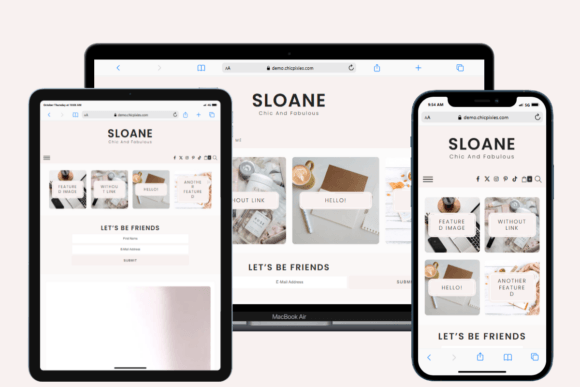
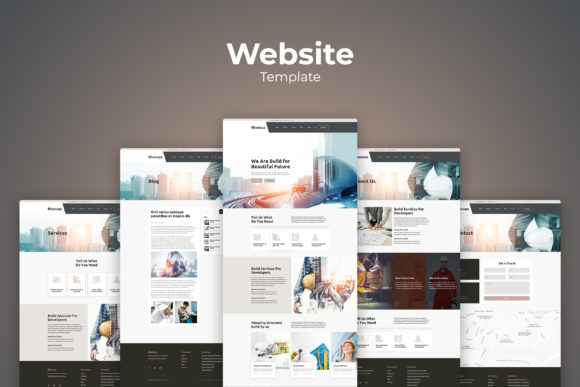
Elementor Business Website Templates
Service-ready layouts with clear sections, proof blocks, and contact CTAs.
View options →Elementor Landing Page Templates
Offer-first pages for campaigns with one clear CTA and proof sections.
View options →Elementor Portfolio Templates
Clean, modern layouts to showcase work and attract premium clients.
View options →Elementor Section Blocks
Mix-and-match sections: hero, pricing, testimonials, FAQs, and CTA strips.
View options →FAQ
Are Elementor templates the same as WordPress themes?
Not exactly. A WordPress theme controls global styling and structure. Elementor templates are ready-made page layouts and section blocks you can import and customize inside Elementor – so you build faster without designing every section from scratch.
What should I customize first for better conversions?
Start with clarity. You don’t need more design – just a tighter message and one clear next step.
- Hero headline: what you do + who it’s for + outcome.
- Primary CTA: choose one action (Get a quote / Book / Contact).
- Proof block: reviews, logos, results, credentials.
- Services: 3–6 offers with outcomes and bullets.
- Contact form: keep it short (name + email + one question).
Related template hubs
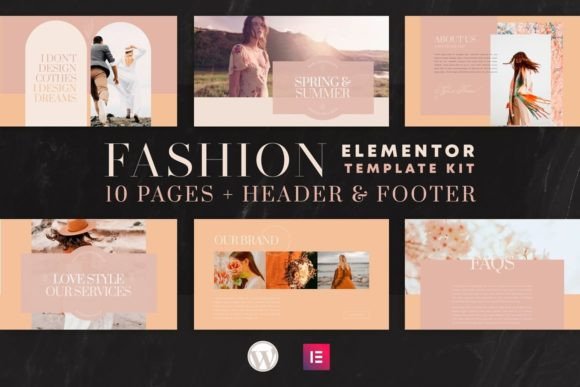
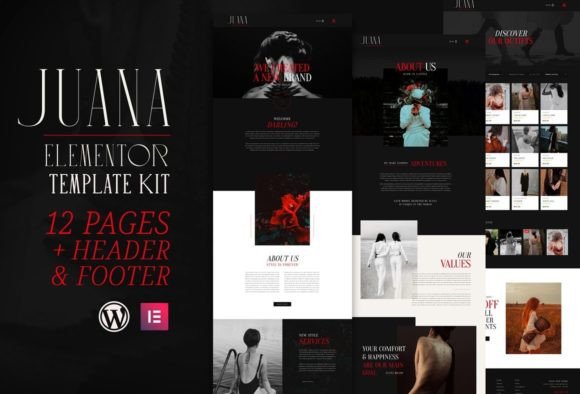
Website Templates (Main Hub)
Browse all website template categories and styles in one place.
Explore →Next step
Pick one Elementor template system, define a mini brand kit (fonts + 2–3 colors), and publish consistently. Start with Home + Services + Contact. Then add proof and FAQs. When your pages are easy to scan and easy to trust, conversions go up.