Notion Templates: Ready-to-Use Dashboards for Work, Life & Planning
Notion templates help you set up a clean system fast – without building databases from zero. Use this page to choose the right Notion dashboard template type (planner, habit tracker, content calendar, client portal, student hub), follow a simple setup checklist, and customize quickly – pages, views, and icons – so your workspace stays organized and easy to maintain.
Why Notion templates work
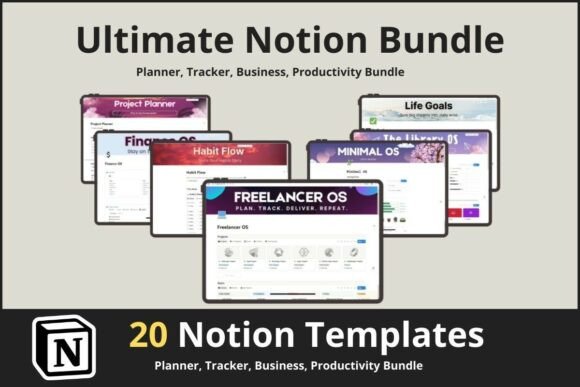
Notion is powerful, but blank pages are slow. Templates give you a ready structure – databases, views, and pages – so you start organized on day one. Most people quit a workspace because it’s messy: tasks live in five places, pages aren’t connected, and dashboards aren’t scannable. A good template makes the system simple and repeatable.
- Faster setup: import a system in minutes.
- Less mental load: one dashboard for what matters today.
- Reusable structure: duplicate and adapt for new projects.
- Better follow-through: clear views make habits and tasks easier.
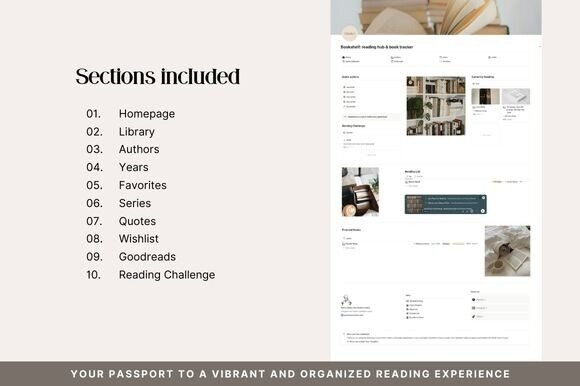
Notion template types
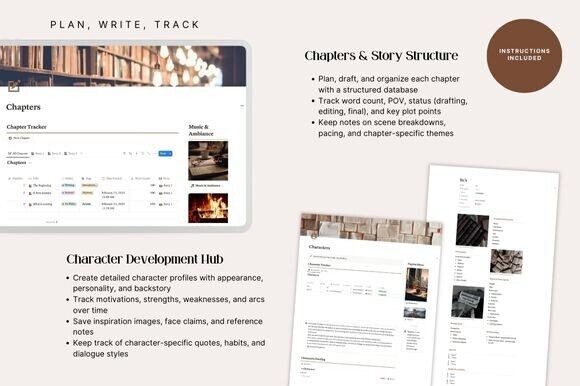
Pick one primary template based on your main goal: planning, productivity, content, clients, or school. The best templates stay simple: one home dashboard + a few databases that power everything.
Life / weekly planners
- Best for: daily planning, routines, goals, reflections.
- Includes: weekly view, goals, to-dos, calendar, notes.
- Works well when: you want one page to run your week.
Habit trackers & wellness dashboards
- Best for: habits, workouts, sleep, mood, self-care.
- Includes: habit database + weekly review.
- Works well when: you want quick daily check-ins.
Content calendars (creators & businesses)
- Best for: YouTube, blog, Pinterest, Instagram planning.
- Includes: content pipeline + calendar + ideas + assets.
- Works well when: you publish weekly and need a workflow.
Client portals & service business systems
- Best for: freelancers, agencies, coaches, consultants.
- Includes: clients + projects + tasks + deliverables + notes.
- Works well when: you manage multiple clients at once.
Student dashboards
- Best for: school, university, courses, study planning.
- Includes: assignments, timetable, grades, notes.
- Works well when: you need clarity across subjects.
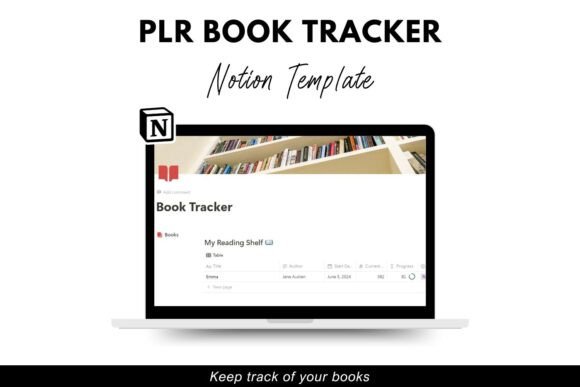
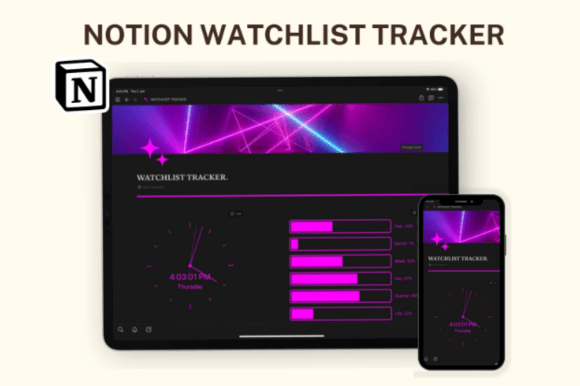
Must-have databases (the clean Notion system)
Most great Notion templates are powered by a few core databases. Keep it small: fewer databases, better views. That’s what makes the workspace feel calm.
- Tasks: one database with status + priority + due date.
- Projects: goals and outcomes (connected to tasks).
- Calendar: deadlines and content schedule.
- Notes: meeting notes, class notes, idea capture.
- Resources: links, files, templates, SOPs.
Setup checklist (make any template yours)
- Rename the dashboard: keep one “Home” page.
- Simplify statuses: 3–5 statuses only.
- Create saved views: Today, This Week, Backlog.
- Add one recurring routine: weekly review page.
- Delete what you won’t use: fewer pages = less friction.
Recommended picks
Start with one dashboard system and keep it simple. The best template is the one you’ll actually use weekly – clean views, clear statuses, and a calm homepage.
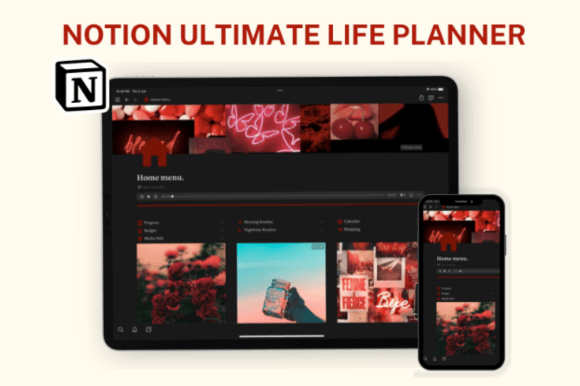
Notion Dashboards
All-in-one home pages with tasks, calendar, and weekly planning views.
View options →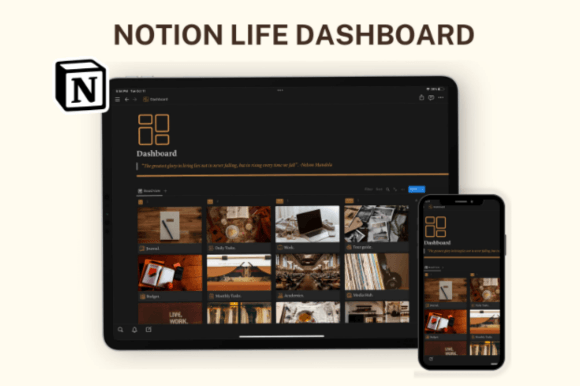
FAQ
Are Notion templates free?
Some are free, many are premium. The value is the system: databases, views, and structure that save setup time. Start with a simple template and upgrade once you know what you use weekly.
What should I customize first?
- Dashboard: keep one home page and remove extras.
- Statuses: simplify workflow to 3–5 statuses.
- Views: create “Today” and “This Week”.
- Recurring review: add a weekly check-in page.
Related template hubs
Website Templates (Main Hub)
Browse all website template categories and styles in one place.
Explore →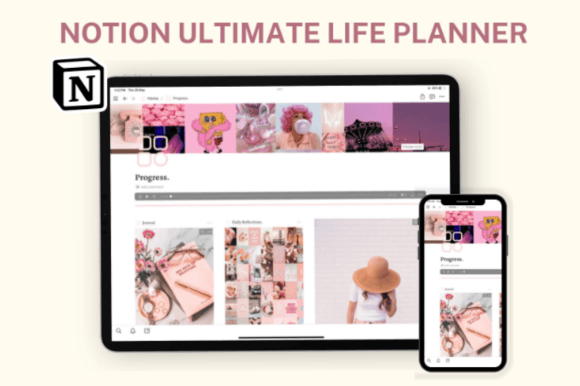
Next step
Choose one Notion template, remove anything you won’t use, and build one calm home dashboard. Start with Tasks + Projects + Notes, then add extra databases only when needed. The goal is consistency, not complexity.