Business Presentation Templates: Clean Slides for Meetings, Strategy & Reports
Business presentation templates help you present ideas clearly with a proven flow: headline → key points → visuals → proof → next steps. Use this page to pick the right business slide deck template type (strategy, proposal, sales, quarterly update, report), copy the best sections, and keep slides scannable for busy audiences.
Why business presentation templates work
Business decks perform best when the message is obvious, the visuals support the point, and the next step is clear. In practice, most presentations fail because they are dense, inconsistent, or slide-heavy without a storyline. Templates fix structure and spacing, so you can focus on insight, proof, and decisions.
- Faster clarity: one idea per slide, with scannable headings.
- Better credibility: consistent grids, typography, and chart styles.
- Quicker edits: swap content without redesigning layouts.
- Stronger decisions: clear options, tradeoffs, and next steps.
Business presentation template types
Choose the deck type based on your meeting goal. Then keep a single narrative throughout: context → insight → proof → recommendation.
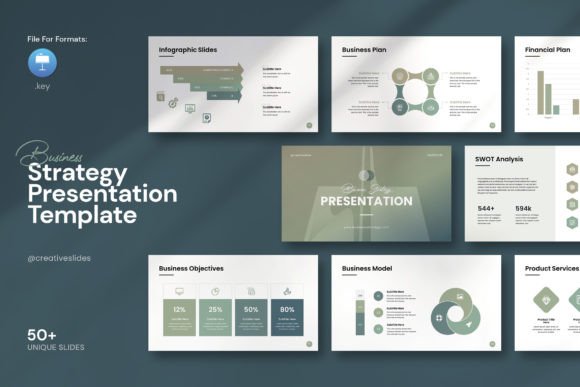
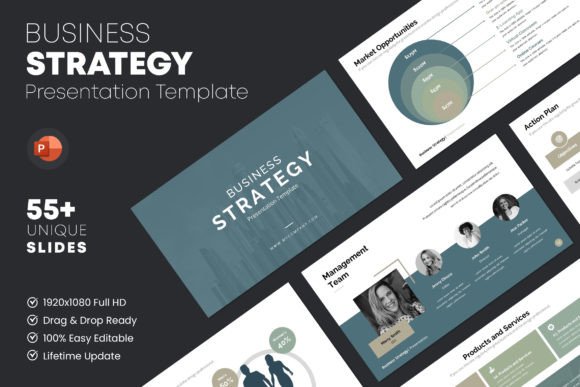
Strategy / planning decks
- Best for: roadmaps, OKRs, priorities, and quarterly plans.
- Key slides: goals, initiatives, timeline, risks, decision ask.
Proposal / pitch decks (clients & partnerships)
- Best for: proposals, scopes, pricing, and outcomes.
- Key slides: problem, approach, deliverables, timeline, investment.
Sales decks / product decks
- Best for: B2B product walkthroughs and ROI conversations.
- Key slides: use cases, workflow, proof, ROI, next step.
Reports (QBR, performance, marketing results)
- Best for: monthly/quarterly updates and KPI reporting.
- Key slides: highlights, KPIs, insights, learnings, next actions.
Best business presentation structure
A strong business deck is predictable and decision-focused. Therefore, it helps to use a repeatable order that stakeholders can skim fast.
- Title + one-liner: what this deck is about.
- Context: what changed, why this matters now.
- Goal: what success looks like (metric or decision).
- Key insights: 3–5 bullets with evidence.
- Options: tradeoffs, costs, and impact.
- Recommendation: the path forward and why.
- Next steps: owners, dates, and asks.
Must-have slides (meeting-ready)
- Agenda: 3–6 sections with clear outcomes.
- Summary slide: the decision or takeaway in one screen.
- Metrics slide: KPIs with a short interpretation line.
- Insights slide: what the data means and what to do next.
- Next steps: owners + deadlines + dependencies.
Copy formulas that work in business decks
- Recommendation: “We should [Action] because [Reason].”
- Insight: “The data shows [Trend], so [Implication].”
- Tradeoff: “Option A gains [X] but costs [Y].”
- Next step: “By [Date], we will [Deliverable].”
Frameworks (copy-paste outlines)
- Context → Insight → Recommendation → Next steps (best all-around)
- Problem → Options → Decision → Plan (best for strategy)
- Goal → KPI review → Learnings → Next actions (best for reports)
Conversion checklist (quick wins)
- One point per slide: keep headings as conclusions, not topics.
- Big numbers: highlight the KPI, then explain it in one line.
- Consistent charts: same colors and scales across the deck.
- Readable fast: fewer words, more whitespace, stronger hierarchy.
- Clear ask: end with the decision you want and by when.

Recommended picks
Start with a clean style and a repeatable grid. Next, lock the agenda and the summary slide. After that, build the metric slides and decision slides with the same layout pattern.
Corporate Business Decks
Clean layouts for meetings, updates, and executive summaries.
View options →Proposal & Sales Presentations
Client-ready decks with scope, timeline, and pricing sections.
View options →Strategy & Roadmap Slides
Planning decks with timelines, priorities, and decision asks.
View options →FAQ
How long should a business presentation be?
Long enough to support a decision. For most meetings, 8–15 slides works well. When the topic is complex, add an appendix instead of bloating the core deck.
What should every deck include?
Agenda, a clear summary slide, the evidence behind the key points, and next steps with owners. Additionally, a simple decision ask helps the meeting end with alignment.
Related presentation hubs
Report Presentation Templates
Marketing and performance reports with charts and clear takeaways.
Explore →Next step
Pick one deck type, set the agenda, and write a one-slide summary first. Then add only the visuals that support the decision, and keep the next steps unmissable.