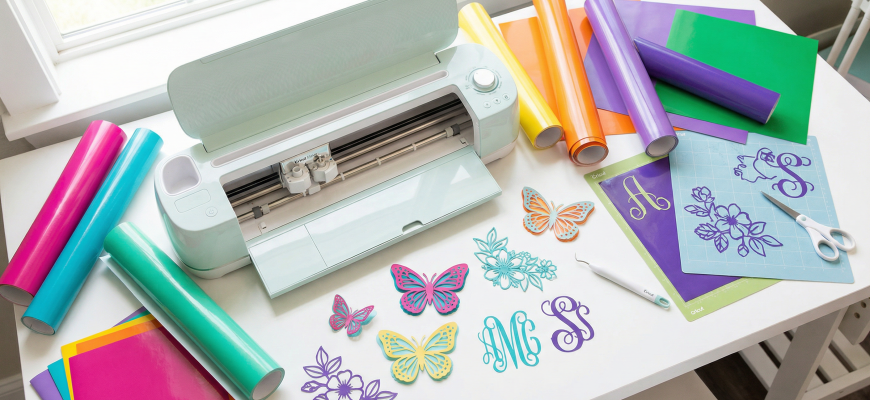
Looking for free SVG files for Cricut? Whether you own a Maker 3, Explore 3, or Joy, the right SVG cut file turns a blank sheet of vinyl, cardstock, or iron-on into a polished, professional craft project in minutes. Below you will find curated sources for free SVG downloads, organized by project type – plus tips on uploading, licensing, and choosing between free and premium designs so every cut comes out clean.
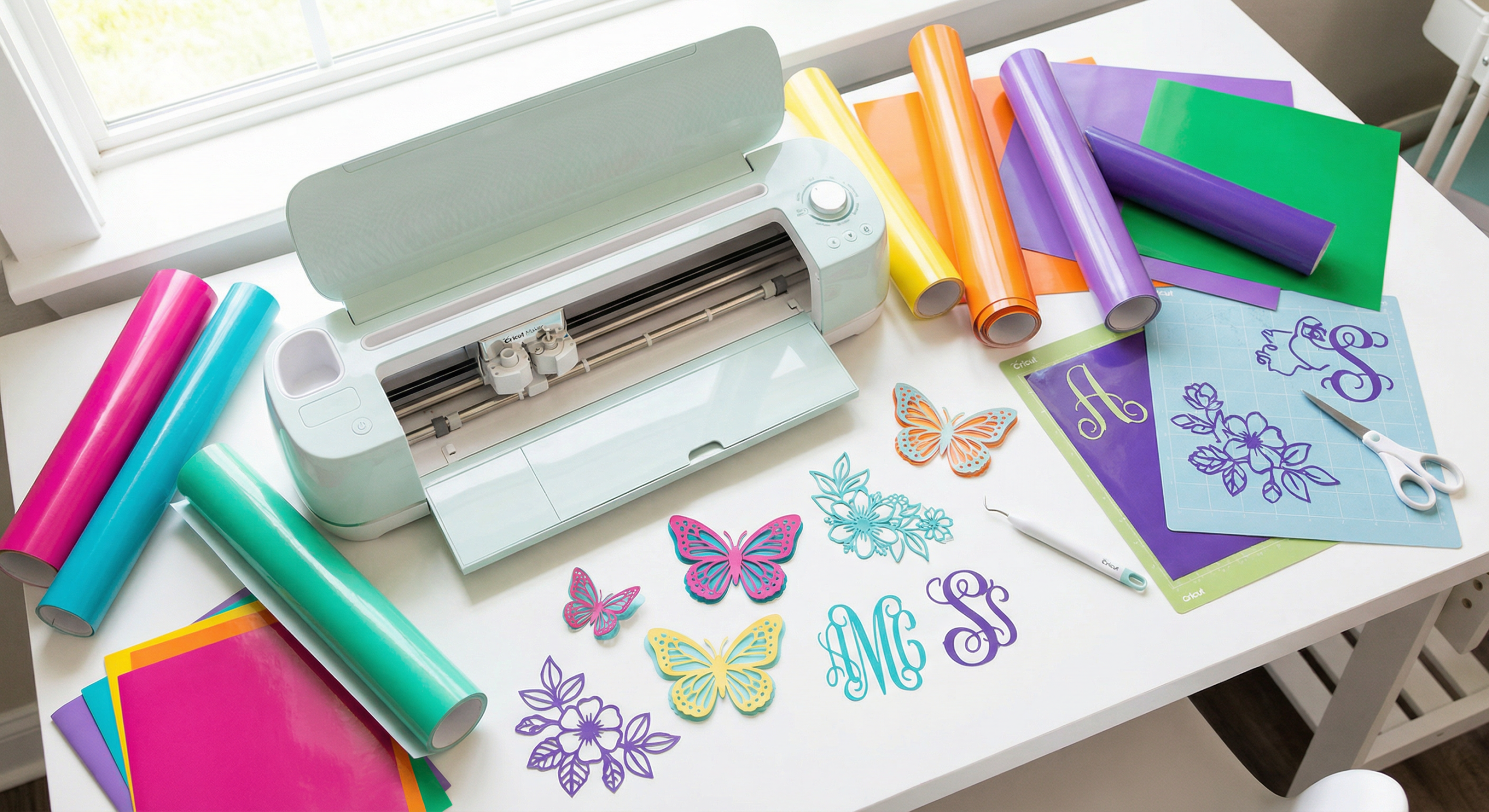
Where to Find Free SVG Files for Cricut
The internet is packed with SVG resources, but quality varies wildly. A poorly constructed SVG can jam your blade, waste material, or produce ragged edges. These are the most reliable sources for free Cricut SVG downloads in 2026:
Creative Fabrica Free Picks
Creative Fabrica rotates a selection of free graphics, fonts, and SVG cut files every week. Even without a subscription you can grab high-quality designs with a personal-use license. Subscribers (starting at €3.99/month) unlock the entire 6-million-asset library with a commercial license – ideal if you sell on Etsy or at craft fairs.
Design Blogs & Freebie Libraries
Many craft bloggers offer free SVG files in exchange for an email signup. Look for sites that provide the SVG alongside DXF and PNG formats so you have a backup if Cricut Design Space has trouble parsing a particular file. Always verify the license: most blog freebies are personal-use only.
Cricut Access Library
Cricut’s own subscription service – Cricut Access – offers over 400,000 images, many of which are SVG-compatible. It is convenient because files load directly into Design Space, but the commercial license is limited to physical goods you personally sell (no digital resale).
Best Free SVG Categories for Crafters
Not sure what to cut first? Here are the most popular free SVG categories, each with project ideas and recommended materials:
- Monograms & initials – personalised tumblers, tote bags, laptop decals
- Floral wreaths & botanical frames – wedding signs, greeting cards, wall prints
- Seasonal & holiday motifs – Christmas ornaments, Halloween window clings, Easter cards
- Inspirational quotes – framed wall art, iron-on t-shirts, planner stickers
- Mandala & geometric patterns – multi-layer paper art, vinyl decals, stencils
For more layered vector projects, browse our 3D SVG cut files collection – those files add depth to shadow boxes and multi-layer paper crafts.
Free SVG Files for Cards & Paper Crafts
Paper is the easiest material for beginners because mistakes are cheap and the results are instant. Free SVG cut files for cards typically come as single-layer or multi-layer designs. Single-layer SVGs are fastest – upload, resize, and cut in under five minutes. Multi-layer files create a stunning 3D effect by stacking coloured cardstock sheets.
Tips for Clean Paper Cuts
Use a fine-point blade and set the pressure to “Cardstock – Intricate” for designs with thin lines. Place your cardstock on a StandardGrip mat for 65 lb paper or a LightGrip mat for thinner sheets. After cutting, use a weeding tool to pop out small interior pieces without tearing.
Love intricate paper art? Check our guide to 3D SVG & paper crafts for layered shadow box tutorials and free templates.
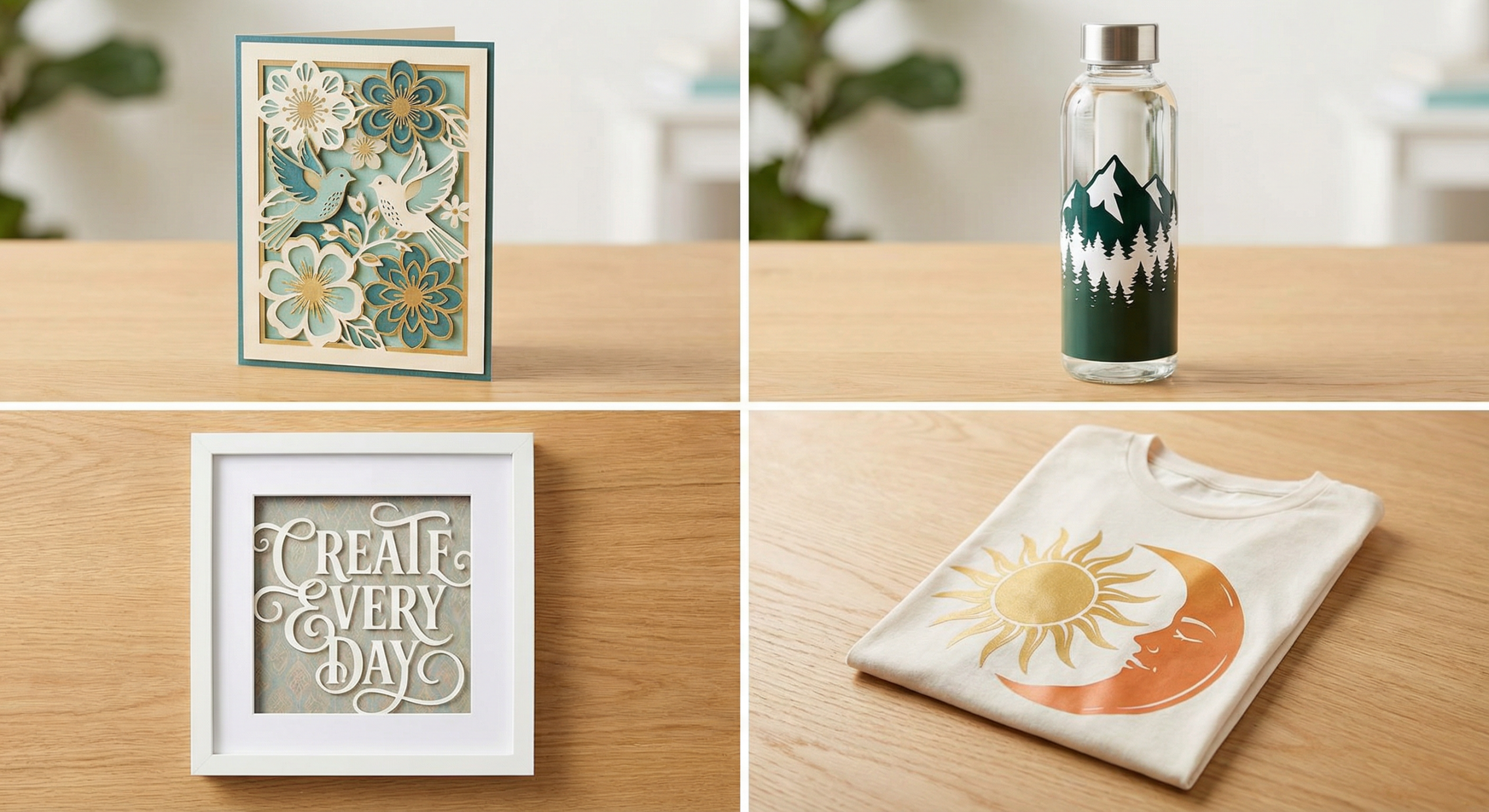
Free SVG Cut Files for T-Shirts & Apparel
Iron-on (HTV) projects are one of the top reasons crafters buy a Cricut. A well-designed SVG quote or graphic on a plain tee turns a $3 blank into a $25 product. When choosing free SVG files for apparel, keep these specs in mind:
- Size: 10–12 inches wide for adult tees, 6–8 inches for kids
- Mirror: Always mirror the design before cutting HTV
- Colours: Single-colour SVGs are easiest; multi-colour designs require layering and aligning separate cuts
Pair your free SVG files with the right heat-transfer material. Our HTVRONT 100-Sheet HTV Vinyl Bundle review covers one of the best value packs for beginners.
Free SVG Designs for Home Decor & Signs
Vinyl wall decals, wooden signs, and glass-etching stencils all start with an SVG file. Popular free SVG designs for home decor include farmhouse-style quotes, kitchen labels, welcome signs, and nursery prints. For wall decals, use permanent adhesive vinyl; for removable decor, switch to repositionable vinyl.
If you plan to cut signs from wood or acrylic with a laser, SVG works there too. Browse our full laser cut files library for ready-to-engrave designs compatible with xTool, Glowforge, and other laser cutters.
How to Upload SVG Files to Cricut Design Space
New to Cricut? Here is the step-by-step process for importing any SVG file into Design Space on a Mac or PC:
- Open Cricut Design Space and create a new project.
- Click the Upload button in the left-side panel.
- Select Upload Image, then drag or browse for your
.svgfile. - Design Space will show a preview. For SVGs, the cut lines are detected automatically – skip the “clean up” step.
- Choose Cut Image as the image type and click Upload.
- Select the uploaded design from your library and click Add to Canvas.
- Resize, position, and click Make It to send to your Cricut.
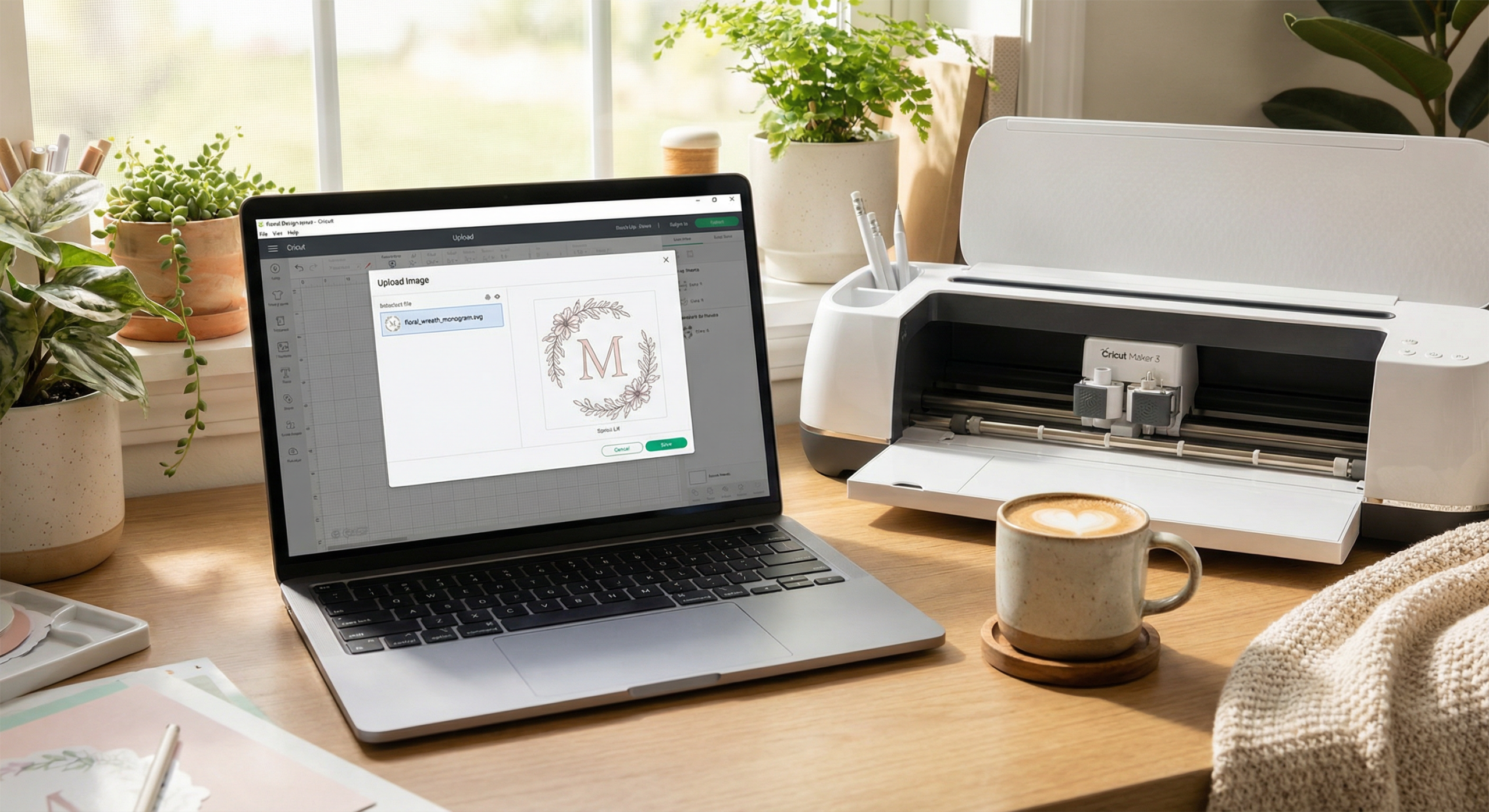
Pro tip: If your SVG appears as a single grouped object on the canvas, click Ungroup to separate individual layers. This is essential for multi-colour designs where each colour needs its own cut pass.
Free vs Premium SVG Files: What You Need to Know
Free SVGs are great for practice and personal projects, but they come with trade-offs. The table below breaks down the key differences so you can decide when to pay and when to download for free.
| Feature | Free SVG Files | Premium SVG Files |
|---|---|---|
| License | Usually personal-use only | Often includes commercial license |
| Quality | Varies widely; nodes may be unoptimised | Professionally traced, clean paths |
| Formats included | SVG only (sometimes PNG) | SVG + DXF + PNG + EPS + AI |
| Support | None or community forums | Direct designer support, updates |
| Uniqueness | Widely downloaded; common on Etsy | Less saturated; easier to stand out |
| Commercial use | Rarely allowed | Typically included with subscription |
For crafters who sell, a Creative Fabrica subscription is the most cost-effective path – unlimited commercial-license downloads for less than the price of a single premium SVG bundle elsewhere.
Best Fonts for SVG Text Projects
Many SVG projects combine graphics with text – think quote signs, cake toppers, and personalised gifts. The font you choose matters because thin hairlines and tiny serifs are difficult for any cutting machine to weed cleanly. Stick with bold sans-serif or thick script fonts at a minimum height of 0.75 inches.
Our best Cricut & Silhouette fonts guide lists the top weedable typefaces tested on real machines. If you want a hand-lettered look, browse our full font collection – filter by “cut-friendly” to find the styles that slice cleanly on a Cricut Explore or Maker.
Recommended Cricut Machines & Tools
The best SVG file is only as good as the machine that cuts it. These are the Cricut machines and accessories we have reviewed and recommend for SVG crafting:
- Cricut Maker 3 – handles 300+ materials including basswood and leather; built-in smart feed for matless cutting → Read Review
- Cricut Explore 3 – fast, reliable, and perfect for vinyl and iron-on SVG projects → Read Review
- Cricut Joy Xtra – compact smart cutter ideal for small SVG decals and labels → See Details
- HTVRONT Auto Heat Press 15×15 – even heat and pressure for iron-on SVG transfers → Read Review
- HTVRONT Permanent Adhesive Vinyl – durable outdoor vinyl for SVG decals and signs → Read Review
Looking for more gear? Browse our full crafting tools collection →
FAQ
Where can I find free SVG files for Cricut?
Creative Fabrica offers thousands of free SVG cut files every week through its free-picks section. Other sources include Design Bundles, So Fontsy, and craft bloggers who share freebies. Always check the license before commercial use.
What SVG file format works with Cricut machines?
Cricut Design Space accepts .svg files directly. You can also upload .png, .jpg, .gif, .bmp, and .dxf files, but SVG gives the cleanest cuts because it stores vector paths rather than pixels.
Can I sell products made with free SVG files?
It depends on the license. Many free SVGs are personal-use only. For commercial projects – Etsy shops, craft fairs, or print-on-demand – look for files with an explicit commercial license. Creative Fabrica’s subscription includes commercial rights on most downloads.
How do I upload an SVG file to Cricut Design Space?
Open Cricut Design Space, click “Upload” in the left panel, select “Upload Image”, choose your .svg file, then click “Upload” and “Add to Canvas”. The design appears on your canvas ready to resize and cut.
What is the difference between SVG and PNG for Cricut?
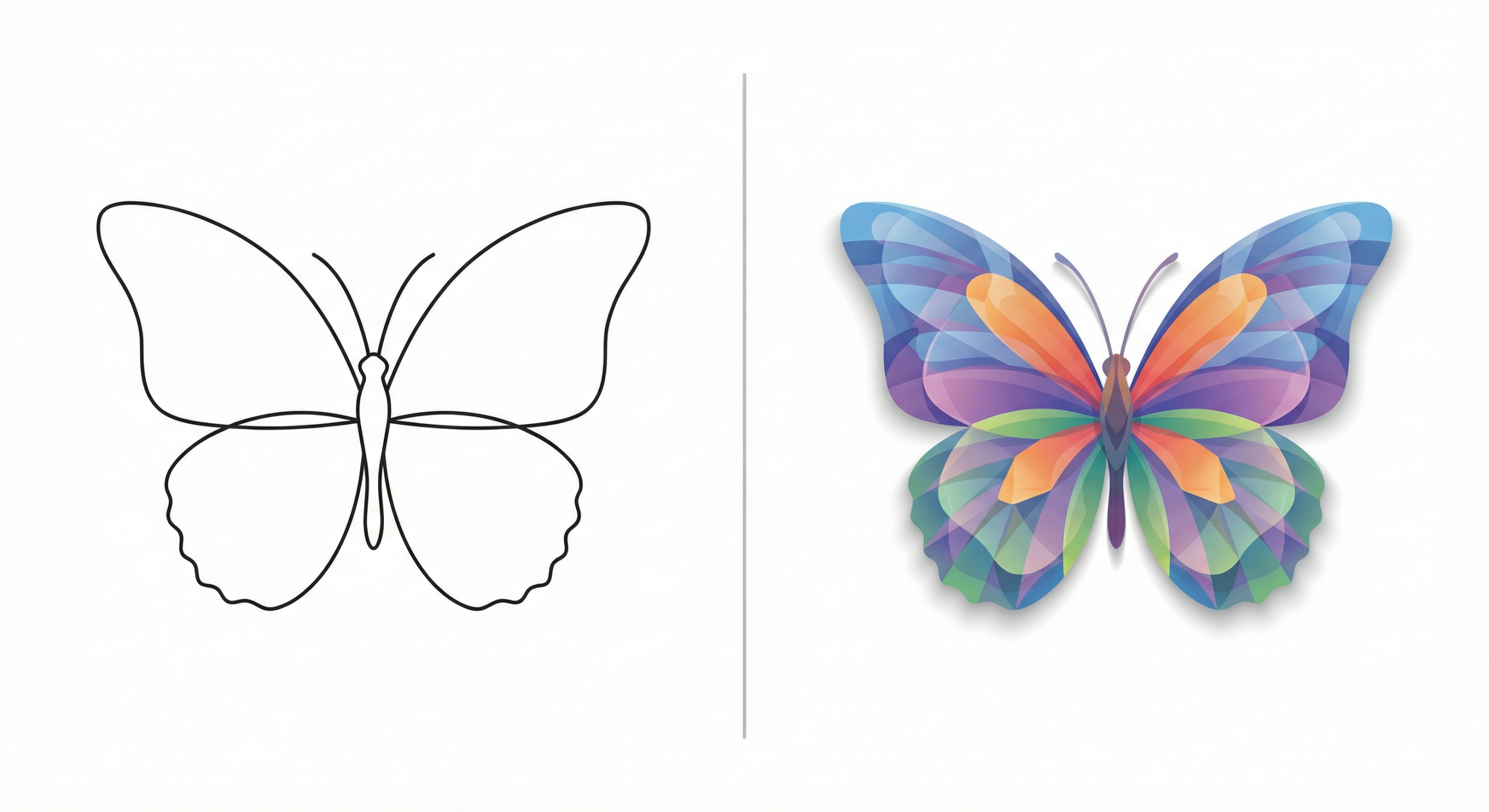
SVG is a vector format that stores shapes as mathematical paths – it scales to any size without losing quality and provides precise cut lines. PNG is a raster (pixel) format better suited for Print Then Cut projects. For clean vinyl or paper cuts, always prefer SVG.
Do free SVG files work with Cricut Maker 3 and Explore 3?
Yes. Any standard .svg file works with every Cricut machine – Joy, Explore Air 2, Explore 3, Maker, and Maker 3. The machine model affects what materials you can cut, not which file formats are supported.