Budget Planner Templates for KDP: Monthly Budgets, Trackers & Savings
Budget planner templates help you publish faster with a repeatable structure: goals → monthly budget → expense tracker → debt/savings → review. Use this page to choose the right KDP budget planner interior style (monthly, paycheck, debt payoff, sinking funds), keep it print-ready, and avoid common formatting mistakes.
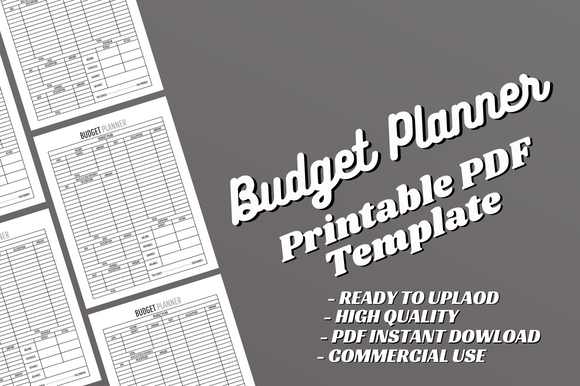
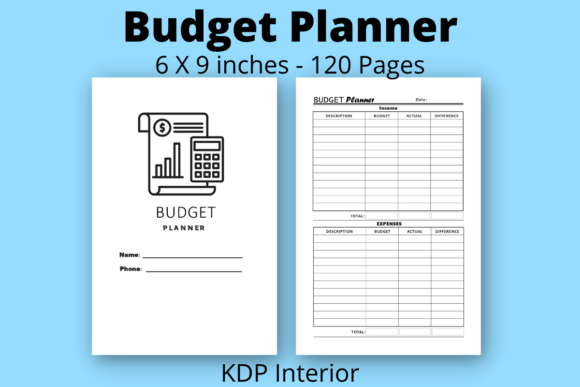
Why budget planner interiors work on KDP
Budget planners convert because the value is concrete: clearer spending, progress toward goals, and a simple routine readers can start anytime. A strong interior template keeps pages consistent, makes tracking easy, and looks clean in Amazon previews.
- Evergreen: undated monthly pages can sell year-round.
- Practical routine: track income, expenses, and savings in minutes.
- Visible progress: debt and savings trackers feel rewarding.
- Print-friendly: clean tables reduce KDP formatting issues.
Budget planner template types
Choose an interior based on how your reader budgets. For most books, one core approach is enough – then add a few supportive pages (goals, review, notes) to increase perceived value.
Monthly budget planner (most universal)
- Best for: general audiences and gift planners.
- Typical pages: income, bills, expense tracker, totals, review.
Paycheck budget planner (weekly / biweekly)
- Best for: readers who budget per paycheck.
- Typical pages: paycheck plan, bills due, week breakdown, sinking funds.
Debt payoff planners (snowball / avalanche)
- Best for: debt-focused goals and accountability.
- Typical pages: debt list, payment tracker, progress chart, milestones.
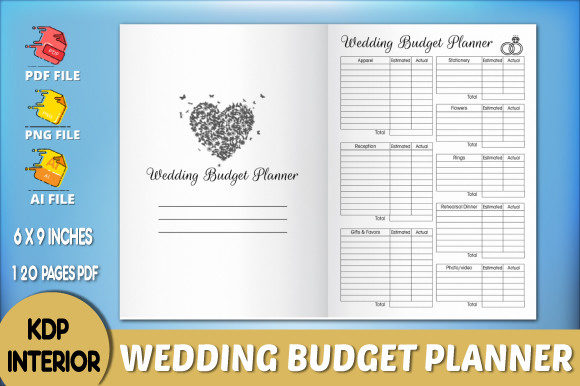
Savings & sinking funds planners
- Best for: emergencies, vacations, big purchases.
- Typical pages: savings goals, sinking funds table, deposit tracker.
Minimal budget trackers (simple + clean)
- Best for: minimalist brands and quick-start planners.
- Typical pages: monthly overview + expense tracker + notes.
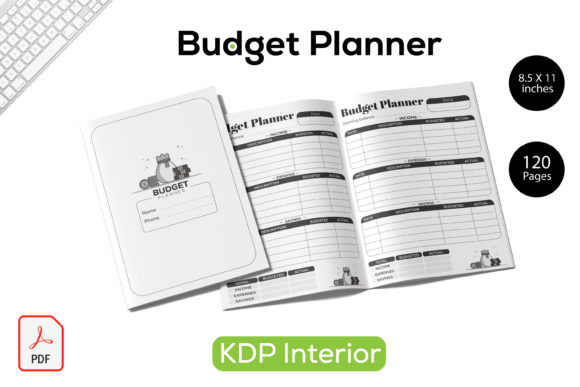
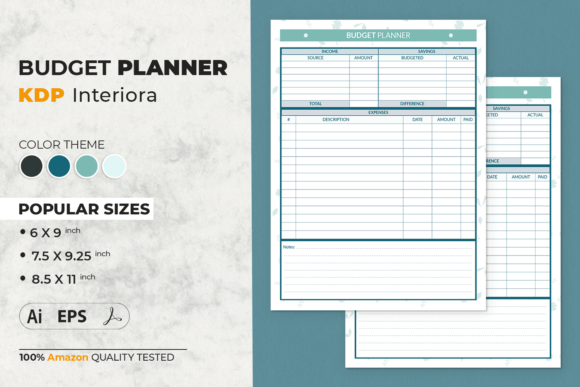
A proven budget planner interior structure
This structure keeps production simple while making the book feel complete and guided.
- Front matter: title page → copyright → how to use.
- Goals: monthly goals + why it matters (short).
- Monthly plan: income → bills → planned categories.
- Tracking: expense trackers (the core routine).
- Debt/savings: tracker pages (optional but high value).
- Review: totals + lessons + next month adjustments.
- Notes: lined/dotted pages at the end.
Must-have pages for KDP budget planner interiors
- How to use page: makes the method obvious fast.
- Income + bills page: anchors the month.
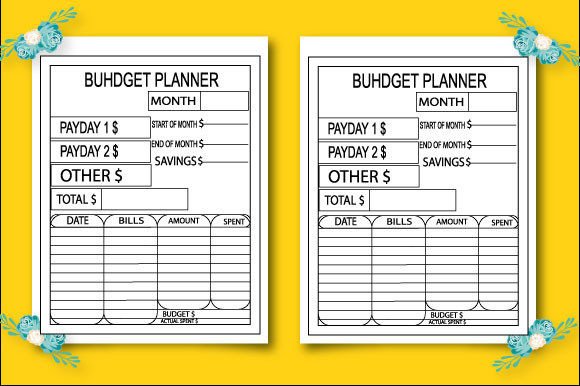
- Expense tracker: date, category, amount, payment method, notes.
- Monthly totals: planned vs actual (simple is best).
- Review page: wins, fixes, one next focus.
Budget categories that fit most planners
Keep categories flexible. Give common defaults plus blank lines for personalization.
- Fixed: rent/mortgage, utilities, insurance, phone, subscriptions.
- Variable: groceries, gas, dining, entertainment, household.
- Goals: savings, debt payments, sinking funds.
- Life: health, kids/pets, gifts, travel.
Print-ready layout rules (simple)
- Choose trim size first: 8.5″×11″ is popular for tables; 6″×9″ is compact.
- Respect inner margins: add gutter so columns don’t disappear in binding.
- Keep lines readable: avoid ultra-thin strokes that vanish in print.
- Stay consistent: same header/footer placement across the interior.
KDP checklist (quick wins)
- One method: monthly OR paycheck – don’t mix two cores in one book.
- Page count plan: map months + trackers + notes before designing.
- Test usability: can someone fill an entry row in 5 seconds?
- Planned vs actual: keep comparisons visible and simple.
- Clean PDF export: embed fonts and keep tables aligned.
Recommended picks
Start with a monthly budget planner, then add one debt/savings tracker and a clean monthly review page. That combo feels premium without making production harder.
Monthly Budget Planner Interiors
Income, bills, expense tracking, totals, and review pages in one clean system.
View options →Paycheck Budget Templates
Weekly/biweekly budgeting pages with bills due, sinking funds, and breakdowns.
View options →Debt Payoff Tracker Pages
Snowball/avalanche trackers with milestones and progress tracking.
View options →Savings & Sinking Funds Trackers
Savings goals, sinking funds tables, and deposit trackers that feel motivating.
View options →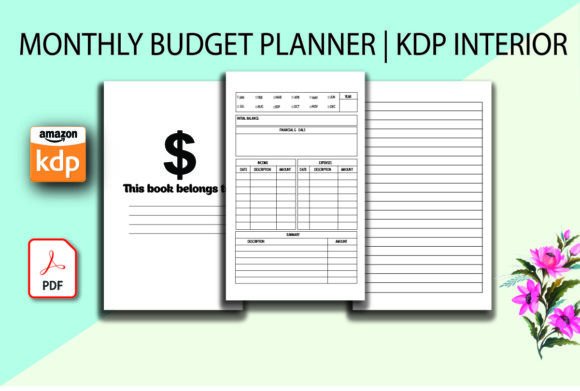
FAQ
What budget planner interior sells best on KDP?
Monthly budget planners are the most universal. If you want a sharper angle, paycheck budgeting and debt payoff planners can work well when the interior clearly matches that method.
How many pages should a budget planner have?
Many budget planners land around 100–200 pages depending on how many trackers you include. A simple monthly system with 12 months + trackers + notes often feels complete.
Related KDP interior hubs
KDP Interiors Templates (Main Hub)
Browse interior template categories for journals, planners, trackers, and more.
Explore →Gratitude Journal Interior Templates
Prompt-based journal pages with a repeatable daily structure.
Explore →Logbook Interior Templates
Entry-table interiors for mileage, maintenance, inventory, and records.
Explore →Next step
Pick one method (monthly or paycheck), design one perfect tracker table, and repeat it consistently. Next, add a debt/savings tracker and a simple monthly review page. Finally, keep the PDF export clean and aligned for a smooth KDP upload.