This guide to Etsy & Printables fonts helps you pick on-trend styles for wall art, planners, labels, cards and templates – with licensing checkpoints for commercial use and Canva workflows that stay crisp at print size.
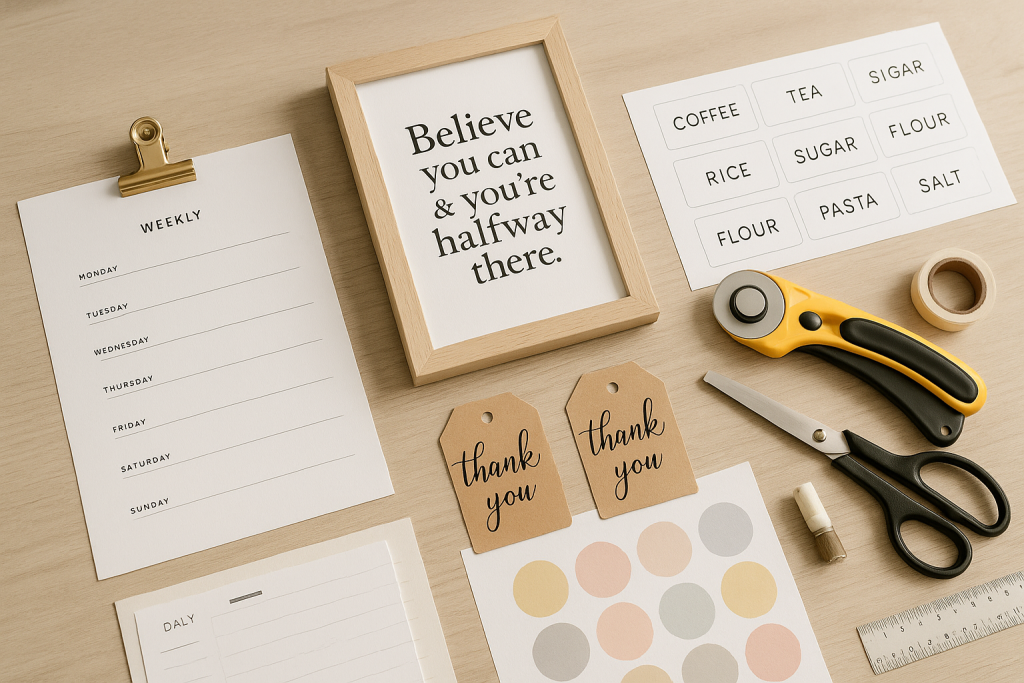
Editor’s top picks – Etsy & Printables Fonts
Wall Art Display
Statement serifs and groovy displays for posters and nursery prints – test at 300 DPI.
Planner Headers
Clean sans & tidy serifs for dated pages, checklists and trackers (US Letter & A4).
Labels & Tags
Condensed, high-contrast letterforms that stay readable on small pantry/party labels.
Quotes & Script
Smooth, bold scripts for inspirational prints – open counters, fewer swash tangles.
SVG/Outline Friendly
Sturdy outlines and rounded joins for print-then-cut cards and stickers.
Canva-Ready Choices
Fonts that upload cleanly and render well in Canva; check language support.
Commercial-Use Sets
Packs with clear commercial terms for selling printables and template files.
Text tools for faster printables workflow
- Font pairing & hierarchy – build headline/subhead/body styles that scale across a whole shop.
- Outline text to vector – convert final PDFs to curves so buyers don’t need to install fonts.
- Canva template polish – tidy spacing, baselines and page masters for Pro/Free users.
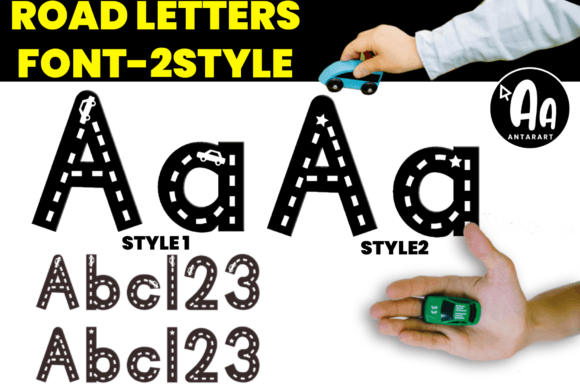
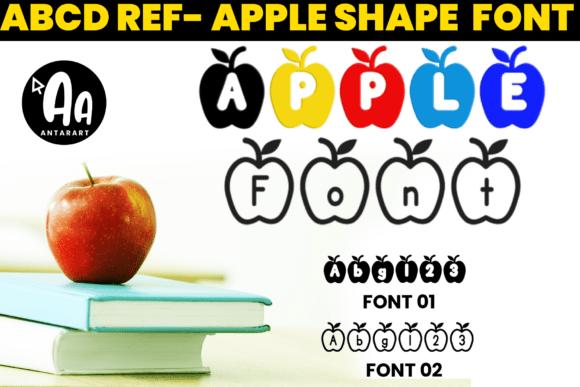
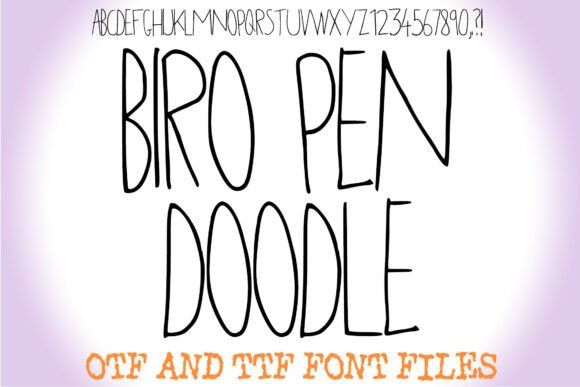
How to choose fonts for printables
- Print size first. Design at 300 DPI. Test 8×10, A4 and US Letter; keep minimum body size ≈10–11 pt.
- Clarity over style. Use one distinctive display for the title; keep lists & tables in a clean sans/serif.
- Spacing & line height. For planners, use generous line-height (130–150%) and letter-spacing (+1–2%).
- Language support. If you sell internationally, check accents (é, ñ, ç) and numerals/diacritics.
- Embedding vs outlines. Final PDFs should be outlined or use embedded-allowed fonts per EULA.
Try searches (printable-ready sets)
- Wall art display → bold serifs & groovy titles. Browse wall art fonts
- Planner headers → tidy sans/serifs for calendars. Planner fonts
- Quotes & scripts → thick, smooth lettering. Quote scripts
- Labels & condensed → space-saving sets for tags. Condensed label fonts
- Canva-friendly → easy uploads & crisp rendering. Canva fonts
- Commercial-use packs → clear EULAs for reselling printables. Commercial-use fonts
Font pairing recipes
- Groovy Display + Humanist Sans – fun wall art headline with friendly body copy. Groovy ideas · Humanist sans
- Didone Serif + Condensed Sans – elegant quote title with neat captions on worksheets. Didone picks · Condensed picks
- Marker Script + Rounded Sans – hand-made vibe for kids charts and reward coupons. Marker scripts · Rounded sans
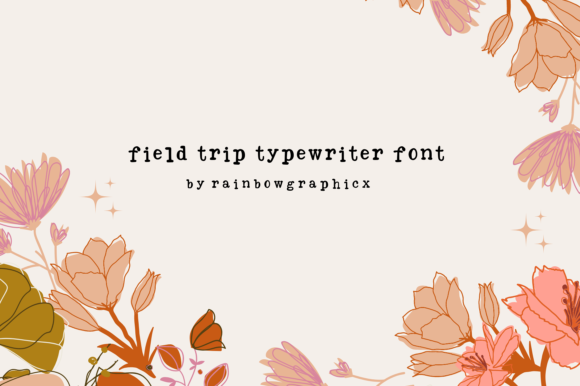
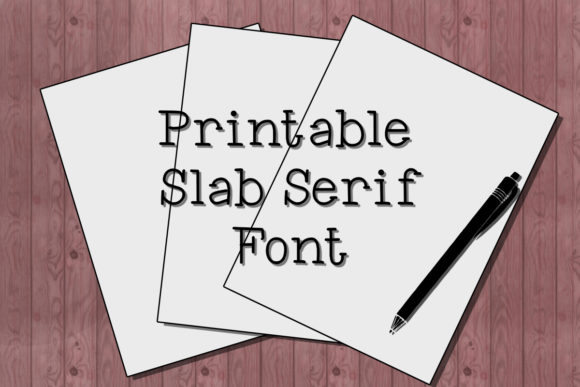
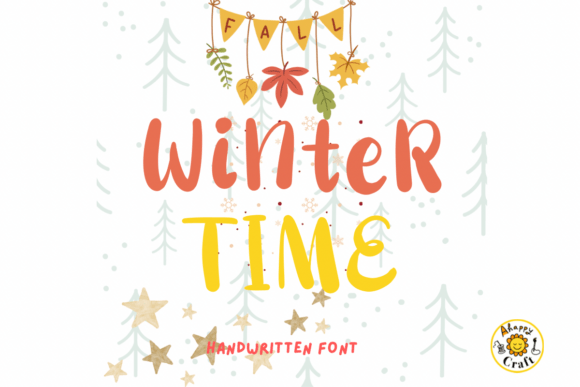
Printable products you can ship today
- Wall art bundles: themed quotes (kitchen, nursery, boho). Export 8×10, A4 and 11×14.
- Planner kits: daily/weekly, habit trackers, finance sheets; include black-ink only versions.
- Pantry & party labels: condensed sets with editable text + ready-to-print PDFs.
- Teacher printables: reward charts, flash cards, bulletin titles.
- Holiday tags & cards: outlines for print-then-cut; provide bleed & trim marks.
Canva & export tips (crisp prints)
- Upload fonts (Pro): Brand Hub → Brand fonts → Upload. For Free users, stick to Canva’s built-ins.
- Export: PDF Print (300 DPI), crop marks & bleed on; flatten transparencies before outlining.
- Outline before sharing: convert text to curves if the EULA forbids redistribution of font files.
- Color: prefer off-black (#1A1A1A) for large text; keep small text 100% black for sharpness.
Licensing: what matters for printables
- Commercial use: ensure the font’s EULA allows selling flattened/printed end products.
- Templates: many EULAs require that editable files do not expose the raw font; outline text.
- POD restrictions: some fonts restrict upload to major PODs; read the seller’s “POD/Print-on-Demand” section.
- Seats & teams: one license per designer/computer unless the EULA grants multi-seat rights.
FAQ
Can I sell printables made with these fonts?
Yes, if the font license grants commercial use for end products. When delivering editable templates, convert text to outlines unless the EULA allows font embedding.
Do I need Canva Pro?
No for using Canva native fonts. You need Pro to upload your own fonts; otherwise provide outlined PDFs so buyers don’t need uploads.
Best fonts for small labels?
Condensed sans with open apertures and strong x-height. Avoid hairline serifs; test at 8–9 pt printed.
Curated quick picks
- Wall art display: Browse
- Planner headers: Browse
- Quotes scripts: Browse
- Labels/condensed: Browse
- Canva-ready: Browse
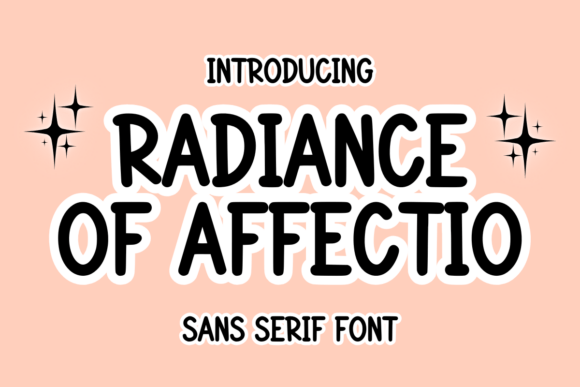
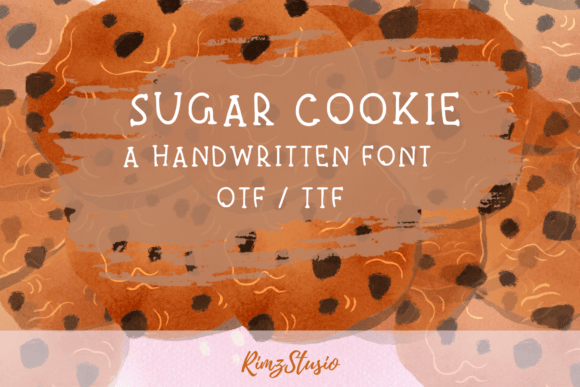
Wedding Fonts
Elegant scripts & refined serifs for invitations, menus, signage and day-of details.
Logos & Branding Fonts
Clean, memorable display & versatile sans/serifs for wordmarks and brand systems.
Cricut & Silhouette Fonts
Cut-friendly (fewer inner holes), bold display and smooth scripts that weed easily.
Laser Cutting & Engraving Fonts
Stencil, single-line & sturdy forms that survive small bridges and fine engravings.
Social Media & Canva Fonts
Scroll-stopping display with strong contrast and clarity at small mobile sizes.
Headlines & Posters
Impactful display families for banners, price tags, thumbnails and hero graphics.
Tattoo Fonts
Script, blackletter and vintage sets with legible strokes and balanced contrast.
Monogram Fonts
Circle/diamond styles, intertwined initials and elegant caps for gifts & linens.
Invitations & Cards
Readable pairings (display + body) for RSVPs, place cards, thank-you notes.
Kids & School Fonts
Friendly, chunky and classroom-safe sets for worksheets, labels and bulletin boards.
Teachers & Classroom Fonts
Neat handwriting, dashed tracing and clean sans for educational materials.