Instagram Story Templates: Clean Designs for Business & Creators
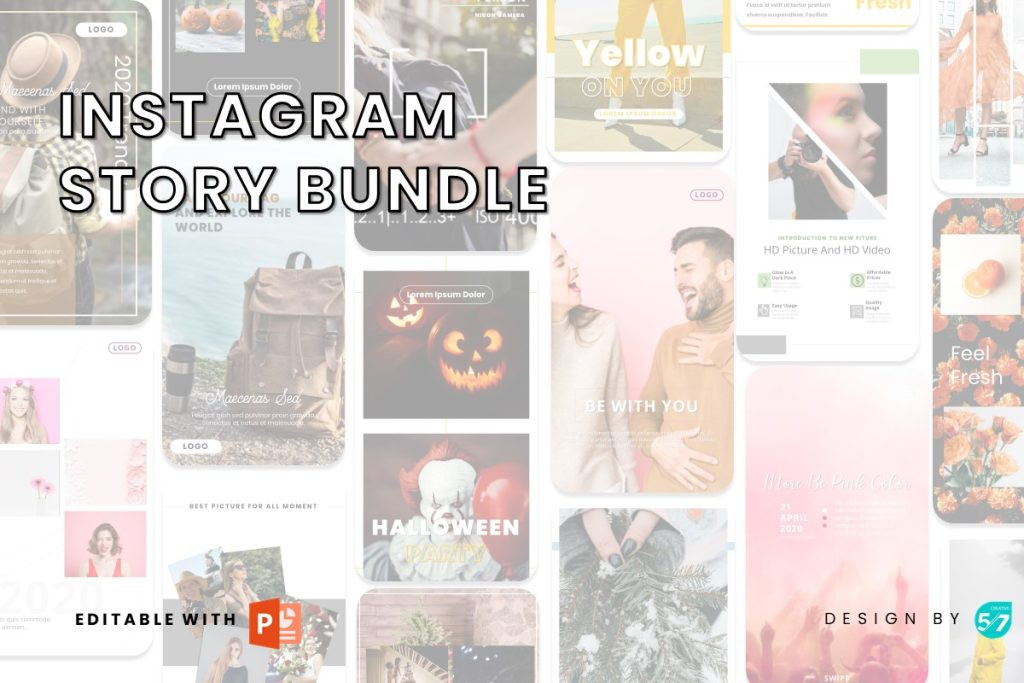
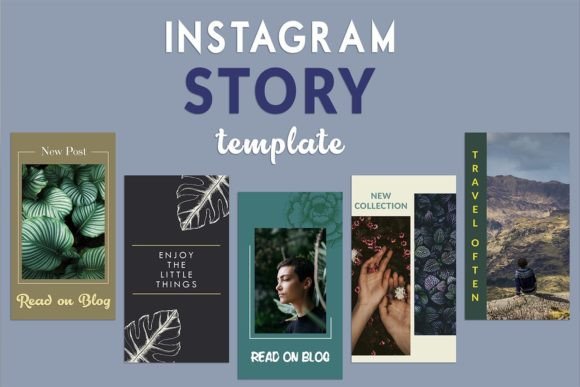
Instagram Story templates help you publish faster with a proven structure: hook headline → value points → proof → clear CTA. Use this page to choose the right template type (promos, tips, announcements, engagement), follow a simple checklist for readability, and customize quickly – fonts, colors, spacing, and layout – without designing from scratch.
Why Instagram Story templates work
Stories don’t win by being “pretty” – they win by being easy to scan. Most Stories lose attention because the headline is weak, the layout is dense, or the CTA is unclear. Templates fix the “what goes where” problem and help you publish consistently with clean hierarchy, spacing, and brand recognition.
- Speed: publish in minutes instead of hours.
- Clarity: headline-first layouts with scannable blocks.
- Consistency: unified fonts, spacing, and visual style.
- Growth-ready: more replies, more clicks, more conversions.
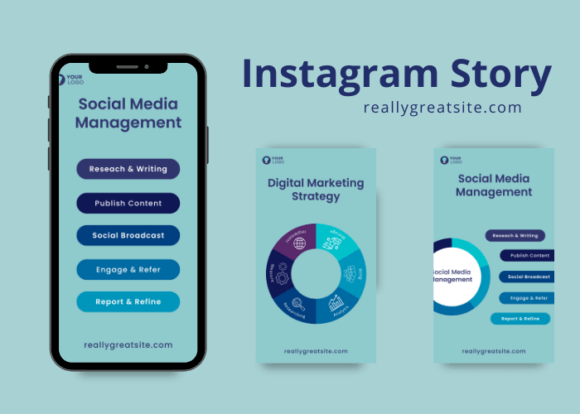
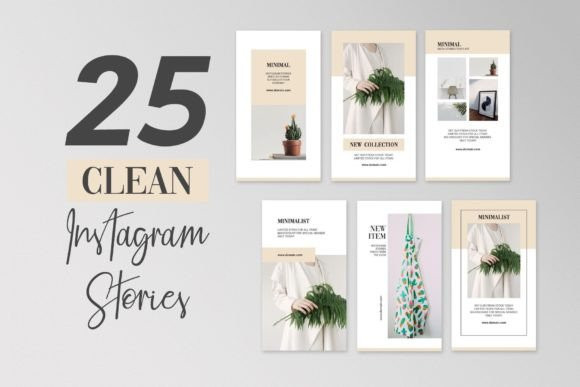
Instagram Story template types
Start with one main format. Once your Stories look consistent, add a second set (promo or tips) to build a simple content system.
Sales & Promotions
- Best for: discounts, launches, limited offers, product highlights.
- Use when: you want quick clicks and clear action.
Educational / Tips
- Best for: mini-guides, how-to steps, checklists, myth vs fact.
- Use when: you want more saves and long-term trust.
Engagement Stories
- Best for: polls, Q&A prompts, quizzes, “this or that”.
- Use when: you want more replies and profile visits.
Announcements
- Best for: events, schedule updates, new services, openings.
- Use when: you need fast, clear communication.
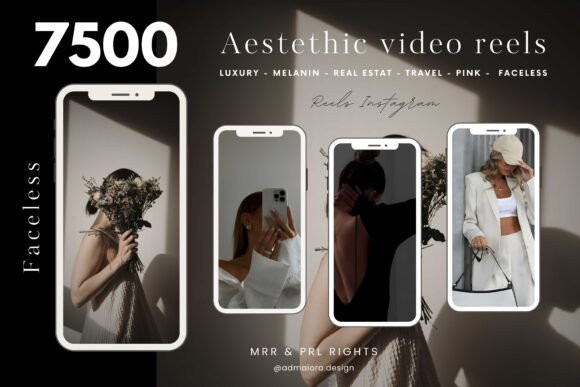
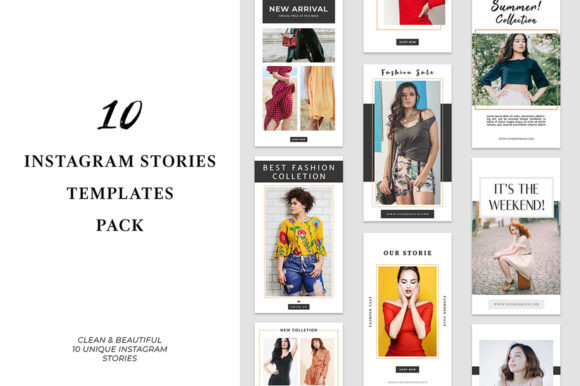
Useful sizes (quick reference)
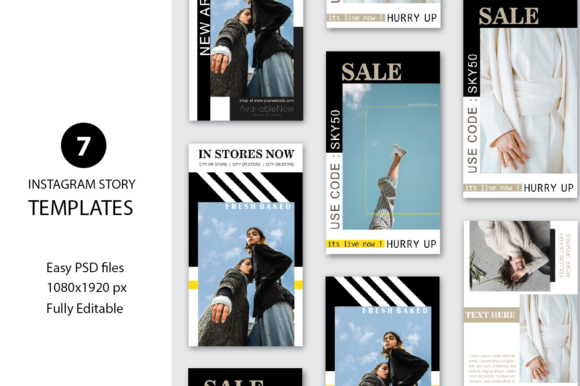
- Instagram Story: 1080×1920 (9:16).
- Safe area: keep key text away from the very top/bottom (UI overlays).
- Export: PNG for crisp text (or high-quality JPG if needed).
Story frameworks (copy-paste outline)
Stories perform better when they follow a repeatable flow. Use one of these frameworks and keep the design consistent.
- Hook → Value → CTA: one promise, 2–3 points, one action.
- Problem → Solution → Proof → CTA: best for services and coaching.
- Before → After → Offer: great for transformations and results.
- Tease → Teach → Invite: perfect for launches and events.
Readability checklist (Instagram-friendly)
- Headline is big: readable on a phone at first glance.
- High contrast: dark text on light background (or vice versa).
- Short lines: avoid dense paragraphs and long text blocks.
- Whitespace: spacing makes content feel premium and easy.
- One CTA: don’t ask users to do 3 actions at once.
Recommended picks
Start with these scalable “systems”. Open the library, filter by style, then customize headlines and colors first. Consistency matters more than perfect design.
Business Story Pack
Clean layouts for services, offers, promos, and professional announcements.
View options →Aesthetic Creator Stories
Modern, minimal Story designs for lifestyle creators and clean branding.
View options →Sale & Promo Templates
Discount frames, countdown layouts, product highlights, urgency CTAs.
View options →Education & Tip Slides
Mini-guides and checklist Stories designed for saves and shares.
View options →FAQ
Do Instagram Story templates improve engagement?
They can. Clean hierarchy + strong headline placement helps readability, and Story “series” formats often earn more replies because the content feels structured and easy to follow.
What should I customize first?
Start with your font pair, 2–3 brand colors, and headline style. Then update your CTA and swap visuals. Consistency matters more than endless redesigns.
How many Story frames should I post?
Start with 3–5 frames per Story sequence. It’s enough to deliver value without losing attention – and it’s easy to repeat daily or a few times per week.
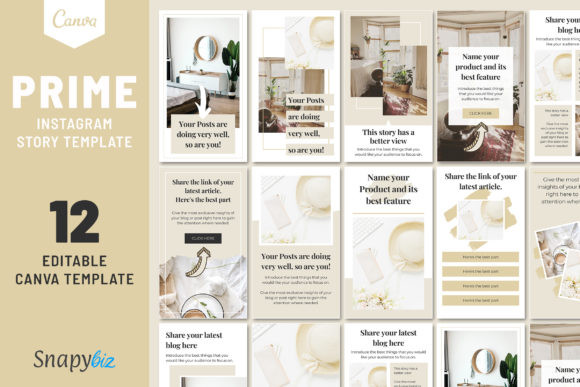
Can I use these Instagram Story templates in Canva?
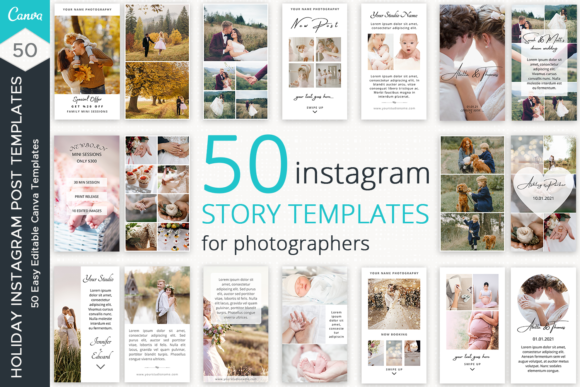
Yes. Most Instagram Story templates are fully compatible with Canva and similar editors. You can edit text, colors, fonts, images, and layout without any design experience.
How many frames should an Instagram Story have?
For best performance, aim for 3–7 frames per Story. This keeps attention high while giving enough space to deliver value, proof, and a clear call-to-action.
Related template hubs
- Instagram templates – the main hub for all Instagram formats.
- Templates hub – browse all categories.
Best use cases for Instagram Story templates
- Product launches, flash sales, and limited-time promotions
- Educational content, mini-guides, and step-by-step tips
- Audience engagement: polls, questions, quizzes, sliders
- Personal branding for coaches, creators, and freelancers
- Client testimonials, reviews, and before/after showcases
- Event announcements, schedules, and new service reveals
Next step
Pick one template set, define a mini brand kit (fonts + colors), and publish consistently for 30 days. When your Stories look professional, people trust the content faster – and your results compound.