Posts, Stories, Reels, Carousels & Highlights
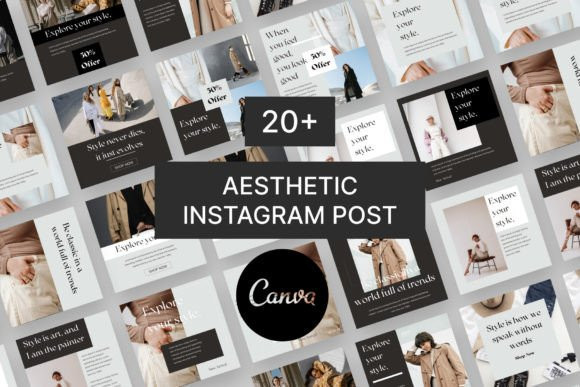
Instagram templates help you post faster, stay consistent, and keep every design on-brand. Use this hub to pick the right format (feed posts, carousels, stories, reels covers, highlight covers), follow proven layout rules, and customize quickly – fonts, colors, spacing, and CTAs – without starting from scratch.
Instagram template subcategories
Looking for a specific format? Use these focused hubs to find the best Instagram templates for Stories and Highlights – each page includes sizes, best practices, and curated template picks.
Instagram Story Templates
Scroll-stopping Story layouts for promos, launches, daily content, and mini-guides – designed for mobile-first readability.
Explore stories →Instagram Highlight Covers
Clean, consistent Highlight cover designs (icons + aesthetic sets) to make your profile look organized and premium.
Explore highlights →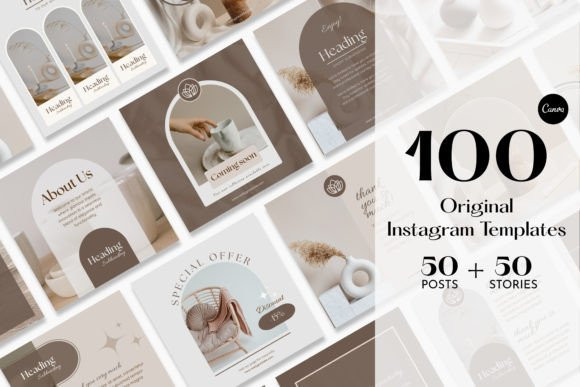
Instagram template types (what to use and when)
Pick your main content format first. The fastest growth comes from repeating a small set of layouts (instead of reinventing every post).
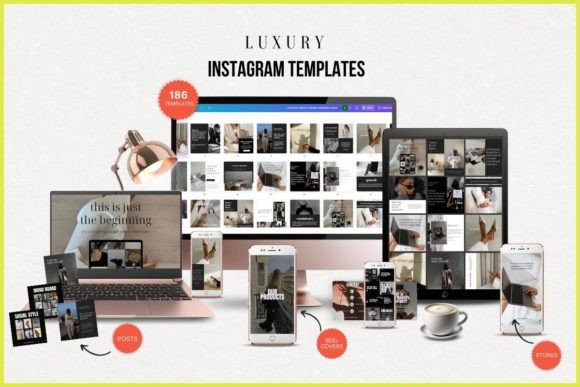
- Feed post templates: clean “single idea” visuals for announcements, offers, and brand identity.
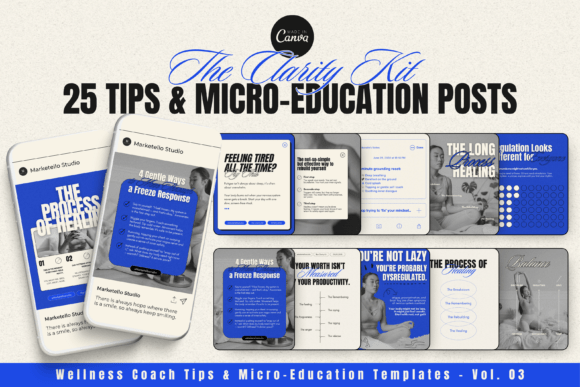
- Carousel templates: multi-slide education that gets saves & shares (best for growth).
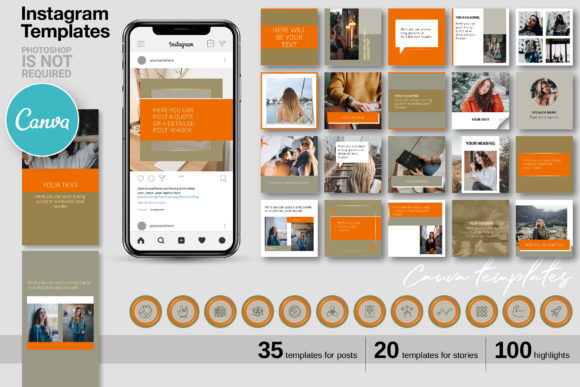
- Story templates: daily posting system – polls, Q&A, mini offers, behind-the-scenes.
- Reels cover templates: grid consistency + clarity (so your profile looks “designed”).
- Highlight cover templates: navigation for new visitors (services, FAQ, results, links).
Mini brand kit (10 minutes that saves hours)
Before you customize any Instagram templates, lock in a simple “kit”. This prevents a messy feed and makes every design faster.
- 2 fonts: 1 headline + 1 body (keep body super readable).
- 3–5 colors: 1 dark text + 1 light background + 1 accent + optional neutrals.
- 2 button styles: primary (accent) + secondary (outline).
- Spacing rule: pick one margin system (e.g., “always 40px padding” idea) and repeat it.
- Photo style: bright / moody / minimal / warm – choose one to keep the grid cohesive.
Layout rules that make templates look “expensive”
Most templates fail because the message is unclear. Use these rules to make any design look premium and easy to read.
- One idea per slide: don’t cram. Cut text until it’s scannable.
- Headline-first: the first 2 seconds decide everything – make the title obvious.
- Strong hierarchy: headline (big) → key points (medium) → details (small).
- High contrast: dark text on light background (or vice versa). Avoid “cute but unreadable”.
- Repeat accents: use the same highlight color and shapes across the set.
Carousel formulas (copy-paste structures)
Carousels are where templates pay off the most. Choose a structure, then swap content and visuals.
- Hook → Promise: “Stop doing X” → “Do this instead”.
- Mistakes list: 5–7 mistakes → short fixes.
- Step-by-step: 3–7 steps → example → CTA.
- Checklist: “Before you post…” (fast saves).
- Before/After: bad example → improved version.
- Myths vs facts: quick, punchy slides.
- Mini case study: problem → process → result → CTA.
Story sequences (easy daily system)
Use templates to build a repeatable story rhythm. This keeps your content consistent without feeling repetitive.
- Warm-up: quick opinion / behind-the-scenes.
- Value: tip / mini tutorial / checklist.
- Interaction: poll / slider / question box.
- Proof: testimonial / result / screenshot / “what I delivered”.
- CTA: one action (DM keyword / link / “reply YES”).
Recommended picks
These picks are “template directions” you can use immediately. Open the library, filter by style, and build a reusable set.
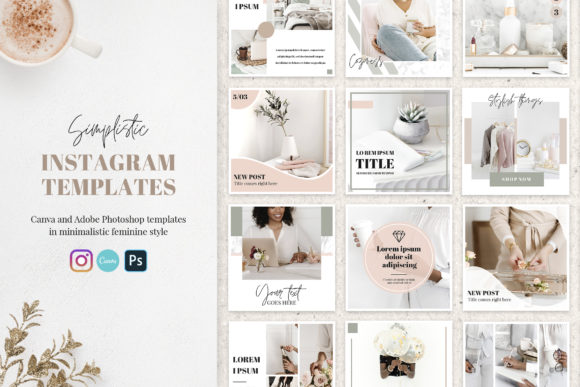
Minimal feed kit (clean + premium)
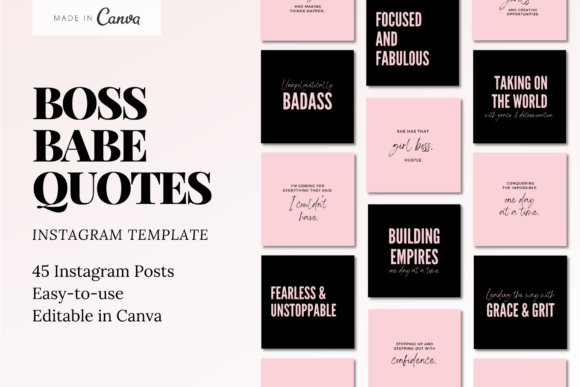
Typography-first layouts for tips, quotes, announcements, and offers.
View options →Carousel education set
Hook slides + list pages + “save this” checklists (built for growth).
View options →Reels covers + highlights (profile cleanup)
Make your grid look consistent and help new visitors navigate your offer.
View options →FAQ
What format is best: Canva, PSD, or AI?
If you want the simplest workflow, choose Canva-ready templates. PSD/AI are great for designers but slower for quick daily posting.
How many templates do I need to stay consistent?
Start with 5–8 reusable layouts (quote, tip, list, promo, testimonial, announcement). Rotate them weekly.
How do I make templates look like my brand fast?
Swap your font pair and color palette first. Then rewrite headlines. After that, update icons/photos and keep spacing rules consistent.
Related template hubs
- Social media templates hub – all platforms in one place.
- Pinterest pin templates – click-friendly layouts for traffic.
- YouTube thumbnail templates – higher CTR with clear headline zones.
- TikTok templates – readable overlays and fast vertical systems.
- All templates – browse all categories.
Ready to build a consistent feed? Start with a template pack and customize it in minutes.