LinkedIn Templates: Clean Designs for Posts, Carousels & Profile Banners
LinkedIn templates help you publish faster with a proven structure: hook headline → value points → proof → clear CTA. Use this page to choose the right template type (post, carousel, banner, personal brand system), follow a simple checklist for readability, and customize quickly – fonts, colors, spacing, and layout – without designing from scratch.
Why LinkedIn templates work
On LinkedIn, people don’t “read” – they scan. Most posts lose attention because the headline is weak, the layout is dense, or the CTA is unclear. Templates fix the “what goes where” problem and help you publish consistently with clean hierarchy, spacing, and brand recognition.
- Speed: publish in minutes instead of hours.
- Clarity: headline-first layouts with scannable blocks.
- Consistency: unified fonts, spacing, and visual style.
- Growth-ready: more saves, more profile views, more follows.
LinkedIn template types
Start with one main format. Once your brand looks consistent, add a second set (carousel or banner) to upgrade your profile and content system.
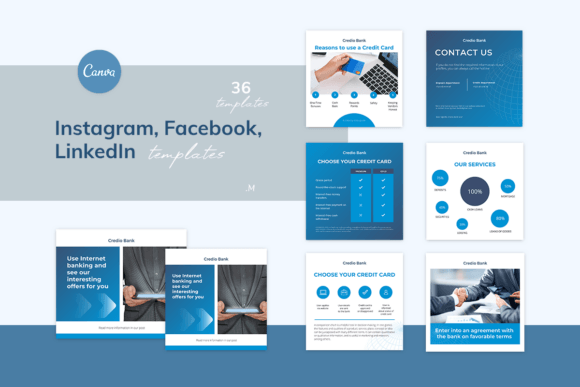
LinkedIn Post Templates
- Best for: tips, thought leadership, announcements, offers.
- Use when: you want fast daily posting with consistent style.
Carousel (Swipe) Templates
- Best for: mini-guides, frameworks, case studies, “how-to”.
- Use when: you want more saves and deeper engagement.
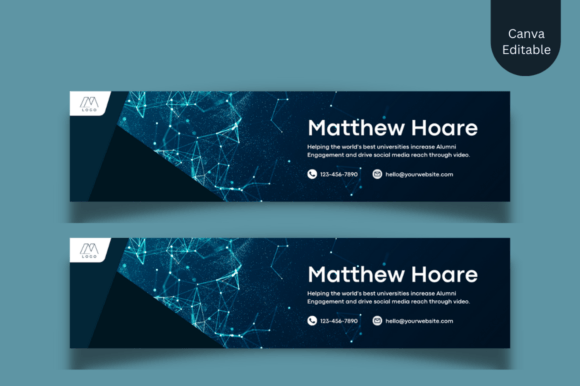
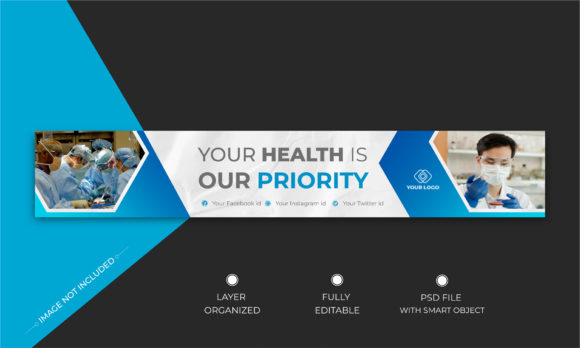
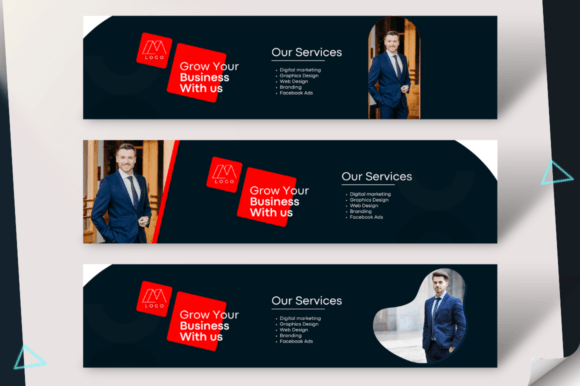
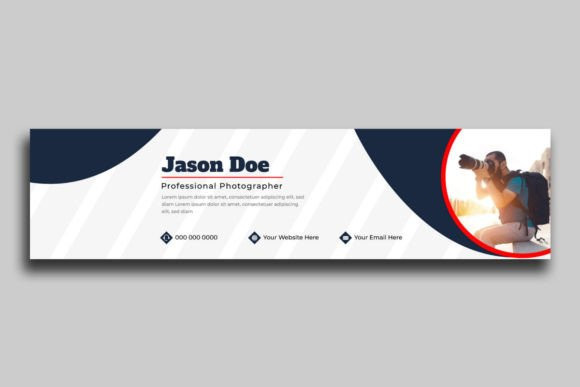
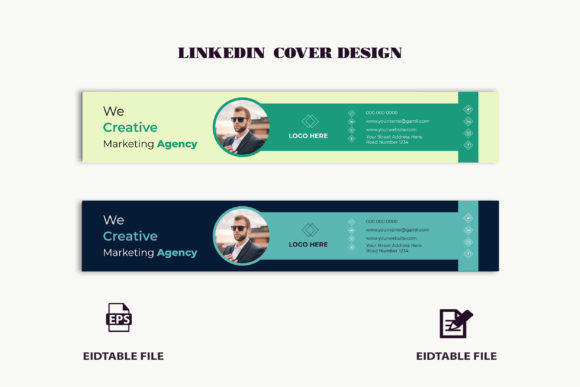
LinkedIn Banner Templates
- Best for: profile positioning (who you help + outcome).
- Use when: your profile is used as a landing page for leads.
Personal Branding Template Systems
- Best for: coaches, consultants, creators, freelancers.
- Use when: you want one consistent “brand kit” for everything.
Best LinkedIn post structure (copy-paste outline)
- Hook headline: clear benefit or strong opinion.
- Value blocks: 3–5 short points (one idea per line).
- Proof: example, quick result, screenshot, or a mini case.
- CTA: “Follow for more”, “Comment ‘guide’”, “DM me”, “Save this”.
Readability checklist (LinkedIn-friendly)
- Headline is big: readable on a phone at first glance.
- High contrast: dark text on light background (or vice versa).
- Short lines: reduce paragraph width; avoid dense blocks.
- Whitespace: spacing makes content feel premium and easy.
- One CTA: don’t ask users to do 3 actions at once.
How to choose the right LinkedIn templates
- Pick the goal: authority, leads, hiring, or content education.
- Match the vibe: corporate/minimal vs. creative/bold vs. elegant.
- Check essential formats: square post + carousel + banner (ideal combo).
- Plan your topics: tips, mistakes, checklists, case studies, FAQ posts.
- Customize fast: brand colors + font pair + headline style first.
Recommended picks
Start with these scalable “systems”. Open the library, filter by style, then customize headlines and colors first. Consistency matters more than perfect design.
Personal Brand Starter Pack
Post + carousel + banner templates in one consistent style.
View options →Business & B2B Content Kit
Clean layouts for services, offers, and professional announcements.
View options →LinkedIn Banner (Profile Cover) Templates
Positioning-focused banners: who you help + outcome + credibility.
View options →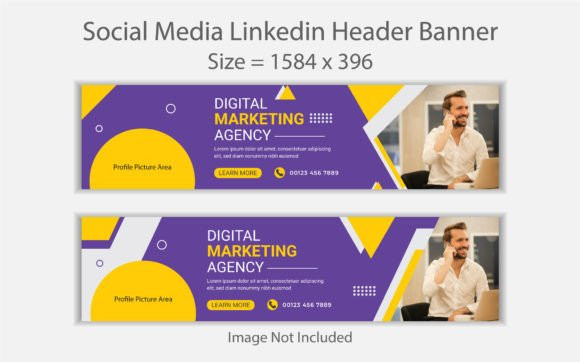
FAQ
Do LinkedIn templates improve engagement?
They can. Clean hierarchy + strong headline placement helps readability, and carousels often earn more saves because the content feels structured and “shareable”.
What should I customize first?
Start with your font pair, 2–3 brand colors, and headline style. Then update your CTA and swap visuals. Consistency matters more than endless redesigns.
Square or portrait posts?
Square is the safest default. Portrait can be more readable on mobile – use it when your post includes more text or step-by-step points.
Next step
Pick one template set, define a mini brand kit (fonts + colors), and publish consistently for 30 days. When your layout looks professional, people trust the content faster – and your results compound.