Logbook Interior Templates for KDP: Clean Pages for Records & Tracking
Logbook interior templates help you publish faster with a repeatable structure: cover pages → record entries → summaries → notes. Use this page to choose the right KDP logbook interior style (mileage, maintenance, inventory, work, cleaning, pet care), keep it print-ready, and avoid common formatting mistakes.
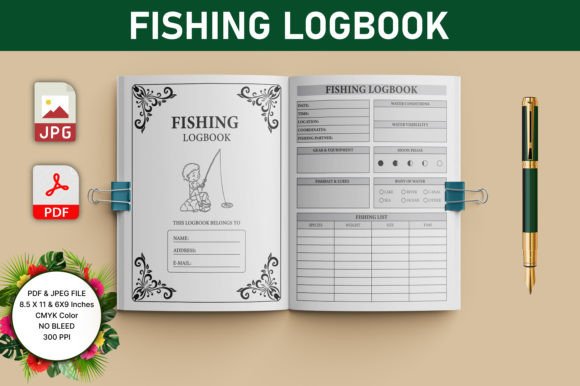
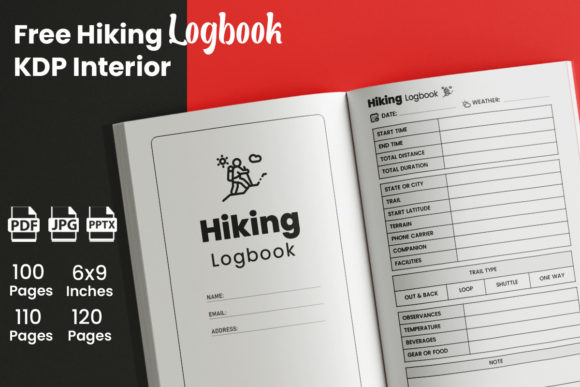
Why logbook interior templates work on KDP
Logbooks convert because the value is practical and obvious: organized records, less forgetting, and a clean place to track progress. A strong logbook interior template keeps entries consistent, makes pages easy to fill out, and looks professional in Amazon previews.
- Evergreen: undated interiors can sell year-round.
- Fast to use: checkboxes and short fields feel low-effort.
- Clean previews: simple tables read well on mobile.
- Print-friendly: repeatable grids reduce KDP production issues.
Logbook interior template types
Choose a template based on what the reader tracks. Keep one main entry format, then add small supporting pages (summary, notes) so the interior feels complete.
Mileage / vehicle logbooks
- Best for: business mileage, delivery drivers, fleet tracking.
- Typical fields: date, start/end odometer, miles, purpose, notes.
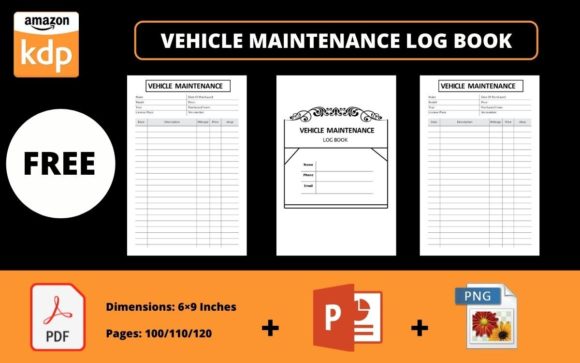
Maintenance & service logs
- Best for: cars, home maintenance, equipment upkeep.
- Typical fields: date, service, cost, vendor, next due, notes.
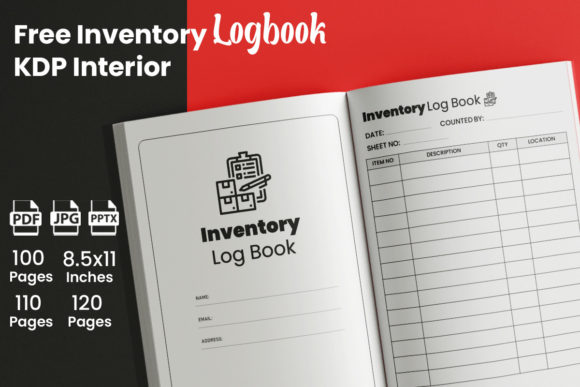
Inventory / stock logs
- Best for: small business, craft supplies, resale, warehouses.
- Typical fields: item, SKU, qty in/out, location, reorder level.
Work / shift / job logs
- Best for: contractors, field work, security, healthcare notes.
- Typical fields: date, hours, task, outcome, issues, next step.
Cleaning / chore logs
- Best for: house cleaning schedules, rentals, housekeeping.
- Typical fields: room/task, frequency, last done, next due, notes.
Pet care logs
- Best for: feeding, meds, grooming, vet visits.
- Typical fields: date, care type, time, dose/amount, notes.
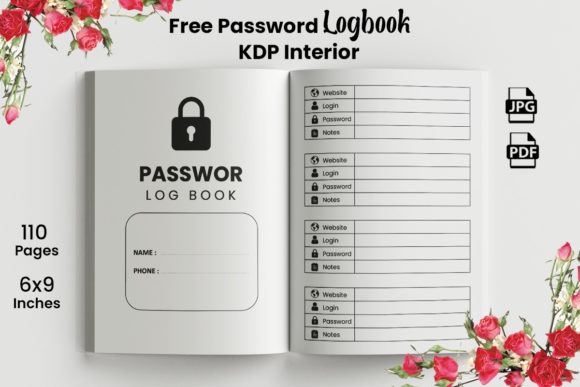
A proven logbook interior structure
This plan keeps production simple while making the book feel professional and complete.
- Front matter: title page → copyright → how to use.
- Setup page: owner details / vehicle details / context (optional).
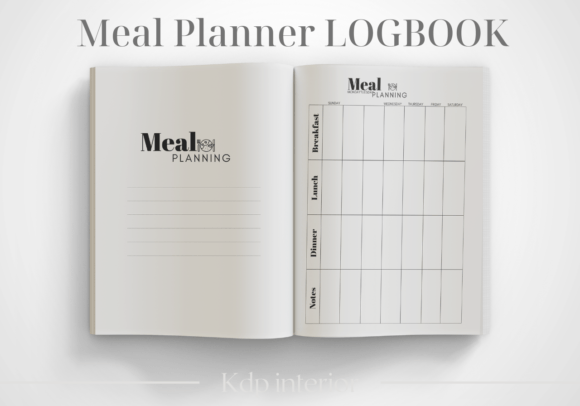
- Entry pages: one repeatable table or form (the core).
- Summary pages: monthly totals / costs / highlights (optional).
- Notes: lined or dotted pages at the end.
Must-have pages for KDP logbook interiors
- How to use page: makes the format obvious in 30 seconds.
- Consistent entry grid: same columns and spacing on every page.
- Enough writing space: readable rows and comfortable margins.
- Totals or review page: helps users see progress (optional but valuable).
- Notes pages: simple, useful, and easy to print.
Field ideas that improve usability
Better fields make a logbook feel “designed,” not generic. Keep fields short and repeatable.
- Status: done / pending / follow-up
- Category: fuel / service / repair / supplies / admin
- Cost: amount + paid by (cash/card)
- Next due: date or mileage
- Quick notes: 1–2 lines for exceptions
Print-ready layout rules (simple)
- Choose trim size first: 6″×9″ is common; 8.5″×11″ gives bigger tables.
- Respect inner margins: add gutter so columns don’t disappear in binding.
- Keep lines readable: avoid ultra-thin strokes that vanish in print.
- Header consistency: same title/date placement across all pages.
KDP checklist (quick wins)
- One core grid: don’t mix multiple table styles in one book.
- Test usability: can someone fill a row in 5 seconds?
- Page count plan: entry pages + summary + notes before designing.
- Undated clarity: no months required unless it’s a dated product.
- Clean PDF export: keep elements sharp and aligned.
Recommended picks
Start with one logbook type and keep the entry layout consistent. Add a simple summary page and notes to increase perceived value without making production harder.
Mileage Logbook Interiors
Odometer, miles, purpose, and totals in a clean table layout.
View options →Inventory Logbook Pages
Stock in/out, reorder levels, and locations for simple tracking.
View options →FAQ
How many entry pages should a logbook have?
Enough to feel useful. Many logbooks land around 100–200 pages depending on row density. If your entries are large, use fewer rows per page and increase page count.
Should a logbook be dated or undated?
Undated is the safest for evergreen sales. If the logbook is for a specific program or year, dated can work – but it reduces shelf life.
Related KDP interior hubs
KDP Interiors Templates (Main Hub)
Browse interior template categories for journals, planners, trackers, and more.
Explore →Gratitude Journal Interior Templates
Prompt-based journal pages with a repeatable daily structure.
Explore →Next step
Pick one logbook type, design one perfect entry page, and repeat it consistently. Next, add a simple summary page and a notes block. That combination looks premium and stays fast to publish on KDP.