Newsletter Signup Landing Pages: Templates Built to Grow Your Email List
Newsletter signup landing pages turn clicks into subscribers with a simple flow: hero → promise → proof → signup → FAQ → reminders. Use this page to choose the right email newsletter landing page template type (weekly newsletter, lead magnet, creator updates, product news), customize fast – copy, sections, and CTAs – and keep everything easy to scan on mobile.
Why newsletter signup landing pages work
Newsletter pages convert when the promise is clear and the signup feels effortless. Instead of sending people to a busy homepage, you give them one reason to subscribe and one button to click. Additionally, a focused page makes it easier to place proof right next to the form – so visitors trust the newsletter before they commit.
- Clear promise: what they get, how often, and why it matters.
- Less friction: email-only (name optional) converts best for most lists.
- More trust: samples, past issues, subscriber count, or testimonials.
- Better consistency: one CTA and one tracking goal.
Newsletter signup landing page template types
Choose a template based on what you send and what you want from subscribers. Then keep one primary CTA across the page (Subscribe / Join the list / Get the free issue).
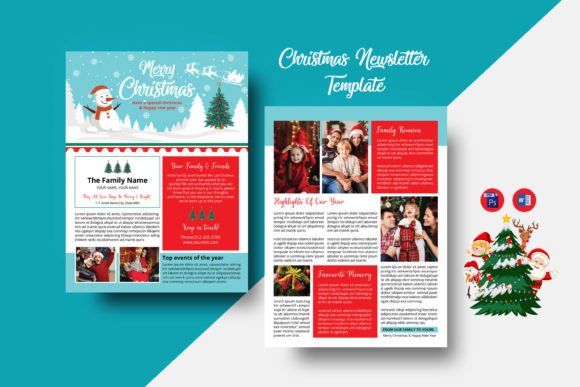
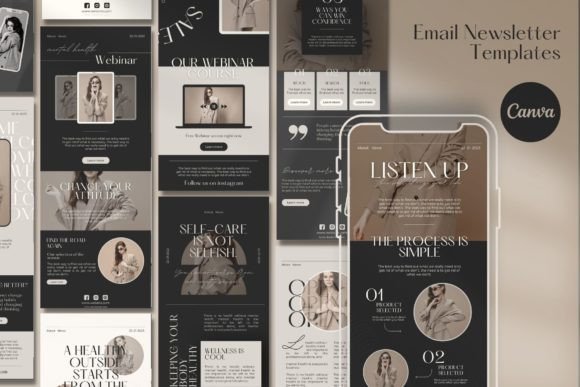
Weekly newsletter pages (creator & brand)
- Best for: creators, founders, niche communities, brand updates.
- Key blocks: what you write about, frequency promise, sample issue, signup.
- CTA: “Join the newsletter”, “Subscribe free”.
Lead magnet opt-in pages (free download)
- Best for: fast list growth with a clear freebie.
- Key blocks: promise, 3–6 benefit bullets, preview, short form, delivery note.
- CTA: “Send me the guide”, “Get the checklist”.
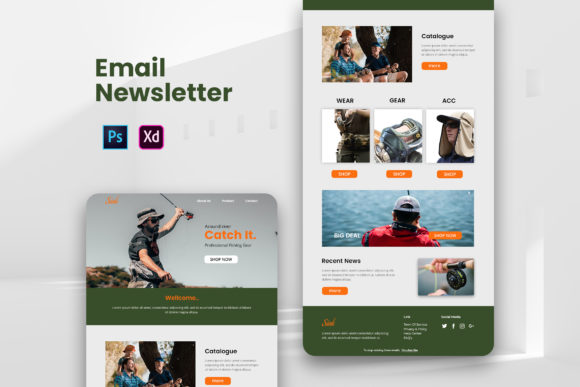
Product & company updates pages
- Best for: product launches, feature updates, changelogs.
- Key blocks: what’s included, update frequency, credibility, signup CTA.
- CTA: “Get updates”, “Join announcements”.
Community / events newsletter pages
- Best for: local communities, events roundups, curated links.
- Key blocks: what you curate, sample issue, schedule, signup.
- CTA: “Join the list”, “Get the roundup”.
Must-have sections (the opt-in-ready structure)
High-converting newsletter pages are short and scannable. Ideally, visitors should understand what they get and how often within 10 seconds – especially on mobile.
- Hero: newsletter promise + who it’s for + one CTA.
- Value bullets: 3–6 outcomes (not vague features).
- Proof: sample issue, subscriber count, testimonials, or “as seen in”.
- Signup: email-only + privacy note + confirmation expectation.
- FAQ: frequency, unsubscribe, what’s inside, spam concerns.
Copy blocks you can reuse
Newsletter pages convert faster when your copy is specific. For instance, name the topic, the audience, and the delivery schedule – then repeat the same CTA near every proof block.
Headline formulas
- The [Topic] newsletter for [Audience]
- Get [Outcome] every [Week/Month]
- Join [Number]+ readers who get [Benefit]
CTA button text
- General: “Subscribe free”, “Join the newsletter”.
- Freebie: “Send me the guide”, “Get the checklist”.
- Updates: “Get updates”, “Join announcements”.
Conversion frameworks (copy-paste outline)
- Promise → Bullets → Sample → Signup → FAQ (best for creators)
- Freebie → Benefits → Preview → Signup → Delivery note (best for lead magnets)
- Updates → Why it matters → Proof → Signup → FAQ (best for products)
Conversion checklist (quick wins)
- One primary CTA: avoid competing buttons and links.
- Email-only first: add fields only if you truly need them.
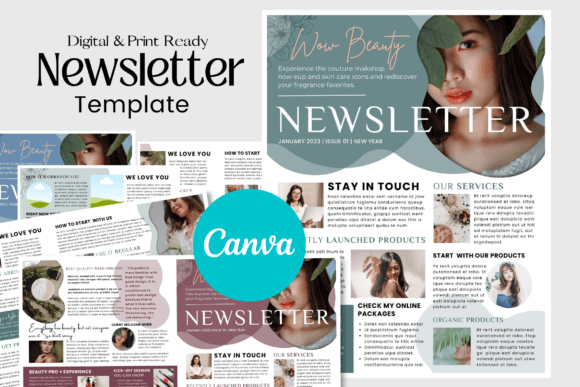
- Show a sample: one preview beats generic promises.
- Proof near CTA: testimonials/count close to the signup.
- Confirm next step: tell them what happens after subscribing.
Recommended picks
Start with one promise and one CTA. After that, improve opt-ins by tightening the headline (topic + audience + cadence) and moving proof closer to the signup.
Newsletter Signup Templates
Clean opt-in pages with a strong promise and minimal form fields.
View options →Lead Magnet Opt-In Pages
Free download pages with previews, bullets, and simple delivery notes.
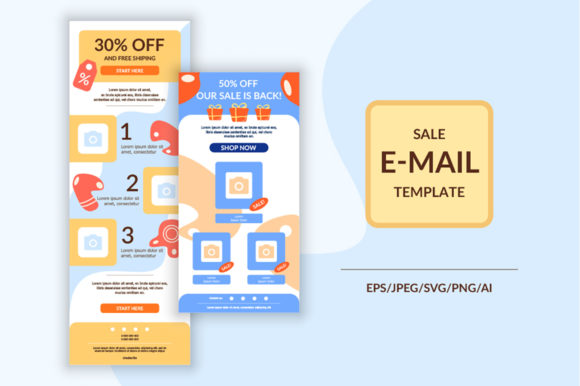
View options →Email Marketing Landing Pages
Conversion-focused layouts for creators, brands, and product updates.
View options →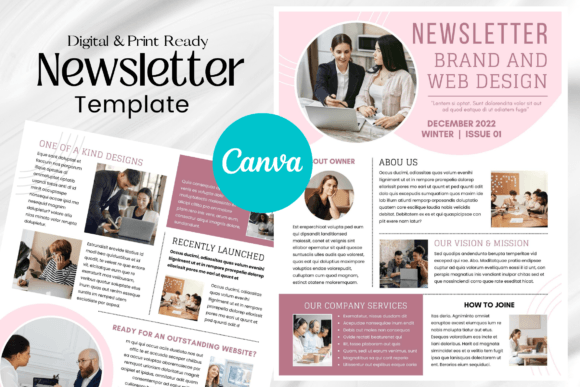
FAQ
How many form fields should a newsletter signup page have?
Email-only converts best for most newsletters (name optional). If you need one qualifier, add a single dropdown. Collect more details after the first conversion.
What builds trust fastest for newsletter signups?
- Sample issue: show a preview so people know what to expect.
- Cadence promise: weekly/monthly + clear topic focus.
- Social proof: testimonials or subscriber count near the CTA.
- Privacy note: “No spam” + unsubscribe anytime.
Related landing page hubs
Landing Page Templates (Main Hub)
Browse all landing page categories and styles in one place.
Explore →Lead Generation Landing Pages
Templates built to capture leads with short forms and trust blocks.
Explore →SaaS Demo / Free Trial Landing Pages
Feature-first pages built for demos, trials, and signups.
Explore →Next step
Pick one promise, one CTA, and one clear cadence. Next, add a sample issue and place proof right next to the signup. Finally, test the hero headline and the CTA position before redesigning – those two changes usually lift opt-ins the fastest.