Fast Landing Layouts for Services, Portfolios & Launches
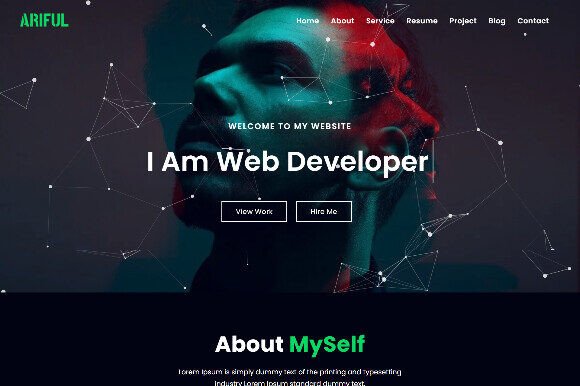
One-page website templates help you launch a clean website fast with everything on one scroll: hero → benefits → proof → services → FAQ → CTA. Use this page to choose the right one-page layout (service, portfolio, event, product, agency), follow a simple structure that converts, and customize quickly – fonts, colors, sections, and navigation – without building from scratch.
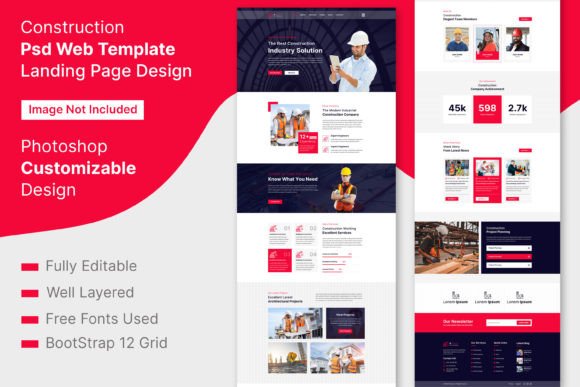
Why one-page website templates work
One-page websites are built for speed and clarity. Visitors don’t want to click through 6 pages – they want to understand what you do, see proof, and take action. A strong one-page template uses clear section order, simple navigation, and repeated CTAs.
- Fast launch: publish a complete site in hours, not weeks.
- Higher focus: one goal, one scroll, fewer distractions.
- Better conversions: CTA appears multiple times naturally.
- Easy updates: edit one page instead of many.
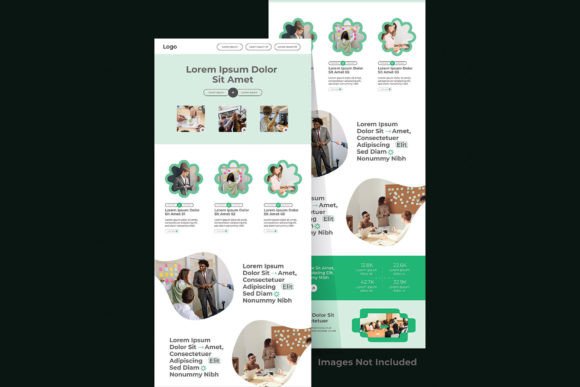
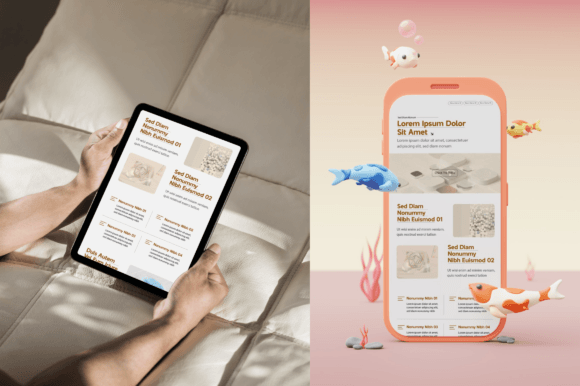
One-page website template types
Choose the template based on your goal. The best one-page systems combine value (clarity + proof) with action (CTA + contact).
One-Page Service Website
- Best for: local services, consultants, freelancers.
- Use when: you want leads, calls, bookings, or inquiries.
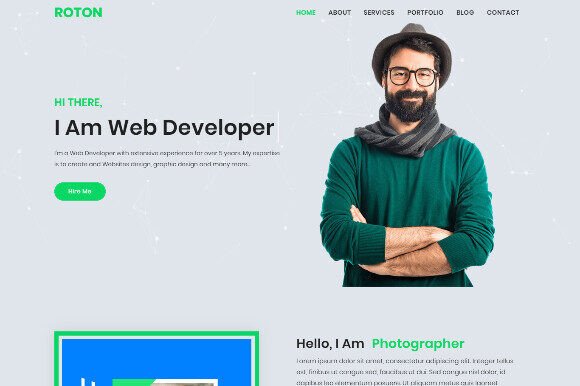
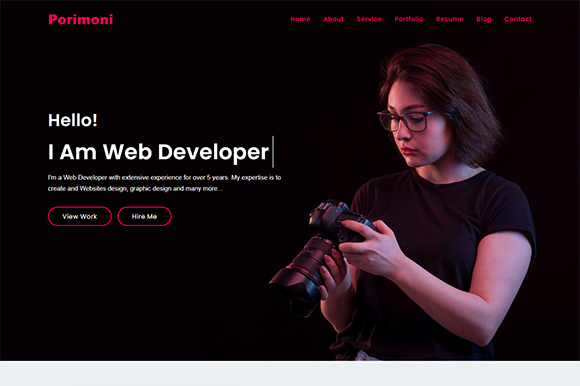
One-Page Portfolio / Creator Site
- Best for: designers, photographers, writers, creators.
- Use when: work samples are your main proof.
Product / App / SaaS Launch Page
- Best for: new products, waitlists, feature highlights.
- Use when: you need a crisp “what it does + why it matters”.
Event / Webinar / Workshop Page
- Best for: registrations and signups.
- Use when: you want a focused page with agenda + CTA.
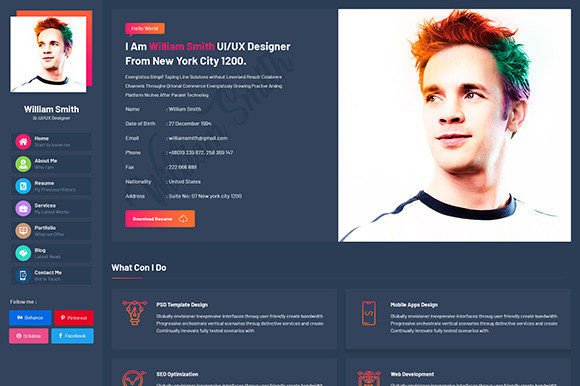
Best use cases (quick ideas)
- New business launch that needs a clean online presence fast
- Local services that want calls, messages, or booking requests
- Freelancers/creators who want a portfolio + contact in one scroll
- Product or app waitlist page with benefits + testimonials
- Campaign landing page for ads (one goal, one CTA)
- Event/workshop registration page with schedule + signup
Best one-page structure (copy-paste outline)
- Hero: who it’s for + outcome + one primary CTA.
- Problem / solution: what you solve in 2–3 lines.
- Benefits: 3–6 scannable points.
- Proof: testimonials, logos, stats, examples.
- Offer / services: what’s included + who it’s for.
- Process: how it works in 3 simple steps.
- FAQ: remove objections (price, timeline, deliverables).
- Final CTA: repeat the main action (Book / Contact / Join).
Conversion checklist (one-page friendly)
- One main CTA: don’t ask users to do 3 things at once.
- Readable typography: big headings + short blocks.
- Fast proof: reviews or logos near the top.
- Clear navigation: anchor links for sections (sticky menu optional).
- Mobile test: preview on phone before publishing.
Recommended picks
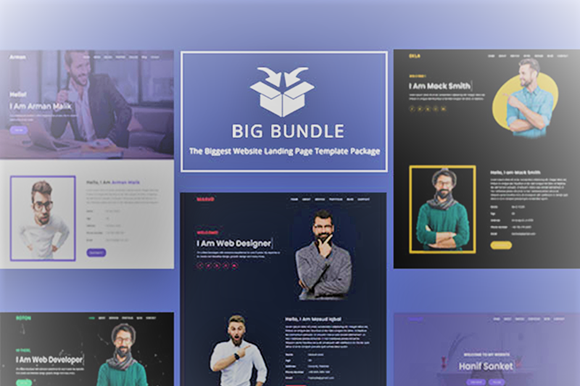
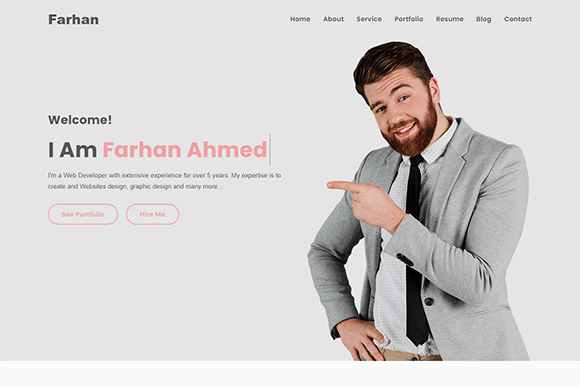
Start with these scalable one-page “systems”. Choose a style, then customize headline + CTA first. Design tweaks come last.
FAQ
Are one-page websites SEO-friendly?
They can be. The key is clear headings (H2/H3), useful content, fast loading images, and internal links to deeper pages when you expand.
When should I NOT use a one-page template?
If you need to rank for many different services/topics, a multi-page site is better. One-page sites are best for clarity and conversion, not large SEO clusters.
What should I customize first?
Update your headline, primary CTA, font pair, and brand colors. Then swap images and refine section copy.
Related template hubs
Browse all website layout categories and styles in one place.
Campaign-ready pages for ads, launches, lead capture, and signups.
Service-first layouts with clear offers, trust proof, and contact CTAs.
Clean “about + work + contact” structures for personal brands.
CV-style layouts for job seekers and career portfolios.
Great for creators who publish articles and build SEO traffic.
Store-ready layouts for product pages, collections, and conversion flows.
Drag-and-drop site layouts for small businesses and creators.
Minimal, modern website styles for portfolios and brands.
Designer-friendly layouts with strong structure and smooth UX.
WordPress page sections and full layouts you can customize fast.
Lightweight WP layouts built for speed, clarity, and clean design.
“Website-ish” systems for creators: portfolios, landing pages, and hubs.
How to choose, customize, and structure pages that convert.
Next step
Pick a one one-page layout, write a headline that clearly says who it’s for and what result it delivers, then add proof and a single main CTA. Launch first, polish later – clarity beats perfection.