Planner Interior Templates for KDP: Weekly, Monthly & Undated Layouts
Planner interior templates help you publish faster with a repeatable structure: cover pages → monthly/weekly planning → trackers → notes. Use this page to choose the right KDP planner interior style (weekly, monthly, daily, undated), keep it print-ready, and avoid common formatting mistakes.
Why planner interior templates work on KDP
Planners convert because the value is tangible: organization, progress, and an easy routine. Additionally, a clean interior template makes the book feel premium in Amazon previews. When the layout is consistent, buyers trust that the planner will be easy to use every day.
- Clear structure: monthly and weekly flows reduce decision fatigue.
- Repeatable pages: consistent spreads look professional across 100+ pages.
- Undated flexibility: “start anytime” planners stay evergreen.
- Print-friendly design: simple grids avoid KDP production issues.
Planner interior template types
Choose a planner interior template based on how your reader plans time. Then keep one primary flow (weekly or daily) and use extras (trackers, goals, notes) only to support that flow.
Weekly planners (most popular)
- Best for: productivity, busy schedules, “plan the week” habits.
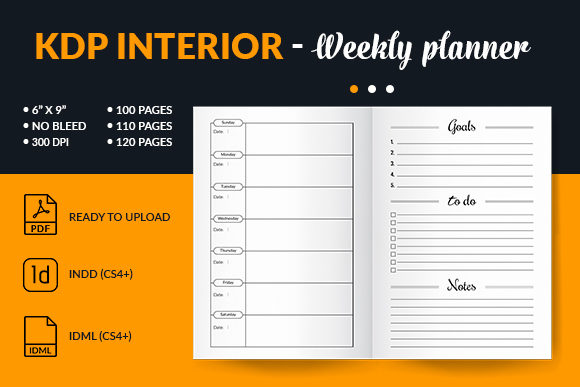
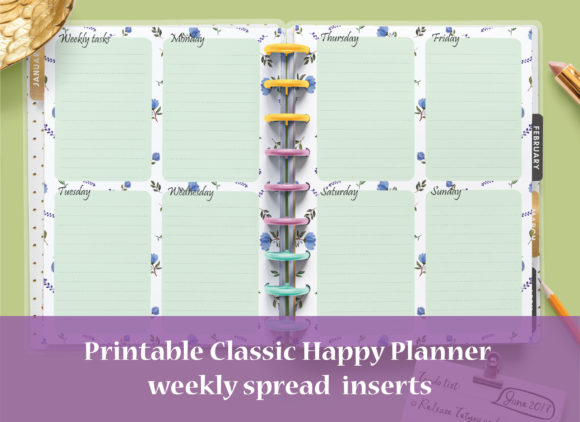
- Typical pages: week spread + priorities + tasks + notes.
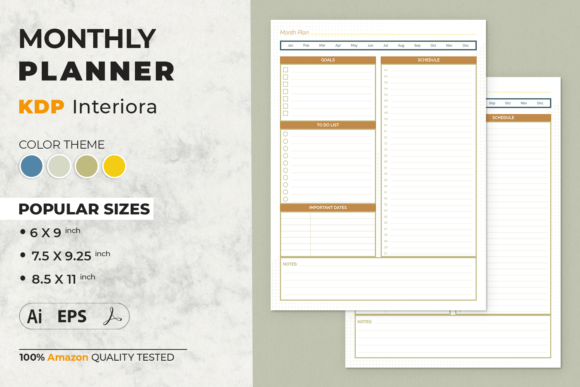
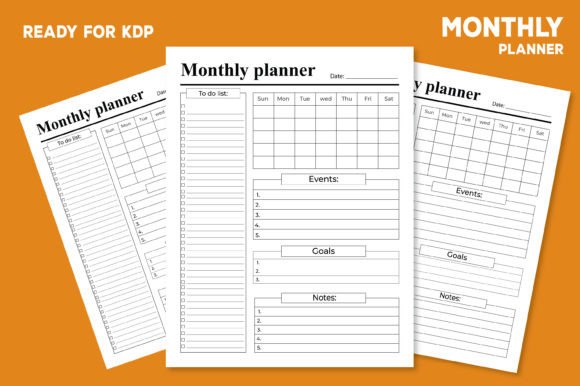
Monthly planners (overview + calendars)
- Best for: goals, deadlines, family planning, appointments.
- Typical pages: calendar grid + monthly goals + budget/notes (optional).
Daily planners (high structure)
- Best for: time blocking, high-focus routines, coaching use.
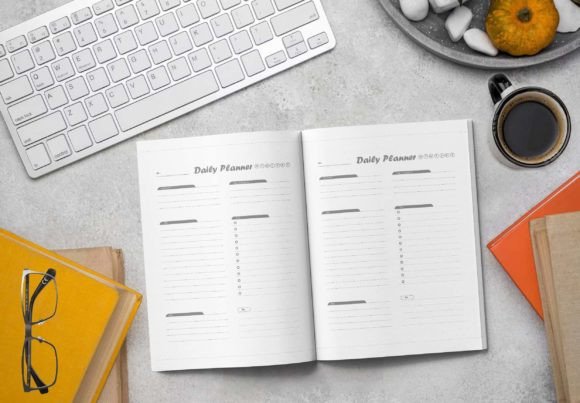
- Typical pages: schedule blocks + top 3 + tasks + reflection.
Undated planners (evergreen)
- Best for: “start anytime” products and evergreen sales.
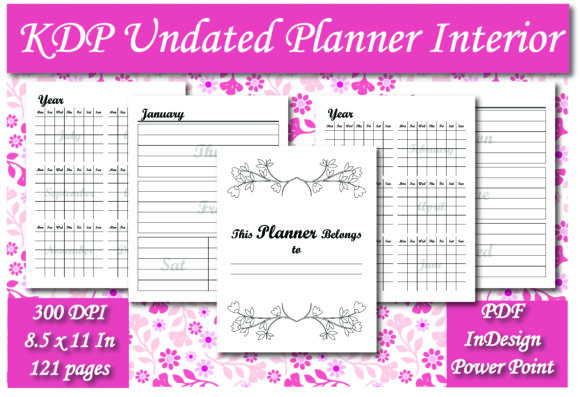
- Typical pages: blank month/week pages + trackers + flexible notes.
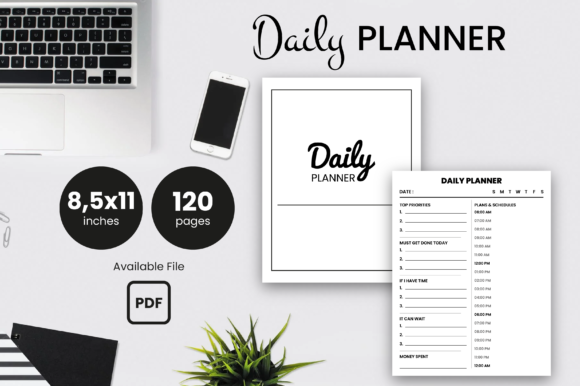
A proven planner interior structure
This plan makes the book feel complete without making production complicated. As a bonus, it helps you control page count and keep spreads consistent.
- Front matter: title page → copyright → how to use.
- Year/quarter overview: goals + milestones (optional).
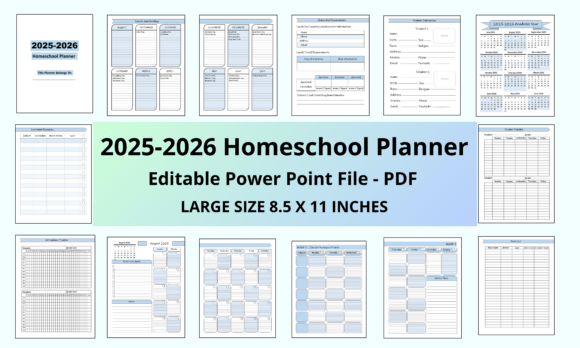
- Monthly section: calendar grid + monthly goals + notes.
- Weekly or daily section: your core planning pages (the main product).
- Trackers: habits, spending, fitness, mood (choose 1–2, not all).
- Notes: lined/dotted pages at the end.
Must-have pages for KDP planner interiors
- How to use page: sets expectations and reduces returns.
- Calendar/overview page: monthly view anchors the planner.
- Core planning spread: weekly or daily layout repeated consistently.
- Goal/priorities page: makes the planner feel guided, not blank.
- Notes pages: simple, useful, and easy to print.
Print-ready layout rules (simple)
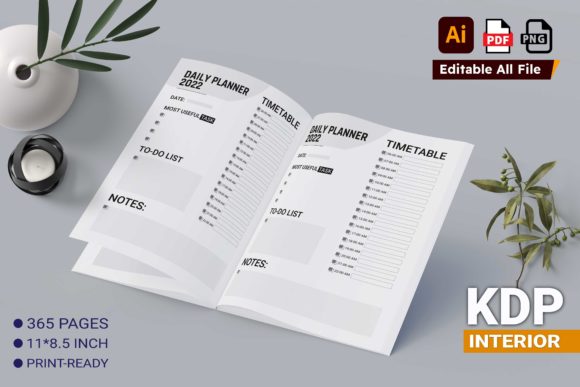
- Choose trim size first: 6″×9″ is common, while 8.5″×11″ is popular for planners with more writing space.
- Respect inner margins: add extra gutter so text isn’t swallowed by the binding.
- Keep lines readable: avoid ultra-thin strokes that disappear in print.
- Stay consistent: same header/footer positions across the whole interior.
KDP checklist (quick wins)
- One primary flow: weekly or daily – avoid mixing multiple cores in one book.
- Test print thinking: check writing comfort, spacing, and line thickness.
- Page count plan: map months + weeks + notes before designing.
- Undated clarity: label pages so users know where to start.
- Clean PDF export: embed fonts and keep elements sharp.
Recommended picks
Start with one core planner interior template, then add only a few supportive pages (goals + tracker + notes). That combination feels premium, yet it stays easy to produce.
Weekly Planner Interiors
Week spreads with priorities, tasks, and clean writing space.
View options →FAQ
What planner interior sells best on KDP?
Weekly layouts are the most universal because they balance structure and flexibility. However, undated planners often sell well year-round because buyers can start anytime.
Should I include trackers inside a planner?
Yes, but keep it focused. Add one or two tracker sections (habits, budget, fitness) so the planner feels more valuable without becoming cluttered.
Related KDP interior hubs
KDP Interiors Templates (Main Hub)
Browse interior template categories for journals, planners, trackers, and more.
Explore →Gratitude Journal Interior Templates
Daily prompts, 90-day layouts, and print-ready gratitude pages.
Explore →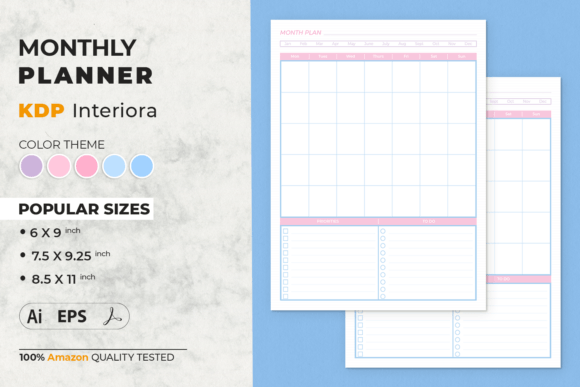
Next step
Pick one core flow (weekly, monthly, daily, or undated), design one perfect spread, and repeat it consistently. Next, add a goals page and one tracker section. Finally, finish with a clean notes block so the interior feels complete.