Portfolio / Case Study Presentation Templates: Slides That Show Work & Prove Results
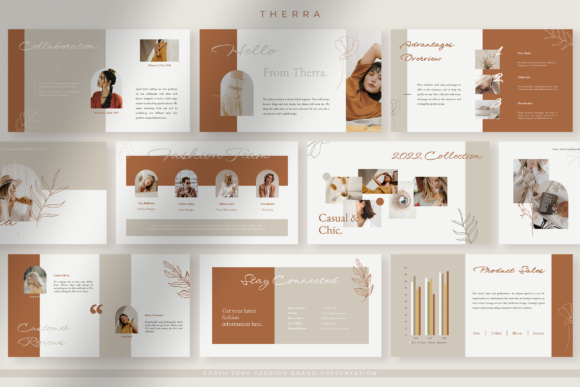
Portfolio and case study presentation templates help you showcase work with a clear flow: context → challenge → approach → results → proof → next step. Use this page to choose the right case study slide deck template type (portfolio, project breakdown, before/after, client story, process deck), reuse must-have slides, and keep everything easy to scan in meetings or interviews.
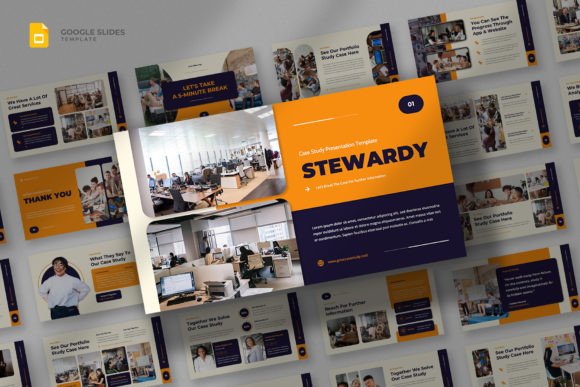
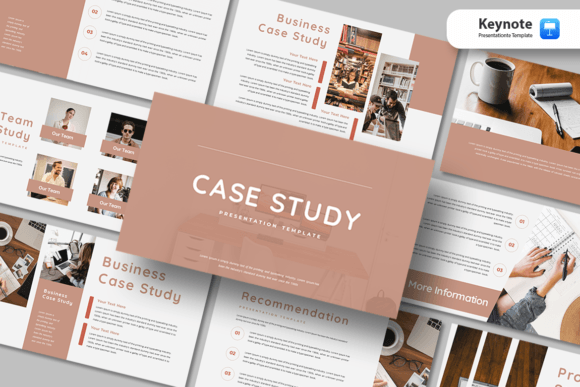
Why portfolio & case study templates work
Case studies land when the story is obvious: what the challenge was, what you did, and what changed. Meanwhile, many portfolios feel “pretty” but unclear because they skip context, proof, or outcomes. A strong template fixes hierarchy and pacing, so your work reads like a decision-ready narrative.
- Faster trust: proof sits next to the claim, not buried at the end.
- Clearer value: results are framed as impact, not screenshots.
- Better storytelling: consistent slide patterns keep attention.
- Quicker updates: replace one project without redesigning the whole deck.
Portfolio / case study template types
Pick a format based on your audience. For hiring, keep it short and visual. For clients, lean into outcomes, process, and proof.
Portfolio deck (multi-project)
- Best for: designers, agencies, freelancers, studios.
- Focus: highlights, selected projects, capabilities, next step.
Single case study deck (deep dive)
- Best for: client reviews, stakeholders, interviews.
- Focus: context, constraints, approach, decisions, results.
Before / after transformation deck
- Best for: redesigns, CRO, branding, UX improvements.
- Focus: baseline → changes → why → measurable impact.
Process & methodology deck
- Best for: proposals, agency capability decks, enterprise buyers.
- Focus: discovery → delivery → QA → launch → iteration.
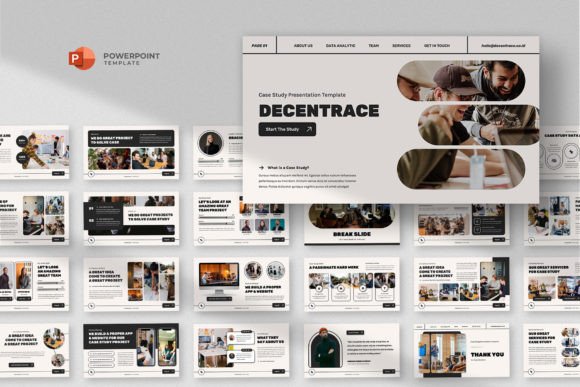
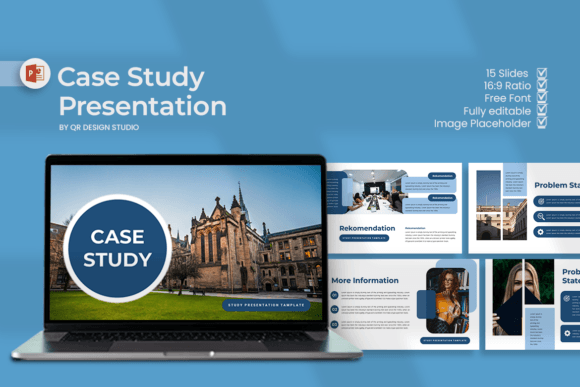
Best case study deck structure
This order keeps the story clear and outcome-focused. If you’re short on time, compress the middle and keep results + proof strong.
- Cover + role: project name and what you owned.
- Context: who the client/audience is and what mattered.
- Challenge: the problem and constraints.
- Goal: what success looked like (metrics or outcomes).
- Approach: strategy, key decisions, and why.
- Execution: what you built (selected screens/frames).
- Results: impact, numbers, and learnings.
- Next step: what you’d do next and how to work with you.
Must-have slides that make work feel “real”
- Role & scope: what you owned, timeframe, team size.
- Constraints: budget, timeline, tech, stakeholders.
- Decision slide: options considered and why you chose one.
- Proof slide: results + baseline + source (where possible).
- Reflection: what you learned and what you’d improve next.
Copy formulas for case study slides
- Challenge: “Users struggled with [Issue], causing [Impact].”
- Decision: “We chose [Option] because [Reason].”
- Result: “After launch, [KPI] improved by [X%] in [Timeframe].”
- Learning: “Next time, we would [Change] to improve [Outcome].”
Quick checklist (before you send)
- One takeaway per slide: headings should be conclusions, not topics.
- Role is clear: say what you owned and what the team did.
- Proof is specific: baseline + result + timeframe where possible.
- Fewer screenshots: pick the 3–6 that support the story.
- End with a next step: contact, portfolio link, or call to action.
Recommended picks
Start with a portfolio style that matches your audience, then reuse the same case study pattern for every project. After that, tighten the results slide and the role/scope slide first – those two usually change how “senior” the work feels.
Portfolio Presentation Templates
Multi-project decks with clean layouts, grids, and strong typography.
View options →Case Study Slide Deck Templates
Client-story decks with context, approach, and results sections.
View options →Agency Case Studies & Results
Proof-first decks with metrics, testimonials, and process slides.
View options →Before & After Presentation Slides
Transformation layouts for redesigns, branding, and performance wins.
View options →FAQ
How long should a portfolio or case study deck be?
For portfolios, 8–15 slides works well if you focus on selected work. For a single case study, 10–18 slides is usually enough, especially when results and proof are clear.
What makes a case study feel credible?
Clarity about your role, a few grounded constraints, and results with context (baseline, timeframe, and what changed). Additionally, one strong “decision” slide often signals real experience.
Related presentation hubs
Business Presentation Templates
Clean slides for meetings, strategy, proposals, and reporting.
Explore →Marketing / Proposal Templates
Client-ready decks for commercial offers and marketing plans.
Explore →Report Presentation Templates
Marketing and performance report decks with charts and clear takeaways.
Explore →Next step
Pick one deck type and outline the story first: context, challenge, approach, results. Next, choose 3–6 visuals that support the narrative instead of decorating it. Finally, end with one clear next step so the deck leads to a decision.