Portfolio Website Templates: Clean Layouts That Win Clients
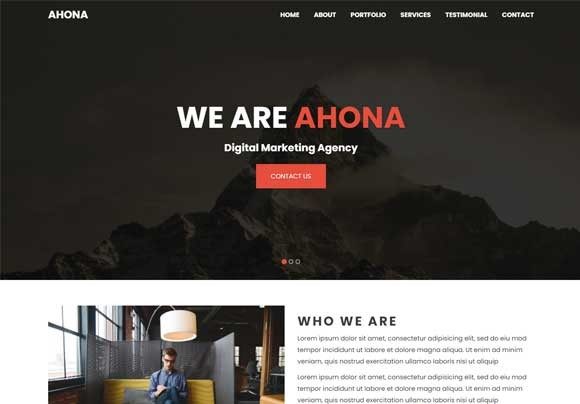
Portfolio website templates help you launch a professional portfolio fast using a proven structure: hero → best work → services → proof → about → contact CTA. Use this page to choose the right template type (designer, developer, photographer, freelancer, consultant), follow simple rules for clarity, and customize quickly – fonts, colors, spacing, and sections – without building from scratch.
Why portfolio website templates work
Portfolios don’t win by being flashy – they win by being easy to scan and easy to trust. Most visitors decide in seconds whether your work feels professional. Templates help you present projects with clear hierarchy, consistent spacing, and a repeatable layout that makes your work look more premium.
- Speed: launch in hours instead of weeks.
- Clarity: show your best work first, without messy layout decisions.
- Trust: consistent design signals “professional” immediately.
- Conversions: clear CTAs (book a call / contact) lead to more inquiries.
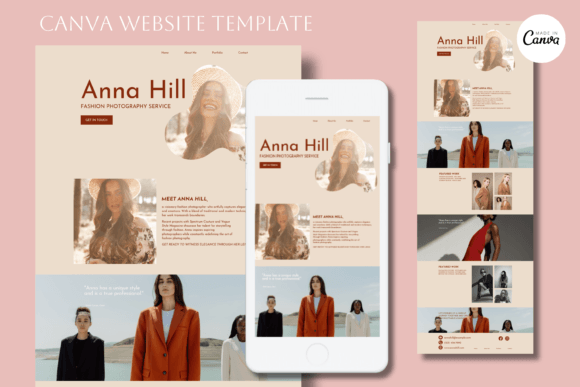
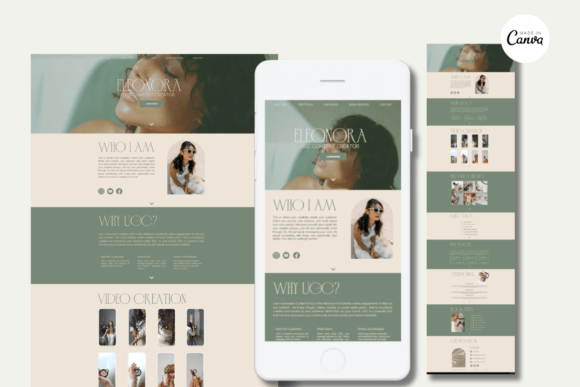
Portfolio website template types
Choose one primary portfolio format. Once your site feels consistent, add supporting pages (case studies, services, pricing, contact) to build a simple client-acquisition system.
Designer portfolio
- Best for: graphic designers, UI/UX designers, illustrators, brand designers.
- Use when: visuals should lead the story and you want a clean grid.
- Key pages: Work, Case studies (optional), Services, About, Contact.
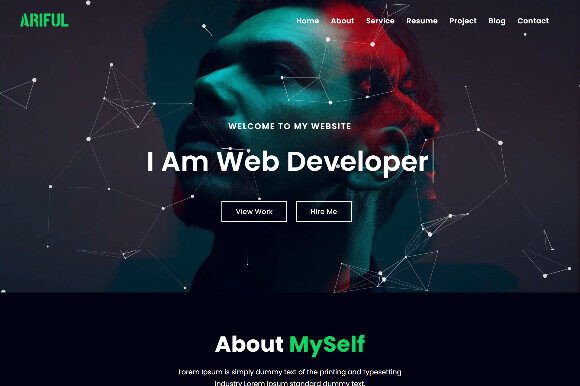
Developer portfolio
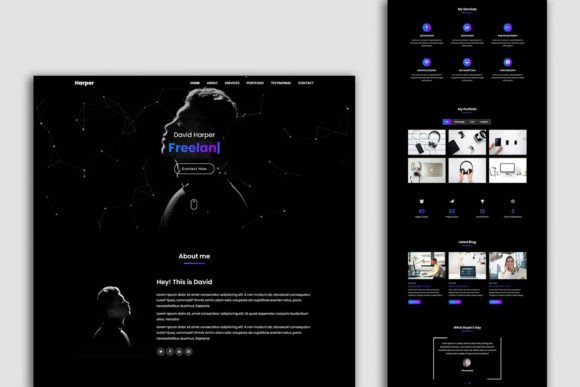
- Best for: web developers, software engineers, no-code builders.
- Use when: you need structured project breakdowns and tech stack clarity.
- Key pages: Projects, Skills/Stack, Case studies, Testimonials, Contact.
Photographer / videographer portfolio
- Best for: photographers, videographers, studios, creators.
- Use when: you want gallery-first layouts with strong visuals and minimal text.
- Key pages: Portfolio, Collections, About, Booking/Contact.
Freelancer / consultant portfolio
- Best for: freelancers, consultants, coaches, marketers, copywriters.
- Use when: the goal is inquiries, booked calls, and lead capture.
- Key pages: Services, Results/Case studies, Testimonials, About, Contact.
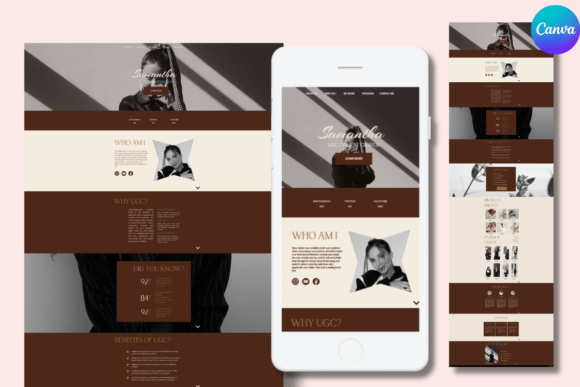
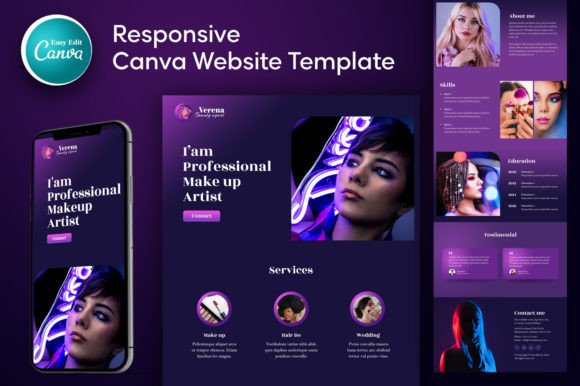
Must-have sections (portfolio-ready structure)
If you want your portfolio to convert, visitors should understand who you help, what you do, and how to hire you within the first 10 seconds.
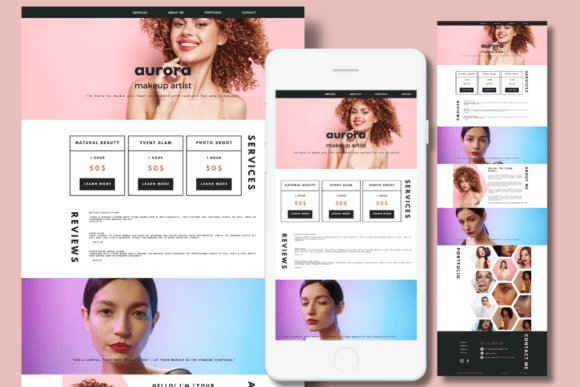
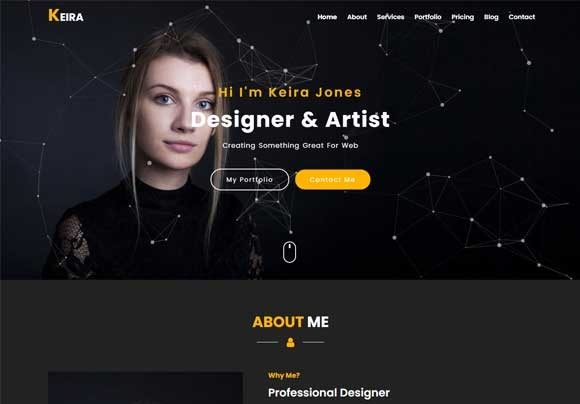
- Hero: your role + niche + one clear CTA (Book a call / Contact / Get a quote).
- Best work: 3–6 strongest projects first (quality beats quantity).
- Services: 3–5 clear offers with outcomes (what you deliver).
- Proof: testimonials, client logos, metrics, awards, press mentions.
- About: credibility + approach + values (short, scannable).
- Contact CTA: form + email + booking link; keep it simple.
How to present projects (so they feel premium)
A portfolio is not just a gallery. Strong projects show context and outcomes. Use this simple format for each featured project (especially for designers and developers):
- One-line summary: what it is and who it was for.
- Goal: what problem the client had.
- Your work: what you did (scope + tools).
- Result: measurable outcome if possible (time saved, conversion lift, approval, launch).
- CTA: “Want something similar? Contact me.”
Presentation frameworks (copy-paste outline)
Pick one framework and keep it consistent across the site. Your portfolio will feel more “designed” and more trustworthy.
- Hero → Work → Proof → Services → CTA (best for most portfolios)
- Work → Case studies → About → CTA (best when projects speak for themselves)
- Problem → Solution → Results → CTA (best for consultants and service providers)
Readability checklist (portfolio-friendly)
- Best work appears early: don’t hide projects below long intros.
- Short descriptions: 1–3 lines per project card; details on the project page.
- Whitespace: spacing makes your site feel premium.
- One CTA per section: avoid asking for 3 actions at once.
- Mobile-first: large readable text and tappable buttons.
- Consistent style: one font pair + 2–3 colors across the whole site.
Recommended picks
Start with one clean “system”. Choose a layout style (minimal, modern, bold), then customize typography and the hero headline first. Consistency matters more than perfection.
Minimal Portfolio Systems
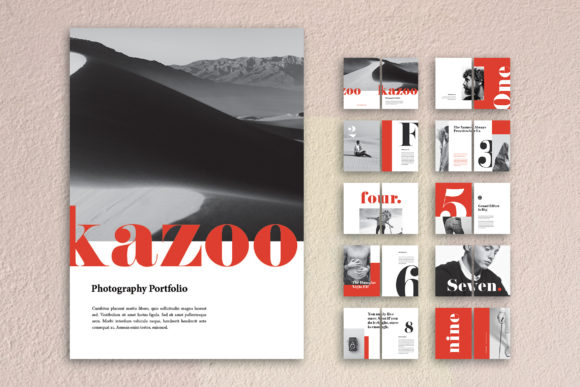
Clean, typography-led layouts that make your work look premium and easy to scan.
View options →Creative Portfolio Layouts
Bold hero sections and modern grids for creators who want a more expressive look.
View options →Photography Portfolio Pages
Gallery-first layouts built for strong visuals and clean navigation.
View options →Developer Portfolio Templates
Project breakdown layouts with sections for stack, features, and results.
View options →FAQ
How many projects should I show on a portfolio website?
Start with 3–6 strong projects. It’s enough to show range without overwhelming visitors. Lead with your best work first, then add more later if you have a clear structure (categories, filters, or case studies).
- Best practice: show 3 featured projects on the homepage + a “View all projects” page.
- For beginners: even 2–3 polished projects can convert if the presentation is strong.
- For photographers: use collections (weddings, portraits, travel) instead of dozens of single images.
Should I include pricing on my portfolio?
Optional. Pricing can filter leads, but it can also reduce inquiries if your work is premium. If you’re unsure, use a middle option: add “starting at” pricing or package ranges.
- Include pricing if your services are standardized (templates, branding packages, photo sessions).
- Skip pricing if projects vary a lot (custom web builds, consulting, complex design systems).
- Safe option: “Projects start at $X – request a quote for full scope.”
What should I customize first in a portfolio template?
Start with the elements that affect clarity and conversion the most. You don’t need a redesign – just make the template sound like you and guide visitors to the next step.
- Hero headline: role + niche + outcome (example: “UI Designer for SaaS startups”).
- Primary CTA: “Book a call”, “Contact”, or “Request a quote” (choose one).
- Project order: put your strongest work first (not chronological).
- Typography + colors: one font pair + 2–3 brand colors, consistent spacing.
- Proof: add testimonials, logos, results, or numbers.
What makes a portfolio feel “premium” instantly?
Premium portfolios look calm and intentional. It’s usually not about fancy animations – it’s about spacing, consistency, and clear project storytelling.
- Whitespace: generous spacing around sections and project cards.
- Big headings: clear hierarchy that reads well on mobile.
- Short copy: scannable bullets instead of long paragraphs.
- Consistent visuals: same image style (mockups, screenshots, photography tone).
- One CTA per section: avoid asking for 3 actions at once.
Do I need case studies, or is a gallery enough?
A gallery can work, but case studies convert better for service-based work. If you sell your skills (design, development, consulting), add at least 1–2 case studies with context and results.
- Gallery is enough for photographers, artists, and visual-first portfolios.
- Case studies help designers and developers explain decisions and outcomes.
- Simple case study formula: Goal → Your work → Result → CTA.
What pages should a portfolio website include?
At minimum, you need pages that help visitors trust you and contact you quickly. Add more pages only if they support a clear goal.
- Home: clear headline + featured projects + CTA.
- Work / Projects: your portfolio grid or categories.
- Services: what you offer + what the client gets.
- About: credibility and positioning (keep it short).
- Contact: form + email + booking link (optional).
How do I get inquiries from a portfolio (not just views)?
Make it obvious what you offer and what to do next. A portfolio becomes a lead generator when it combines clear services + proof + a strong CTA.
- Add a service section: 3–5 offers with outcomes.
- Use proof: testimonials, results, client logos, or numbers.
- Repeat the CTA: once near the top and again after projects.
- Reduce friction: short form, simple questions, fast contact options.
Related template hubs
Browse all website layout categories and styles in one place.
Campaign-ready pages for ads, launches, lead capture, and signups.
Service-first layouts with clear offers, trust proof, and contact CTAs.
Clean “about + work + contact” structures for personal brands.
CV-style layouts for job seekers and career portfolios.
Great for creators who publish articles and build SEO traffic.
Store-ready layouts for product pages, collections, and conversion flows.
Drag-and-drop site layouts for small businesses and creators.
Minimal, modern website styles for portfolios and brands.
Designer-friendly layouts with strong structure and smooth UX.
WordPress page sections and full layouts you can customize fast.
Lightweight WP layouts built for speed, clarity, and clean design.
“Website-ish” systems for creators: portfolios, landing pages, and hubs.
How to choose, customize, and structure pages that convert.
Next step
Pick one template set, define a mini brand kit (fonts + 2–3 colors), and publish your best work first. A clean portfolio builds trust fast – and the right clients follow.