Real Estate Website Templates: Clean Designs That Turn Visitors Into Leads
Real estate website templates help you launch a professional property site fast with a proven structure: hero → featured listings → services → trust proof → local highlights → contact CTA. Use this page to choose the right template type (agent, agency, rental, listing, development), follow a simple conversion checklist, and customize quickly – fonts, colors, spacing, and sections – without building from scratch.

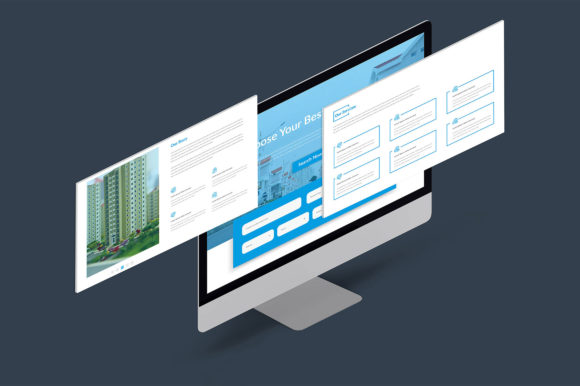
Why real estate website templates work
Real estate websites don’t win by looking “fancy” – they win by making it effortless to browse listings and contact you. Many sites lose leads because the hero section is vague, the listing info is incomplete, photos are hard to scan, or the contact action is buried. Templates fix the “what goes where” problem and keep your pages consistent, clean, and lead-focused.
- Faster launch: publish a complete site in hours instead of weeks.
- More trust: clean layout + clear information feels professional immediately.
- More inquiries: strong CTAs and “contact-first” structure increases leads.
- Easy updates: swap photos, prices, and listings without redesigning the whole site.
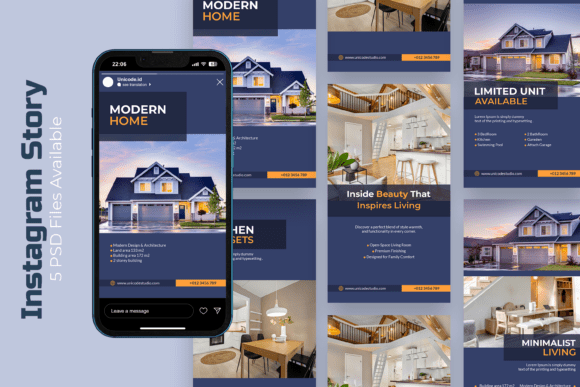
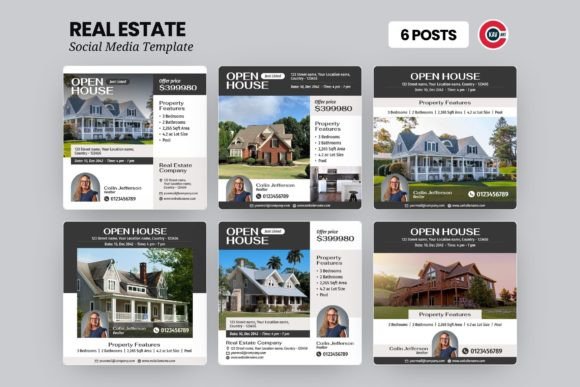
Real estate website template types
Start with one main website type. Once your design looks consistent, add a second set of pages (for listings or campaigns) to build a simple system: main site → listing pages → lead capture.
Agent / Realtor personal website
- Best for: individual agents, brokers, consultants.
- Use when: you want personal brand authority + steady inbound leads.
- Key pages: About, Services, Featured listings, Reviews, Contact.
Real estate agency / brokerage website
- Best for: agencies, teams, brokerages.
- Use when: you need multiple agent profiles + listings + services.
- Key pages: Team, Areas served, Listings, Sell with us, Contact.
Property listing / single-property site
- Best for: one property campaign, luxury listing, new build unit, commercial listing.
- Use when: you’re running ads or Pinterest to a specific property page.
- Key sections: Gallery, key facts, map, amenities, virtual tour, inquiry form.
Rental / vacation property site
- Best for: landlords, vacation rentals, short-term stays.
- Use when: you want bookings, availability requests, and clear house rules.
- Key sections: Features, location highlights, gallery, FAQ, booking CTA.
Development / new construction project site
- Best for: developers, investors, multi-unit projects, presales.
- Use when: you need a premium “project brochure” experience.
- Key sections: Vision, floor plans, finishes, progress updates, lead form.
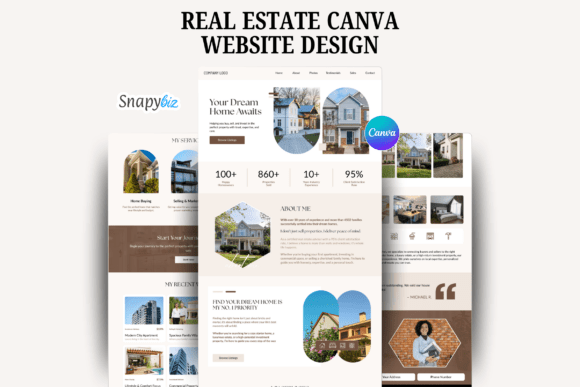
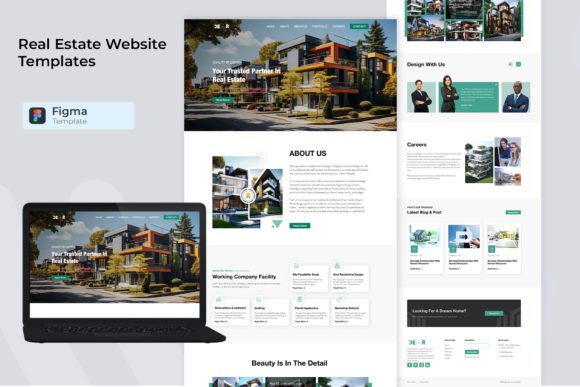
Must-have sections (the lead-ready structure)
If you want more calls and form submissions, build around clarity. Visitors should understand what you offer, where you operate, and how to contact you within the first 10 seconds.
- Hero (above the fold): location + service + one CTA (Call / Get a viewing / Request details).
- Featured listings: 3–6 strongest properties with key facts (beds/baths/size/price).
- Services: buy, sell, rent, property management, consultation – keep it scannable.
- Trust proof: testimonials, numbers (homes sold, years), certifications, platforms.
- Area highlights: neighborhoods, schools, commute, lifestyle – helps decision-making.
- Contact CTA: short form + phone + WhatsApp (if relevant) + office hours.
Conversion frameworks (copy-paste outline)
Templates work best when you keep a repeatable flow. Pick one framework and use it across your home page and listing pages. Consistency increases trust and makes your site feel premium.
- Location → Listings → Proof → CTA: best for agencies and local service sites.
- Property → Benefits → Gallery → Map → CTA: perfect for single-property landing pages.
- Problem → Solution → Process → Reviews → CTA: ideal for “Sell your home” pages.
- Tease → Details → Comparison → Availability → CTA: great for rentals and vacation homes.
Readability checklist (real estate-friendly)
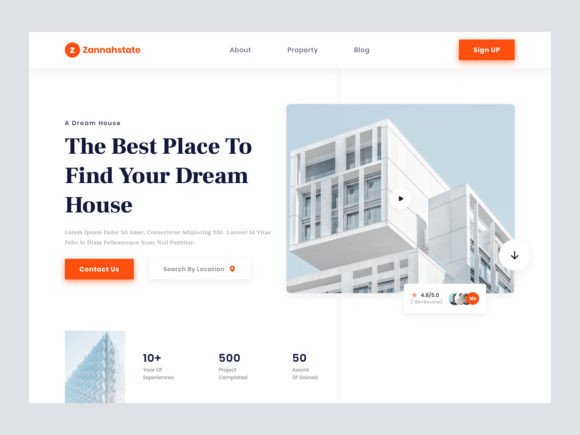
- Headline is specific: include area + property type (or service) instead of generic text.
- Key facts are visible: price, beds, baths, size, location – no hunting.
- Great photos: use fewer, better images; avoid tiny galleries.
- Short blocks: use bullets and subheadings instead of long paragraphs.
- One CTA per section: “Request viewing”, “Get details”, “Contact agent”.
- Mobile-first spacing: generous whitespace makes the site feel premium.
Recommended picks
Start with one scalable “system”. Open the library, filter by style (modern, minimal, luxury), then customize your headline, listing blocks, and CTA first. Consistency matters more than perfect design.
Real Estate Agency Website Systems
Clean layouts for brokerages with featured listings, services, team blocks, and trust proof.
View options →Agent Personal Brand Websites
Modern agent sites focused on trust, reviews, local expertise, and easy contact.
View options →Single-Property Listing Pages
Landing pages for one listing: gallery, key facts, map, amenities, and inquiry form.
View options →Rental & Vacation Property Sites
Booking-ready layouts with features, house rules, location highlights, and availability CTA.
View options →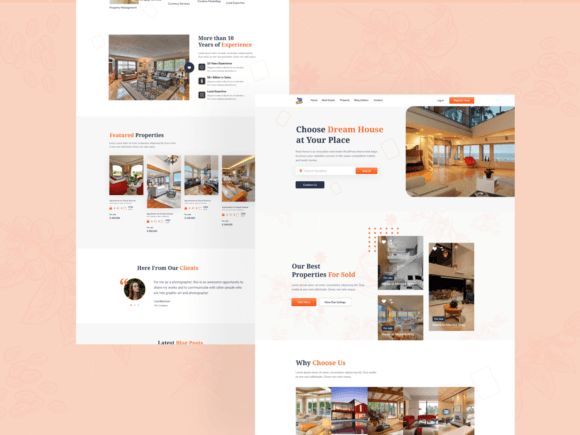
FAQ
Do real estate website templates help generate more leads?
They can. Templates improve clarity and trust by placing key property facts, galleries, and contact actions where visitors expect them. A clean structure also reduces friction – so more people actually reach out.
What should I customize first?
Start with your headline (location + offer), primary CTA button text, and featured listings section. Then adjust your font pair and 2–3 brand colors. After that, swap images and refine descriptions.
How many listings should I show on the homepage?
Show 3–6 featured listings. It’s enough variety to build interest without overwhelming visitors. You can link to a “View all listings” page if you have a larger catalog.
What makes a listing page convert better?
A strong listing page includes: a clean gallery, visible key facts (price/beds/baths/size), a map section, amenities, and one clear inquiry CTA. Keep text scannable and avoid long blocks.
Related template hubs
Browse all website layout categories and styles in one place.
Campaign-ready pages for ads, launches, lead capture, and signups.
Service-first layouts with clear offers, trust proof, and contact CTAs.
Clean “about + work + contact” structures for personal brands.
CV-style layouts for job seekers and career portfolios.
Great for creators who publish articles and build SEO traffic.
Store-ready layouts for product pages, collections, and conversion flows.
Drag-and-drop site layouts for small businesses and creators.
Minimal, modern website styles for portfolios and brands.
Designer-friendly layouts with strong structure and smooth UX.
WordPress page sections and full layouts you can customize fast.
Lightweight WP layouts built for speed, clarity, and clean design.
“Website-ish” systems for creators: portfolios, landing pages, and hubs.
How to choose, customize, and structure pages that convert.
Best use cases for real estate website templates
- Agent websites that build trust and generate inbound calls
- Agency sites with team profiles, services, and featured listings
- Single-property landing pages for ads and premium campaigns
- Rental and vacation property sites for booking requests
- New construction and development project presentations
- Local “area pages” targeting neighborhoods and city keywords
Next step
Pick one template set, define a mini brand kit (fonts + 2–3 colors), and publish consistently. Update featured listings weekly and keep your CTA clear. When your site looks professional and easy to scan, trust increases – and leads follow.