Restaurant Website Templates: Menus, Reservations & Online Ordering Layouts
Restaurant website templates help you launch a clean, conversion-friendly restaurant site fast – without starting from zero. Use this page to choose the right template type (menu pages, reservation landing pages, delivery/online ordering layouts, chef/brand story, events), follow a simple structure that converts, and customize quickly – fonts, colors, sections, and CTAs.
Why restaurant website templates work
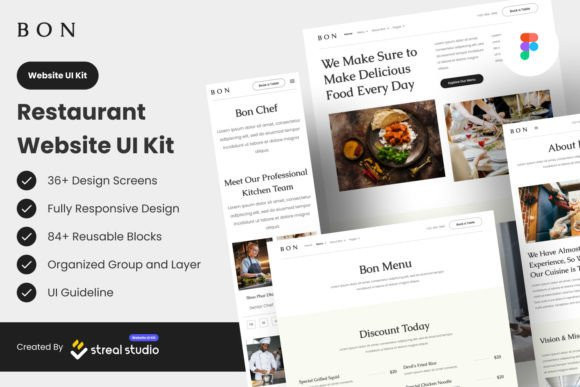
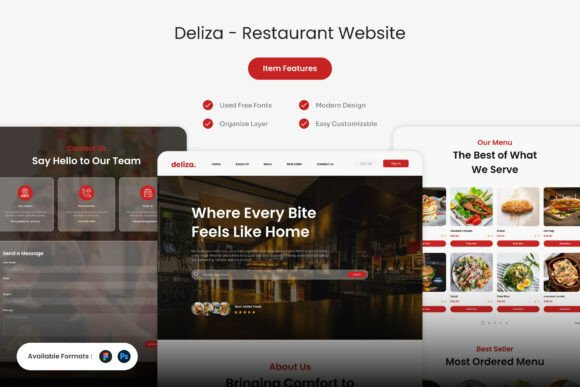
Restaurant websites aren’t about “design” – they’re about quick decisions: what’s on the menu, where you are, how to book, and how to order. Templates solve the “what goes where” problem with a proven layout: hero → menu highlights → reservations/ordering → proof → location → CTA.
- Faster launch: start with a ready structure instead of a blank page.
- Clear navigation: visitors instantly find Menu, Reservations, Hours, Location.
- More bookings: strong CTA placement improves conversions.
- Mobile-first readability: most restaurant visits start on phones.
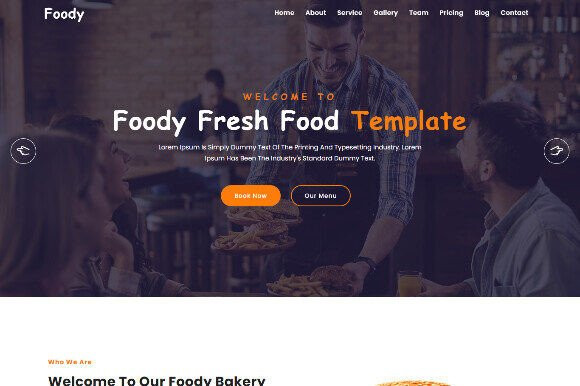
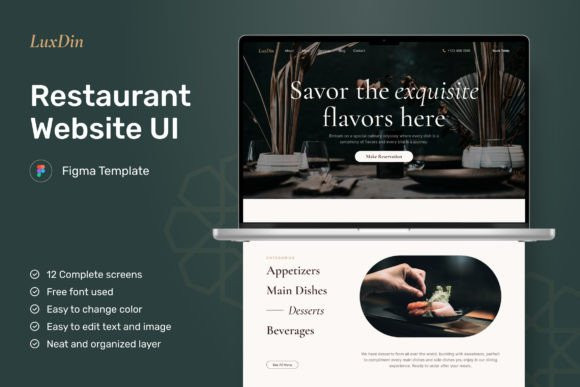
Restaurant website template types
Pick the core template based on your main goal (reservations, online ordering, or discovery). Then add extra pages as your restaurant grows.
Restaurant Home Page Templates
- Best for: first impression + quick actions.
- Use when: you want one clean page that “sells the vibe”.
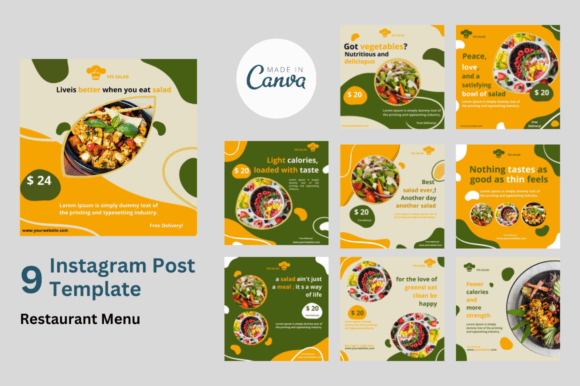
Menu Page & Food Catalog Templates
- Best for: menus with categories (starters, mains, desserts, drinks).
- Use when: menu clarity is your #1 conversion driver.
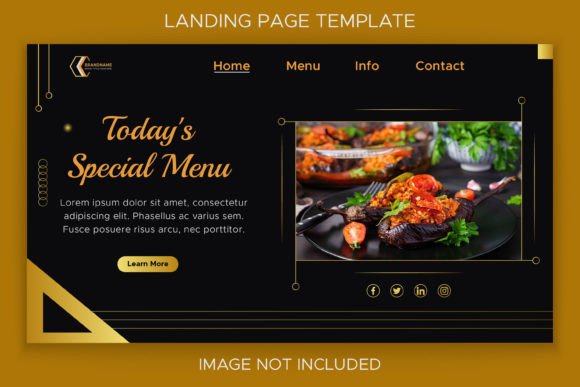
Reservation Landing Page Templates
- Best for: bookings, table reservation flows, “Book now” CTAs.
- Use when: you run ads or want a focused booking page.
Online Ordering / Delivery Templates
- Best for: takeout, delivery, online menu + order CTA.
- Use when: you need “Order now” front and center.
Events / Catering / Private Dining Templates
- Best for: group bookings, catering requests, special events.
- Use when: you want leads from forms + packages.
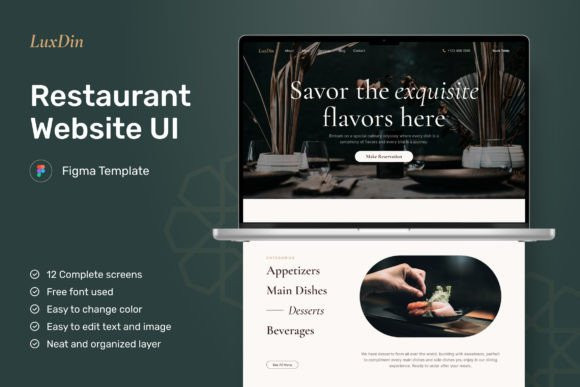
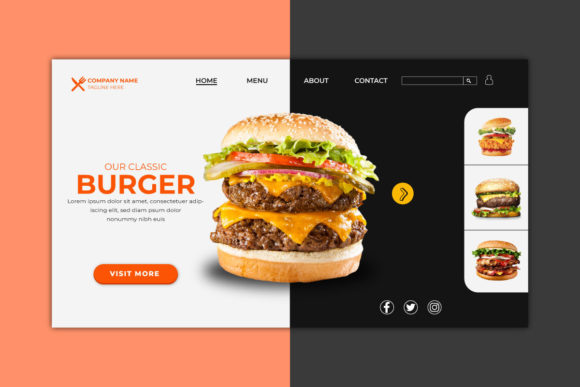
Must-have sections (restaurant essentials)
- Hero: cuisine + signature dish photo + primary CTA (Reserve / Order).
- Menu highlights: 6–10 best sellers with short descriptions.
- Social proof: reviews, ratings, press logos, testimonials.
- Location & hours: map, address, opening times, parking notes.
- Reservation / order block: repeated CTA near the bottom.
- Contact: phone, email, quick links (WhatsApp if used).
Best restaurant website structure (copy-paste outline)
- Hero: cuisine + location + 1 CTA (Reserve / Order).
- Signature dishes: best sellers with clean photos.
- Menu preview: category links + “View full menu”.
- Proof: reviews + short testimonials.
- About / story: chef, ingredients, concept (short and visual).
- Location & hours: map + address + parking.
- Final CTA: Reserve / Order + contact info.
Conversion checklist (restaurant-friendly)
- One primary CTA: don’t compete (Reserve OR Order).
- Menu is easy: categories, readable text, no tiny fonts.
- Mobile first: buttons are big, address is tappable.
- Hours visible: near the top and in footer.
- Proof matters: show reviews early (above the fold if possible).
Recommended picks
Start with one “system” and reuse it across pages. Customize fonts and colors first, then swap imagery and menu content.
Restaurant Home Page Layout
Hero + signature dishes + reviews + location + Reserve/Order CTA.
View options →Menu Page Template
Clean categories, readable typography, and easy scanning on mobile.
View options →Reservation Landing Page
Focused booking page: benefits, proof, and strong “Reserve” CTA.
View options →Online Ordering / Delivery Layout
Ordering-first design: categories, popular items, and “Order now” CTAs.
View options →
FAQ
Do restaurant website templates work for mobile?
Yes – most modern templates are built for mobile-first layouts. Prioritize readable menu typography, large CTAs, and a tappable address/phone number.
What should be on the first screen (above the fold)?
A clear cuisine/location headline, one primary CTA (Reserve or Order), and a quick proof element (rating, review snippet, or “as seen in”).
How many pages does a restaurant website need?
Start with 4–6 pages: Home, Menu, Reservations (or Order), Location & Hours, About, Contact. Add Events/Catering later if relevant.
Related template hubs
Browse all website layout categories and styles in one place.
Campaign-ready pages for ads, launches, lead capture, and signups.
Service-first layouts with clear offers, trust proof, and contact CTAs.
Clean “about + work + contact” structures for personal brands.
CV-style layouts for job seekers and career portfolios.
Great for creators who publish articles and build SEO traffic.
Store-ready layouts for product pages, collections, and conversion flows.
Drag-and-drop site layouts for small businesses and creators.
Minimal, modern website styles for portfolios and brands.
Designer-friendly layouts with strong structure and smooth UX.
WordPress page sections and full layouts you can customize fast.
Lightweight WP layouts built for speed, clarity, and clean design.
“Website-ish” systems for creators: portfolios, landing pages, and hubs.
How to choose, customize, and structure pages that convert.
Next step
Pick one core layout, add your menu and best photos, and place a single primary CTA (Reserve or Order) in at least two spots: top and bottom. Once live, expand with event/catering pages and internal links.