Plan, Batch & Post Consistently
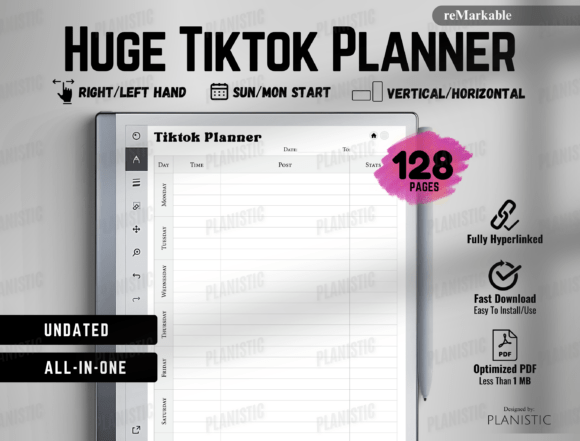
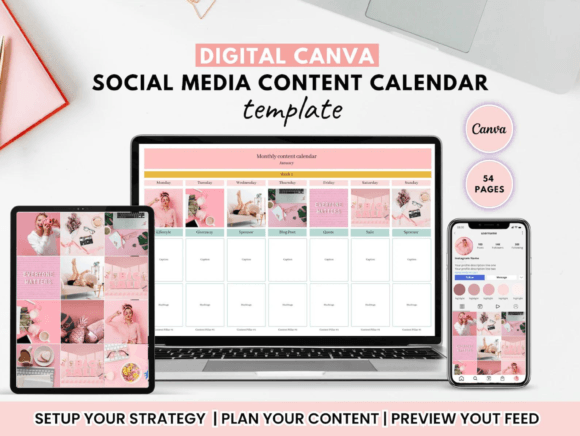
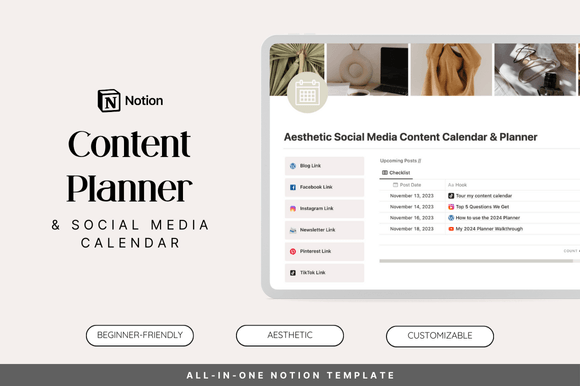
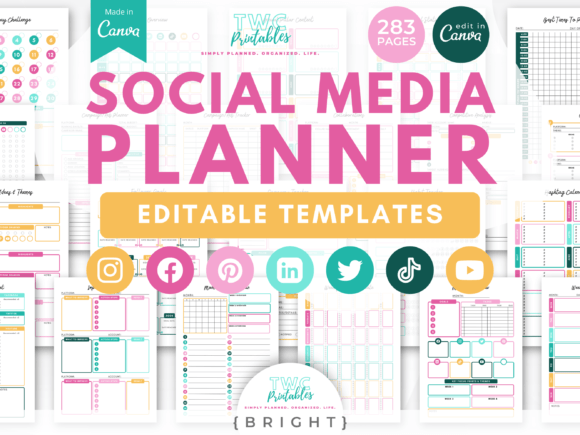
Social media content calendar templates help you plan posts, batch-create content, and keep your visuals consistent across Instagram, TikTok, YouTube, and Pinterest. Use this page to pick the right calendar style (monthly, weekly, campaign, launch), follow a simple workflow, and customize fast – fonts, colors, categories, and posting rhythm – without building a system from scratch.
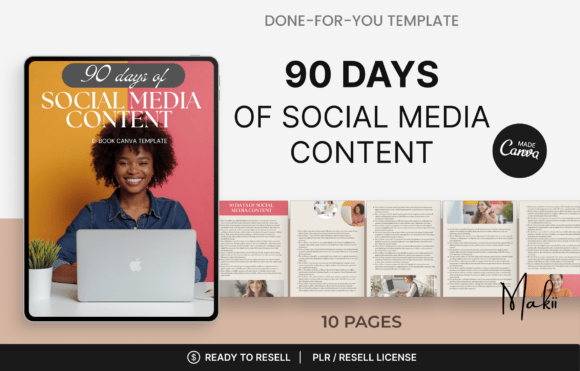
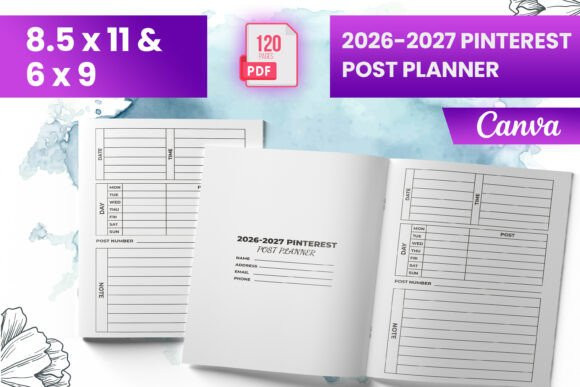
Content calendar template types
Choose your planning level. Start simple, then add structure only when you need it.
- Monthly calendar: big-picture view for themes, campaigns, and key dates.
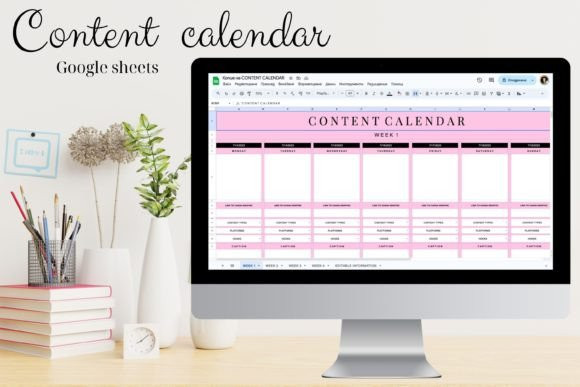
- Weekly planner: exact posting schedule (platform + format + goal per day).
- Campaign planner: launches, promotions, challenges, seasonal pushes.
- Content pillars planner: repeatable categories (education / proof / promo / lifestyle / community).
- Batching tracker: plan → script → design → edit → publish → repurpose.
- KPI / performance tracker: saves, clicks, watch time, CTR, followers gained.
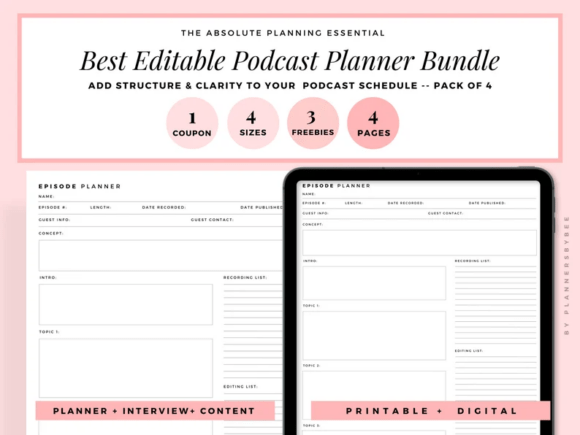
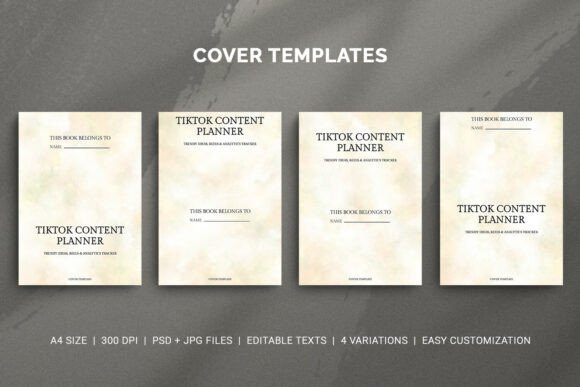
What a good calendar includes
These fields turn “random posting” into a reusable system.
- Platform: Instagram / TikTok / YouTube / Pinterest
- Format: reel, carousel, story, pin, short, thumbnail, cover
- Hook/title: 6–10 words (headline-first)
- CTA: save, follow, comment, click, link-in-bio
- Content pillar: tips, proof, promo, behind-the-scenes, community
- Asset status: script / design / edit / scheduled / published
- Repurpose plan: “turn this into 3 pins + 1 email + 1 short”
How to use content calendar templates
This workflow keeps you consistent without burning out.
- Pick 3–5 content pillars: education, proof, promo, community, lifestyle.
- Set a realistic cadence: e.g., 3 posts/week + 2 shorts + 5 pins.
- Batch production days: one day for scripts, one for design/edit.
- Reuse formats: keep 5–8 templates and rotate them weekly.
- Schedule + track: mark “published” and track 1–2 KPIs per platform.
- Improve monthly: double down on what gets saves/clicks, cut the rest.
Recommended picks
Start with one of these setups. Each button opens the full library so you can filter by style and format.
Monthly Theme Calendar
Plan monthly themes, campaigns, and key dates – ideal for staying consistent.
View options →Weekly Posting Schedule
Exact weekly plan with platform + format + CTA – easy to execute.
View options →Launch / Campaign Planner
Pre-launch → launch → follow-up plan with content types and assets.
View options →Performance Tracker
Track saves, clicks, watch time, and CTR – then improve what works.
View options →
FAQ
How many posts per week should I plan?
Start with what you can sustain. For many creators, 3–5 posts/week is realistic. It’s better to be consistent than to post daily for one week and disappear for a month.
Should I use one calendar for all platforms?
You can. Use one “master” calendar for topics and themes, then break it into platform-specific formats (reels, pins, shorts) during batching.
What’s the fastest way to stay on-brand?
Use 5–8 reusable templates, one font pair, and 3–5 brand colors. Keep the same layout rules (margins, headline size, CTA placement) across every post.
Related template hubs
- Social Media Templates hub – all platforms in one place.
- Instagram templates – posts, stories, reels covers, highlights.
- Pinterest pin templates – title-first, click-friendly pins.
- TikTok templates – overlays, covers, promo layouts.
- All templates – browse every template category.