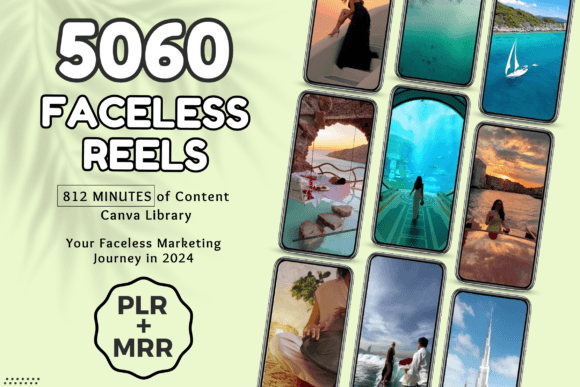
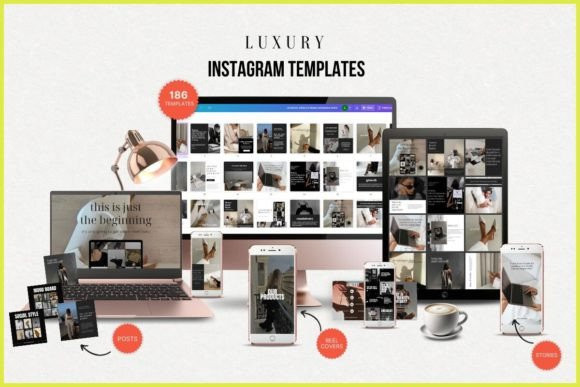
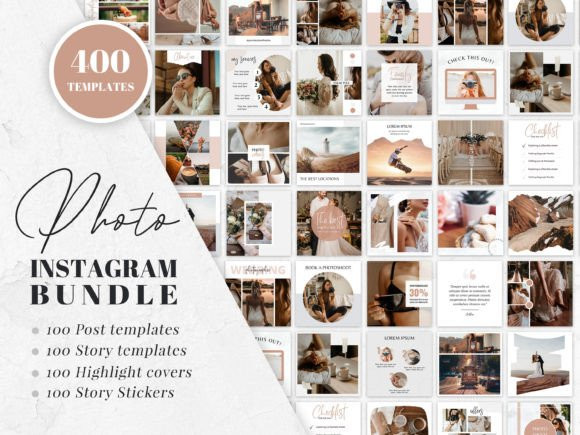
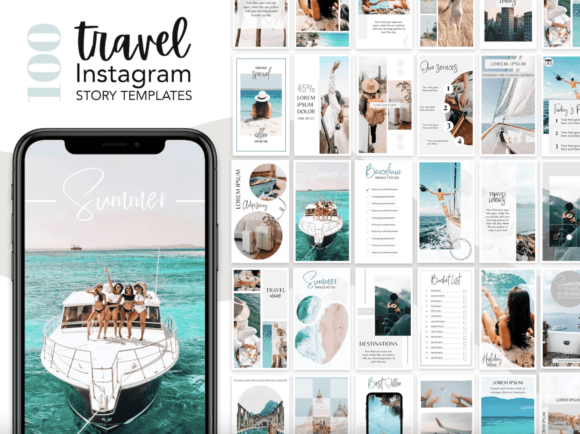
Posts, Stories, Pins, Thumbnails & More
Use social media templates to post faster, stay consistent, and keep your visuals on-brand. This hub helps you pick the right format (Instagram, Pinterest, YouTube, TikTok), follow a clean structure, and customize quickly – fonts, colors, layouts, and CTAs – without designing from scratch.
Social media template categories
Pick a format based on the platform and the content type you publish most. Start with one category, create a reusable “brand kit”, then expand.
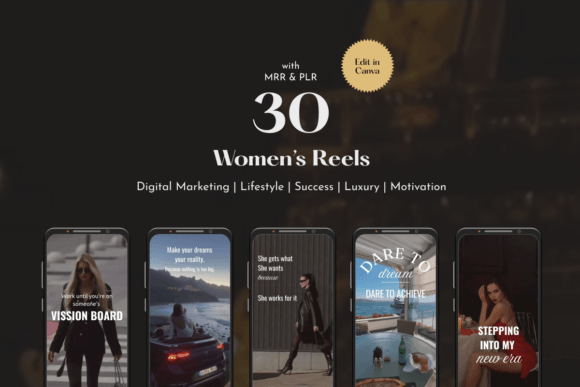
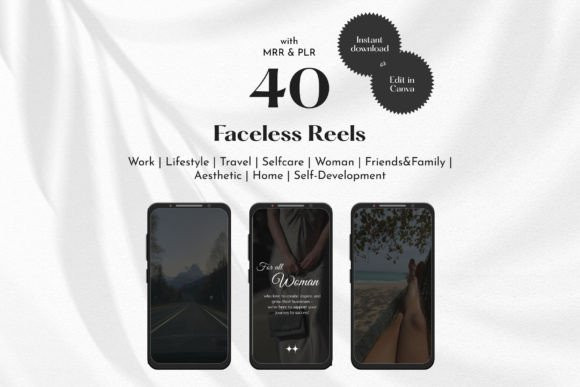
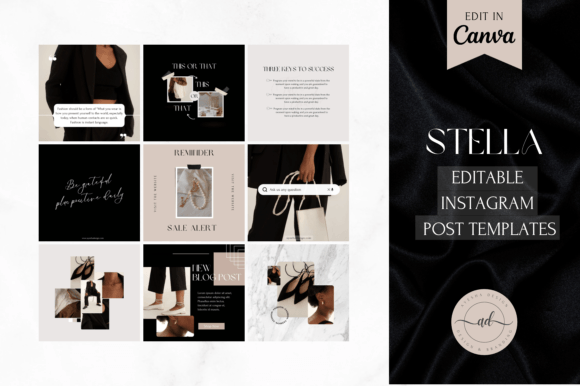
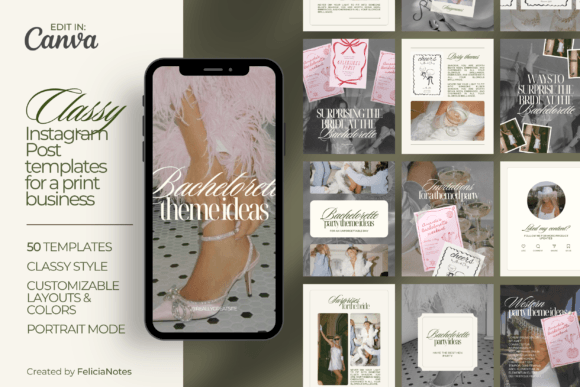
Instagram Templates
- Best for: posts, carousels, stories, reels covers, highlight covers.
- Use when: you want a consistent feed and repeatable content blocks.
- Explore: Instagram Templates
Pinterest Pin Templates
- Best for: pin graphics, list pins, how-to pins, product pins, idea pins covers.
- Use when: you need click-friendly layouts with clear titles and strong contrast.
- Explore: Pinterest Pin Templates
YouTube Thumbnail Templates
- Best for: thumbnails, channel banners, video cover graphics.
- Use when: you want higher CTR with clear headline + face/object focus.
- Explore: YouTube Thumbnail Templates
TikTok Templates
- Best for: promo overlays, quote cards, carousel-style vertical graphics.
- Use when: you publish fast and need clean, readable overlay systems.
- Explore: TikTok Templates
Content Calendar & Planning Templates
- Best for: monthly planners, posting schedules, campaign planning, tracking.
- Use when: consistency matters more than “viral randomness”.
- Explore: Social Media Content Calendar Templates
How to use social media templates
This simple workflow prevents messy feeds and saves hours every month.
- Create a mini brand kit: 2 fonts + 3–5 colors + button style.
- Choose 5–8 reusable layouts: quote, tip list, promo, testimonial, announcement.
- Write headline-first: make the title readable at a glance (especially for Pinterest).
- Keep spacing consistent: same margins, same text sizes, same alignment rules.
- Export correctly: PNG for crisp text; JPG for photos; keep file sizes reasonable.
- Batch production: create 10–30 designs in one session, then schedule.
Recommended picks
Start with these “core sets” to build a consistent system. Then expand with niche-specific packs.
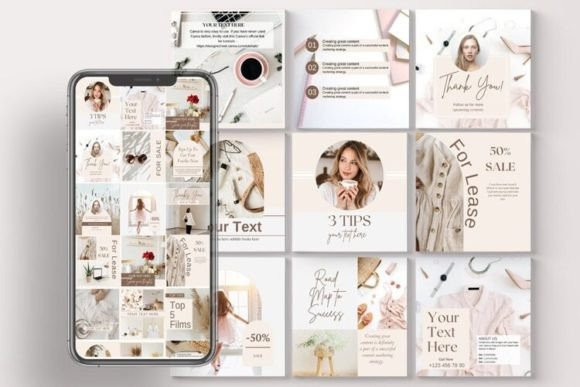
Instagram Post + Story Kit
Reusable layouts for a consistent feed, story promos, and weekly content blocks.
View options →Pinterest Pin System
Title-first pins, list pins, and tutorial pins that stay readable and clickable.
View options →Content Calendar Templates
Plan and track posting frequency, campaigns, and content themes.
View options →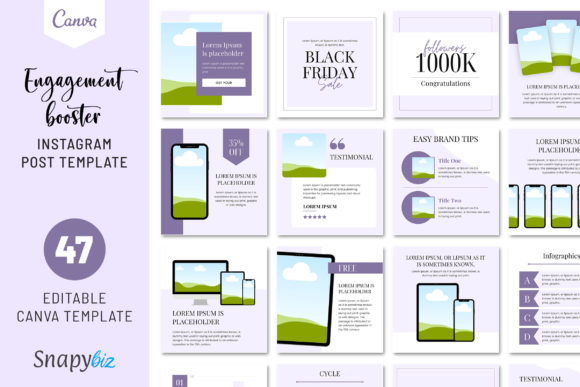
FAQ
What file formats work best for social templates?
Most packs are designed for Canva, PSD, or AI. If you want the simplest workflow, choose Canva-ready templates and keep one font pair + a small color palette.
How many templates should I use to stay consistent?
Start with 5–8 reusable layouts. Rotate them weekly. This gives consistency without making your feed look repetitive.
How do I make templates “feel like my brand”?
Set 2 fonts, 3–5 colors, and one button style. Replace headline text first, then images, then small decorative elements.
Related template hubs
- All templates – browse all template categories.
- Website templates – layouts for websites and CMS platforms.
- Landing page templates – conversion-focused page structures.
- Presentation templates – slide decks for business and education.