Social Proof Examples: Testimonials, Reviews & Trust Badges That Lift Conversions
Social proof examples help visitors trust you faster. Use this guide to pick the right proof type (testimonials, ratings, logos, stats, case study snippets, trust badges), place it in the right spot, and write copy that feels real – not salesy.
Why social proof works
Social proof reduces risk in the reader’s mind. The best proof answers one question fast: “Has this worked for people like me?” Good proof is specific, recent, and placed right next to the claim it supports.
- Faster trust: visitors stop “research mode” sooner.
- Cleaner decisions: proof supports the promise without extra paragraphs.
- Higher intent: pricing and CTAs feel safer after credible proof.
Social proof examples by type
Pick one primary proof style, then add one supporting type. Too many proof blocks at once can feel noisy.
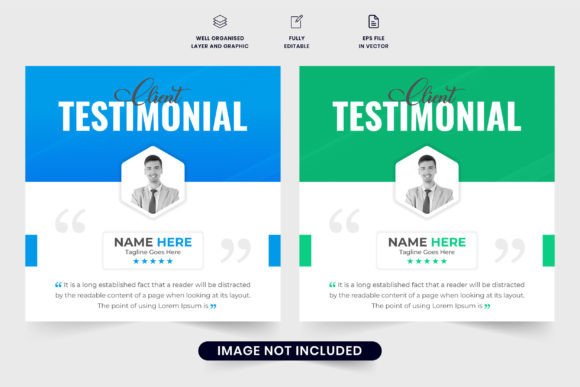
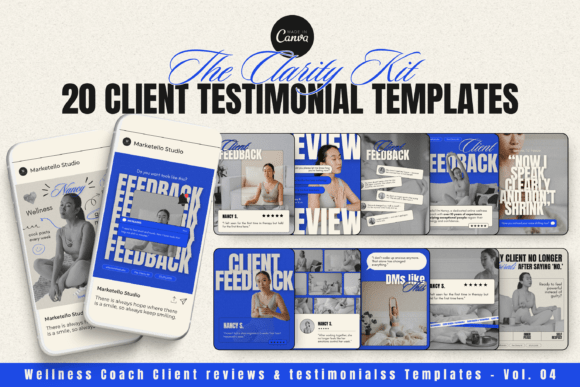
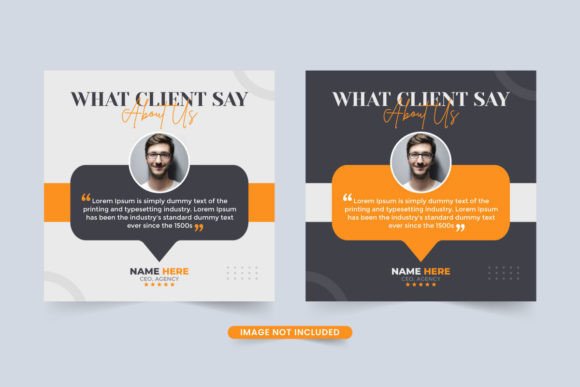
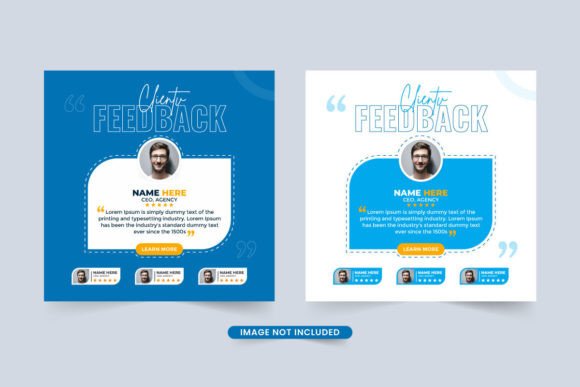
1) Testimonials (short quotes)
Best for: services, courses, tools, agencies.
Make it stronger: include role + result + timeframe.
2) Ratings & reviews (stars, counts)
Best for: products, apps, marketplaces.
Make it stronger: show “count + average” and one specific highlight.
3) Logos & “As seen in”
Best for: B2B, tools, agencies.
Make it stronger: add one line: “Trusted by teams at …”
4) Stats (numbers that prove momentum)
Best for: SaaS, communities, newsletters.
Make it stronger: use clear context (what the number means).
5) Case study snippets (mini before/after)
Best for: agencies, consultants, freelancers.
Make it stronger: include baseline → change → outcome.
6) Trust badges (security, guarantees, compliance)
Best for: checkout pages, forms, signups.
Make it stronger: pair with a short promise (privacy / refunds / cancel anytime).
Where to place social proof
- Under the hero CTA: quick proof to reduce hesitation.
- Next to a big claim: proof should sit beside the promise.
- Before pricing: make the price feel safer.
- Near forms: privacy + trust badges + one testimonial works well.
- Near objections: use FAQ + proof snippet together.
Copy formulas you can reuse
- Testimonial pattern: “I used [Product] to [Outcome] in [Timeframe].”
- Stat pattern: “[Number]+ [People/Teams] use [Product] to [Result].”
- Logo line: “Trusted by teams at [Logo 1], [Logo 2], [Logo 3].”
- Case snippet: “Before: [Baseline]. After: [Outcome]. What changed: [1 reason].”
- Trust badge line: “Secure checkout • Cancel anytime • No spam.”
Quick checklist
- Specific: result + timeframe beats “Amazing!”
- Believable: avoid perfect claims and generic names.
- Near the claim: don’t hide proof at the very bottom.
- Consistent style: same card layout, same spacing.
- Fresh: rotate proof and keep it current.
Recommended picks
Start with a simple testimonial layout + logo row. Then add one stats strip or one mini case snippet near pricing.
Testimonial Sections
Clean quote cards, names/roles, and scannable layouts for landing pages.
View options →Reviews & Star Rating Blocks
Rating rows, review grids, and “top highlights” layouts that feel credible.
View options →Logo Rows & “Trusted By”
Simple logo strips and “as seen in” sections for instant authority.
View options →Trust Badges & Guarantees
Security + guarantee blocks that reduce form and checkout anxiety.
View options →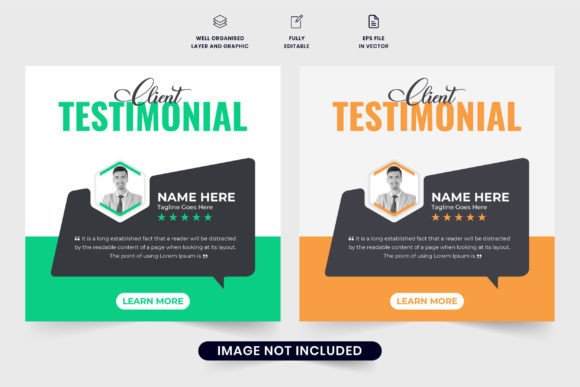
FAQ
How many testimonials should I show?
Start with 3–6 strong quotes. It’s better to show fewer, more specific testimonials than a long wall of generic praise.
What’s the best place for social proof on a landing page?
Under the main CTA and near pricing are the two highest-impact spots. Also add a small trust line near forms.
More Template Guides
High-Converting Forms Guide
Form layouts, field order, friction reducers, and trust cues that improve signups.
Explore →CTA Button Copy Ideas
High-intent CTA phrases, microcopy patterns, and examples by page type.
Explore →Landing Page Sections That Convert
Proven section order and blocks you can reuse across niches.
Explore →How to Choose a Template
Pick a layout based on goal, traffic source, and the offer – without overthinking.
Explore →Next step
Pick one proof type to lead with (testimonials or logos). Place it under the hero CTA, then add one supporting proof block near pricing or the form. Keep it specific and consistent.