Overlays, Hooks, Covers & Promo Layouts
Use TikTok templates to post faster, stay consistent, and keep your videos easy to scan. This page helps you choose the right format (overlay text, covers, carousel-style vertical graphics), apply proven layout rules, and customize quickly – fonts, colors, spacing, and CTAs – without starting from scratch.
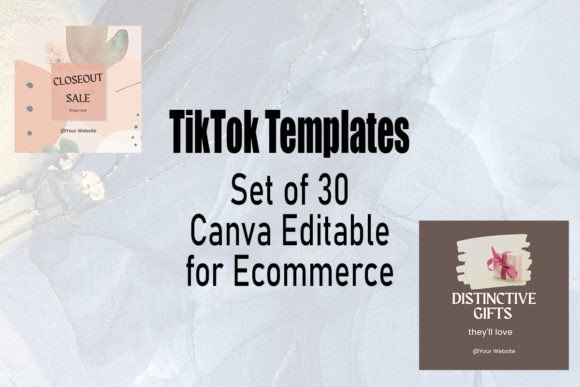
TikTok template types
Pick the format based on what you post most. Start with 1–2 types, build a repeatable system, then expand.
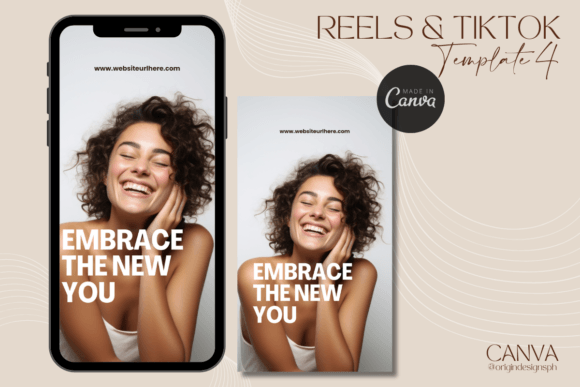
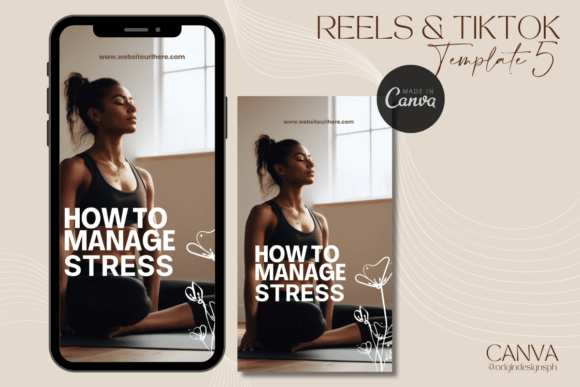
- Overlay text templates: clean headline zones + subtitle + CTA (perfect for tips and tutorials).
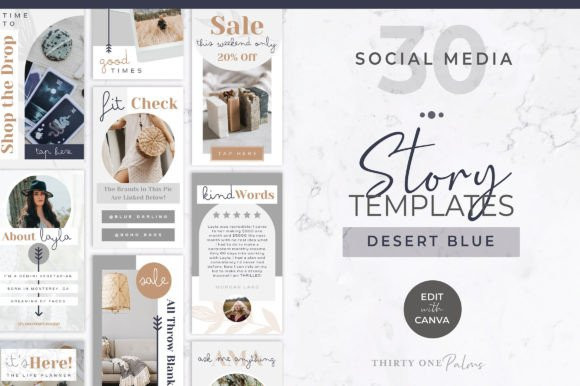
- Cover templates: consistent “episode” covers (series look, higher profile clicks).
- Carousel-style vertical graphics: “slide” content for step-by-step tutorials and lists.
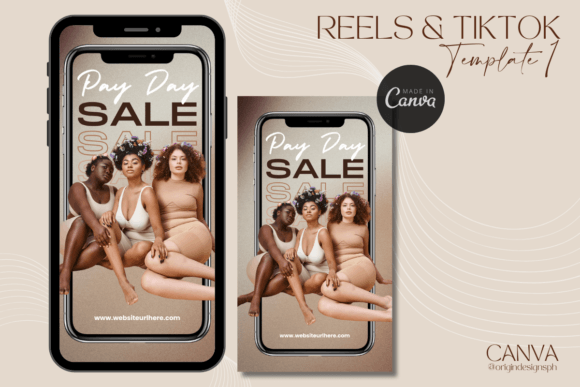
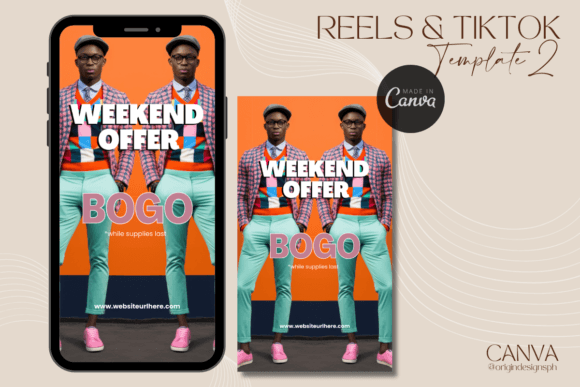
- Promo templates: launches, offers, limited-time drops, “link in bio” prompts.
- UGC-style frames: simple layouts that keep the video “native” and readable.
- Before/after + proof templates: results, transformations, testimonials, screenshots.
Mini brand kit for TikTok (fast setup)
A small brand kit makes templates look “yours” even when you change topics.
- Choose 2 fonts: one bold headline + one readable body font.
- Pick 3–5 colors: background, text, accent, and one CTA color.
- Set 2 text sizes: headline + supporting line (avoid tiny text).
- Create one button style: rounded pill or simple underline – use it everywhere.
- Save safe margins: keep key text away from edges (UI overlays can cover it).
Hook formulas you can copy-paste
Use these as your first line (overlay or spoken). Swap brackets and keep it short.
- Stop doing this: “[common mistake]”
- Do this instead: “[simple fix in 3 words]”
- 3 quick tips for: “[goal]”
- If you’re [audience], you need this.
- I tested: “[A] vs [B]” (here’s what happened)
- The easiest way to: “[result]”
- Save this: you’ll use it later.
- Before you buy/choose [thing], watch this.
- My checklist for: “[task]”
- What I’d do if I started today: “[topic]”
Layout rules that keep TikTok readable
- Headline-first: make the main idea readable in 1 second.
- One message per screen: don’t overload with paragraphs.
- Strong contrast: light text on dark overlay (or dark on light).
- 2 lines max for headlines: keep it punchy.
- Repeat the same grid: same margins, same alignment, same spacing.
- CTA is small but clear: “Follow for more”, “Save this”, “Link in bio”.
How to use TikTok templates (simple workflow)
This workflow prevents “random-looking” posts and saves hours every month.
- Pick 5–8 reusable layouts: tip, list, myth vs fact, promo, proof, tutorial steps.
- Batch-write hooks: draft 20 hooks first, then match them to layouts.
- Customize branding once: fonts + colors + CTA style.
- Replace text before visuals: headline → subtext → CTA → icons.
- Export correctly: crisp text, no tiny fonts, keep file size reasonable.
- Schedule + iterate: keep what performs and reuse the pattern.
Recommended picks
Start with these “core sets” to build a consistent system. Each button opens the full library so you can filter by style and format.
Series Cover Templates
Consistent covers for episodes and playlists – more “brand” with less effort.
View options →Promo + Offer Templates
Launch posts, limited-time promos, “link in bio” CTAs, product highlights.
View options →Carousel-Style Vertical Graphics
Step-by-step tutorials and lists in “slide” format (super shareable).
View options →
FAQ
Which format is best for TikTok templates?
Look for templates built for vertical content. Keep text large, use strong contrast, and leave safe margins so UI elements don’t cover key text.
How many templates do I need to stay consistent?
Start with 5–8 reusable layouts and rotate them weekly. This keeps your style consistent without making content feel repetitive.
How do I make templates look like my brand?
Set 2 fonts, 3–5 colors, and one CTA style. Replace the headline first, then refine spacing and small accents.
Related template hubs
- Social Media Templates hub – all platforms in one place.
- Instagram templates – posts, stories, reels covers, highlights.
- Pinterest pin templates – title-first, click-friendly pins.
- YouTube thumbnail templates – CTR-focused covers and banners.
- All templates – browse every template category.