Wix Templates: Clean, Fast Designs You Can Customize
Wix website templates help you launch (or refresh) a website quickly with a proven structure: hero → key sections → proof → FAQs → contact CTA. Use this page to choose the right Wix template type (business, portfolio, services, landing page), follow a simple readability checklist, and customize fast – fonts, colors, spacing, and blocks – without starting from zero.
Why Wix templates work
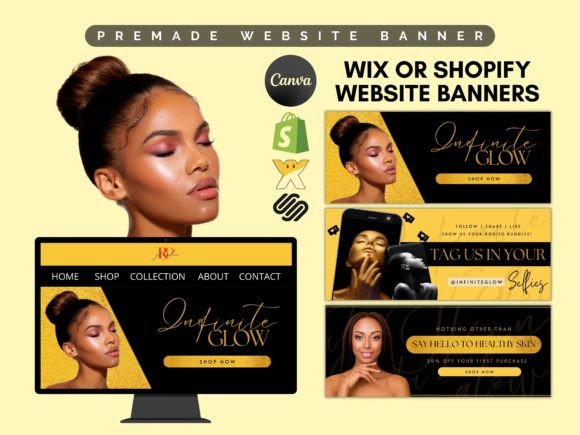
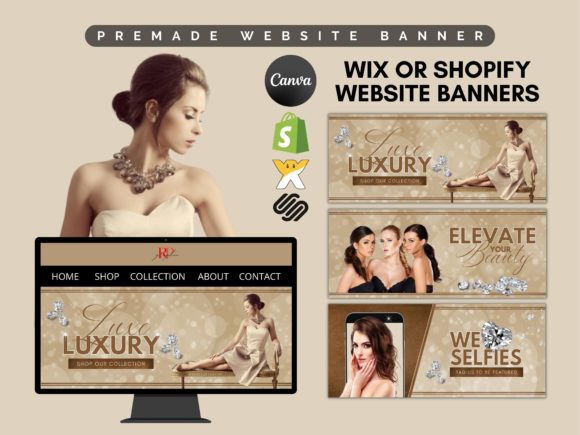
Websites don’t win by having “more stuff” – they win by making it obvious what you do, who it’s for, and what to do next. Many Wix sites lose leads because the hero is generic, services are unclear, proof is missing, or CTAs compete. Templates fix the structure so you can focus on the message and publish faster with consistent sections.
- Faster launch: start with a clean layout and swap content quickly.
- Better clarity: template sections guide visitors through the story.
- More trust: proof blocks (reviews, logos, results) show up in the right places.
- Easy updates: you can adjust offers, pricing, and sections without redesign.
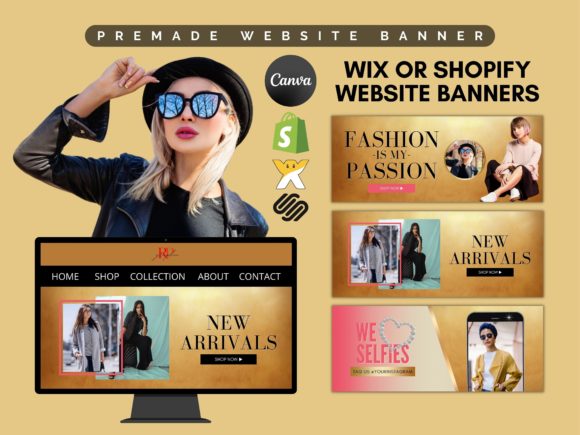
Wix template types
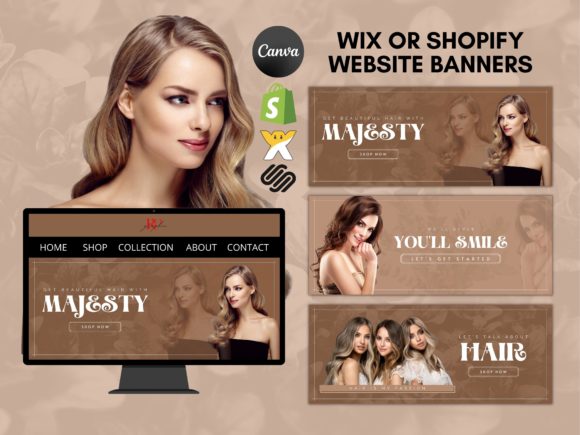
Choose one primary template direction based on your goal: capture leads, showcase work, or sell services. Once the core pages feel consistent, add supporting sections (FAQ, pricing, testimonials, booking/contact) to improve conversion.
Small business / services websites
- Best for: local services, studios, wellness, beauty, repairs.
- Use when: you need calls, forms, bookings, or WhatsApp messages.
- Key pages: Services, About, Reviews, FAQ, Contact.
Portfolio / personal brand websites
- Best for: creators, designers, photographers, freelancers.
- Use when: you want credibility + showcased work + inquiry CTA.
- Key pages: Work/Portfolio, About, Services, Contact.
Landing pages (single goal)
- Best for: ads, Pinterest traffic, launches, waitlists.
- Use when: you want one page to convert (lead, booking, signup).
- Key sections: hook, benefits, proof, FAQ, CTA.
Restaurant / menu-first websites
- Best for: cafes, restaurants, bars, food trucks.
- Use when: you need reservations, menu, and location fast.
- Key pages: Menu, Reservations, Location/Hours, Contact.
Real estate / listing-first websites
- Best for: agents, brokers, property managers.
- Use when: you need listings + inquiry forms + trust.
- Key pages: Listings, About, Testimonials, Contact.
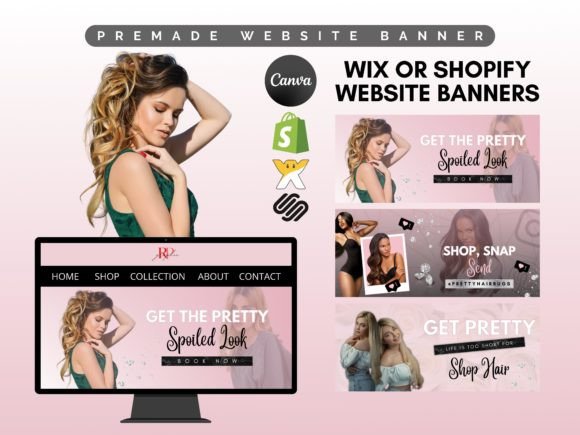
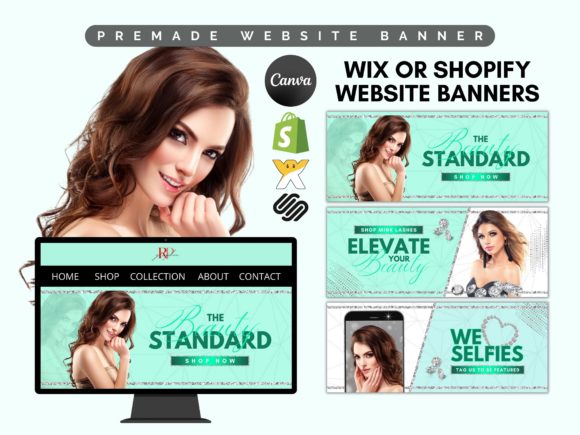
Must-have sections (the lead-ready structure)
If you want more inquiries, build around clarity. Visitors should understand what you offer, why trust you, and how to start within the first 10 seconds – especially on mobile.
- Hero: what you do + who it’s for + one primary CTA.
- Offer / services: 3–6 scannable blocks with outcomes (not just labels).
- Proof: reviews, results, logos, numbers, credentials.
- Process: simple 3-step “How it works”.
- FAQ: pricing, timing, what’s included, next steps.
- Contact CTA: short form + email/phone + clear next step.
Copy blocks you can reuse (headline + bullets)
Templates convert faster when your copy is specific. Here are clean, “plug-and-play” blocks you can adapt to any Wix website.
Hero headline formulas
- [Service] for [Audience] (example: “Branding for wellness coaches”).
- Get [Outcome] without [Pain] (example: “Get more bookings without complicated marketing”).
- [Role] who helps [Audience] achieve [Outcome] (example: “Designer who helps startups launch premium brands”).
- [Offer] in [Timeframe] (example: “A new website in 7 days”).
Service bullets that sound premium
- Deliverables: list exactly what the client gets (pages, assets, support).
- Ideal client: name who it’s for to attract better leads.
- What’s different: speed, quality, niche focus, guarantee, local presence.
- Next step: one action (Book / Request quote / Contact).
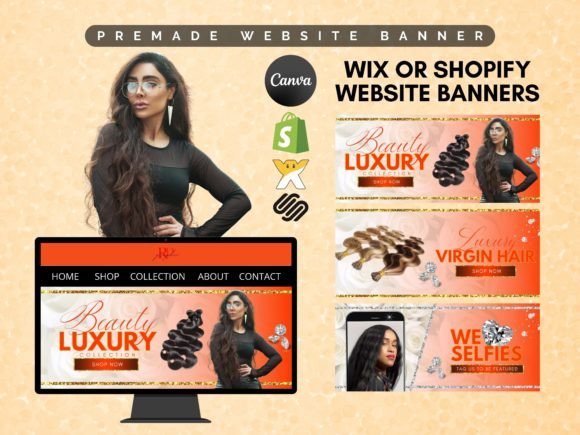
Conversion frameworks (copy-paste outline)
Pick one framework and repeat it across your pages. Consistency makes your site feel designed, trustworthy, and easy to navigate.
- Hook → Services → Proof → Process → CTA (best for local services)
- Problem → Solution → Results → Packages → CTA (best for consultants and studios)
- Offer → Benefits → Proof → FAQ → CTA (best for landing pages)
- Work → Method → Testimonials → Services → CTA (best for portfolios)
Readability checklist (Wix-friendly)
- Headline is specific: say what you do + who it’s for (avoid generic “Welcome”).
- Sections are scannable: use short bullets instead of dense paragraphs.
- Proof is visible: reviews, logos, numbers, certifications.
- One primary CTA: don’t compete with too many buttons.
- Mobile spacing: generous whitespace feels premium and readable.
- Fast contact: short form + email/phone (and WhatsApp if relevant).
Recommended picks
Start with one consistent “system”. Open the library, pick a style (modern, minimal, bold), then customize your hero headline and CTA first. Consistency matters more than perfect design.
Wix Business Website Templates
Clean layouts for services with clear sections, proof, and contact CTAs.
View options →Wix Portfolio Website Templates
Minimal, modern layouts to showcase work and drive inquiries.
View options →Wix Landing Page Templates
Offer-focused pages for ads and Pinterest traffic with one clear CTA.
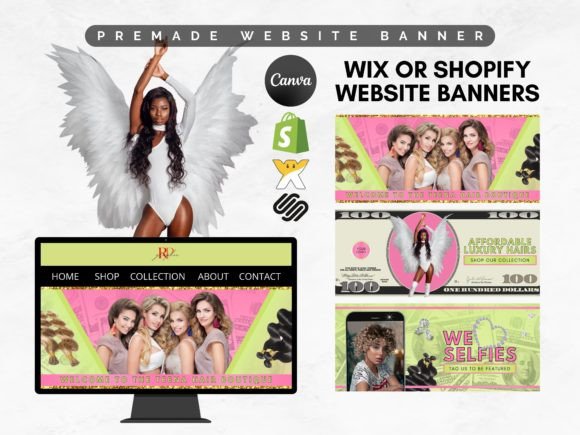
View options →Website Banner Templates (Wix-style)
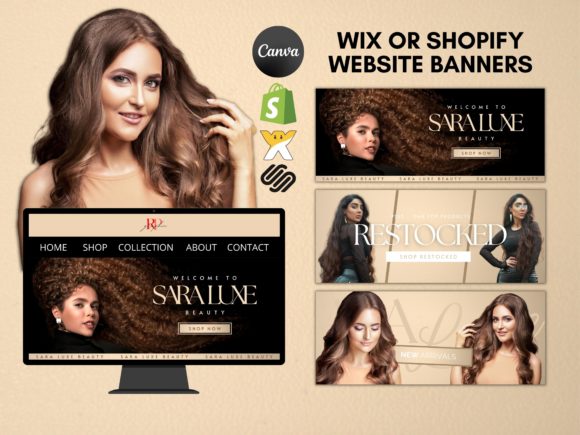
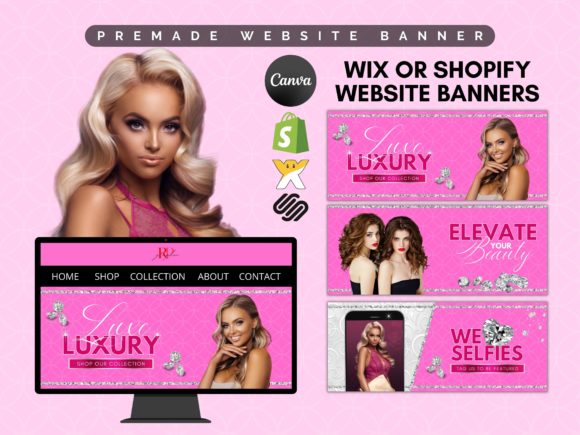
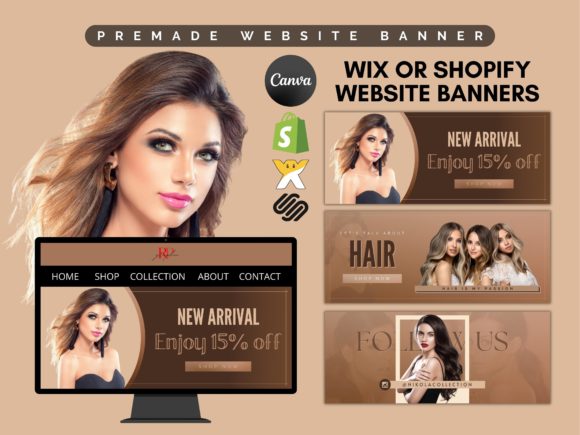
Hero banners and promo headers you can customize fast for Wix pages.
View options →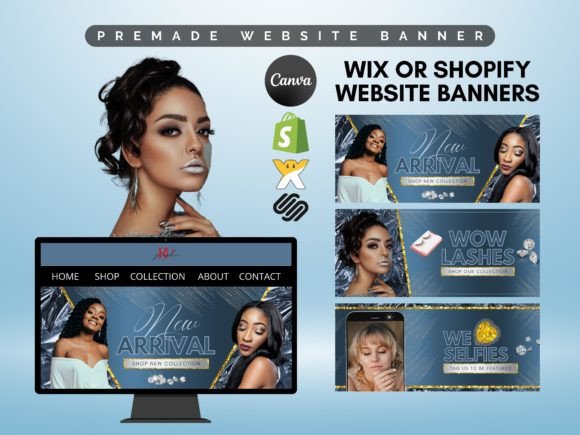
FAQ
What pages should a Wix website include?
At minimum, your site should answer: what you do, who it’s for, why trust you, and how to start. Keep it simple and add pages only when they support conversions.
- Home: clear offer + sections + proof + CTA.
- Services: outcomes, what’s included, starting price (optional).
- About: credibility + positioning (short and scannable).
- Contact: short form + email/phone + next-step clarity.
- FAQ (recommended): removes objections and increases inquiries.
Should I use a one-page or multi-page Wix template?
If you have one main offer and you run ads, a one-page site can convert extremely well. If you have multiple services or need SEO growth, multi-page templates usually perform better for clarity and internal linking.
What should I customize first to improve conversions?
Start with the parts that change clarity the most. You don’t need a redesign – just tighten the message and guide visitors to one action.
- Hero headline: what you do + who it’s for + outcome (be specific).
- Primary CTA: choose one: “Get a quote”, “Book a call”, “Contact”.
- Proof block: reviews, logos, numbers, credentials.
- Services list: 3–6 offers with outcomes and short bullets.
- Contact form: keep it short (name + email + one question).
Related template hubs
Website Templates (Main Hub)
Browse all website template categories and styles in one place.
Explore →Best use cases for Wix templates
- Small business sites that need calls, forms, or bookings
- Portfolios that showcase work and generate inquiries
- Landing pages for ads and Pinterest traffic with one clear offer
- Restaurant/menu sites with location and reservation CTAs
- Real estate sites with listings and trust-first layouts
Next step
Pick one Wix template system, define a mini brand kit (fonts + 2–3 colors), and publish consistently. Start with Home + Services + Contact. Then add proof (reviews, results) and a simple process. When your site is easy to scan and easy to trust, inquiries go up.