YouTube Templates: Thumbnails, Banners & Channel Branding
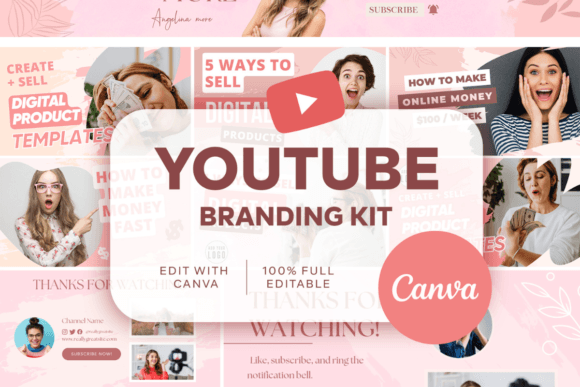
YouTube templates help you publish faster, look consistent, and improve click-through rate with clear, repeatable layouts. Use this page to pick the right template type (thumbnails, channel banners, covers), follow simple design rules, and customize quickly – fonts, colors, spacing, and headlines – without redesigning every week.
Why YouTube templates work
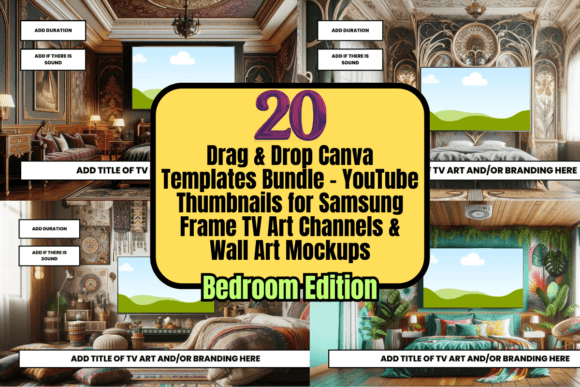
YouTube is a packaging game: your thumbnail + title decide whether someone clicks. Templates give you a repeatable structure so you can test ideas faster, stay recognizable, and avoid “random style” channels that look inconsistent.
- Speed: publish faster with pre-built layout zones (headline, face/object, badge, background).
- Consistency: viewers recognize your channel at a glance.
- Better CTR habits: templates force clarity (big text, clear subject, strong contrast).
- Scalable content: easy to batch-produce 10–30 thumbnails in one session.
Template types
Pick one “core” type first, then expand.
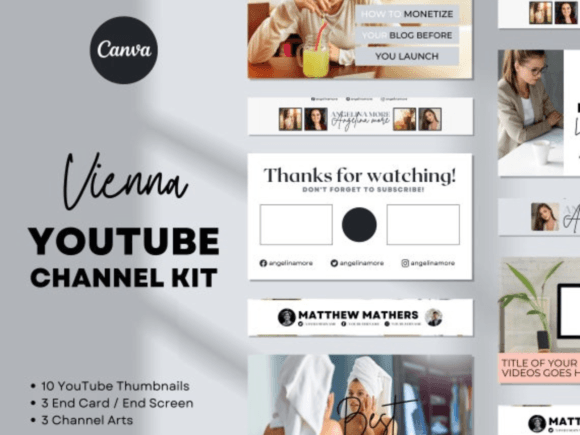
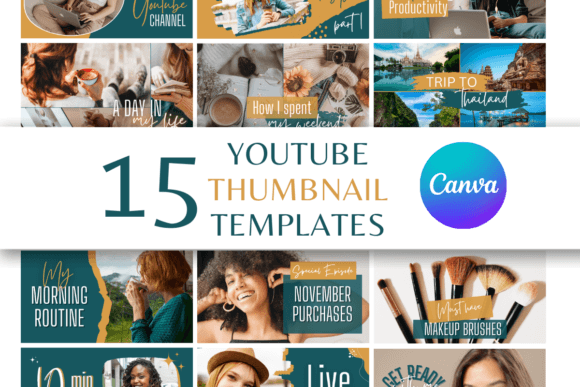
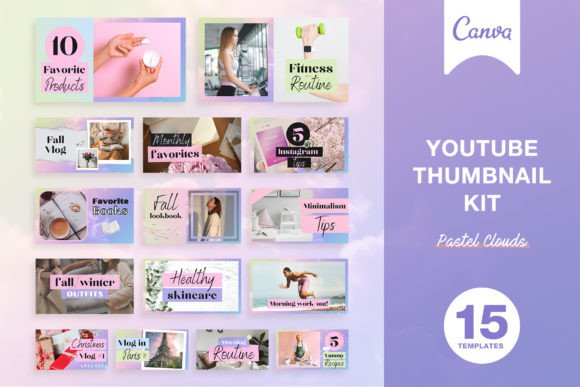
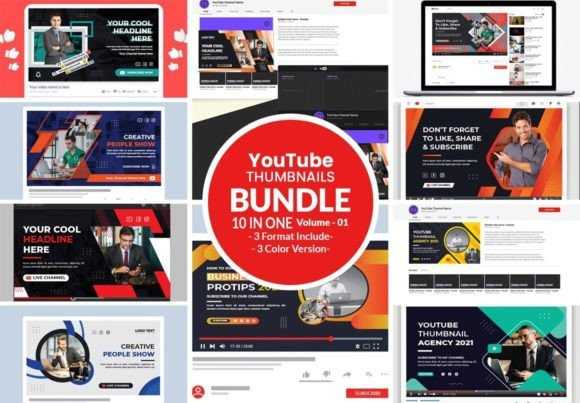
YouTube Thumbnail Templates
- Best for: higher CTR, series consistency, faster publishing.
- Use when: you want a repeatable layout with a strong headline zone.
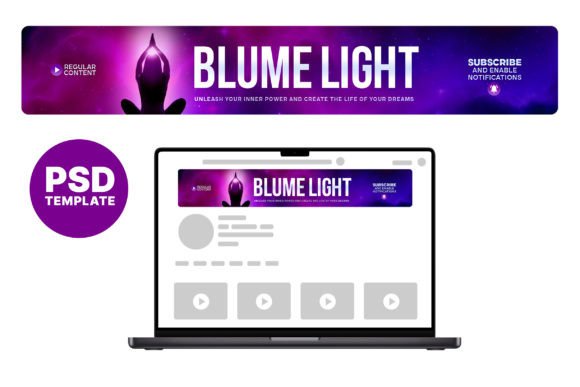
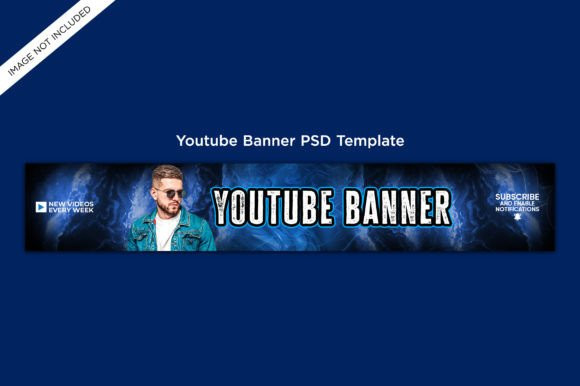
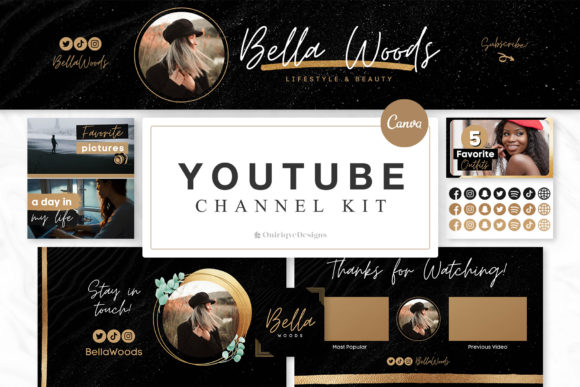
Channel Banner Templates
- Best for: clear positioning (who you help + what you post + schedule).
- Use when: your channel needs instant clarity + branding.
Video Cover / Episode Cover Graphics
- Best for: podcasts on YouTube, interview series, educational shows.
- Use when: you need “TV show” consistency across episodes.
Thumbnail rules that actually move CTR
Use these rules before you change colors or add extra effects.
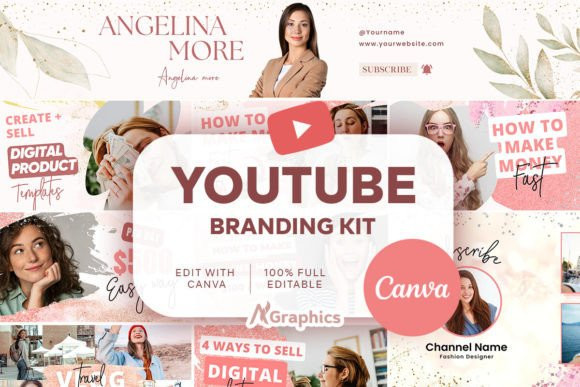
- One idea per thumbnail: one subject + one emotion/benefit.
- Big text (3–5 words): readable on mobile, no tiny paragraphs.
- Strong contrast: subject must pop from the background.
- Clear focal point: face or object, not a busy collage.
- Consistent series system: same font pair, same badge style, same spacing rules.
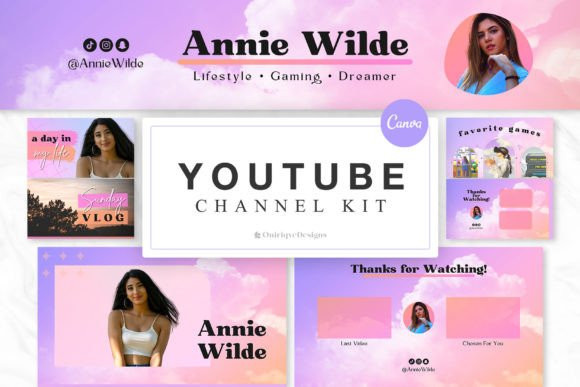
Build a simple channel kit
This makes every new thumbnail faster. Keep it small and repeatable:
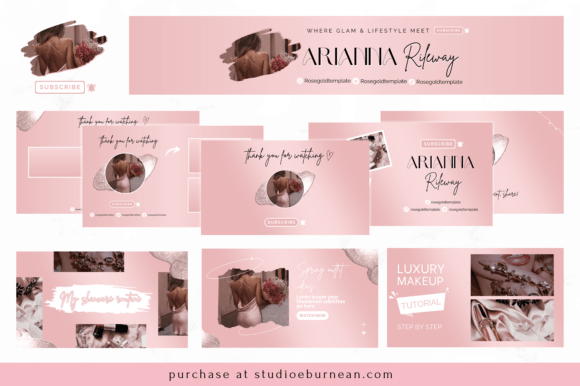
- 2 fonts: one bold headline + one clean supporting font.
- 3–5 colors: one accent color for badges + 1–2 backgrounds.
- Badge system: “NEW”, “STEP-BY-STEP”, “LIVE”, “TIPS”, “EP 12”.
- Image style: same shadow/outline treatment (or none – just stay consistent).
How to use YouTube templates
Use this workflow to keep quality high without spending hours on one design.
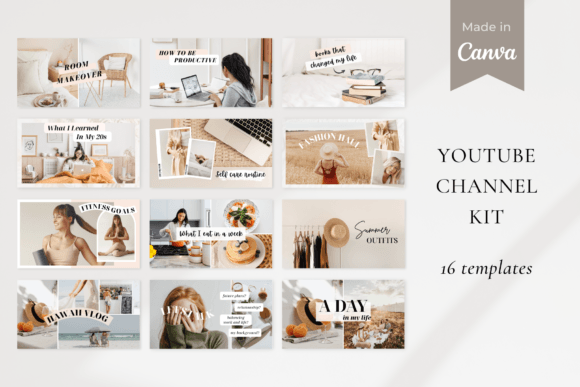
- Pick a template family: 5–8 layouts you’ll reuse.
- Write title-first: decide the promise (“Get X without Y”).
- Design the thumbnail headline: 3–5 words, strong contrast.
- Place the subject: face/object on one side, headline on the other.
- Batch production: create 10–20 thumbnails in one sitting.
- Track results: keep a note: video topic + thumbnail type + CTR trend.
Recommended picks
Start with these template directions. They’re broad enough to fit most niches, but structured enough to look premium.
Bold Headline Thumbnails
Big text + one focal subject. Clean, readable, and easy to batch-produce.
View options →Face + Emotion Templates
Face/object focus with strong contrast and a short promise line.
View options →Educational Series System
Numbered episodes, consistent badge style, and a predictable layout system.
View options →Channel Banner Starter
Clear promise + upload schedule + brand colors so the channel looks “real”.
View options →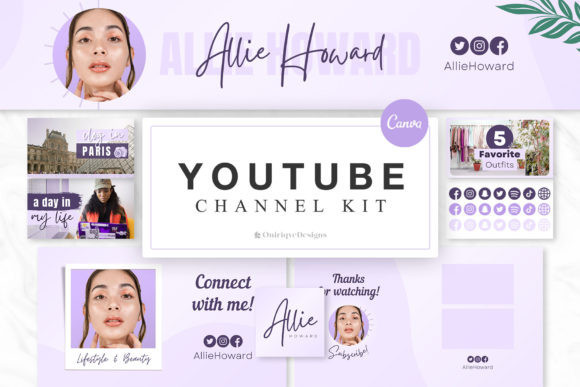
FAQ
What size should a YouTube thumbnail be?
A common standard is 1280×720 (16:9). Keep your headline readable on mobile and avoid tiny details.
How many thumbnail templates should I use?
Start with 5–8 layouts. Rotate them to stay consistent without looking repetitive.
How do I make templates feel like my brand?
Use the same font pair, color palette, badge style, and spacing rules across every design. Replace text first, then images, then small accents.
Related template hubs
- Social media templates – all social formats in one hub.
- Instagram templates – posts, stories, reels, highlights.
- Pinterest pin templates – title-first layouts for clicks.
- TikTok templates – vertical overlays and fast promo systems.
- Content calendar templates – plan and batch content.
Next step
Pick one thumbnail style, build a tiny channel kit (fonts + colors + badge), then batch-produce 10 designs. Once you have consistency, test variations and keep what improves CTR.