A mug mockup template lets you present a mug design without printing a physical sample first. You place your artwork onto a realistic mug image, export the result, and use it for Etsy listings, product pages, social media, or shop graphics. This guide walks through the main mockup formats, the mug styles worth knowing, and how to choose a template that fits the way you actually sell.
What Is a Mug Mockup Template?
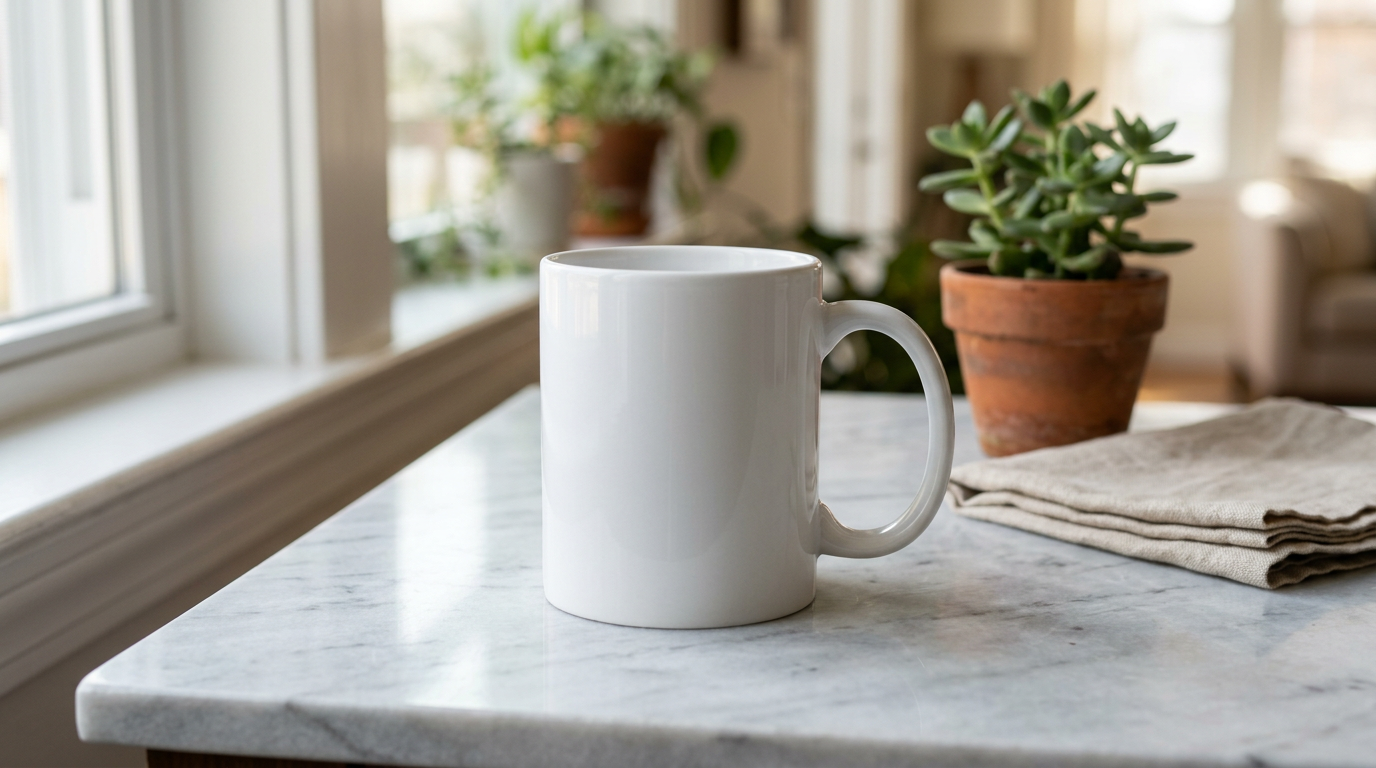
A mug mockup template is a ready-made file with a realistic mug image and an editable area where you add your own design. Instead of printing a mug and setting up a photo shoot, you open the file, place in your artwork, and export a finished image in a few minutes.
The most common formats are PSD, Canva, and PNG. Each one suits a different workflow. Some give you deeper control over shadows, perspective, and backgrounds, while others are built for speed and simplicity.
These templates are useful for Etsy listings, print-on-demand shops, custom mug businesses, social media graphics, client previews, and digital product presentations. A strong coffee mug mockup helps your design look clearer, more intentional, and easier to picture as a finished product.
When to Use Each Mug Mockup Format
Not every format works equally well for every seller. The right choice depends on your software, your editing comfort level, and how polished you want the final image to feel.
Mug Mockup PSD (Photoshop)
PSD files usually offer the most control. They often use smart objects, so you open the editable layer, paste in your design, save it, and the mockup updates with perspective and lighting already in place. Many PSD files also let you adjust mug color, shadows, backgrounds, and scene details.
This format is a strong fit for sellers who want more refined product images, especially if they work with sublimation designs or handle a larger catalog.
Best for: Etsy sellers, POD brands, designers, and anyone who wants more control over the finished image.
Mug Mockup Canva
Canva mockups are easy to use and fast to edit. You open the file in Canva, upload your design, position it, and export. For simple product graphics, promo images, or quick listing visuals, this workflow is hard to beat.
The trade-off is flexibility. Canva is great for speed, but it usually gives you less control over perspective, lighting, and scene detail than a layered PSD file.
Best for: beginners, busy shop owners, and creators who want fast, simple edits.
Mug Mockup PNG
PNG mockups are usually the simplest option. Some come with transparent backgrounds, while others are styled flat images that work well for blog graphics, simple product visuals, or quick promotional layouts.
Because PNG files are not usually layered the way PSD files are, realism depends more on how the mockup was originally created. They can still be useful, but they are often less flexible for advanced editing.
Best for: quick graphics, blog content, simple composites, and lightweight visual use cases.
| Feature | PSD | Canva | PNG |
|---|---|---|---|
| Editing tool | Photoshop or similar layered editor | Canva | Basic image editor |
| Editable layers | Yes | Limited | No |
| Perspective control | Usually strongest | Basic | Limited |
| Background flexibility | High | Moderate | Only if transparent |
| Ease of use | Moderate | Easy | Easy |
| Typical output quality | High | Good | Varies |
Free vs Paid Mug Mockups: What You Actually Get
Free mug mockups can absolutely be useful, especially when you are testing ideas or building your first product images. But they often come with limits that become more obvious as your shop grows.
What Free Mug Mockups Often Offer
- Basic white mug mockup files in PNG or PSD format
- One or two simple viewing angles
- Plain backgrounds with minimal styling
- Enough quality for basic web use
Where Free Mockups Can Feel Limited
- Less variety in scenes, mug styles, and angles
- Lower resolution or fewer editable elements
- Generic styling that may look familiar across many shops
- License terms that are sometimes unclear or restrictive
When Paid Mockups Start to Make More Sense
If you run a serious Etsy shop, a growing POD store, or a product-based brand, premium mockups can save time and give your listings a more polished look. Paid bundles often include more angles, cleaner styling, better resolution, and more consistency across a product line.
Types of Mug Mockups by Mug Style
Different mug styles need different kinds of mockups. The closer the mockup matches the actual product, the more believable and helpful your listing image feels.
White Mug Mockup (11oz Ceramic)
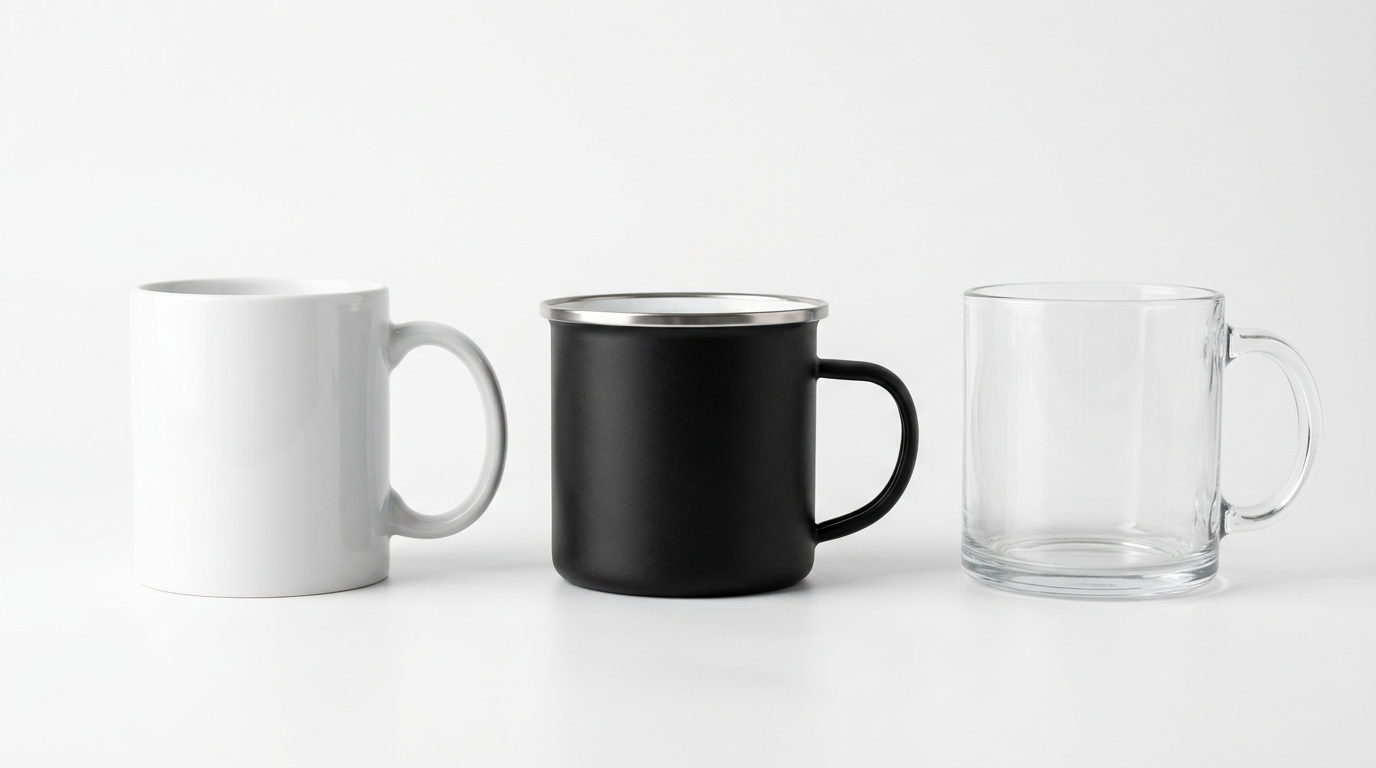
The classic 11oz white ceramic mug is one of the most common formats in the custom mug market. It is a practical starting point for many sellers because it works with a wide range of designs and usually feels familiar to buyers.
A good white mug mockup should show the shape clearly and keep the design readable. It helps if the mug surface looks realistic rather than overly flat or artificial.
Ceramic Mug Mockup (Colored and Two-Tone)
Ceramic mug mockups also include accent mugs, two-tone mugs, and colored handle or rim styles. These are useful when your actual product is not plain white and you want the mockup to reflect that more accurately.
If you sell accent mugs, it helps to use files that visually match the handle and rim color options your shop actually offers.
Enamel Mug Mockup
Enamel mugs have a different shape and feel from standard ceramic mugs, so they usually need their own type of mockup. They tend to work well for outdoor, camping, rustic, or gift-oriented branding.
Glass Mug Mockup
Glass mug mockups are more specialized because transparency changes the whole look of the product image. They are useful for coffee, tea, café, or drinkware branding, especially when the drink itself is part of the visual appeal.
Matte Mug Mockup
Matte mugs photograph differently from glossy ceramic styles. A strong matte mug mockup should look soft and clean rather than shiny, which makes it a good fit for modern, minimal, or boutique-style shops.
Magic Mug Mockup (Color-Changing)
Magic mug mockups work best when they show both states of the product clearly. Buyers need to understand the transformation quickly, so side-by-side or before-and-after visuals are often the most effective choice here.
How to Choose the Right Mockup for Your Use Case
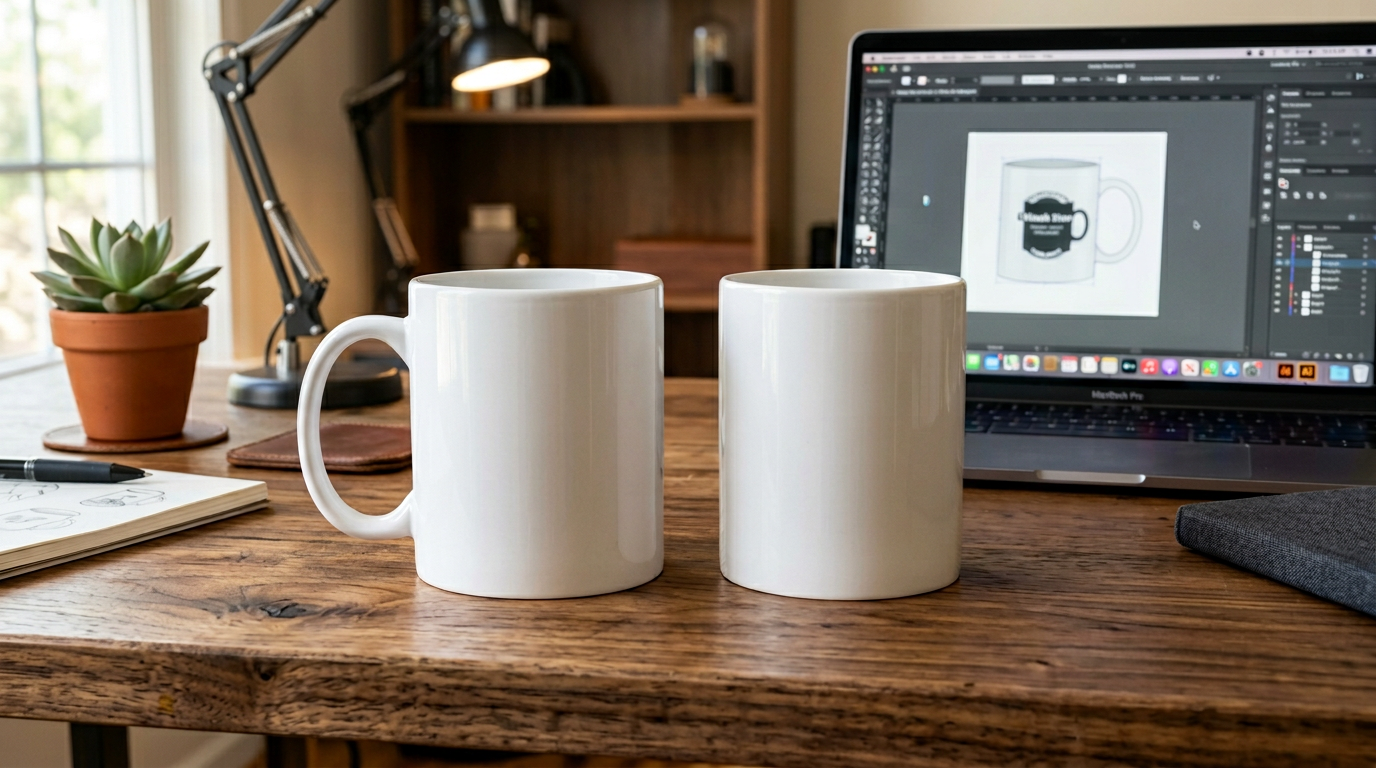
The best mug mockup depends on three things: what you sell, where you sell it, and how often you need to create new product visuals.
For Etsy Mug Listings
It usually helps to show more than one angle, especially if the design wraps around the mug or appears on both sides. A clean front view is often useful for the main image, while a front-and-back mockup gives shoppers more context before they click deeper into the listing.
Simple scenes often work well because they keep attention on the design itself.
For Print-on-Demand Stores
Marketplace-generated previews are useful, but they can look generic when many sellers use the same product visuals. A custom coffee mug mockup can make your presentation feel more branded and consistent, especially if you sell a large number of designs.
For Client Presentations
If you are showing concepts to a client, a cleaner and more detailed mockup usually makes the design easier to judge. A high-resolution file with a believable scene can help the idea feel more finished without overcomplicating the presentation.
For Social Media Content
For social posts, speed often matters more than deep edit control. Canva mockups can work well here because they let you create product visuals quickly without opening a full design program.
What Makes a Mug Mockup Look Professional
- Believable shadows. The mug should feel grounded in the scene rather than pasted on top of it.
- Natural surface detail. Glossy ceramic, matte finishes, and glass all reflect light differently, and strong mockups usually respect that.
- Readable design placement. The artwork should sit naturally on the mug surface and not look stretched or oddly wrapped.
- Consistent lighting. The mug, background, and scene should feel like they belong together.
- Clear export quality. High-resolution images usually hold up better across product pages, thumbnails, and larger screens.
Common Mug Mockup Mistakes to Avoid
- Using the wrong mug type. A ceramic mockup does not communicate the same thing as an enamel or glass mug.
- Showing only one side when the design wraps. If the artwork extends beyond the front, a second angle helps a lot.
- Over-editing the colors. Extremely bright mockups can make the final printed result feel less predictable.
- Using the same scene for everything. Repeating one mockup across every listing can make a shop feel flat or overly automated.
- Ignoring license terms. This matters especially with free downloads or assets from mixed sources.
Recommended Mockup Resources
These are good starting points if you want mockups with a wider selection of styles, clearer file types, or more polished presentation options:
For blank sublimation mugs to test designs yourself, Cricut’s ceramic sublimation mugs are a practical starter option. If you want to compare blank mug listings in bulk, check 11oz sublimation blank mugs on Amazon.
Related Resources on This Site
- Sublimation Designs and Templates for ready-to-press mug graphics
- Sublimation Guide covering paper, printers, and technique for mug printing
- Cricut Ceramic Coffee Mug Review for a closer look at a popular sublimation blank
- Print-on-Demand Hub for seller resources and workflow ideas
- Etsy Coach Tool for improving Etsy listings
- Templates Directory for other template categories
Looking for gift-focused product ideas too? See our Personalized Photo Mugs guide for family, couple, pet, and occasion-based mug concepts.
If you want a cleaner text-based direction, see Name & Monogram Mugs for ideas built around names, initials, and monogram layouts.
If you want a more playful quote-based direction, see Funny Coffee Mugs for ideas built around witty sayings, sarcastic styles, and giftable humor.
If you want a softer decorative direction, see Floral Mug Designs for watercolor, wildflower, botanical, and gift-friendly floral mug ideas.
FAQ
What is a mug mockup template?
A mug mockup template is a ready-made file, often in PSD, PNG, or Canva format, that lets you place your design onto a realistic mug image. It is a practical way to create polished product visuals for listings, websites, and social media without photographing a physical mug first.
What is the best file format for mug mockups?
The best format depends on how you work. PSD mockups usually offer the most control over shadows, colors, backgrounds, and perspective. Canva templates are quicker for simple edits and fast content creation. PNG mockups can be useful for lightweight graphics or basic composites, though they usually offer less flexibility.
Are free mug mockups good enough for Etsy listings?
Free mug mockups can be a good starting point for testing designs or building early listings. They are often more limited in resolution, angles, styling, or uniqueness than paid options. If you want a more polished and branded look, premium mockups often give you more flexibility and variety.
What size should a mug mockup image be?
For most online shops and marketplaces, high-resolution images usually work best because they stay clear across different layouts and screen sizes. Exact image requirements can vary by platform, so it is worth checking the latest recommendations wherever you sell.
Can I use a mug mockup for print-on-demand products?
Yes. Mug mockups are commonly used to preview print-on-demand designs before production. Many sellers use marketplace-generated previews as a starting point, then switch to custom mockups when they want more control over presentation and branding.